
Google is the most Powerful Tool in the world.
Truth is, 99% of people don't use it right.
Here are 8 Google Tips to master it.
Truth is, 99% of people don't use it right.
Here are 8 Google Tips to master it.
1. The Minus Sign:
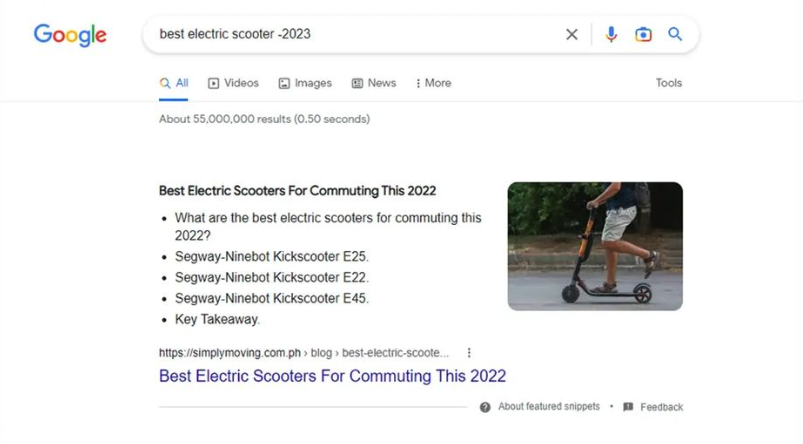
Remove unwanted results by adding a “minus sign”. Using the example below, the results that include the word '2023' are hidden.
Remove unwanted results by adding a “minus sign”. Using the example below, the results that include the word '2023' are hidden.
2. In Chrome: Ctrl + Shift + T
This will open the tab you just closed.
This feature can be a real lifesaver!
This will open the tab you just closed.
This feature can be a real lifesaver!

3. "Quotation marks"
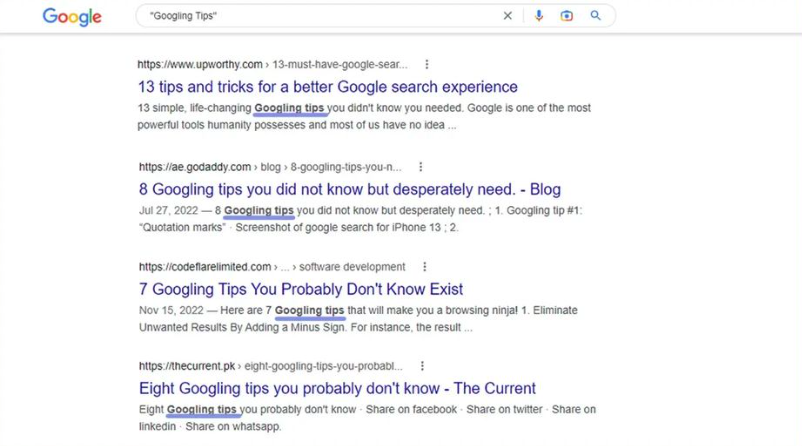
Put quotes around the search term to let you specifically search for that particular phase/word. All results will have that phrase/word in them.
Put quotes around the search term to let you specifically search for that particular phase/word. All results will have that phrase/word in them.
4. Tilde ~
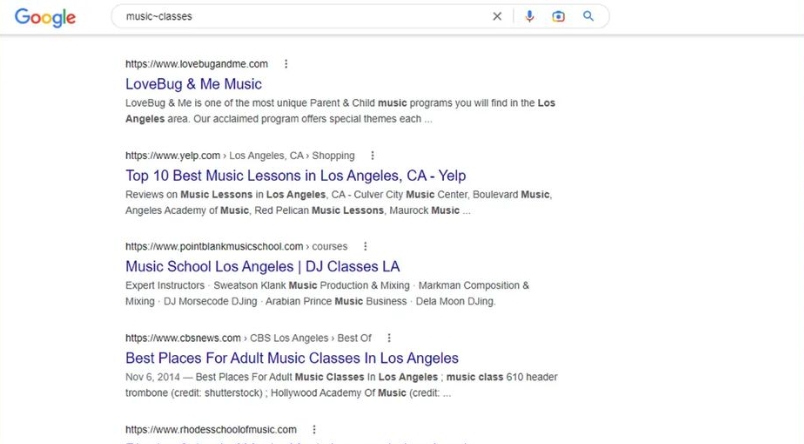
Use tilde when you want related synonyms to appear in your results.
Example: music~classes
Here you would get results such as music, classes, lessons, coaching, etc.
Use tilde when you want related synonyms to appear in your results.
Example: music~classes
Here you would get results such as music, classes, lessons, coaching, etc.
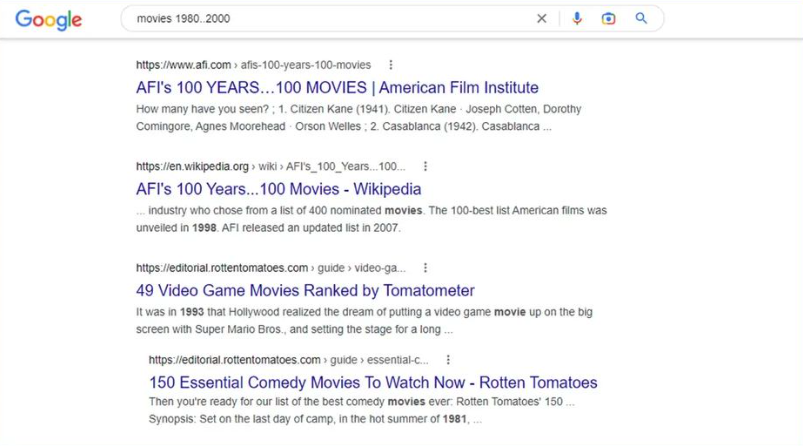
5. Two Periods ..
Use two periods to search within 2 number ranges.
Example: Movies 1980..2000
Use two periods to search within 2 number ranges.
Example: Movies 1980..2000
6. Filetype:
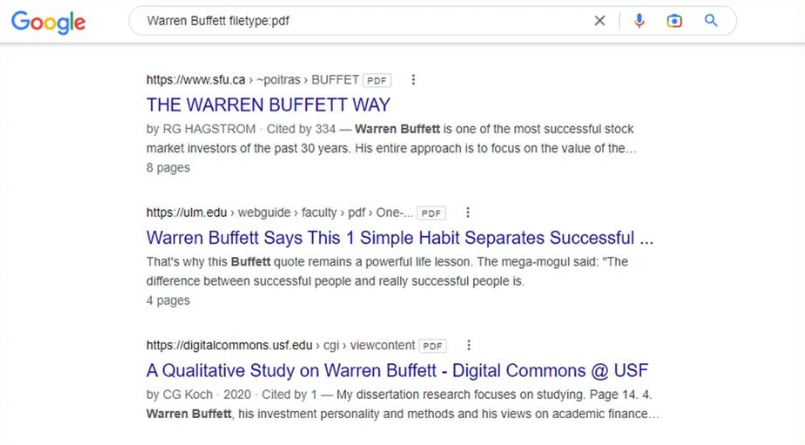
Filter by a certain file type of your choice, this shows you only results that are of a filetype.
Example: Warren Buffett filetype:pdf
Filter by a certain file type of your choice, this shows you only results that are of a filetype.
Example: Warren Buffett filetype:pdf
7. Location:
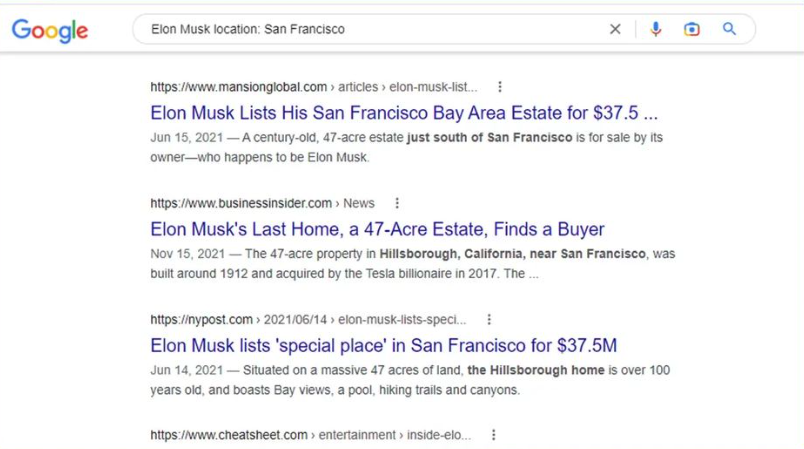
Get only results related to a particular location.
Example: Elon Musk Location: San Francisco
Get only results related to a particular location.
Example: Elon Musk Location: San Francisco
8. In Chrome: CtrI + Shift + N
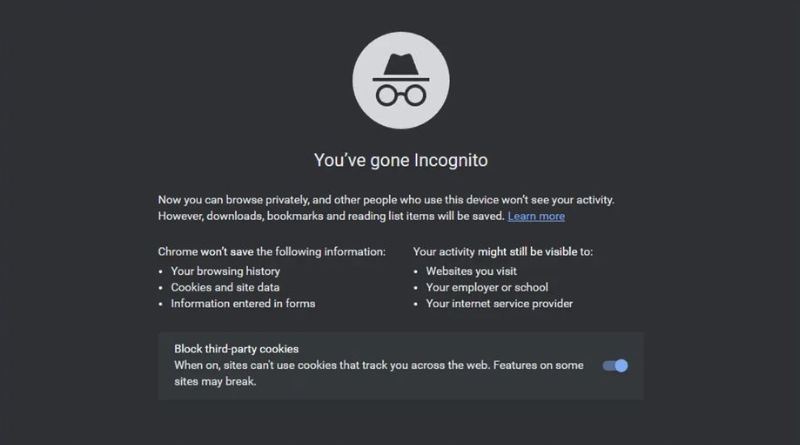
Allows you to open a “private browsing window” where your history will NOT be tracked.
For Example: Buying secret gifts.
Allows you to open a “private browsing window” where your history will NOT be tracked.
For Example: Buying secret gifts.
Thanks for reading, if you enjoyed this:
- retweet 1st tweet
- follow @mindset4_life for more
✅Positivity ✅Life Direction ✅Growth
- retweet 1st tweet
- follow @mindset4_life for more
✅Positivity ✅Life Direction ✅Growth
Bonus Tip:
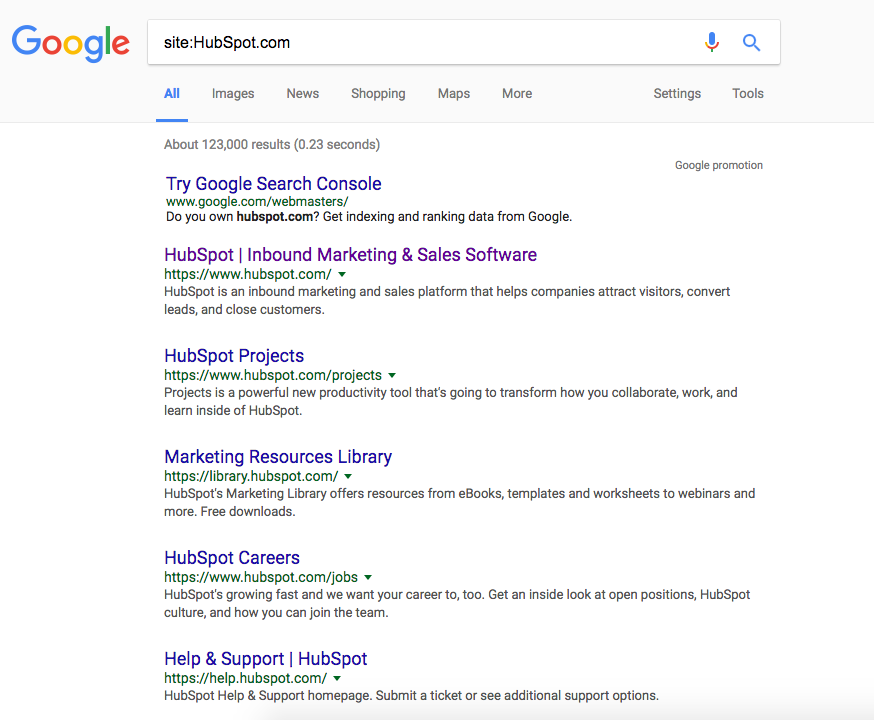
Add "site:" to search a single website only.
Example: If you want results coming back from a single website, use site: followed directly by the website URL e.g. "site: instagram.com" remember to include the domain e.g. ".com"
Add "site:" to search a single website only.
Example: If you want results coming back from a single website, use site: followed directly by the website URL e.g. "site: instagram.com" remember to include the domain e.g. ".com"
Bonus Tip 2: Search Related Websites:
Search for similar websites by using "related:". Google will figure it out!
Example: searching for a related: "amazon.com" would bring up results like Walmart and Overstock.
Search for similar websites by using "related:". Google will figure it out!
Example: searching for a related: "amazon.com" would bring up results like Walmart and Overstock.
Loading suggestions...