

There are thousands of Chrome Extensions out there.
But not all of them are worth installing.
I used to install extensions like I was getting paid to do it.
Until I realized that only a few help you in web development.
Here are 10 such extensions:
But not all of them are worth installing.
I used to install extensions like I was getting paid to do it.
Until I realized that only a few help you in web development.
Here are 10 such extensions:

1. Web Developer:
This extension adds a toolbar button that houses a variety of tools.
Install this to get handy access to almost every functionality you would need to test your app.
🔗 chrome.google.com
This extension adds a toolbar button that houses a variety of tools.
Install this to get handy access to almost every functionality you would need to test your app.
🔗 chrome.google.com

2. ColorZilla:
ColorZilla adds an advanced eyedropper, color picker, gradient generator and other colorful goodies to your Chrome.
It is a super lightweight extension (<300 KB) and has been downloaded more than 5 million times.
🔗 chrome.google.com
ColorZilla adds an advanced eyedropper, color picker, gradient generator and other colorful goodies to your Chrome.
It is a super lightweight extension (<300 KB) and has been downloaded more than 5 million times.
🔗 chrome.google.com

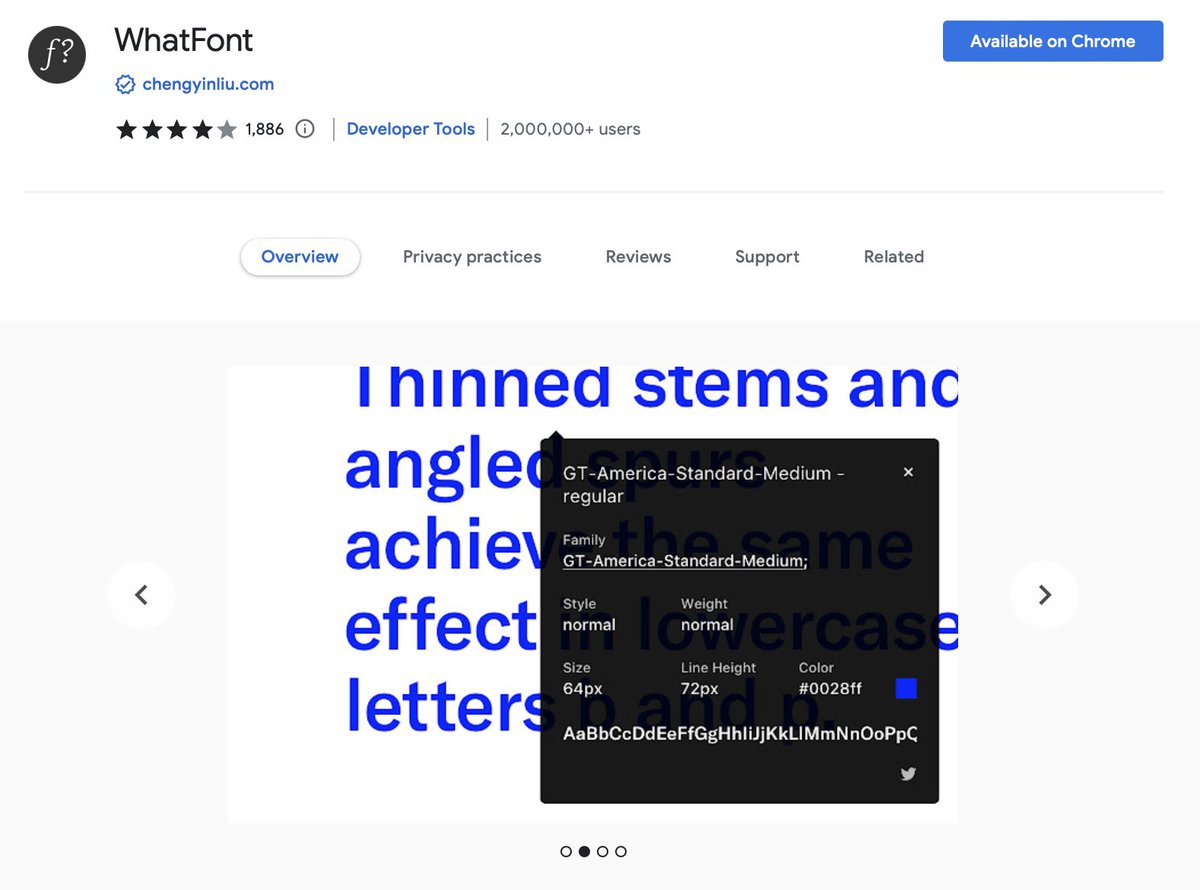
3. Whatfont:
The easiest way to find fonts on a web page.
Install this and hover over any text on any page to know everything: the font family, size, line-height, color etc.
Totally recommended.
🔗 chrome.google.com
The easiest way to find fonts on a web page.
Install this and hover over any text on any page to know everything: the font family, size, line-height, color etc.
Totally recommended.
🔗 chrome.google.com
4. Lighthouse:
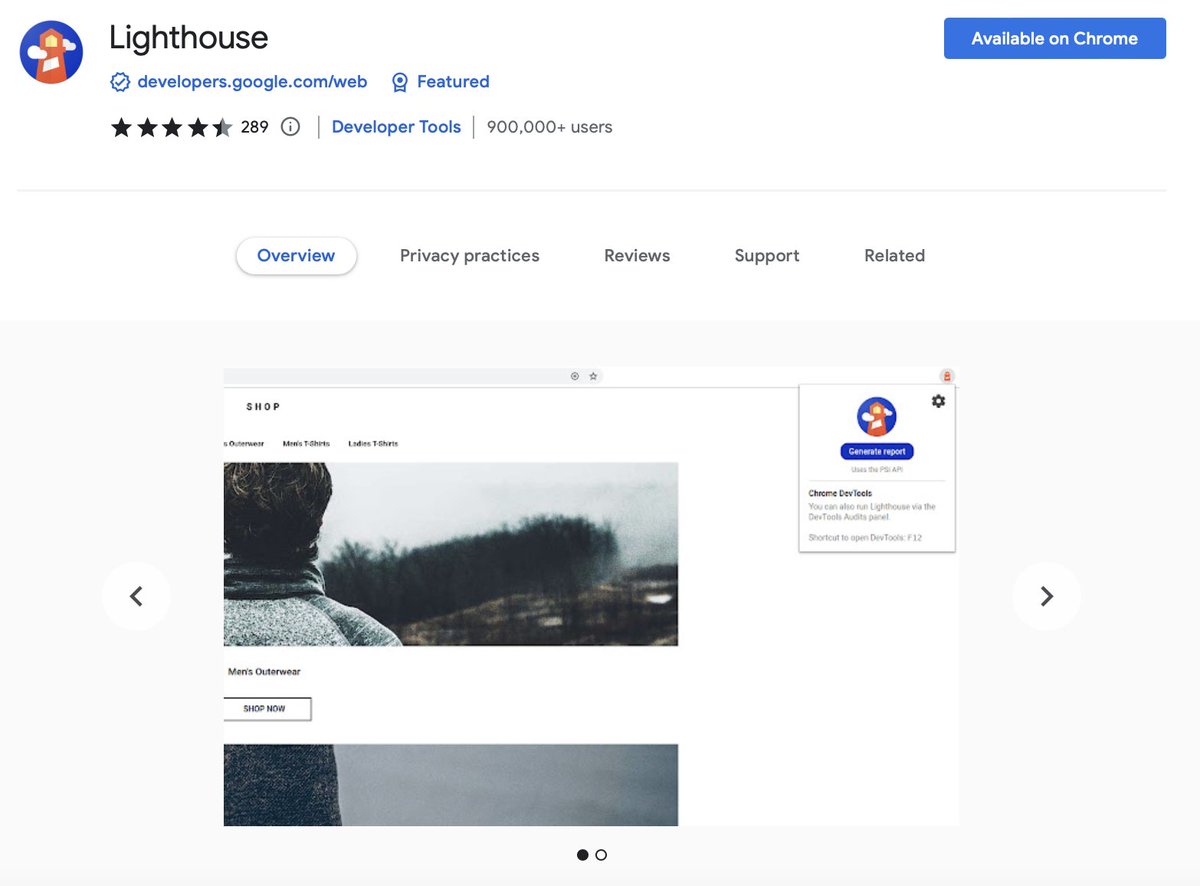
Chances are that you already know about this one as it is built into Chrome's devTools but I prefer having it as an extension as well just for easier access.
If there's one extension you must install, its this one:
🔗 chrome.google.com
Chances are that you already know about this one as it is built into Chrome's devTools but I prefer having it as an extension as well just for easier access.
If there's one extension you must install, its this one:
🔗 chrome.google.com
5. Wappalyzer:
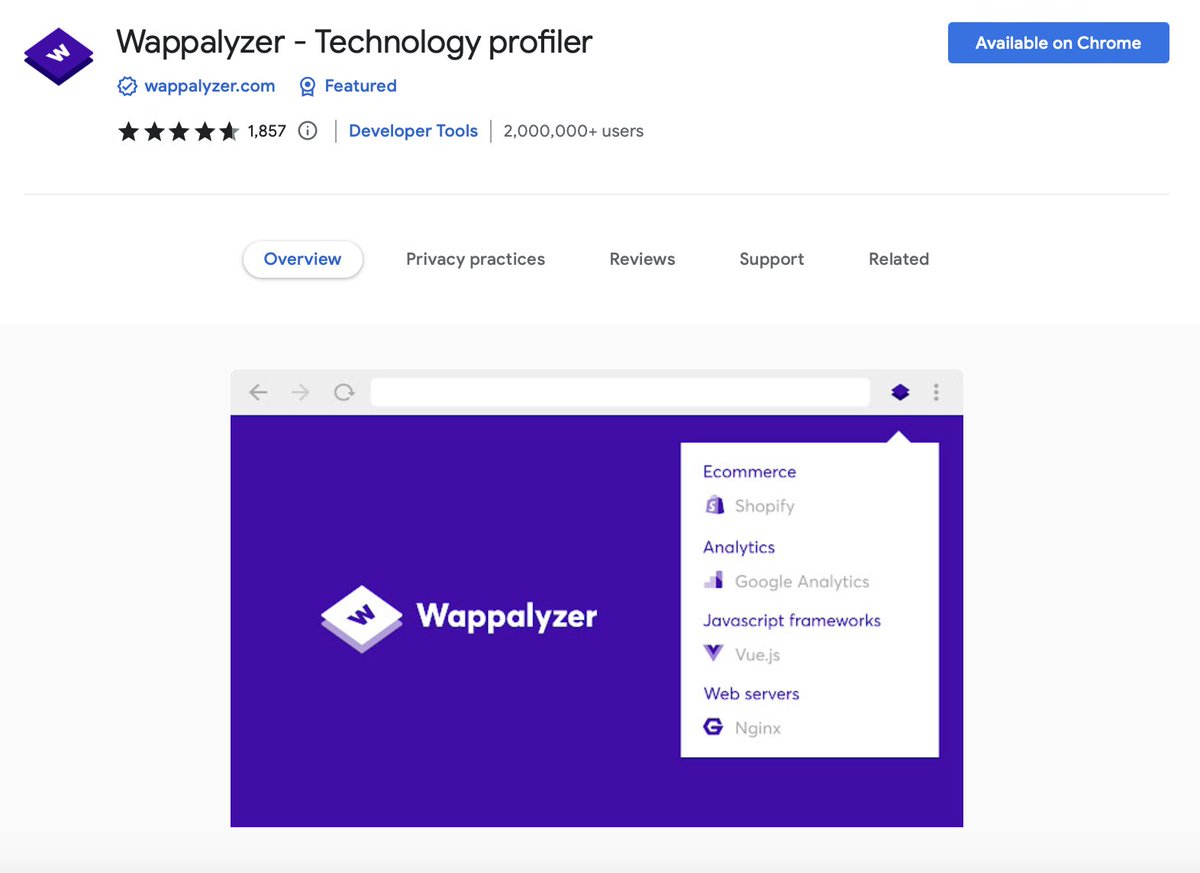
Ever wondered which tech a specific site or app is using?
Well, with this extension, you'll be able to uncover what CMS or framework, programming languages, payment processors, CRM, CDN are being used by an app.
Check it out here:
🔗 chrome.google.com
Ever wondered which tech a specific site or app is using?
Well, with this extension, you'll be able to uncover what CMS or framework, programming languages, payment processors, CRM, CDN are being used by an app.
Check it out here:
🔗 chrome.google.com
Note: All the attached images above say 'add to Chrome' because I've taken these screenshot from Safari.
I only recommend things that I've personally tested out. 😊
I only recommend things that I've personally tested out. 😊
I write threads daily on web dev so if you enjoyed this thread, please:
✅ Follow me @sumitsaurabh927 for more of these.
❤️ Each like, every comment of y'all motivates me to come up with awesome new stuff!
✅ RT the tweet below to show me some love.
✅ Follow me @sumitsaurabh927 for more of these.
❤️ Each like, every comment of y'all motivates me to come up with awesome new stuff!
✅ RT the tweet below to show me some love.
Loading suggestions...