

AI images can now be generated with ChatGPT.
No need to use another tool to do it.
Here's how to generate AI images with ChatGPT: 🧵
No need to use another tool to do it.
Here's how to generate AI images with ChatGPT: 🧵
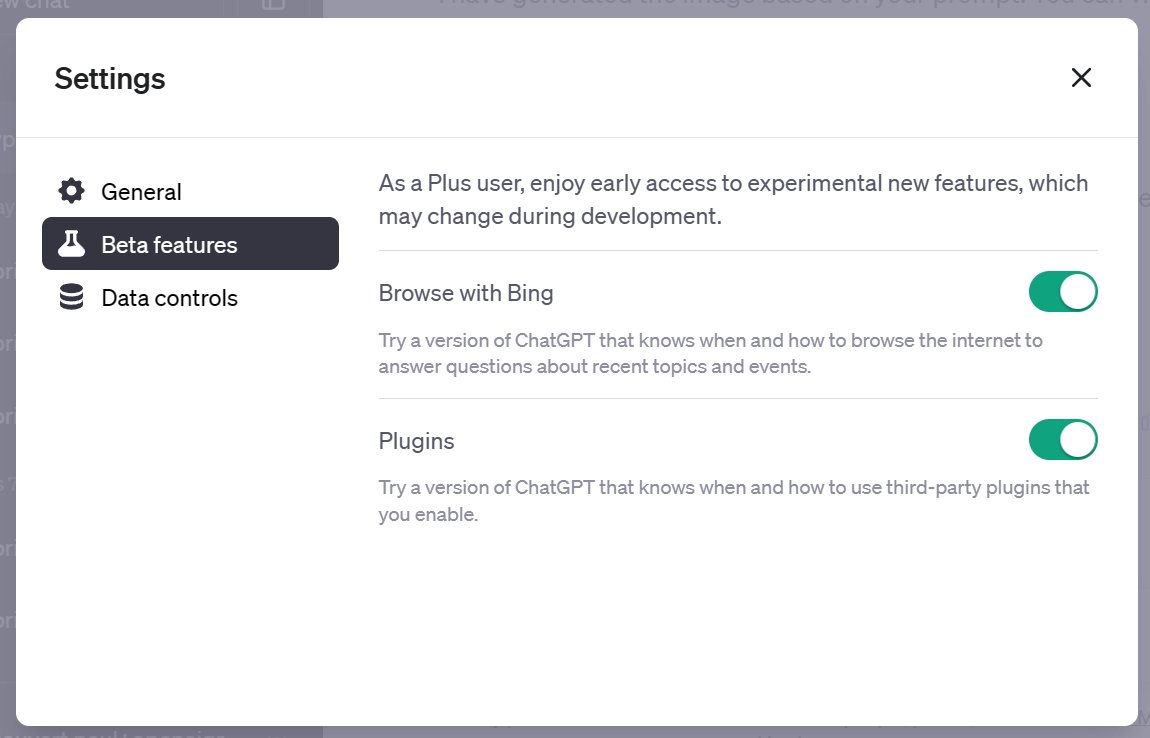
1. Activate plugins
→ Activate plugins in ChatGPT Plus Beta settings
→ Three dots bottom left, Settings, Beta features, check Plugins
→ Activate plugins in ChatGPT Plus Beta settings
→ Three dots bottom left, Settings, Beta features, check Plugins
2. Activate the Argil AI plugin
→ Find and install the Argil AI plugin
→ Create a free account and repeat plugin activation
→ Find and install the Argil AI plugin
→ Create a free account and repeat plugin activation

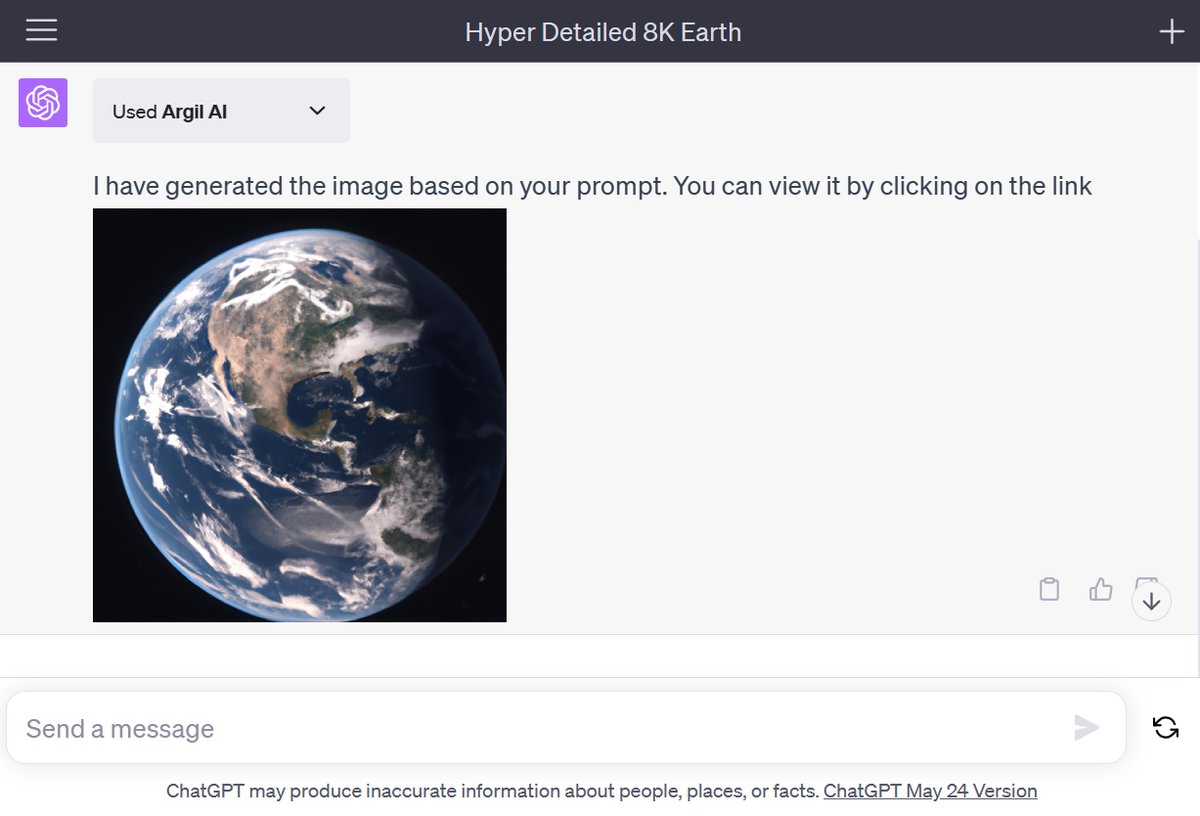
3. Generate your image
→ Type your prompt following the example below
→ Click on the link to access the generated image
Prompt (example): "Create an image: Earth from space, hyper detailed, 8k"
→ Type your prompt following the example below
→ Click on the link to access the generated image
Prompt (example): "Create an image: Earth from space, hyper detailed, 8k"

I send one email a week with a tip or tutorial on how you can use AI and No-Code.
Subscribe for free to receive it:
paulai.cc
Subscribe for free to receive it:
paulai.cc

Now you know how to generate images with ChatGPT! If you enjoyed this small guide, please:
1. Follow me @itsPaulAi for more AI content
2. Like & Retweet the first tweet below:
1. Follow me @itsPaulAi for more AI content
2. Like & Retweet the first tweet below:
Loading suggestions...