

AI just turned my drawing into a fully functional website.
And I didn't write a single line of code to do it.
Here's how to turn any drawing or image into a website (for free):
[Thread]
And I didn't write a single line of code to do it.
Here's how to turn any drawing or image into a website (for free):
[Thread]
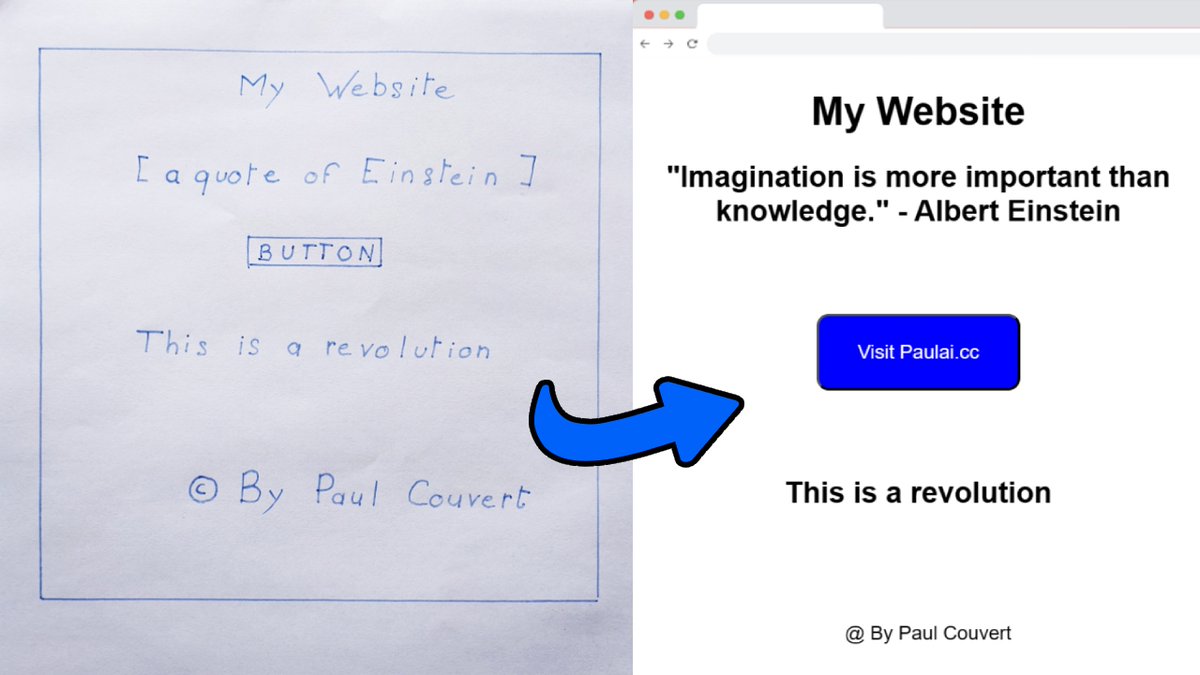
Everything I'm going to show you requires no paid tools.
You can even modify your website after it's been created.
Now we can get started ↓
You can even modify your website after it's been created.
Now we can get started ↓
1. Draw the interface
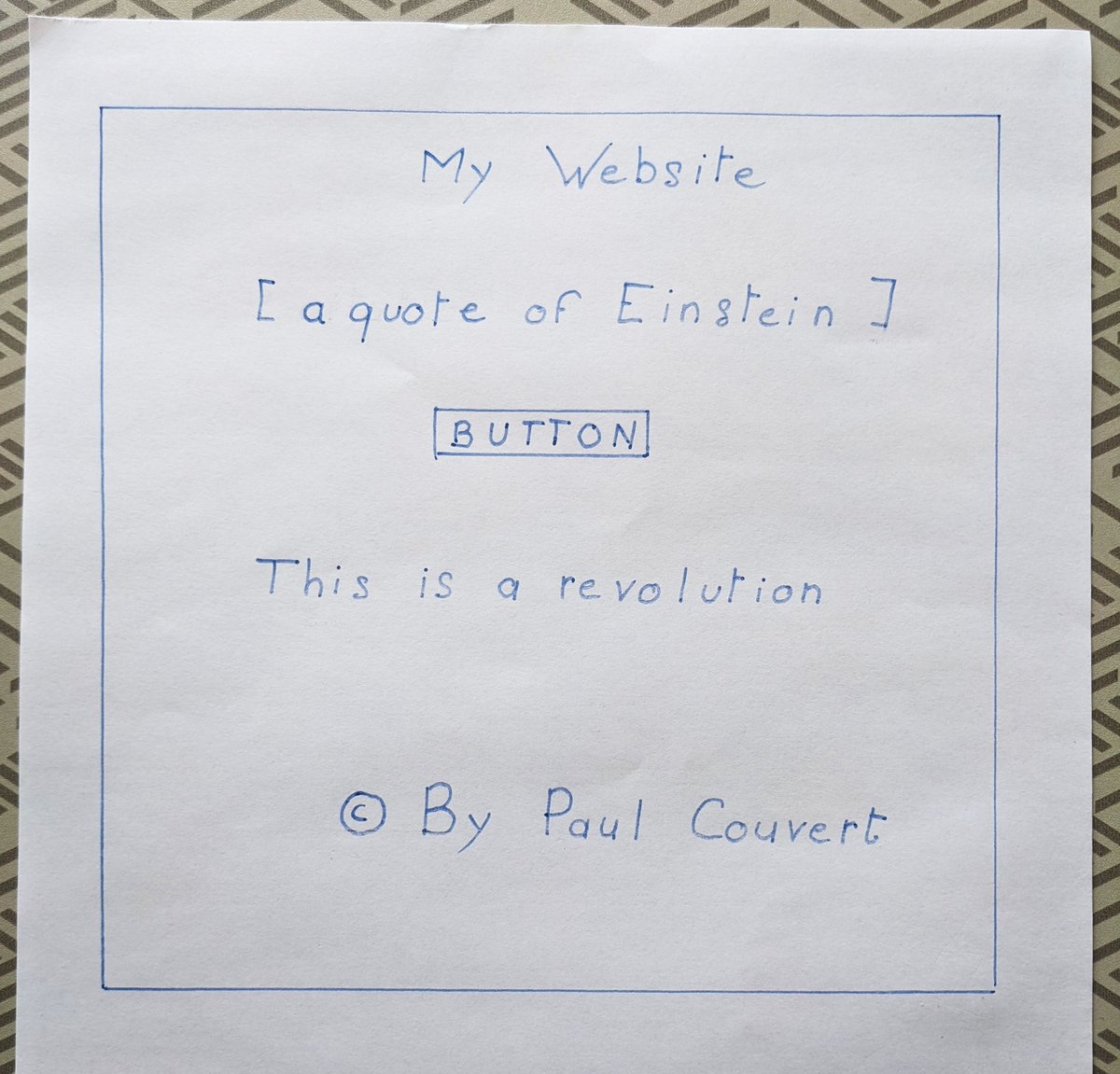
Start by simply drawing your website and taking a photo of it.
You can add variables, such as [a quote of Einstein], which will be replaced by a real quote on the site:
Start by simply drawing your website and taking a photo of it.
You can add variables, such as [a quote of Einstein], which will be replaced by a real quote on the site:
2. Turn your drawing into a website
Go to Bing Chat (bing .com/chat).
Drag your photo into the chat or click on the icon next to the microphone to upload it.
Then enter the prompt available in the tweet below:
Go to Bing Chat (bing .com/chat).
Drag your photo into the chat or click on the icon next to the microphone to upload it.
Then enter the prompt available in the tweet below:

Here's my prompt (copy it from the image's ALT):
![Write brief HTML/CSS/JS to turn this exact mockup into a modern sans-serif website:
- Replace [a quote of Einstein] with a real Einstein quote from the Internet
- The button redirects to the website "paulai .cc"
- Center all the elements, even the signature at the bottom](https://pbs.twimg.com/media/F1ubY8JaMAA6hVQ.jpg)
3. Test the website
Copy the code given by Bing and test it in an HTML viewer.
For the example I'm using html-css-js .com and everything works fine:
Copy the code given by Bing and test it in an HTML viewer.
For the example I'm using html-css-js .com and everything works fine:

4. Modify the website
Next, you can modify what you want.
To do this, list the changes you want to make to Bing:
Next, you can modify what you want.
To do this, list the changes you want to make to Bing:

AI image detection is a real revolution. Just imagine what will be possible in 1 or 2 years!
If you enjoyed this tutorial, please don't hesitate to:
1. Follow me @itsPaulAi for more AI content
2. Like & Retweet the first tweet below:
If you enjoyed this tutorial, please don't hesitate to:
1. Follow me @itsPaulAi for more AI content
2. Like & Retweet the first tweet below:
Loading suggestions...