
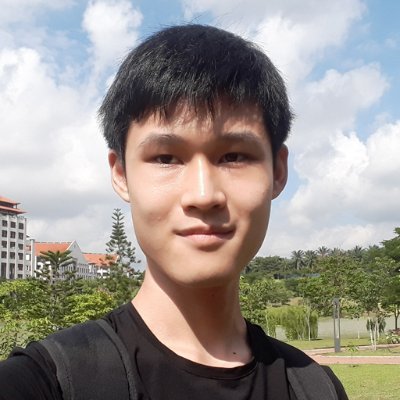
Most people find it hard to create consistent characters with Midjourney.
And this post is going to fix it.
I'll teach you how to make up to 10 shots of the same character from multiple angles in a single generation.
Here's how to do it:
And this post is going to fix it.
I'll teach you how to make up to 10 shots of the same character from multiple angles in a single generation.
Here's how to do it:

In this guide, I'll show you how to:
- Create a consistent character from different angles
- Change the environment of the character
- Use the technique across different genres for storytelling
- Create a consistent character from different angles
- Change the environment of the character
- Use the technique across different genres for storytelling

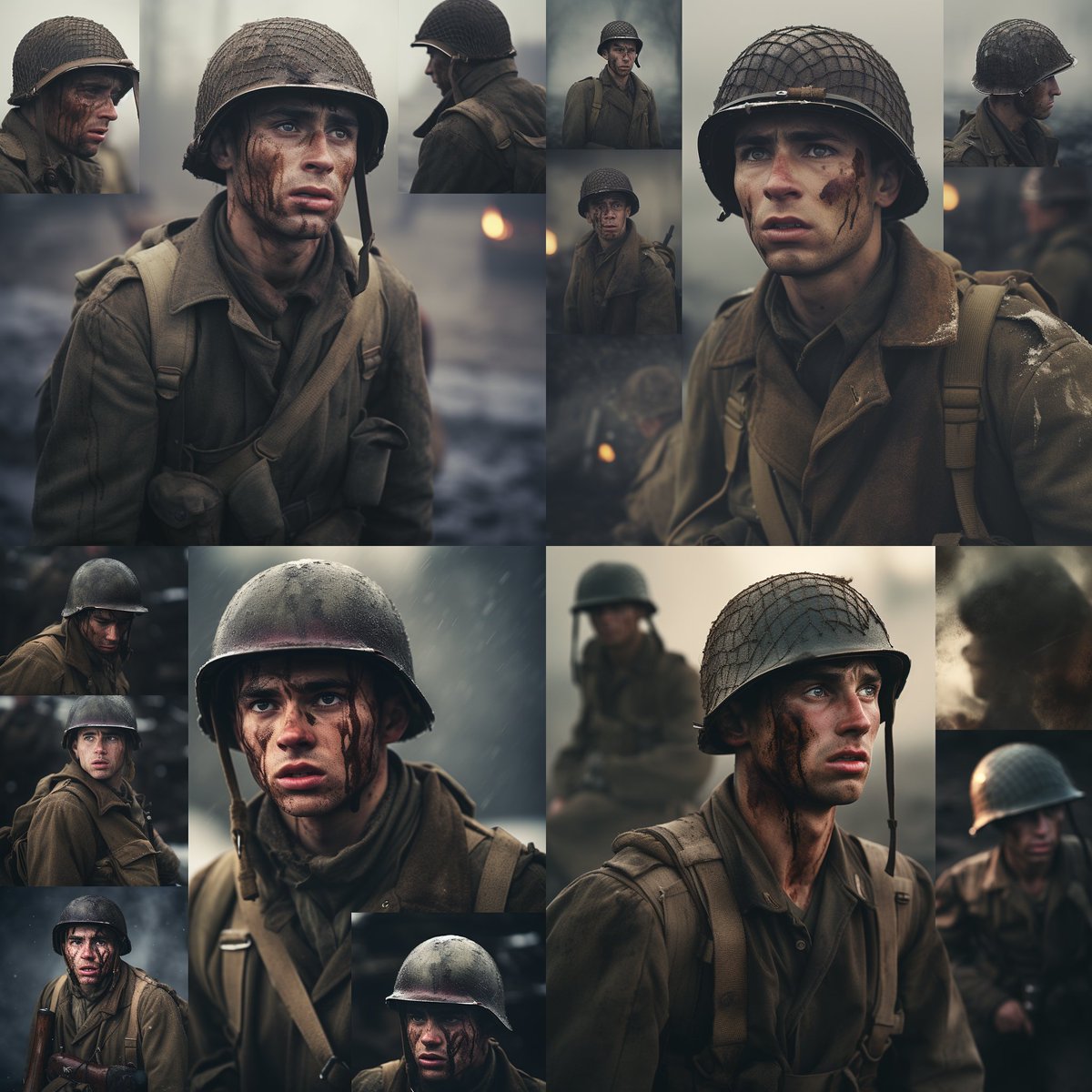
The method I'm going to show you was inspired by @juliewdesign_
She found that adding "image split into 2" to a prompt would create two different images of the same person.
See example below.
In the following steps, I will take this technique even further.
She found that adding "image split into 2" to a prompt would create two different images of the same person.
See example below.
In the following steps, I will take this technique even further.

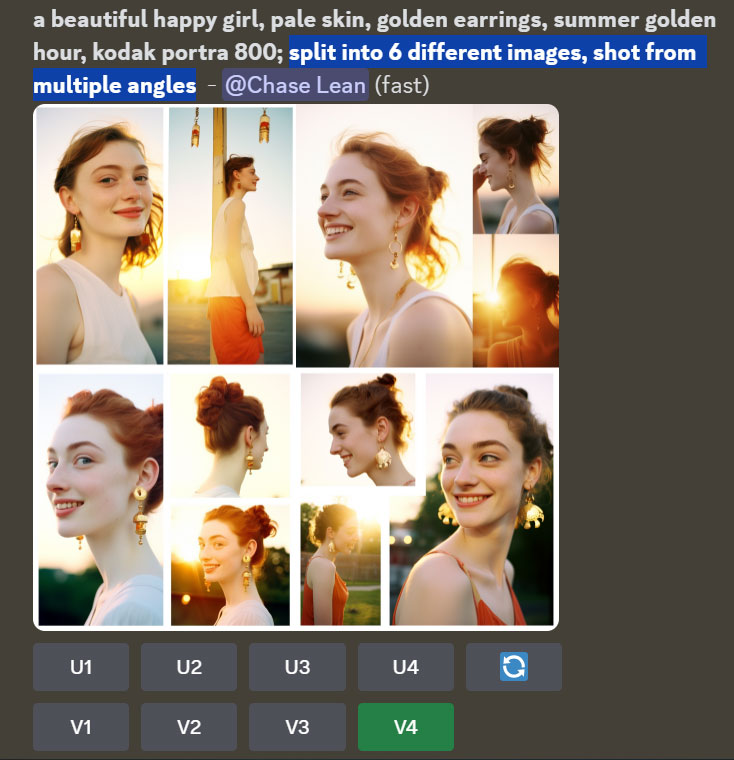
It turns out that you can break the image into even more pieces.
To do so, add "split into 6 different images, shot from multiple angles" to your prompt.
Use a square aspect ratio.
As you can see, the woman in each grid is the same.
Next, do a strong variation by pressing V4.
To do so, add "split into 6 different images, shot from multiple angles" to your prompt.
Use a square aspect ratio.
As you can see, the woman in each grid is the same.
Next, do a strong variation by pressing V4.
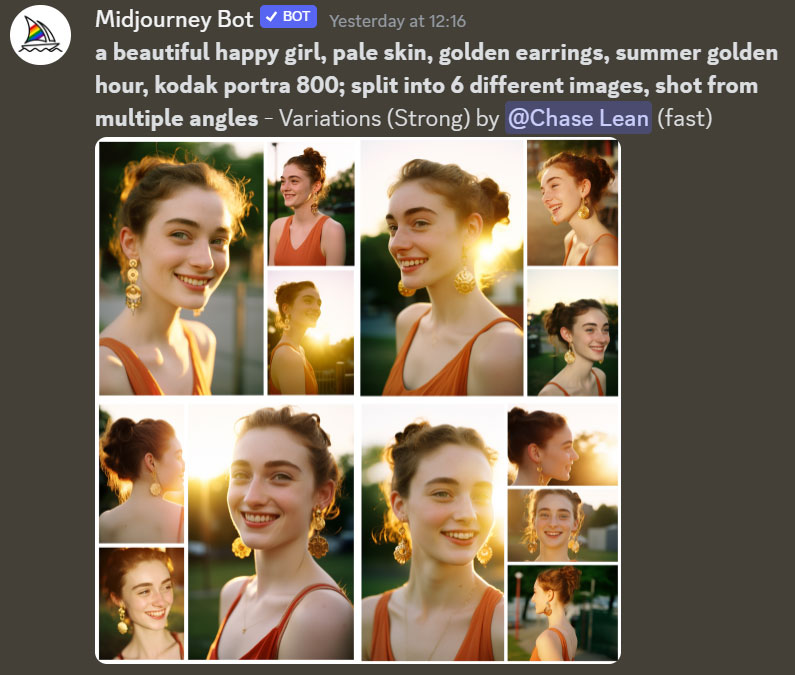
Here are the results of the variation.
Most of the images below contain the same woman!
Now, let's do something crazy.
Zoom out 2x.
Most of the images below contain the same woman!
Now, let's do something crazy.
Zoom out 2x.
Zooming out creates a huge grid of the same character in different poses.
Just keep panning, zooming and making variations.
You can make basically unlimited images!
Just keep panning, zooming and making variations.
You can make basically unlimited images!
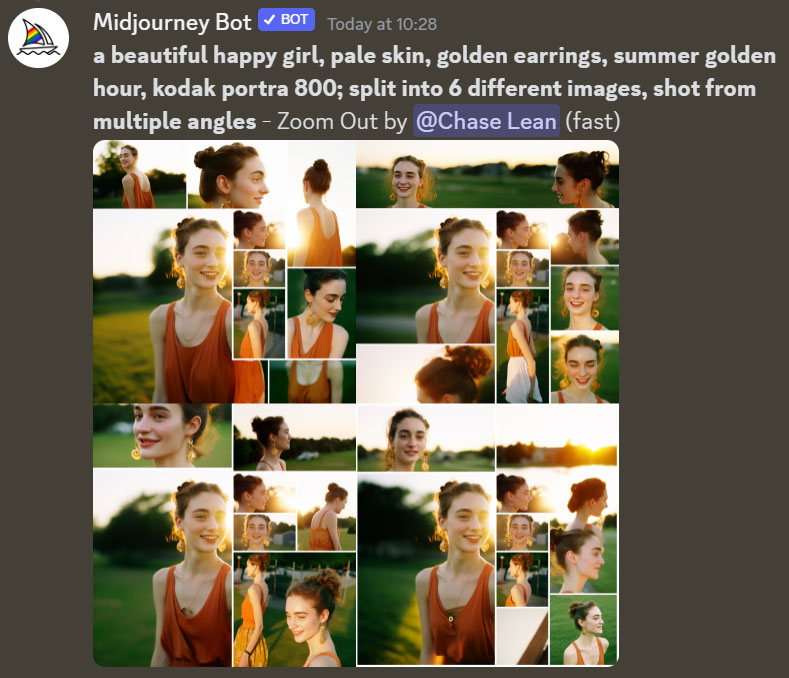
There were many images above, but they were all in the same environment.
Let's try to change the environment now.
To do this, first upscale an image that you like by pressing U1, U2, U3 or U4.
Then, press the Custom Zoom button.
Let's try to change the environment now.
To do this, first upscale an image that you like by pressing U1, U2, U3 or U4.
Then, press the Custom Zoom button.
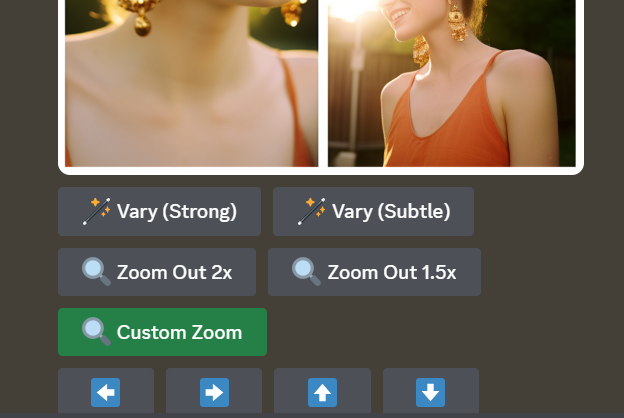
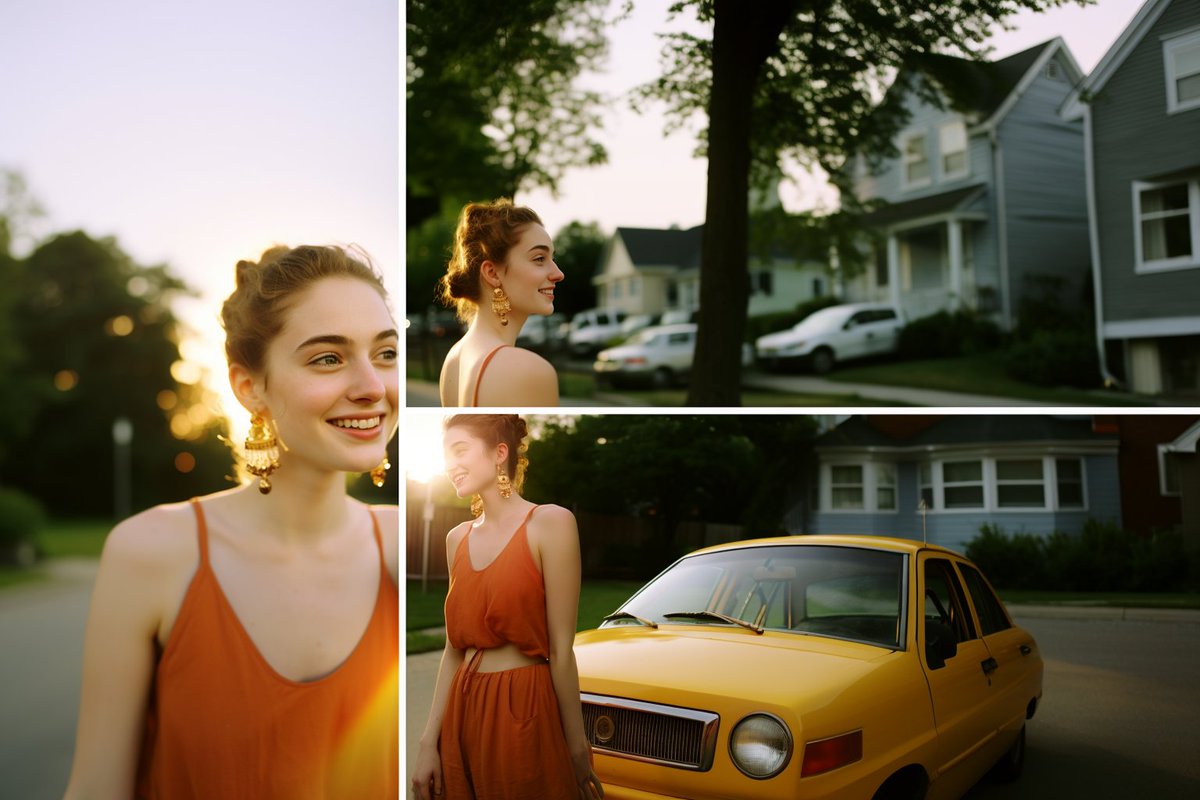
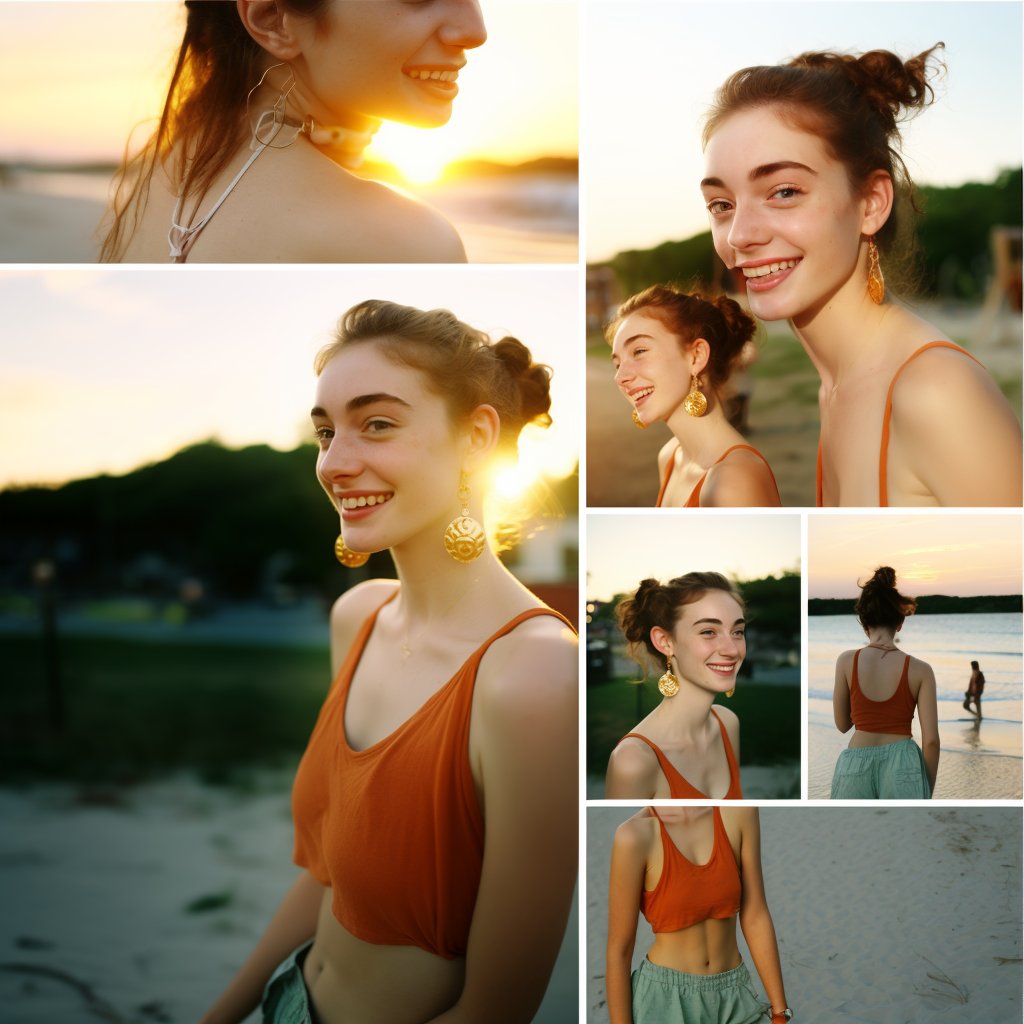
Custom zoom allows you to zoom out and change your prompt at the same time.
To place the woman in a different environment, I added the following words to the prompt:
1. neighborhood,
2. beach
3. city
Full prompt in ALT.
Here are the results:
To place the woman in a different environment, I added the following words to the prompt:
1. neighborhood,
2. beach
3. city
Full prompt in ALT.
Here are the results:
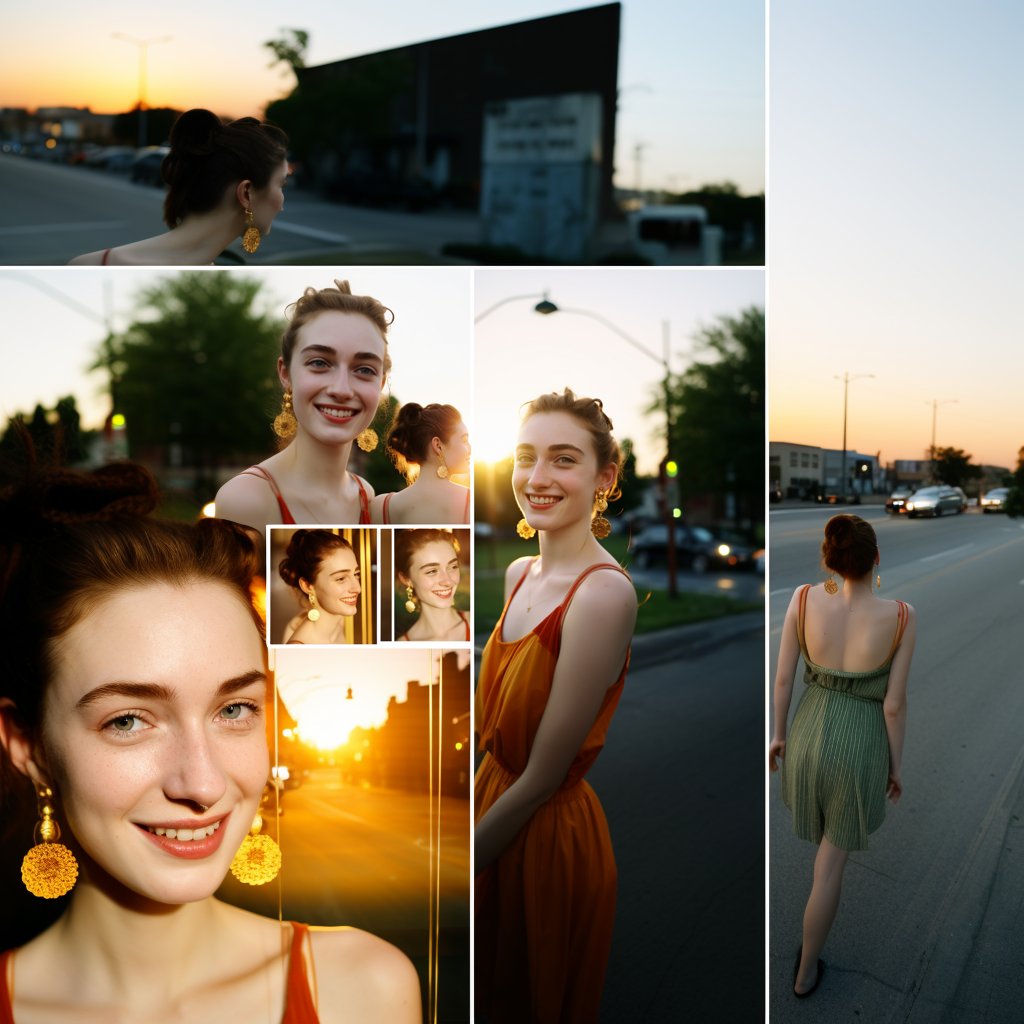
You might have noticed that many of the shots are very small and cramped.
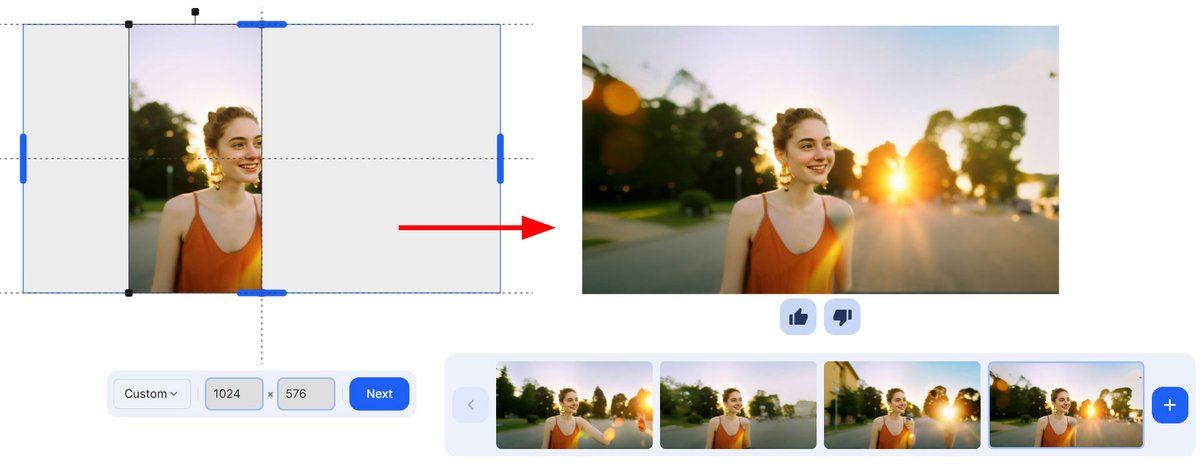
If you want to see more of the surroundings, you can extend each image for free using the uncrop feature on the Clipdrop website.
If you want to see more of the surroundings, you can extend each image for free using the uncrop feature on the Clipdrop website.
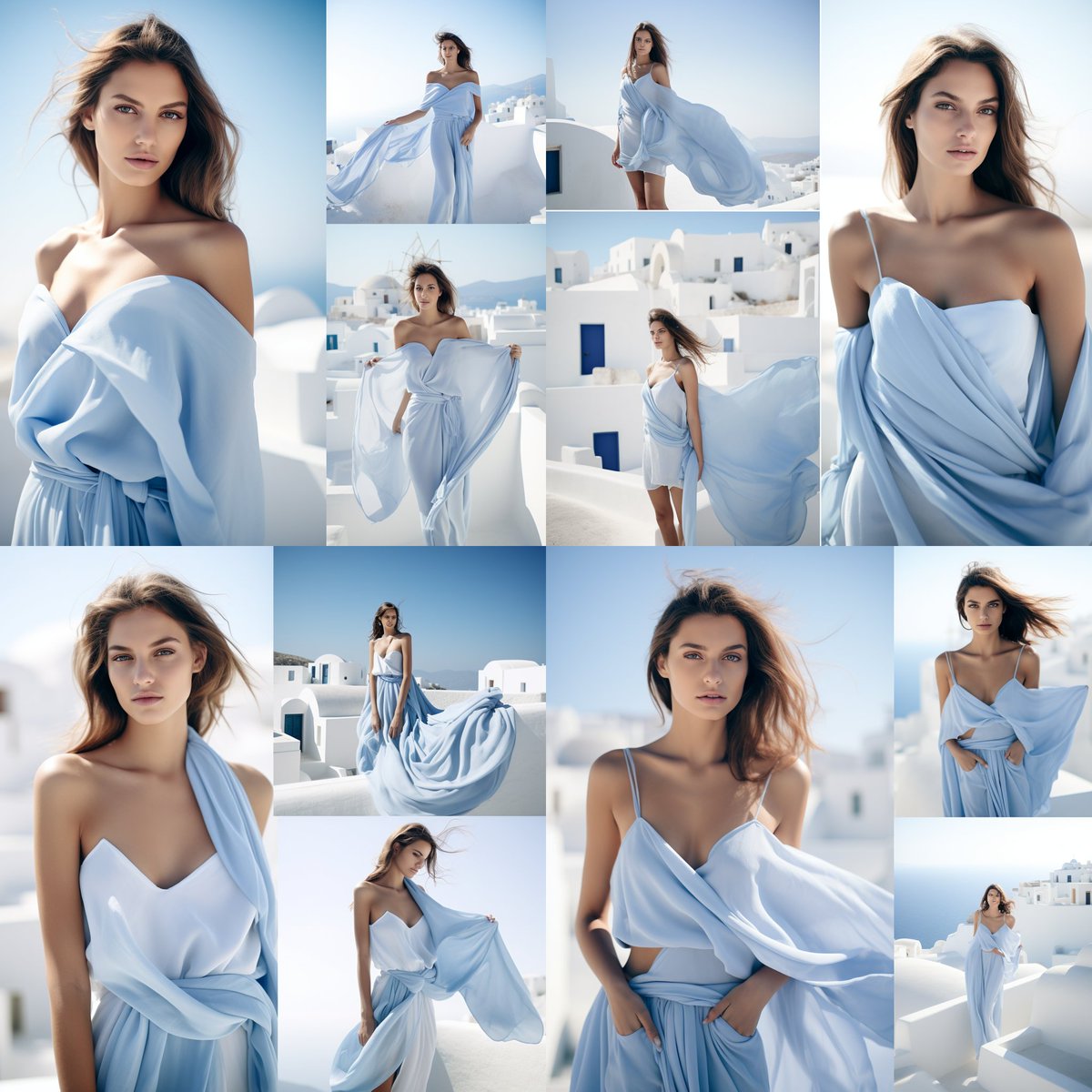
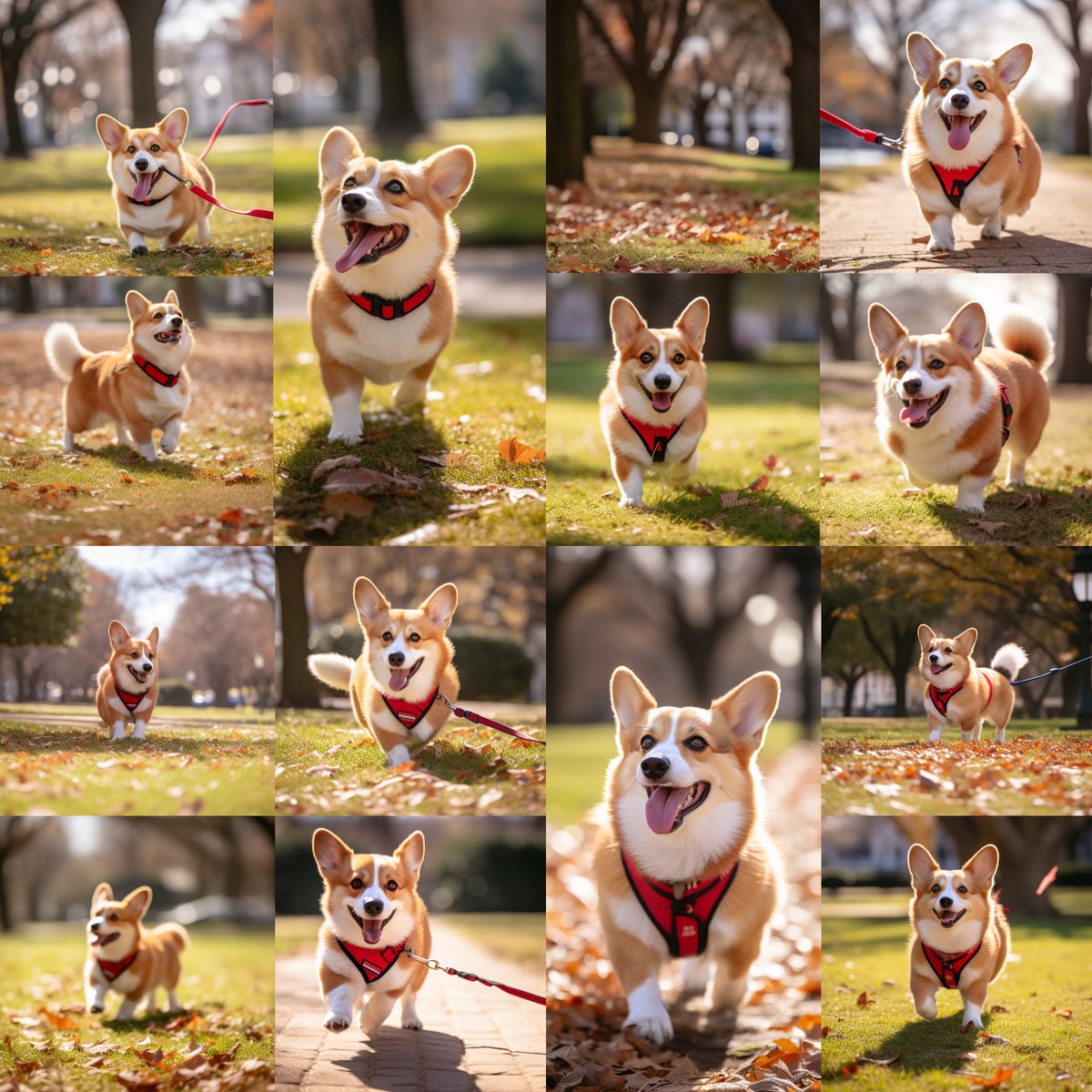
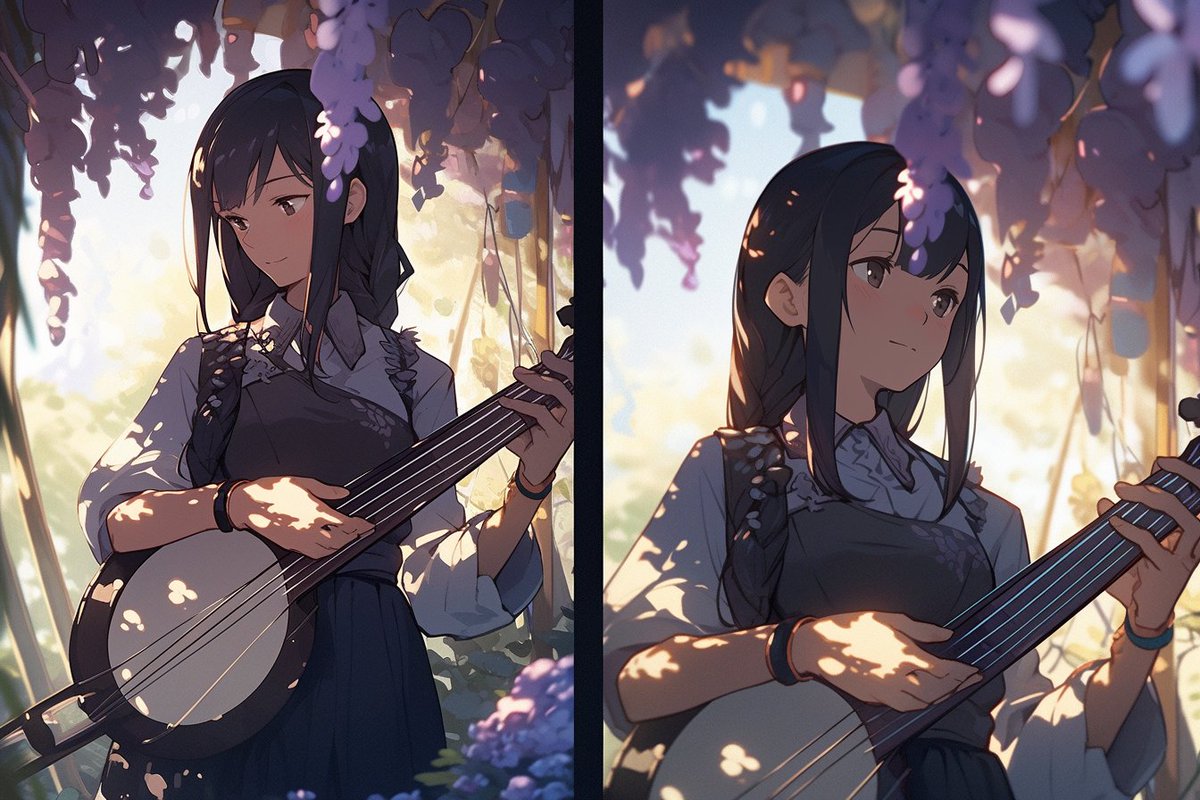
The technique of splitting an image grid can be used for many different types of images.
I have tested it across multiple genres from fashion photos to family photos to anime.
I have tested it across multiple genres from fashion photos to family photos to anime.
There is so much more to say about this method.
But to keep this guide simple, I'll cover them in a future post.
But to keep this guide simple, I'll cover them in a future post.
Found this post useful?
I'll be posting more Midjourney guides on this topic soon.
1. Follow me at @chaseleantj so that you won't miss it.
2. Like and repost the first post below to share it with others.
I'll be posting more Midjourney guides on this topic soon.
1. Follow me at @chaseleantj so that you won't miss it.
2. Like and repost the first post below to share it with others.
Loading suggestions...