

Let's create 22 shapes and figures using pure CSS 🎨
🧵👇🏻
🧵👇🏻
1. Circle 🟡
- Pretty simple, we just need to make a square and apply the border-radius 50% in order to give it a circular shape
- Pretty simple, we just need to make a square and apply the border-radius 50% in order to give it a circular shape


2. Semi-circle 🌓
- Create a rectangle
- Apply border radius top left and top right same as height of the rectangle
- Create a rectangle
- Apply border radius top left and top right same as height of the rectangle


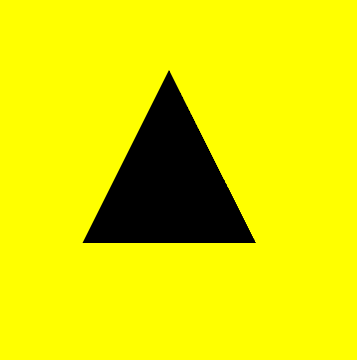
3. Triangle 🔺
- Creating a triangle is little bit tricky
- Set height and width as zero
- To make this, we draw a solid border and make the side border transparent
- Creating a triangle is little bit tricky
- Set height and width as zero
- To make this, we draw a solid border and make the side border transparent

4. Trapezium 📐
- Same as triangle but in this case we need to set some width
- Same as triangle but in this case we need to set some width


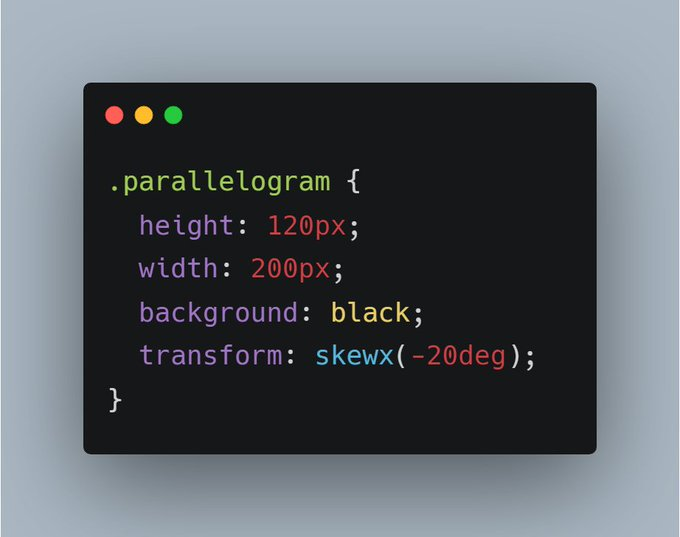
5. Parallelogram 🔳
- Create a rectangle
- Apply skew in order to tilt it
- Create a rectangle
- Apply skew in order to tilt it

6. Hexagon 💠
- Creating hexagon is very easy
- We need to make two trapeziums of same size but make sure that other trapezium should be upside down
- Align them perfectly
- Creating hexagon is very easy
- We need to make two trapeziums of same size but make sure that other trapezium should be upside down
- Align them perfectly


7. Drop 💧
- Create a square
- Apply 50% border-radius to all the sides except one side
- Rotate in such a manner so that tip comes to top
- Create a square
- Apply 50% border-radius to all the sides except one side
- Rotate in such a manner so that tip comes to top


8. Diamond 💎
- Combination of Trapezium and triangle
- Combination of Trapezium and triangle


9. Cross ❌
- Create two rectangles
- Place them over each other vetically and horizontally
- Rotate 45deg
- Create two rectangles
- Place them over each other vetically and horizontally
- Rotate 45deg


10. Egg 🥚
- Using advance border-radius technique
- Using advance border-radius technique


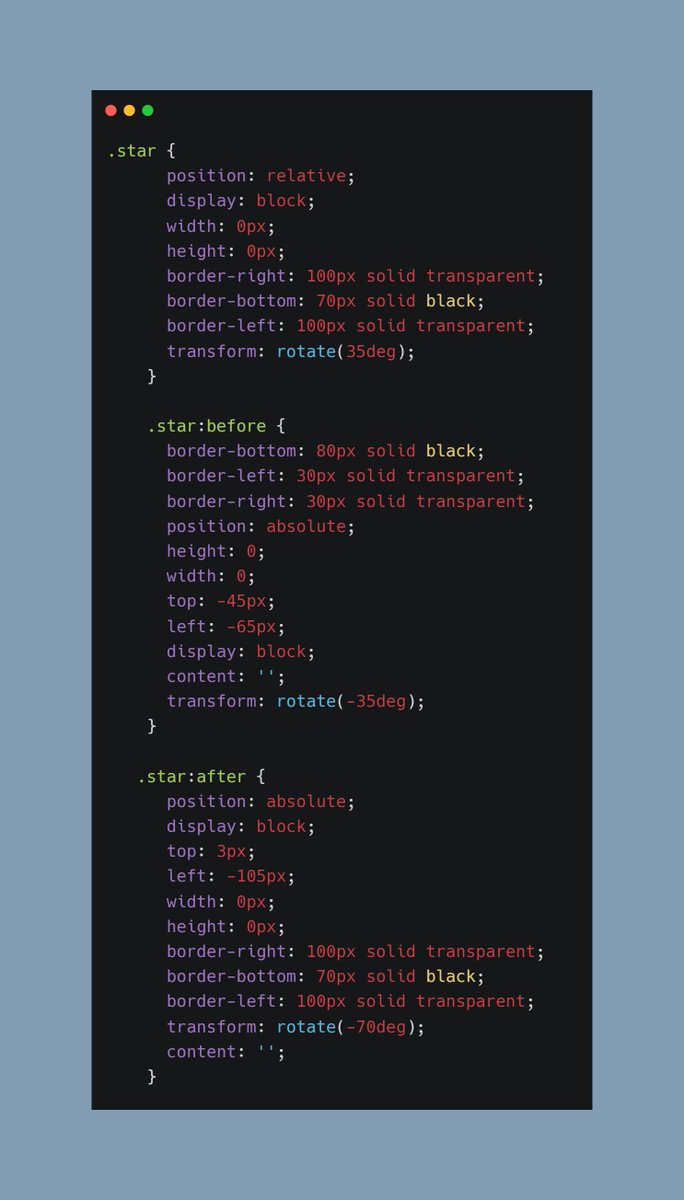
11. Star 🌟
- Create two triangle upside down
- Align second triangle in the middle of the first one
- Create two triangle upside down
- Align second triangle in the middle of the first one


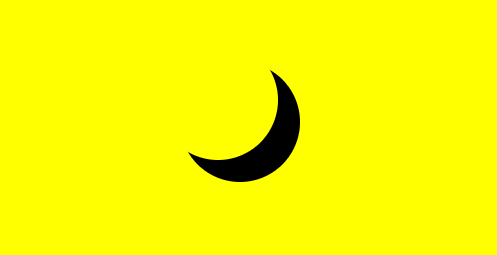
12. Moon 🌜
- Transparent background
- Apply box shadow
- Transparent background
- Apply box shadow

13. Coffee ☕


14. Infinity Symbol ♾️
It may look tough but trust me I created this symbol using border-radius only
It may look tough but trust me I created this symbol using border-radius only


15. Arrow ➡️
Combination of rectangle and a triangle
Combination of rectangle and a triangle


16. Star ⭐
Combination of two triangles
Combination of two triangles


17. Magnifying glass 🔍
You guessed it right! Its just a simple circle and small rectangle
You guessed it right! Its just a simple circle and small rectangle


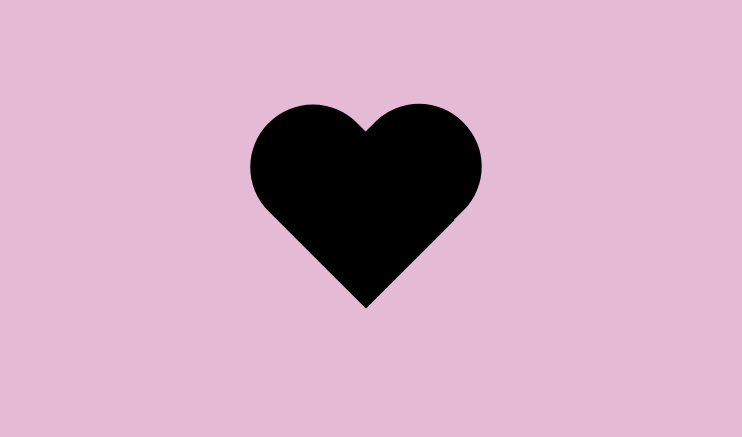
18. Heart ❤️
- Two rectangles with top round border-radius
- Two rectangles with top round border-radius
19. Pacman


20. 8 Point Star 🌟
Two squares overlapping each other
Two squares overlapping each other


21. Pentagon ✒
- Create a trapezium
- Create a triangle
- Merge them both
- Create a trapezium
- Create a triangle
- Merge them both


22. Leaf 🍀
- Just the matter or border-radius
- Just the matter or border-radius


I hope you will find it helpful, if so, share it ❤️
Peace out 😉
Peace out 😉
In general, these shapes or CSS arts are of no use in practical terms, but
- It can increase your CSS learning process up to 10 times 🚀
- Helps you build better understanding 🤯
- It can increase your CSS learning process up to 10 times 🚀
- Helps you build better understanding 🤯
Loading suggestions...