

"If a token contract properly implements the ERC721 Standard and the ERC721Metadata extension, it will always implement the function [...] tokenURI(uint256 _tokenId)"
This function returns an URI pointing to the metadata.
Source:
ethereum.stackexchange.com
This function returns an URI pointing to the metadata.
Source:
ethereum.stackexchange.com
Let's see how this looks for a random bored ape. First go to the read contract page on etherscan:
#readContract" target="_blank" rel="noopener" onclick="event.stopPropagation()">etherscan.io
Scroll down to look for the tokenURI function:
#readContract" target="_blank" rel="noopener" onclick="event.stopPropagation()">etherscan.io
Scroll down to look for the tokenURI function:
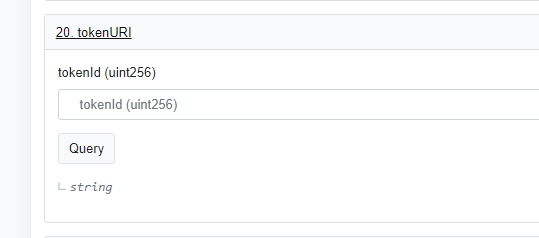
Now enter any ape id. I picked 8231 (the floor ape). Now hit the "Query" button. You already see that ipfs is used:
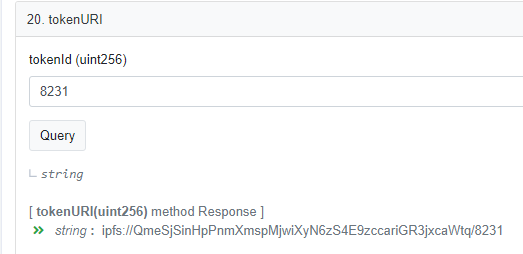
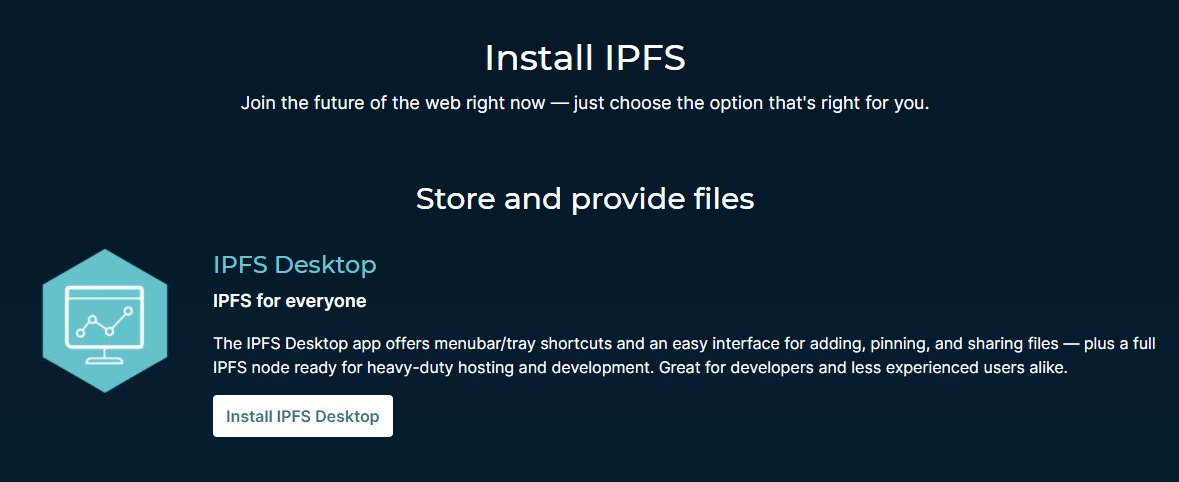
To check the data behind that ipfs link you'll have to do some extra work. First you'll need ipfs installed. Fortunately this is very easily done by installing ipfs for desktop.
#install" target="_blank" rel="noopener" onclick="event.stopPropagation()">ipfs.io
#install" target="_blank" rel="noopener" onclick="event.stopPropagation()">ipfs.io
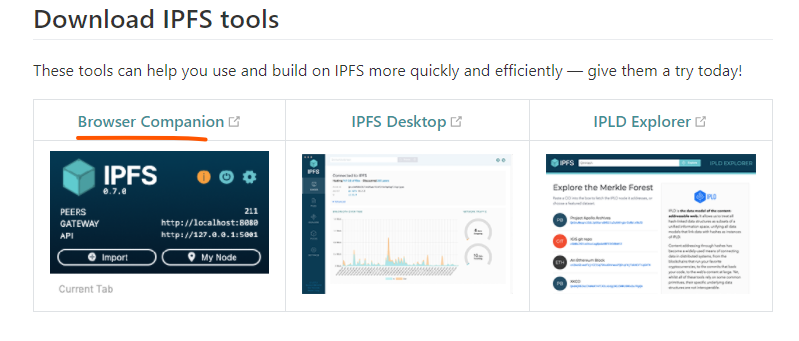
Ok, this was a bit of work 😅
But now you can lookup any token URI hosted on ipfs in your browser.
Hope this was helpful. Don't fall for FUD easily instead DYOR #NFTCommunity!
But now you can lookup any token URI hosted on ipfs in your browser.
Hope this was helpful. Don't fall for FUD easily instead DYOR #NFTCommunity!

Loading suggestions...