

LINUX COMMANDS FOR MONITORING SYSTEM PERFORMANCE 💻📈📉
Hey everyone! I am finally BACK with another Linux thread! 🥳
Today I will be going over basic commands you can use to monitor system performance! 😆
Hey everyone! I am finally BACK with another Linux thread! 🥳
Today I will be going over basic commands you can use to monitor system performance! 😆
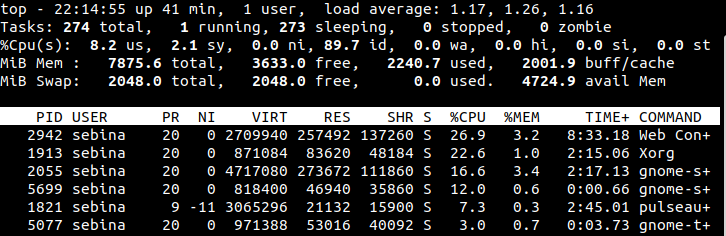
1. top 💻
The 'top' command is used to display active processes and how much they are using system resources.
The 'top' command is used to display active processes and how much they are using system resources.
2. lsof 💻
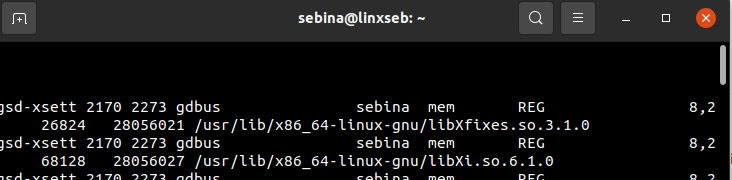
lsof stands for list of open files- basically shows you list of files and the processes
lsof stands for list of open files- basically shows you list of files and the processes
3. tcpdump 💻
'tcpdump' is used to analyze network traffic
'tcpdump' is used to analyze network traffic
4. htop 💻
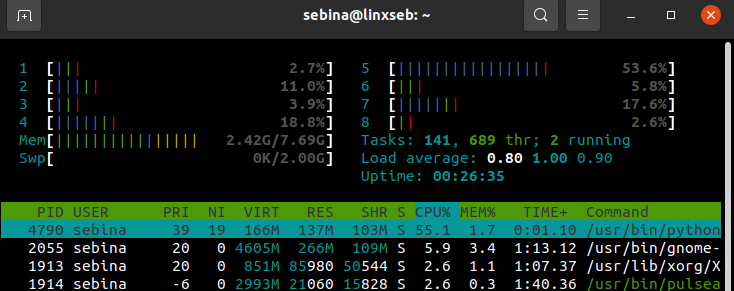
'htop' is a lot like top - It's just allows you to monitor system resources or processes. As you can see, it's a bit more fancy than top
'htop' is a lot like top - It's just allows you to monitor system resources or processes. As you can see, it's a bit more fancy than top
5. iostat 💻
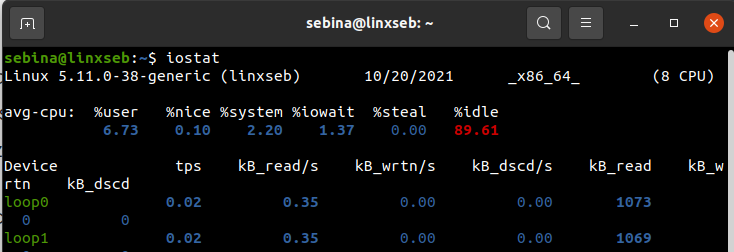
'iostat' is a command that is used to monitor input/output devices, by telling you how long the devices have been active.
'iostat' is a command that is used to monitor input/output devices, by telling you how long the devices have been active.
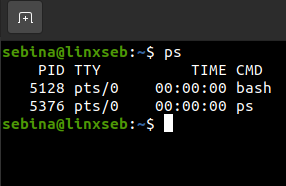
6. ps 💻
Displays the processes
Displays the processes
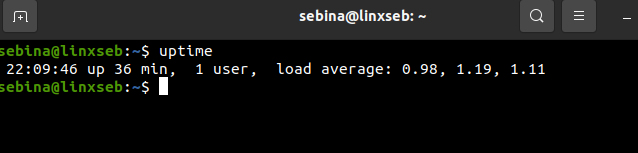
7. uptime 💻
Tells you how long the system has been up
Tells you how long the system has been up
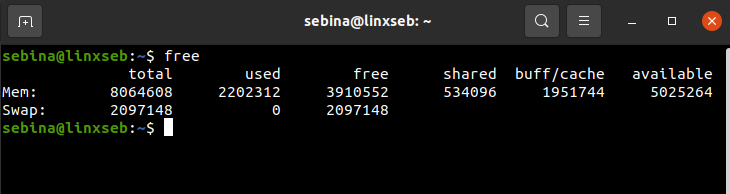
8. free 💻
'free' shows you the amount of available memory you have.
'free' shows you the amount of available memory you have.
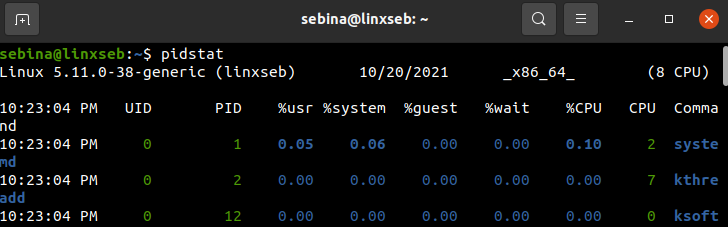
9. pidstat 💻
Used to monitor individual tasks. Great for troubleshooting issues.
Used to monitor individual tasks. Great for troubleshooting issues.
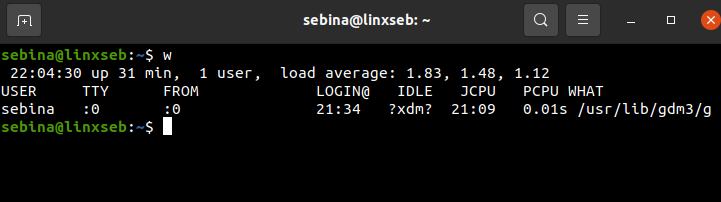
10. w 💻
'w' tells you information about users logged on and their processes.
'w' tells you information about users logged on and their processes.
That's it! Thank you for reading today's thread🥳 I know it's been FOREVER since I released a Linux thread. I do work a lot and go to school, but I'll try to be more consistent!🥸
For future Linux and security content, please give me a follow @linuxseb. Thank you again!😎
For future Linux and security content, please give me a follow @linuxseb. Thank you again!😎
Loading suggestions...