

With the current NFT allowlist meta, it can be very time-consuming to manage/track everything - from mint dates to wallet collections for allowlists.
Here are some tips/tricks/tools that hopefully will improve your quality of life (QOL) when NFTing 🧵👇 /1
Here are some tips/tricks/tools that hopefully will improve your quality of life (QOL) when NFTing 🧵👇 /1
1. Better Discord betterdiscord.app
Since almost everything NFTs is on twitter/discord, we should start there. Better discord provides many enhancements in the form of plugins/themes. While it suffers from stability issues from time-to-time, I cannot NFT without it. /2
Since almost everything NFTs is on twitter/discord, we should start there. Better discord provides many enhancements in the form of plugins/themes. While it suffers from stability issues from time-to-time, I cannot NFT without it. /2
a. Plugin Repo and Theme Repo are the first things I would install as these unlock a ton of functionality. You can browse and see if there's anything that suits your needs. /3

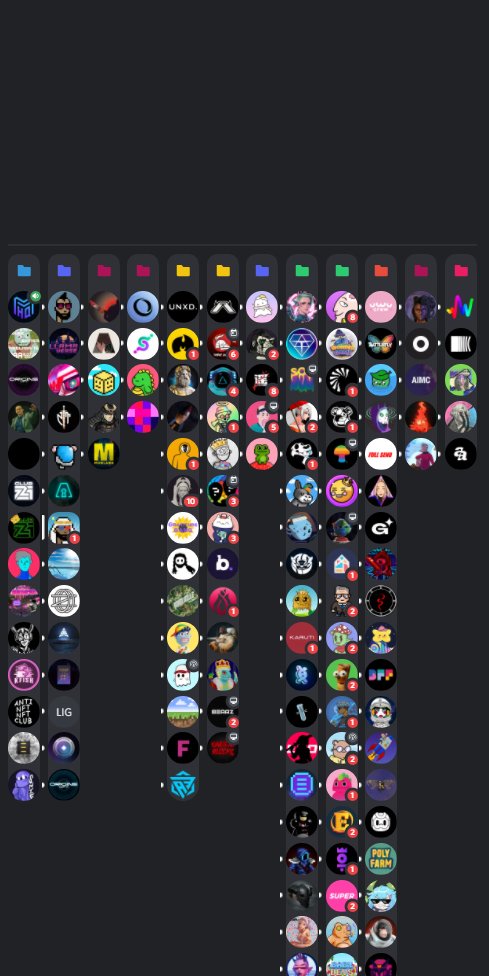
b. The Server Columns theme from theme repo is the main life-saver for me - it allows me to quickly see my discord servers without scrolling down. I color-code my folders: orange - bags, green - allowlists, etc. I also sort my allowlist folder top-down by mint dates if known. /4
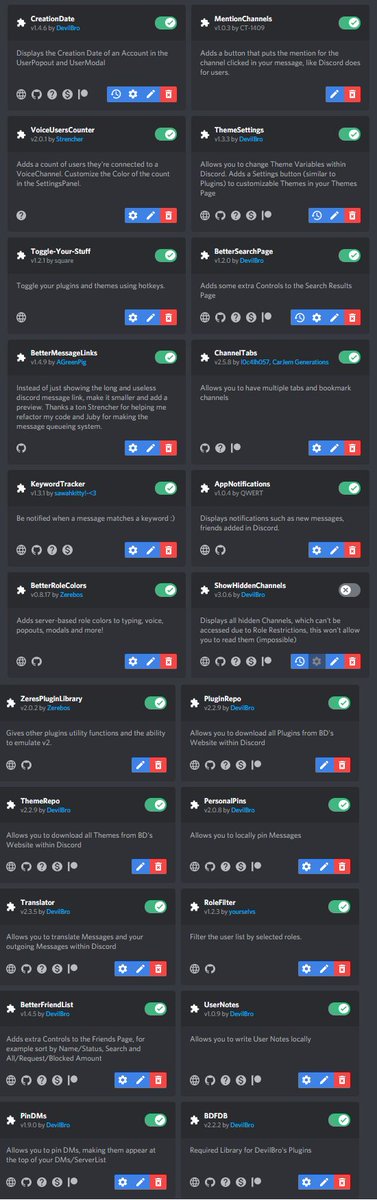
c. Here are the plugins I currently use. The main ones I would recommend are ChannelTabs, BetterRoleColors, AppNotifications, BDFDB, and PinDMs /5
d. I really want to highlight channel tabs (thanks @Jacob___Meyer) as it lets you pin channels within servers and DM conversations. It also lets you open more than one channel within discord as if they were browser tabs. /6

(cont.) When a hot mint comes up, usually the first thing I do is search that mint's name or key phrases within the many different alpha groups. /7
2. That brings me to the next tool: TweetDeck tweetdeck.twitter.com
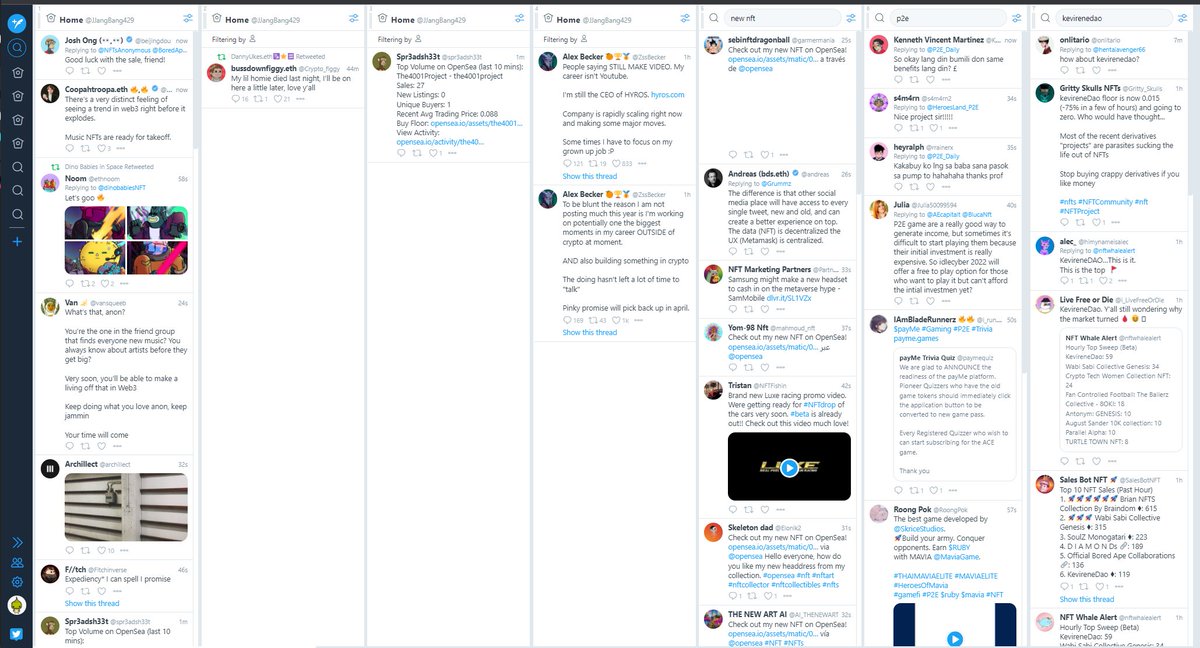
It allows you to easily monitor tweets from specific users or matching specific keywords. When a hot mint comes I usually search that text within tweetdeck to see what the chatter is like. /8
It allows you to easily monitor tweets from specific users or matching specific keywords. When a hot mint comes I usually search that text within tweetdeck to see what the chatter is like. /8
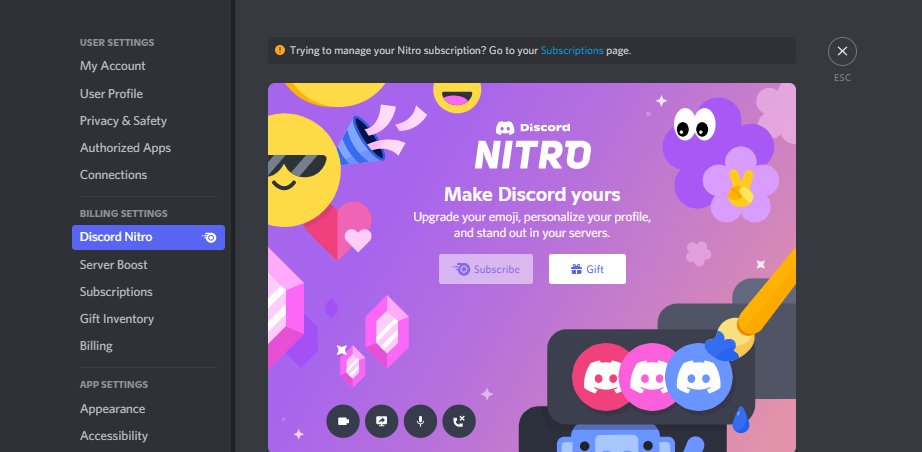
3. Discord Nitro ($10USD/month) lets you join 200 servers as opposed to 100. (hope they bump this up soon😂). It comes with 2 server boosts which you can transfer to a new server monthly. Some servers will do allowlists/raffles specifically for boosters. /9
4. Microsoft Power Toys or Apple equivalent
(thanks @BandoNFT for this one)
docs.microsoft.com
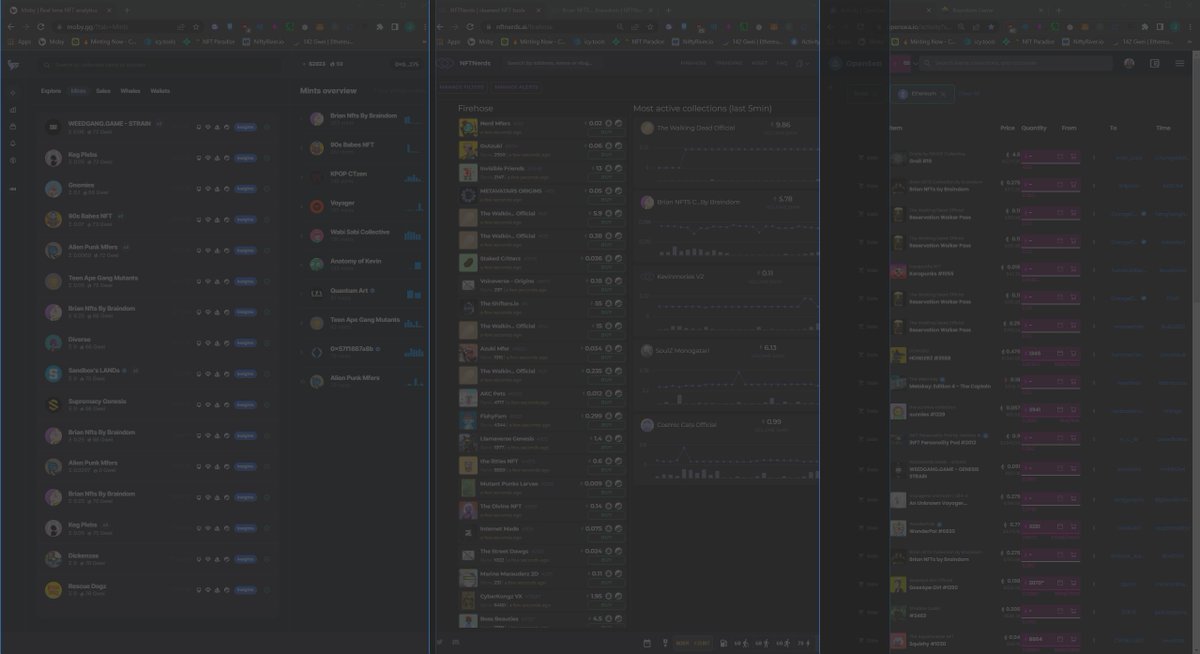
Specifically I use the fancy zones editor to section off parts of my screens. This allows me to easily snap moby/NFT Nerds/OS into place. /10
(thanks @BandoNFT for this one)
docs.microsoft.com
Specifically I use the fancy zones editor to section off parts of my screens. This allows me to easily snap moby/NFT Nerds/OS into place. /10
5. Sticky Notes
Using Fancy Zones I section off one part of my screen to keep a sticky note open at all times. I update this with drops I am interested in, allowlists with dates and where I got them from, news, and general other things I need to monitor. /11
Using Fancy Zones I section off one part of my screen to keep a sticky note open at all times. I update this with drops I am interested in, allowlists with dates and where I got them from, news, and general other things I need to monitor. /11
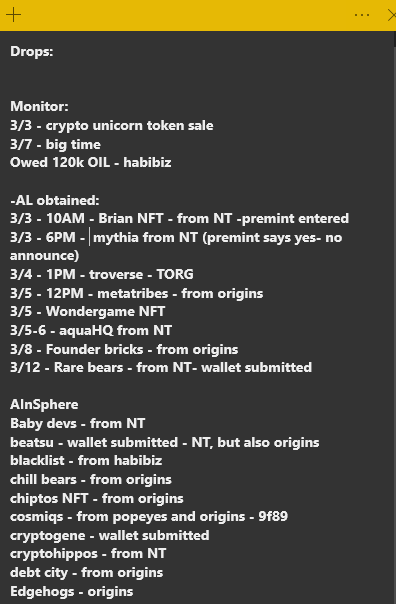
(cont.) Knowing where you got an allowlist can be important in case you need to follow-up or experience issues. /12
6. Keyboard/Mouse with programmable keys OR AutoHotkey OR Equivalent tool
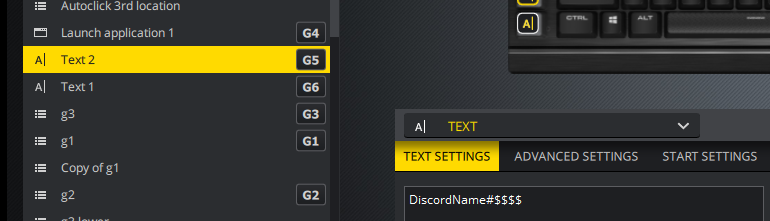
QOL- sometimes there are first-come first-serve allowlist forms that require you to enter your discord and wallet address. Having these programmed to paste on a button press can make a difference. /13
QOL- sometimes there are first-come first-serve allowlist forms that require you to enter your discord and wallet address. Having these programmed to paste on a button press can make a difference. /13
7. Keyboard Shortcuts
Windows:
#ID0EBD=Windows_10" target="_blank" rel="noopener" onclick="event.stopPropagation()">support.microsoft.com
Mac:
support.apple.com
My most used outside of copy/paste/find/refresh are:
Win + Shift + S -> Screenshot snipping tool
Ctrl + Shit + T -> Opens last closed tabs
Alt + Spacebar -> Opens a windows search menu /14
Windows:
#ID0EBD=Windows_10" target="_blank" rel="noopener" onclick="event.stopPropagation()">support.microsoft.com
Mac:
support.apple.com
My most used outside of copy/paste/find/refresh are:
Win + Shift + S -> Screenshot snipping tool
Ctrl + Shit + T -> Opens last closed tabs
Alt + Spacebar -> Opens a windows search menu /14
That's all for now, I hope that helps some of you. Feel free to recommend anything else that helps you with QOL! /15
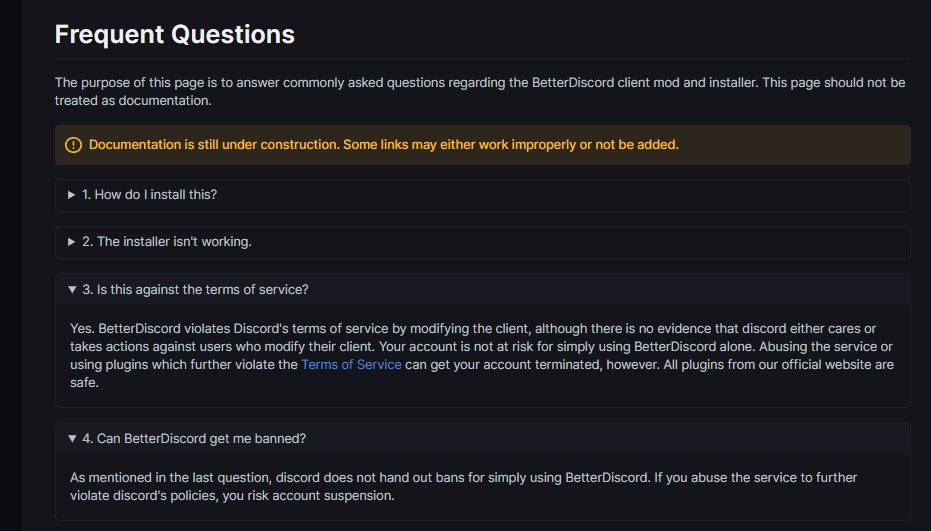
UPDATE: My apologies, I should have mentioned that Better Discord is technically against Discord's TOS. However, I use it as I believe the risk of enforcement is tiny. IMO they would target those using BD to further violate TOS by using botting/malicious plugins. See BD's FAQ:
Loading suggestions...