

JavaScript Conditions🚀
A thread 🧵
A thread 🧵
In JavaScript Conditions there are 3 forms of if..else statements and a switch statement.
1. The if statement.
2. The if..else statement.
3. The if..else if.. statement.
4. The switch statement.
1. The if statement.
2. The if..else statement.
3. The if..else if.. statement.
4. The switch statement.
1. The if statement:-
If the condition is true, the code in the body of the if statement is executed.
The code inside the body of if is skipped if the condition is evaluated as false.
Syntax:-
Example:-
If the condition is true, the code in the body of the if statement is executed.
The code inside the body of if is skipped if the condition is evaluated as false.
Syntax:-
Example:-
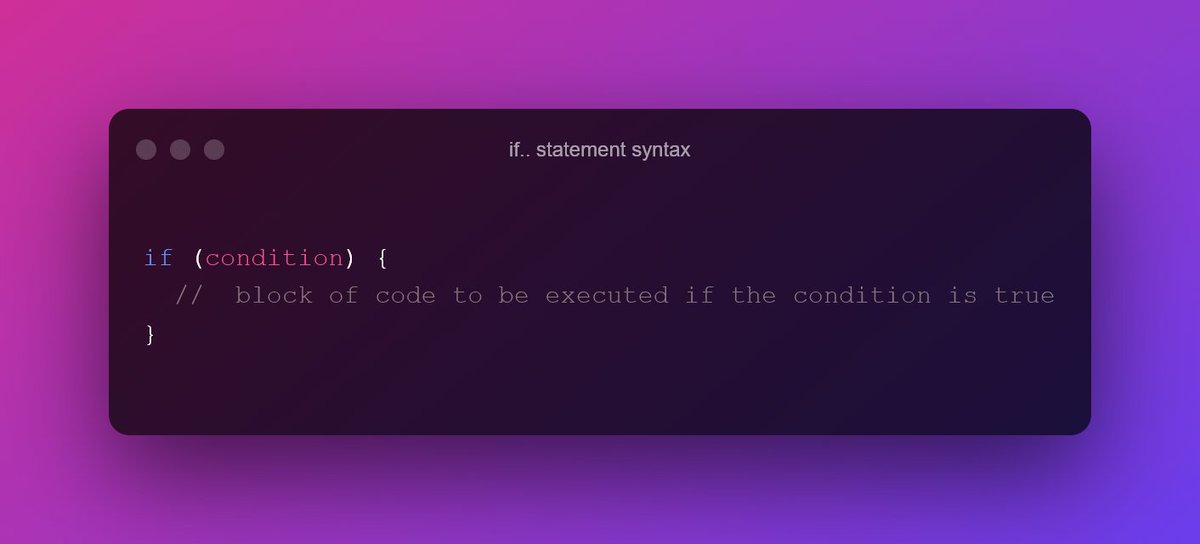
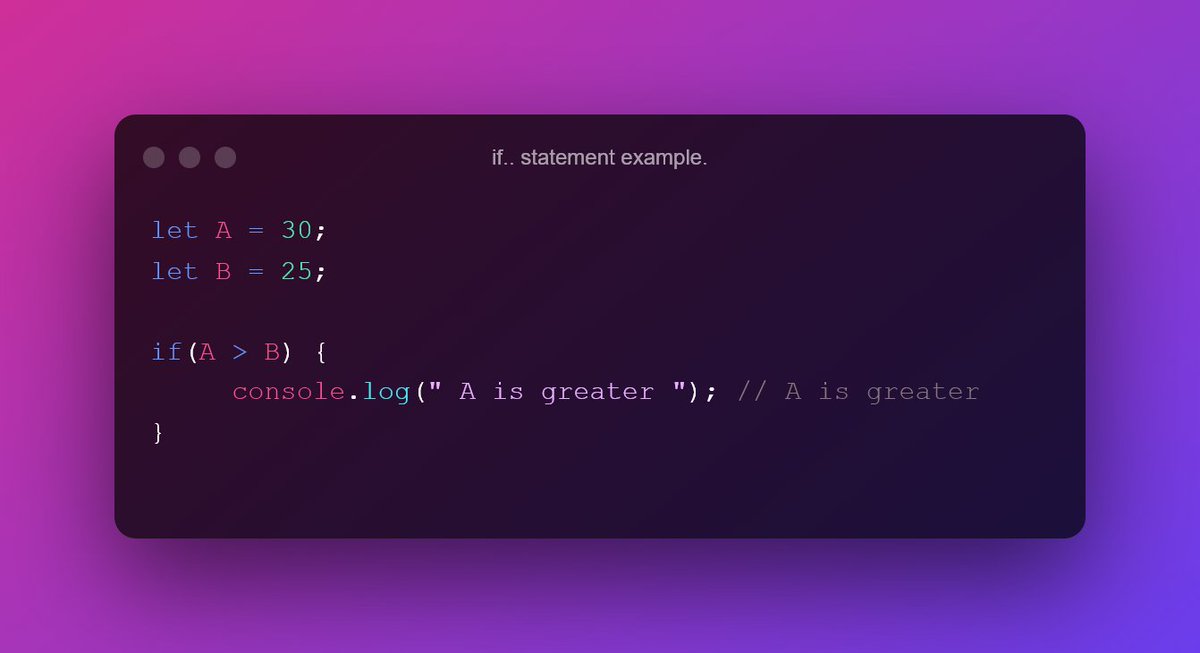
=>When to use the if Statement?
Use the if statement to specify a block of JavaScript code to be executed if a condition is true.
Use the if statement to specify a block of JavaScript code to be executed if a condition is true.
2. The if..else statement:-
If the condition is true, the code in the body of the if statement is executed.
If the condition is false, the code in the body of the else statement is executed.
Syntax:-
Example:-
If the condition is true, the code in the body of the if statement is executed.
If the condition is false, the code in the body of the else statement is executed.
Syntax:-
Example:-
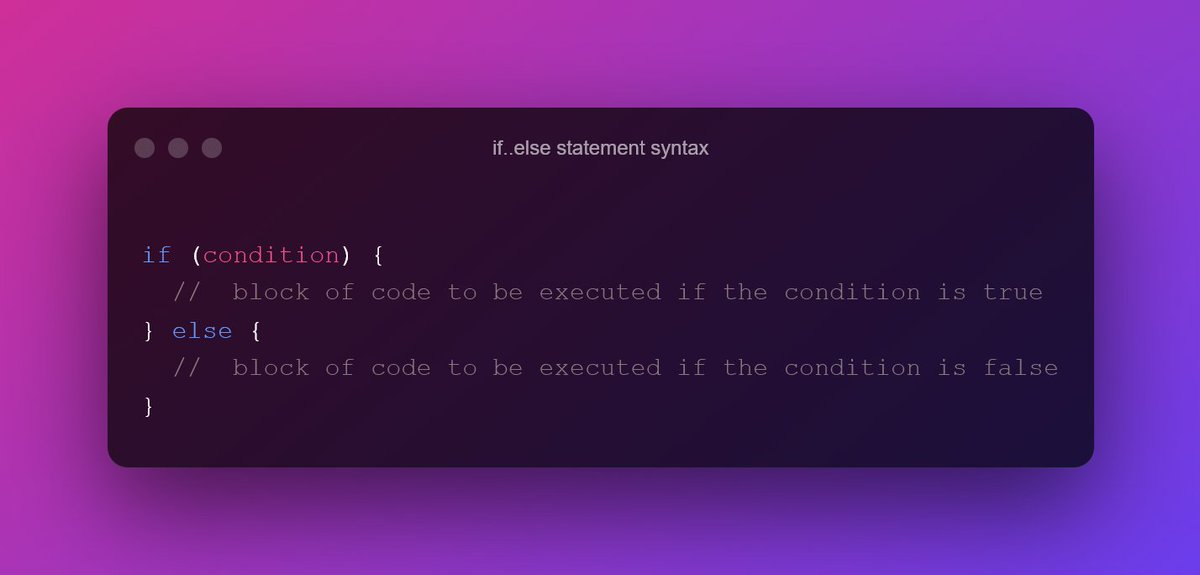
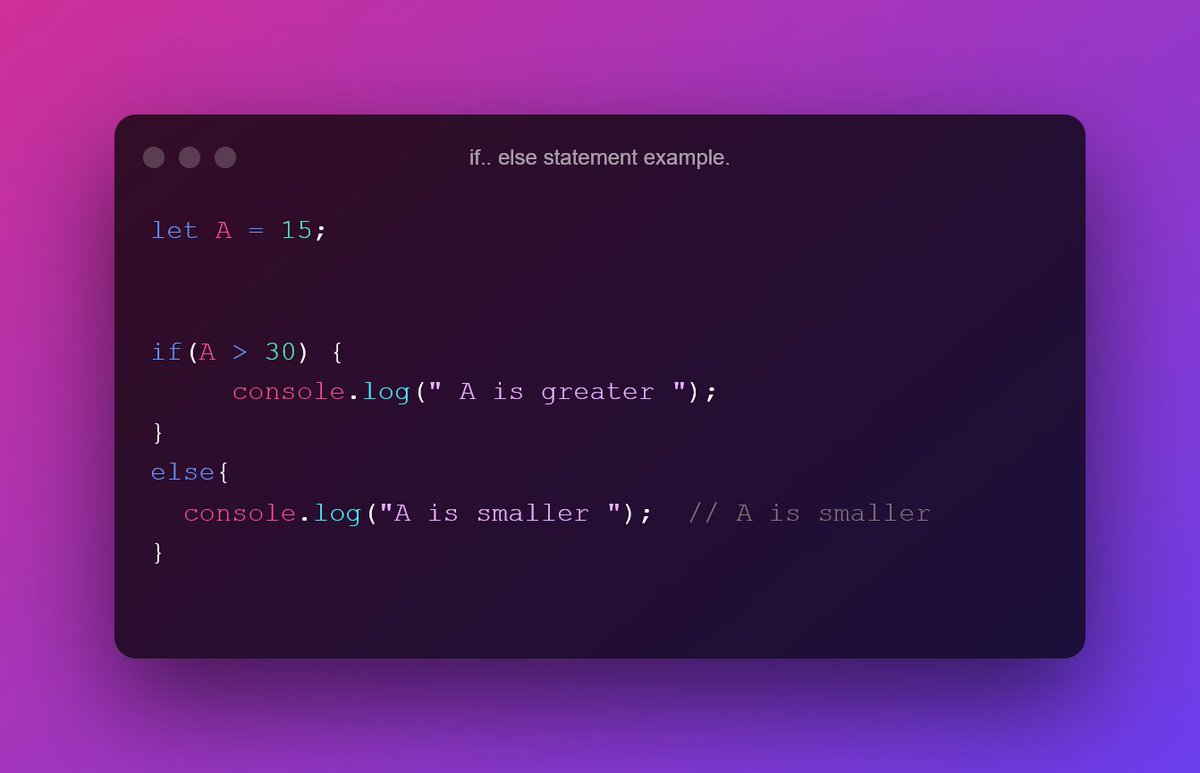
=>When to use the if.. else Statement?
Use the if.. else statement to specify a block of code to be executed if the condition is false.
Use the if.. else statement to specify a block of code to be executed if the condition is false.
3. The if..else if.. Statement:-
If condition1 evaluates to true, the code block1 is executed.
If condition1 evaluates false, then condition2 is evaluated.
- if the condition2 is true, code block 2 is executed.
- if the condition2 is false, code block 3 is executed.
If condition1 evaluates to true, the code block1 is executed.
If condition1 evaluates false, then condition2 is evaluated.
- if the condition2 is true, code block 2 is executed.
- if the condition2 is false, code block 3 is executed.
Syntax:-
Example:-
Example:-


=>When to use the if.. else.. if Statement?
- Use the if.. else if.. statement to specify a new condition if the first condition is false.
- Use the if.. else if.. statement to specify a new condition if the first condition is false.
4. Switch statement:-
Use the switch statement to select one of many code blocks to be executed.
➡️This is how it works:
The switch expression is evaluated once.
The value of the expression is compared with the values of each case.
Use the switch statement to select one of many code blocks to be executed.
➡️This is how it works:
The switch expression is evaluated once.
The value of the expression is compared with the values of each case.
If there is a match, the associated block of code is executed.
If there is no match, the default code block is executed.
Syntax:-
If there is no match, the default code block is executed.
Syntax:-

Example:-
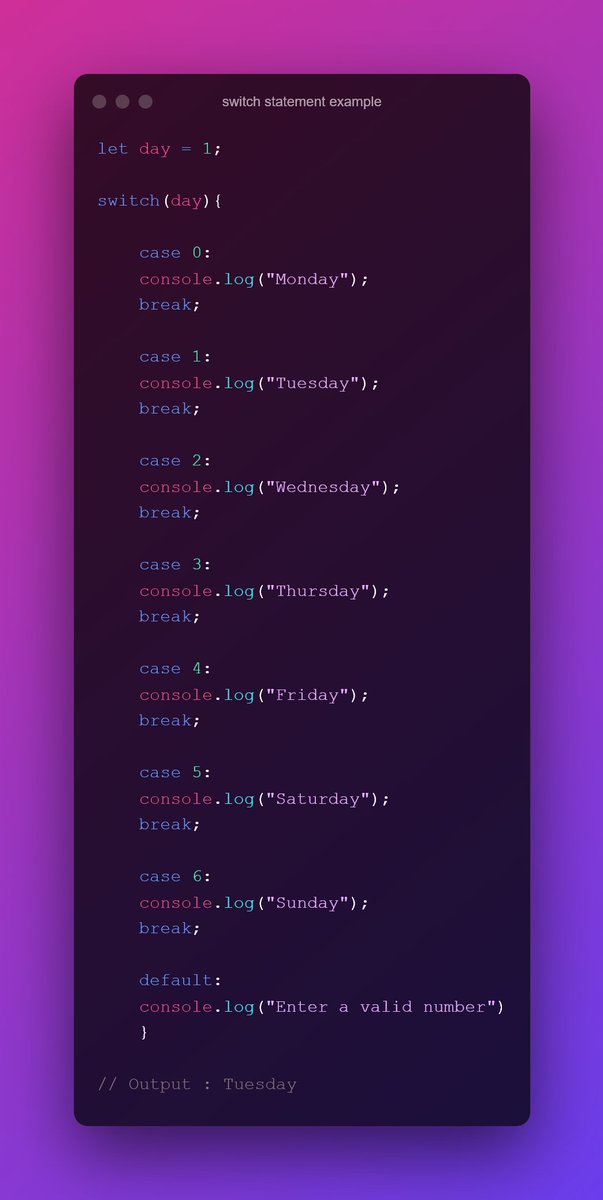
=>When to use the switch statement?
Use the switch statement to select one of many code blocks to be executed.
Use the switch statement to select one of many code blocks to be executed.
If you enjoyed reading this thread, please do the following:
1. Retweet the first tweet.
2. Follow me and enable notifications: @mujeeb0147.
Thank you for reading all the way through.
1. Retweet the first tweet.
2. Follow me and enable notifications: @mujeeb0147.
Thank you for reading all the way through.
Loading suggestions...