

🚀Top 10 Beginners Projects To Practice HTML and CSS Skills??🤯
well the answer is here👇🧵
well the answer is here👇🧵

1️⃣ Tribute Page
➱ The simplest website you can make is a tribute page of someone you admire.
➱ It requires only basic knowledge of HTML and CSS.
➱ Add a suitable background color and font style on your webpage to give it a good look
Sample page:
🔗 github.com
➱ The simplest website you can make is a tribute page of someone you admire.
➱ It requires only basic knowledge of HTML and CSS.
➱ Add a suitable background color and font style on your webpage to give it a good look
Sample page:
🔗 github.com
2️⃣ Including/Survey Form
➱ Use a text field, checkbox, radio button, date, and other important elements in a single form.
➱ You will be learning how to give a proper structure to a webpage while creating a form
sample page:
🔗 geeksforgeeks.org
➱ Use a text field, checkbox, radio button, date, and other important elements in a single form.
➱ You will be learning how to give a proper structure to a webpage while creating a form
sample page:
🔗 geeksforgeeks.org
3️⃣ Parallax Website
➱ A parallax website includes fixed images in the background that you can keep in place
➱ Divide the whole page into three to four different sections.
➱ Give attention to padding and margin
sample page:
🔗 jolly-kalam-23776e.netlify.app
➱ A parallax website includes fixed images in the background that you can keep in place
➱ Divide the whole page into three to four different sections.
➱ Give attention to padding and margin
sample page:
🔗 jolly-kalam-23776e.netlify.app

4️⃣ Landing Page
➱ A landing page is another good project you can make using HTML and CSS but it requires a solid knowledge of HTML & CSS
➱ You will have to take care of color combinations, padding, margin and space between sections
sample page:
🔗 codepen.io
➱ A landing page is another good project you can make using HTML and CSS but it requires a solid knowledge of HTML & CSS
➱ You will have to take care of color combinations, padding, margin and space between sections
sample page:
🔗 codepen.io
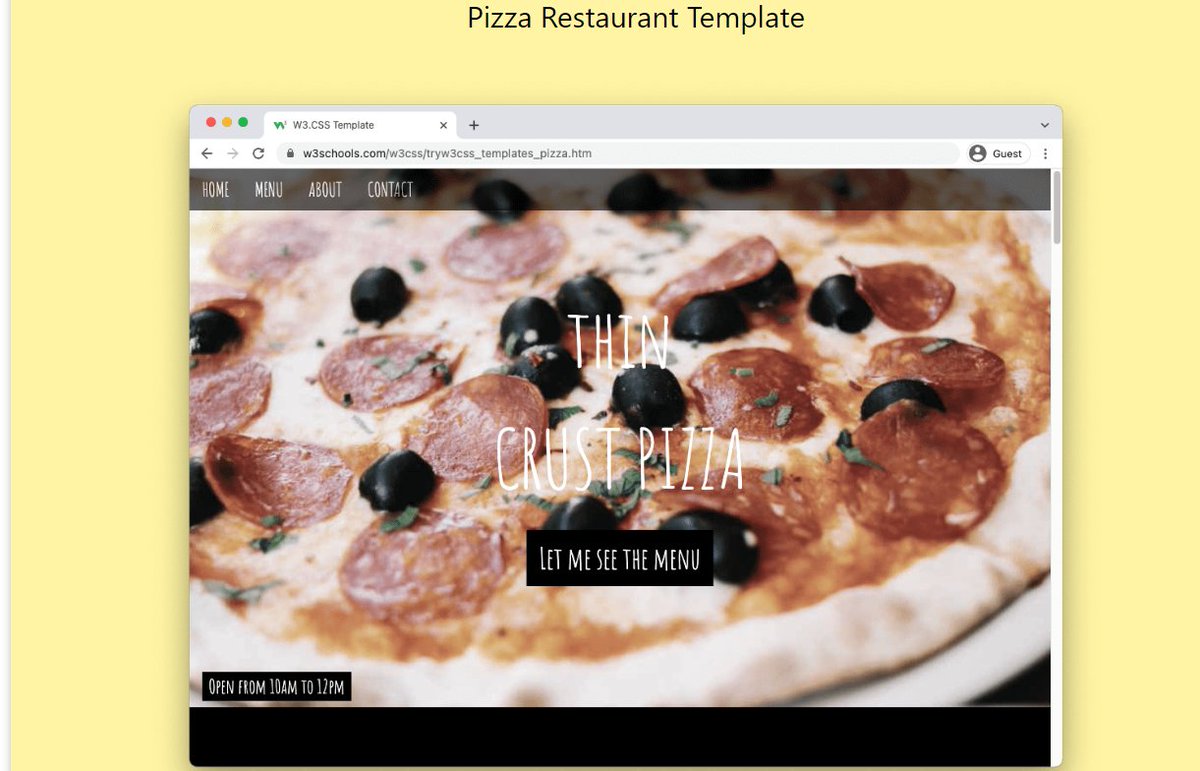
5️⃣ Restaurant Website
➱ Making a layout for a restaurant will be a bit complicated than previous project examples
➱ You’ll be using a CSS layout grid
➱ You can add pictures gallery for different food items.
sample page:
🔗 w3schools.com
➱ Making a layout for a restaurant will be a bit complicated than previous project examples
➱ You’ll be using a CSS layout grid
➱ You can add pictures gallery for different food items.
sample page:
🔗 w3schools.com
6️⃣ An Event or Conference Webpage
➱ You can make a page for holding an event or conference
➱ People who are interested in attending the conference create a register button for them.
➱ It requires HTML/HTML5 and CSS knowledge in depth
sample page:
🔗 codepen.io
➱ You can make a page for holding an event or conference
➱ People who are interested in attending the conference create a register button for them.
➱ It requires HTML/HTML5 and CSS knowledge in depth
sample page:
🔗 codepen.io
7️⃣ Music Store Page
➱ you are a music lover like me then you can make a webpage for it. It requires HTML5/CSS3 knowledge.
➱ Make it responsive setting viewport or using media queries and grid
sample page:
🔗 jolly-kalam-23776e.netlify.app
➱ you are a music lover like me then you can make a webpage for it. It requires HTML5/CSS3 knowledge.
➱ Make it responsive setting viewport or using media queries and grid
sample page:
🔗 jolly-kalam-23776e.netlify.app

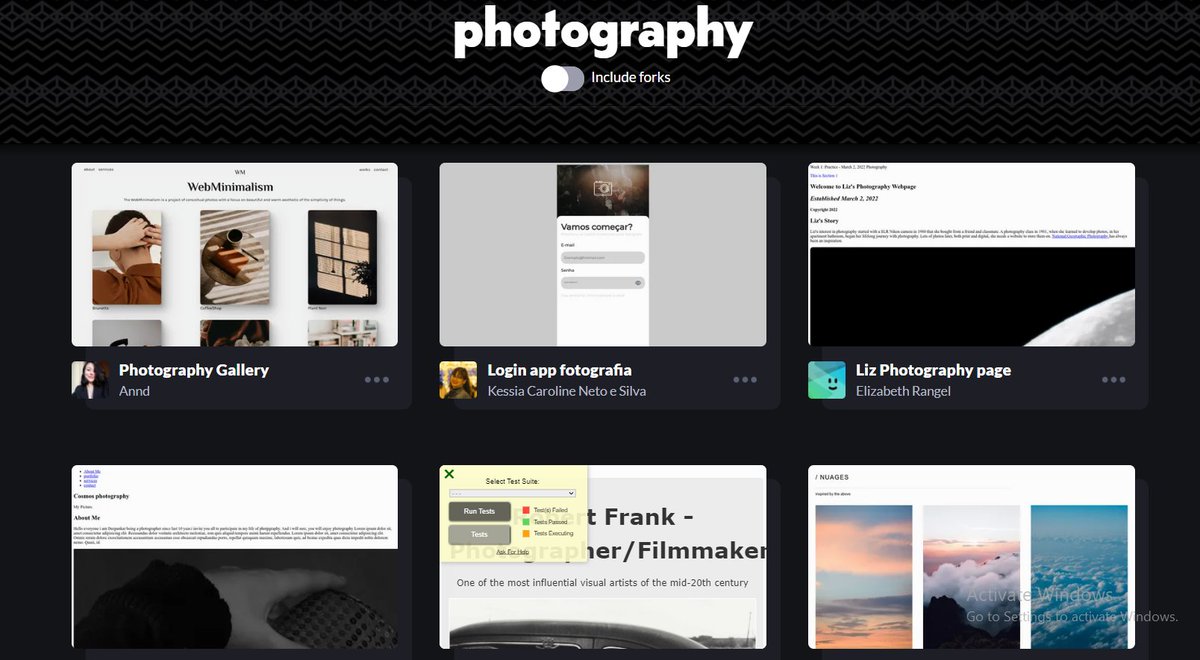
8️⃣ Photography Site
➱ You can make a one-page responsive photography site
➱ Take care of the margin, padding, color combination, font-size, font-style, image size and styling of a button
sample page:
🔗 codepen.io
➱ You can make a one-page responsive photography site
➱ Take care of the margin, padding, color combination, font-size, font-style, image size and styling of a button
sample page:
🔗 codepen.io
9️⃣ Personal Portfolio
➱ To check out your progress best method is creating your portfolio
➱ Add work samples,at last(footer)add contact information or social media account
➱ At the top add one of your image and introduce yourself there
sample page:
🔗 github.com
➱ To check out your progress best method is creating your portfolio
➱ Add work samples,at last(footer)add contact information or social media account
➱ At the top add one of your image and introduce yourself there
sample page:
🔗 github.com
🔟 Technical documentation
➱ If you have a little bit of knowledge of Javascript then you can create a webpage of technical documentation to help others
➱ Just give it a simple and descent look, that look good for technical documentation
sample page:
🔗 codepen.io
➱ If you have a little bit of knowledge of Javascript then you can create a webpage of technical documentation to help others
➱ Just give it a simple and descent look, that look good for technical documentation
sample page:
🔗 codepen.io
That's it for this thread. Hope you like it.
- Hii I'm Ritik.
- Sharing my journey and learnings.
If you liked it, then you can follow me,
@ritikrajptt
✓ Will appreciate your feedback and a retweet on👇
- Hii I'm Ritik.
- Sharing my journey and learnings.
If you liked it, then you can follow me,
@ritikrajptt
✓ Will appreciate your feedback and a retweet on👇
Loading suggestions...