

The hardest part of making a thumbnail? Starting.
If you're struggling to come up with good thumbnail ideas
Or just freeze every time you try and make one
Here are 5 ways you can kickstart the process... (thread)
If you're struggling to come up with good thumbnail ideas
Or just freeze every time you try and make one
Here are 5 ways you can kickstart the process... (thread)
Market Research:
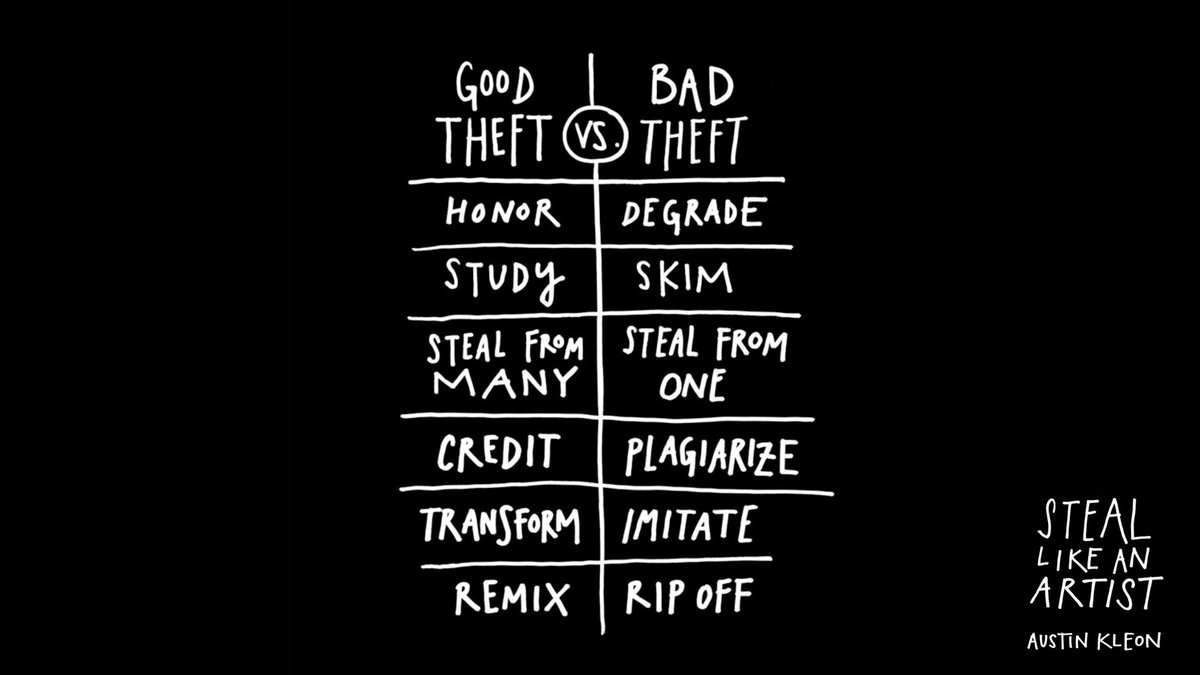
You might think looking at other thumbnails is ‘cheating’.
It isn’t.
It’s one of the best tactics around.
Of course, don’t just steal other people's thumbnails...
But understand why they worked and how you can apply those learnings to your own thumbnail.
You might think looking at other thumbnails is ‘cheating’.
It isn’t.
It’s one of the best tactics around.
Of course, don’t just steal other people's thumbnails...
But understand why they worked and how you can apply those learnings to your own thumbnail.
Google Images:
This is a tactic I use all the time.
If you’re stuck, identify the main element of your idea...
And then search it on Google Images.
The results might show a common theme you didn’t think of...
Or a visual element that can become the basis of your thumbnail.
This is a tactic I use all the time.
If you’re stuck, identify the main element of your idea...
And then search it on Google Images.
The results might show a common theme you didn’t think of...
Or a visual element that can become the basis of your thumbnail.

Value Proposition:
Most start making a thumbnail without understanding their idea.
This is a big mistake.
Ask yourself
🔲 What is your video about?
🔲 What information does your video provide?
🔲 What is the aim of your video?
Then start making your thumbnail.
Most start making a thumbnail without understanding their idea.
This is a big mistake.
Ask yourself
🔲 What is your video about?
🔲 What information does your video provide?
🔲 What is the aim of your video?
Then start making your thumbnail.

Title:
Going from idea to a clickable thumbnail can be a big jump.
Creating an effective title first will make it much easier.
One crucial word there, effective.
The more time you put into building an effective title, the easier it becomes to build an effective thumbnail.
Going from idea to a clickable thumbnail can be a big jump.
Creating an effective title first will make it much easier.
One crucial word there, effective.
The more time you put into building an effective title, the easier it becomes to build an effective thumbnail.
3 Element Rule:
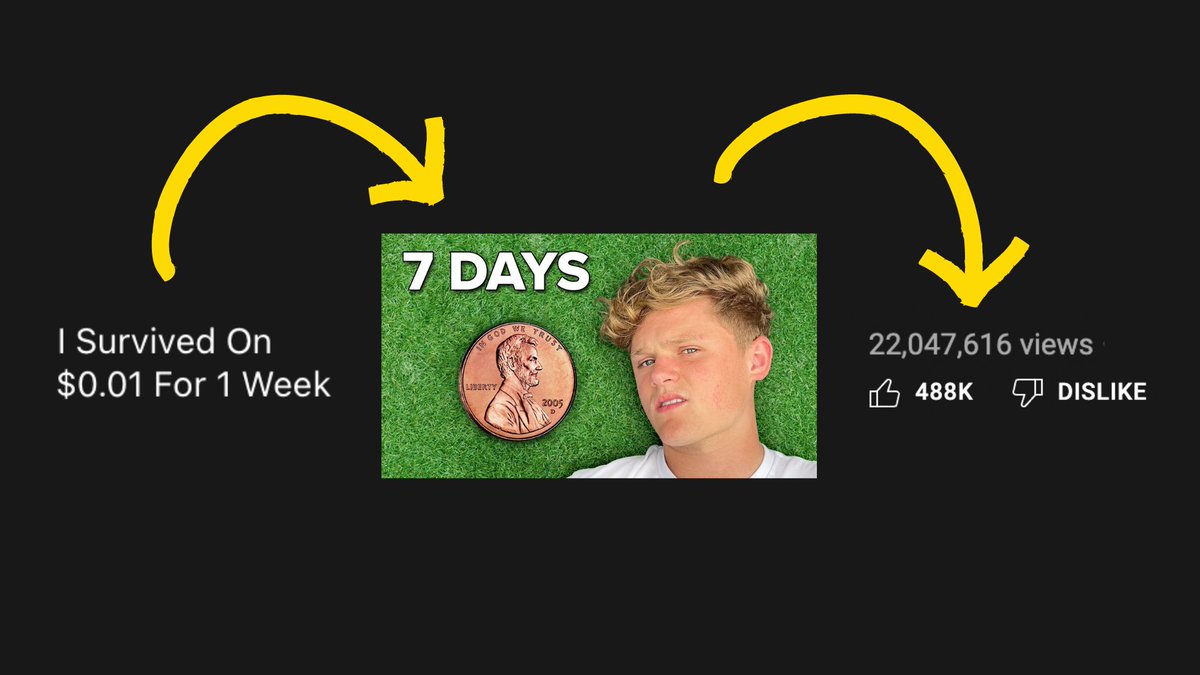
The saviour of all thumbnail troubles.
Creating limitations makes getting started much easier.
It breaks down an entire thumbnail into individual elements.
And if you want to use it properly, check out my process below...
The saviour of all thumbnail troubles.
Creating limitations makes getting started much easier.
It breaks down an entire thumbnail into individual elements.
And if you want to use it properly, check out my process below...
Summary:
How to kickstart the thumbnail process:
🔲 Research other thumbnails
🔲 Use Google Images for inspiration
🔲 Workout the benefit of your video before starting
🔲 Build an effective title first
🔲 Create limitations to break it down
And follow @theJayAlto for more ✌️
How to kickstart the thumbnail process:
🔲 Research other thumbnails
🔲 Use Google Images for inspiration
🔲 Workout the benefit of your video before starting
🔲 Build an effective title first
🔲 Create limitations to break it down
And follow @theJayAlto for more ✌️
Loading suggestions...