
Technology
programming
Web Development
Productivity
Software Development
Productivity Tools
Software Extensions

Top 10 VS Code Extension For your Good Productivity.
🧵👇
🧵👇

1⃣ Path Intellisense
📌 This Extension autocompletes the file names. Like tags in HTML, it autocompletes the tags.
📌 This Extension autocompletes the file names. Like tags in HTML, it autocompletes the tags.

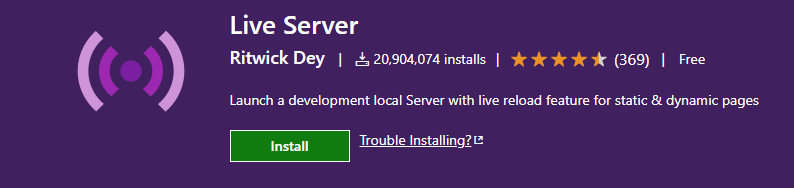
2⃣ Live Server
📌 This Extension allows you to launch your local projects with a live reload on the browser so you don't have to constantly refresh after changes.
📌 This Extension allows you to launch your local projects with a live reload on the browser so you don't have to constantly refresh after changes.
3⃣ Codesnap
📌Codesnap helps you to create awesome code screenshots.
📌Codesnap helps you to create awesome code screenshots.

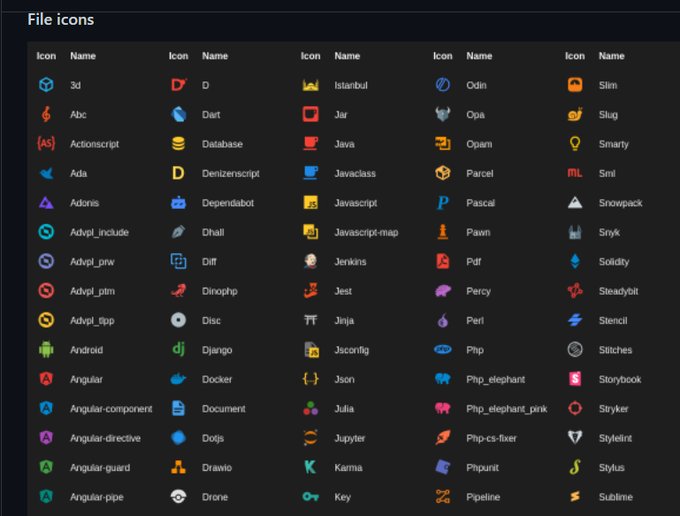
4⃣ Material Icon Theme
📌 Get the material design icons into your code.
📌 This one gives your editor a new look.
📌 Get the material design icons into your code.
📌 This one gives your editor a new look.
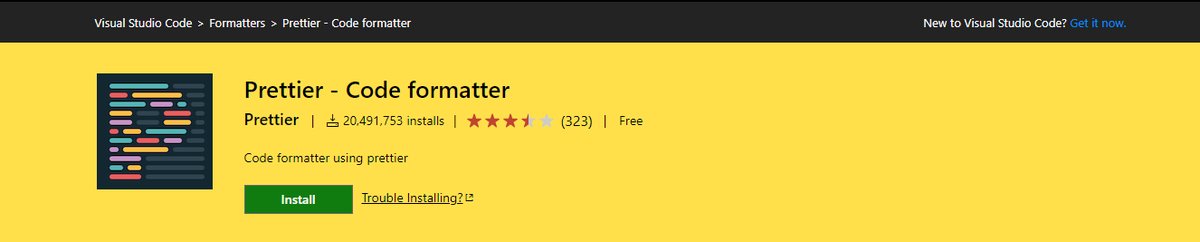
5⃣ Prettier -Code formatter.
📌Prettier is an opinionated code formatter. It enforces a consistent style by parsing your code and re-printing it with its own rules that take the maximum line length into account, wrapping code when necessary.
📌Prettier is an opinionated code formatter. It enforces a consistent style by parsing your code and re-printing it with its own rules that take the maximum line length into account, wrapping code when necessary.
6⃣ Project Manager
📌It helps you to easily access your projects, no matter where they are located. Don't miss those important projects anymore.
📌It helps you to easily access your projects, no matter where they are located. Don't miss those important projects anymore.

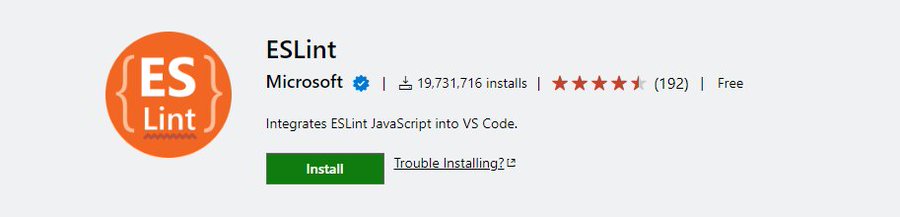
7⃣ EsLint
📌EsLint is a linter that you can integrate into your Visual studio code setup in order to ensure code integrity.
📌EsLint is a linter that you can integrate into your Visual studio code setup in order to ensure code integrity.
8⃣ Github Copilot
📌GitHub Copilot is an AI pair programmer which suggests line completions and entire function bodies as you type.
📌GitHub Copilot is an AI pair programmer which suggests line completions and entire function bodies as you type.

9⃣ Better comments
📌Better comments is an extension used for writing human-friendly comments in your code, which is helpful for you and anyone who is reading your code.
📌Better comments is an extension used for writing human-friendly comments in your code, which is helpful for you and anyone who is reading your code.

🔟Live Sass Compiler
📌This Extension will help you to compile/transpile your SASS/SCSS files in real-time with a live browser reload.
📌This Extension will help you to compile/transpile your SASS/SCSS files in real-time with a live browser reload.

Thanks for reading the thread.
If you find it useful. Give the first one a retweet and if you have any feedback, let me know in the comment.
🔗
If you find it useful. Give the first one a retweet and if you have any feedback, let me know in the comment.
🔗
Loading suggestions...