

Around 6,000 tweets are shared every second on Twitter.
Filtering through the noise is half the battle.
Here's a quick thread on how you can use Twitter's Advanced Search to up your research game 🧵 👇
Filtering through the noise is half the battle.
Here's a quick thread on how you can use Twitter's Advanced Search to up your research game 🧵 👇
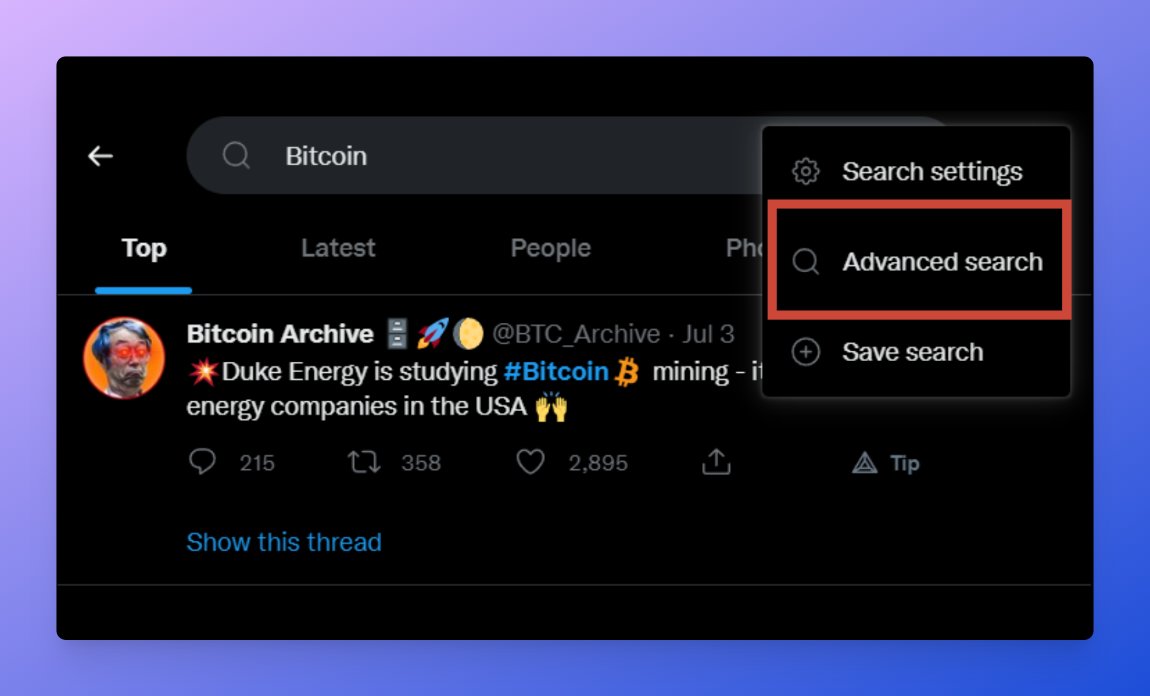
You can use Twitter's advanced search through the UI.
To get to this screen:
• Perform a search
• Click on the 3 dots on the right side of the search bar
• Then go to Advanced Search
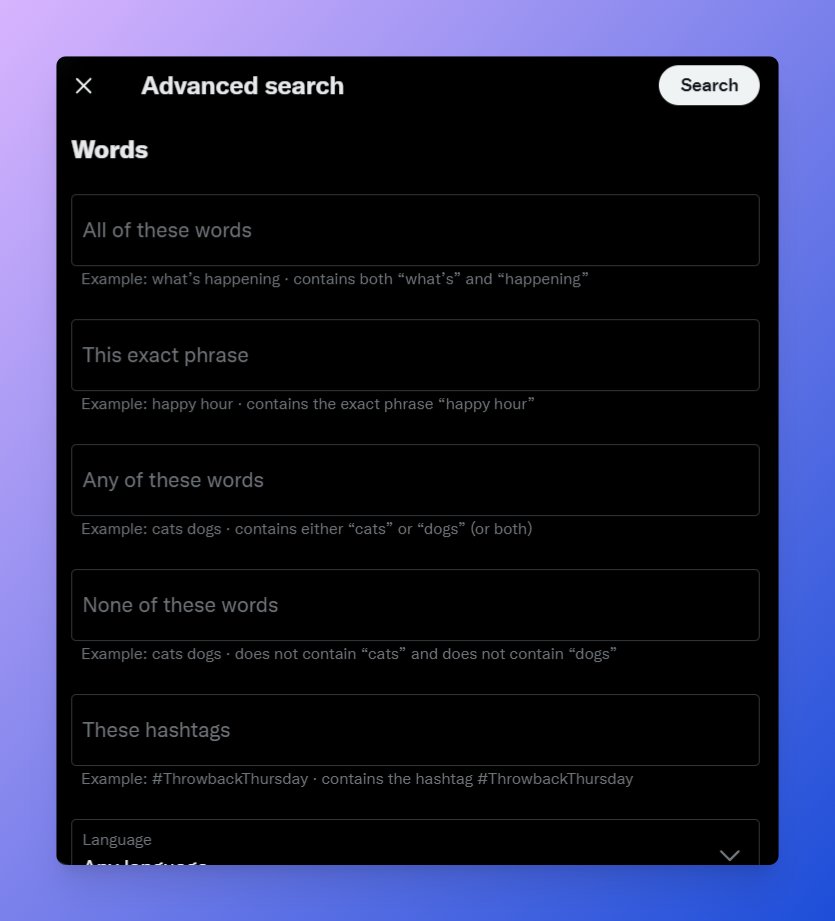
After this, you will see Twitter's Advanced Search UI.
To get to this screen:
• Perform a search
• Click on the 3 dots on the right side of the search bar
• Then go to Advanced Search
After this, you will see Twitter's Advanced Search UI.
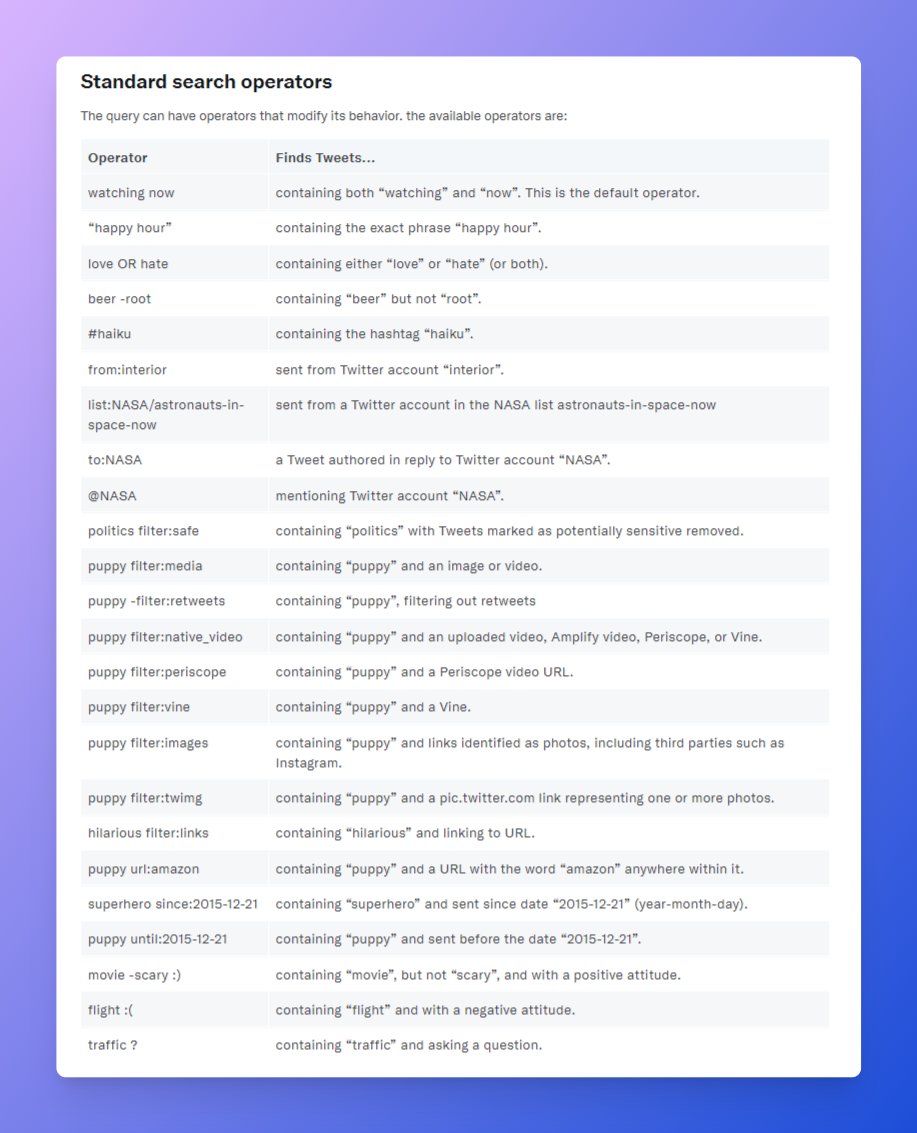
Alternatively, you can also use the advanced search using Twitter's search operators.
Here's a list of search operators that you can use directly in the search bar without using the UI.
We'll explain this and the Advanced Search UI further below...
Here's a list of search operators that you can use directly in the search bar without using the UI.
We'll explain this and the Advanced Search UI further below...
There are few sections in the Advanced Search UI 👇
• Words: Keywords that you are looking for.
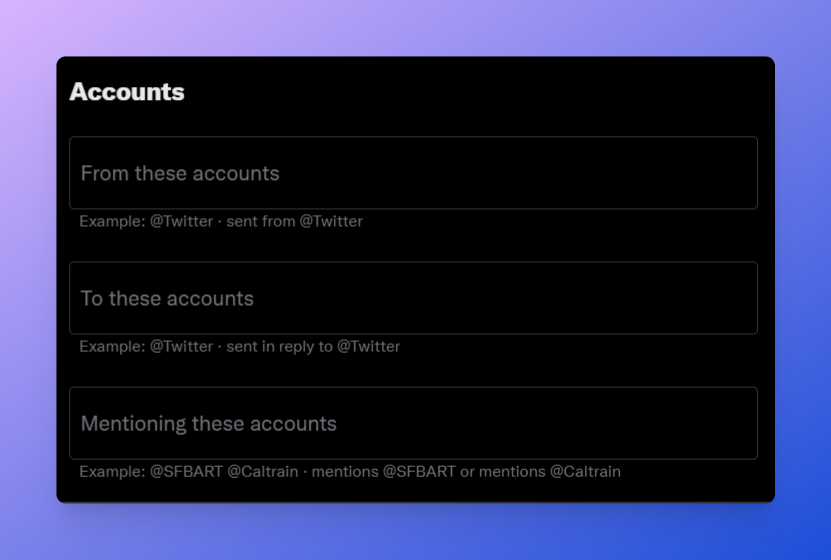
• Accounts: Find tweets from a specific account.
• Filters: Filter out the noise (replies, links, etc).
• Words: Keywords that you are looking for.
• Accounts: Find tweets from a specific account.
• Filters: Filter out the noise (replies, links, etc).
• Engagement: Filter Tweets by engagement (replies/likes/retweets)
• Dates: Find Tweets posted between specific dates.
So how can you use Twitter Advanced Search for research?
• Dates: Find Tweets posted between specific dates.
So how can you use Twitter Advanced Search for research?
1. Find the most popular tweets about a topic
Have some topics in mind to research?
You can use the engagement filters to find the best tweets about a topic.
You can also use "min_retweets:50" or "min_faves:100" to search instead of using the Search UI.
Have some topics in mind to research?
You can use the engagement filters to find the best tweets about a topic.
You can also use "min_retweets:50" or "min_faves:100" to search instead of using the Search UI.
2. Find tweets posted by specific accounts
Perhaps you're looking for a tweet you remember seeing in the past?
Or maybe you want to see if your favorite creator has previously written about a topic?
You can use "from:username" to find tweets by a specific account.
Perhaps you're looking for a tweet you remember seeing in the past?
Or maybe you want to see if your favorite creator has previously written about a topic?
You can use "from:username" to find tweets by a specific account.
3. Find tweets within a specific time period
You can use the 'Dates' section to find tweets within a date range.
You can also do the same using the "since" and "until" keywords.
Example: "Bitcoin" until:2018-01-01 will only show you tweets about Bitcoin before 2018.
You can use the 'Dates' section to find tweets within a date range.
You can also do the same using the "since" and "until" keywords.
Example: "Bitcoin" until:2018-01-01 will only show you tweets about Bitcoin before 2018.
Let's look at a specific example.
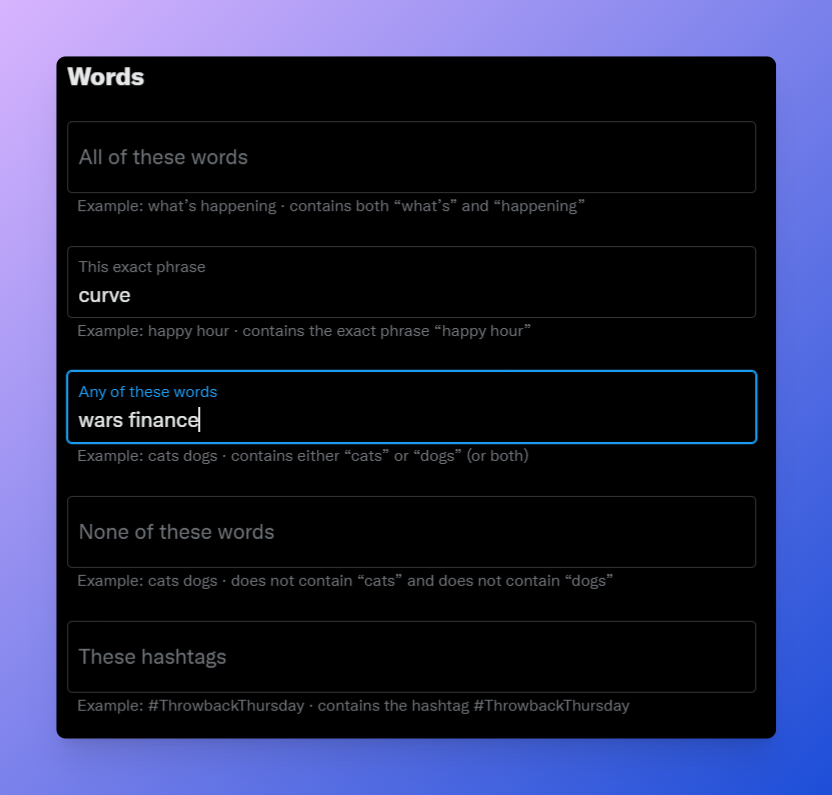
You want to learn about the Curve Wars
• Search "Curve Wars"
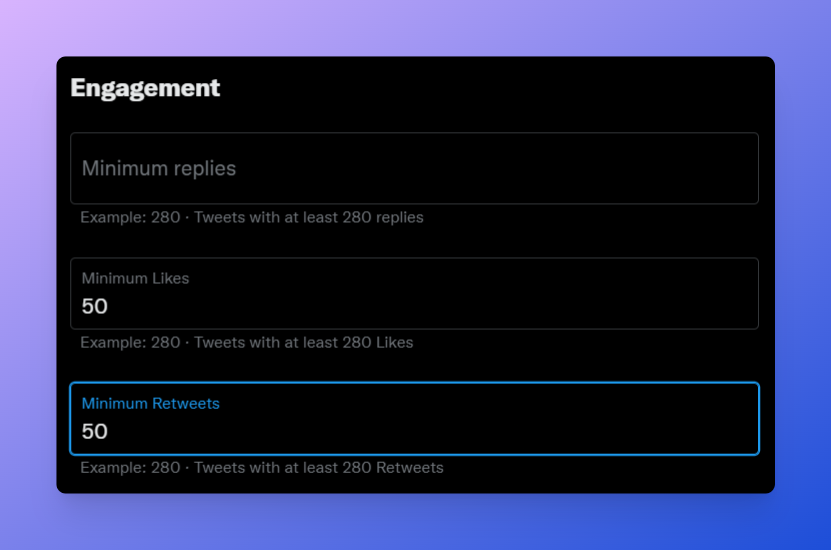
• Filter for posts with at least 50 retweets
(generally ⬆️ retweets/likes means ⬆️ quality)
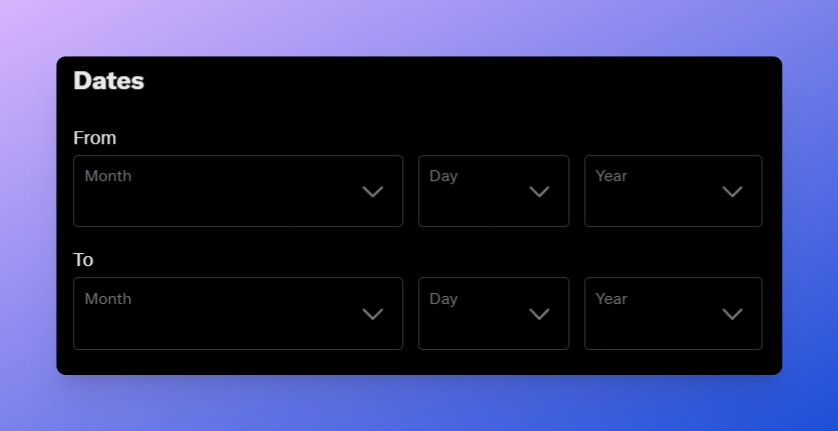
• Filter for posts in 2022 only
(older content might be outdated)
You want to learn about the Curve Wars
• Search "Curve Wars"
• Filter for posts with at least 50 retweets
(generally ⬆️ retweets/likes means ⬆️ quality)
• Filter for posts in 2022 only
(older content might be outdated)
Here's another example.
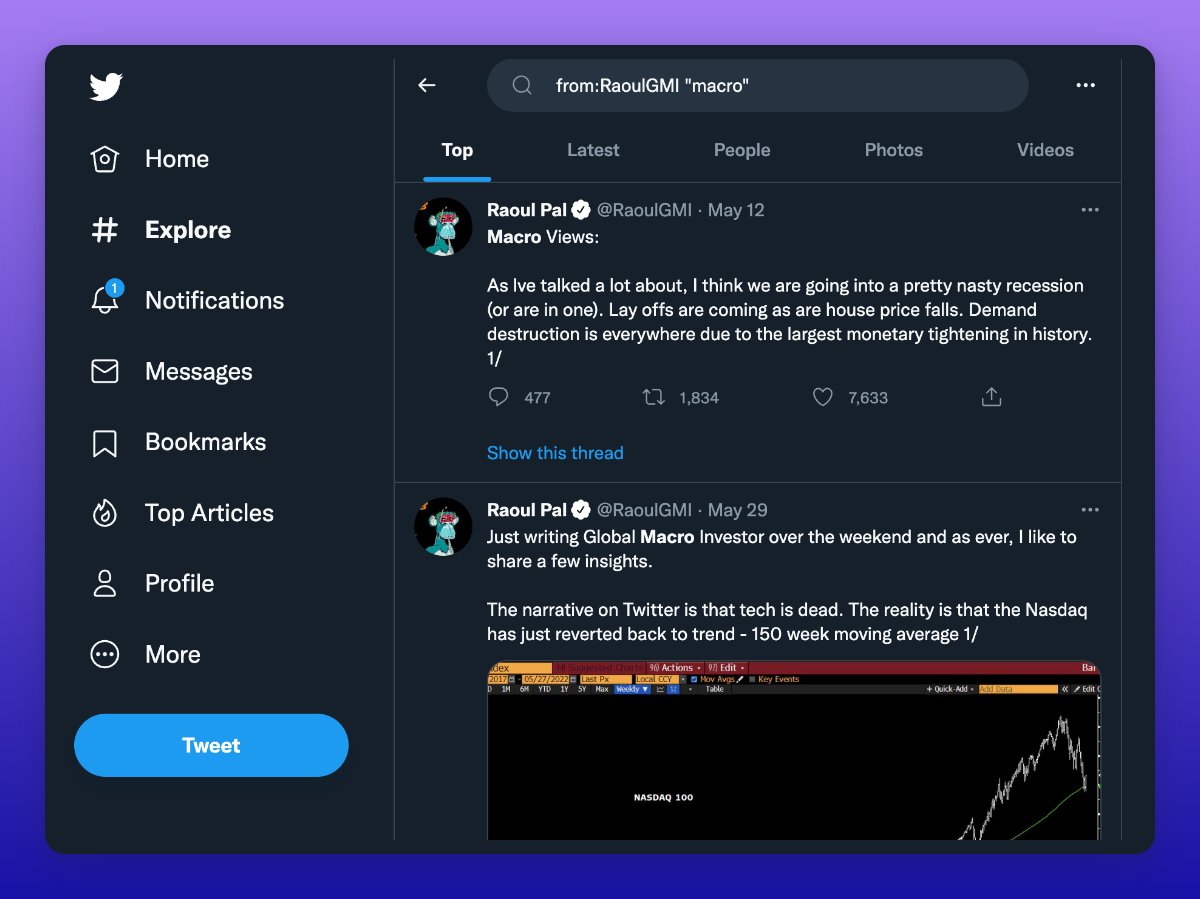
You vaguely remember Raoul Pal saying something about macro during the May crash, and want to find the tweet...
• Search "macro"
• Filter for posts by Raoul (from:@RaoulGMI)
• Use the date filter to only show posts after May 2022 (since:2022-05-01)
You vaguely remember Raoul Pal saying something about macro during the May crash, and want to find the tweet...
• Search "macro"
• Filter for posts by Raoul (from:@RaoulGMI)
• Use the date filter to only show posts after May 2022 (since:2022-05-01)
@RaoulGMI If you've found this thread helpful, follow @0x_illuminati for more.
We're working every day to make crypto knowledge more accessible.
Consider dropping a like or retweet on the post below to help us grow our reach.
We're working every day to make crypto knowledge more accessible.
Consider dropping a like or retweet on the post below to help us grow our reach.
Loading suggestions...