

10 amazing websites that cost you nothing, but will save you hundreds of hours of your life:
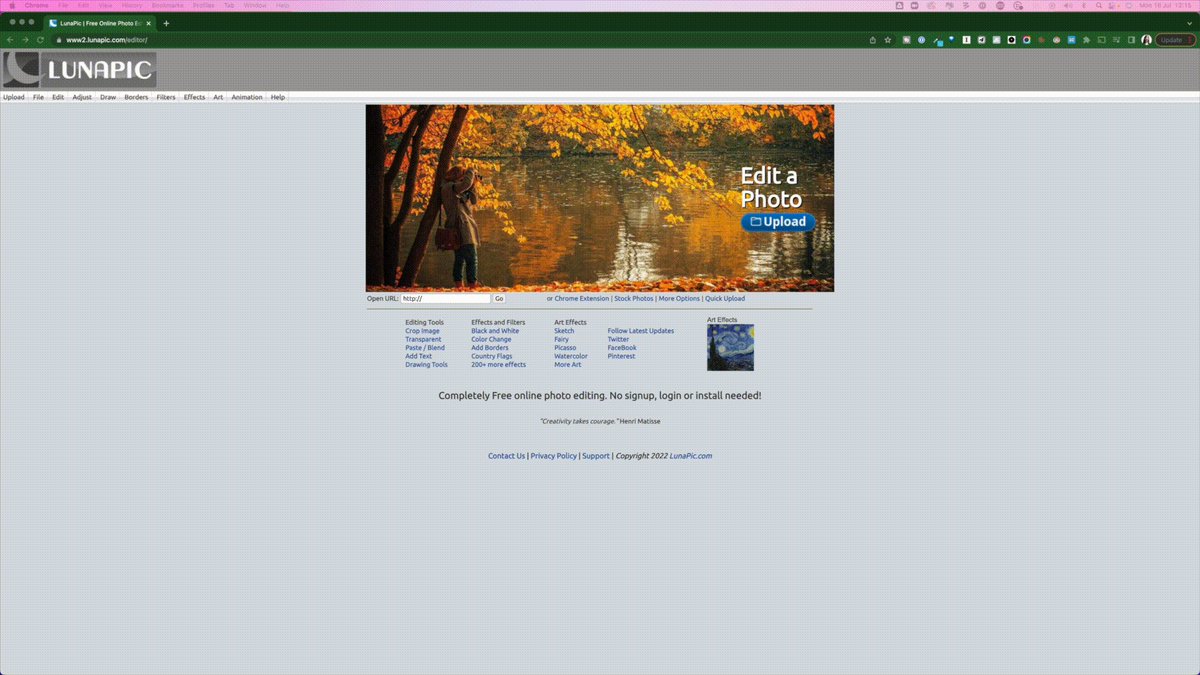
#1: Remove the background from your photo with LunaPic.
lunapic.com
Free, simple to use, no sign up required.
• Upload your picture
• Choose 'background removal tool'
• Choose the right tool for your pic
• Download
That's it.
lunapic.com
Free, simple to use, no sign up required.
• Upload your picture
• Choose 'background removal tool'
• Choose the right tool for your pic
• Download
That's it.
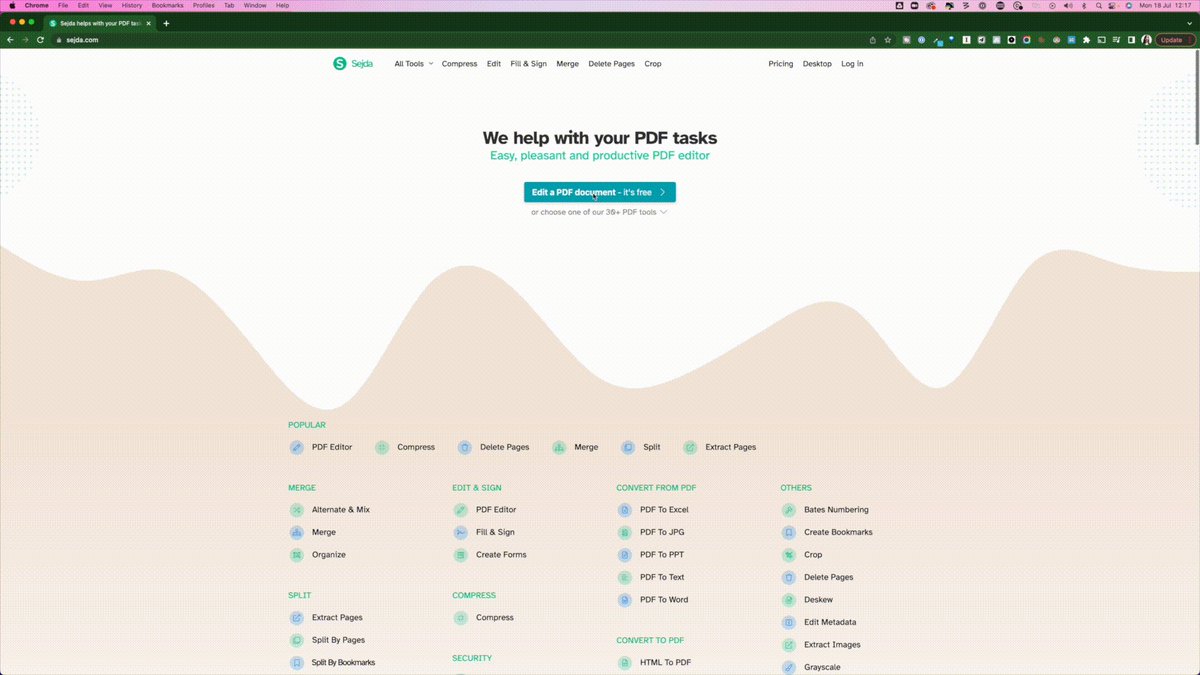
#2: Edit your PDFs online with Sejda.
Can't face using Adobe Acrobat?
sejda.com does it all for you for free.
Simply upload your pdf + make changes right away.
Can't face using Adobe Acrobat?
sejda.com does it all for you for free.
Simply upload your pdf + make changes right away.
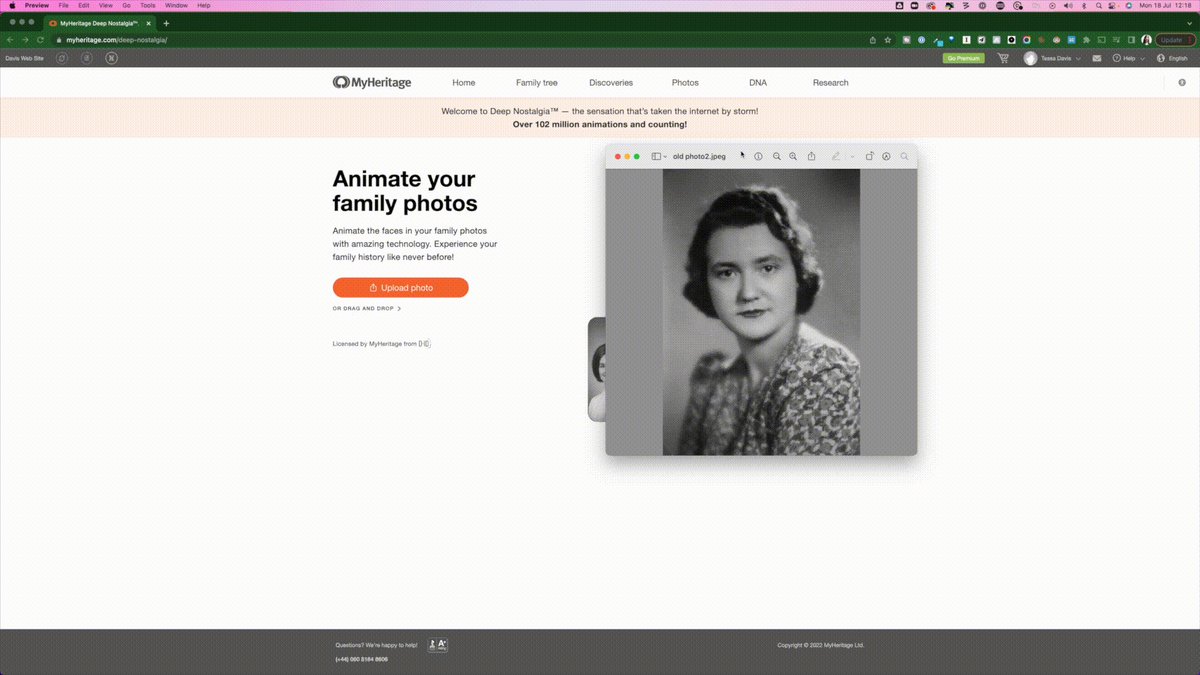
#3: Animate your photos with My Heritage Nostalgia.
Have an old photo of a family member you never met?
Bring them back to life with this:
• Sign up on the site (free)
• Upload your photo
• It automatically animates them
True nostalgia (+ handy for presentations).
Have an old photo of a family member you never met?
Bring them back to life with this:
• Sign up on the site (free)
• Upload your photo
• It automatically animates them
True nostalgia (+ handy for presentations).
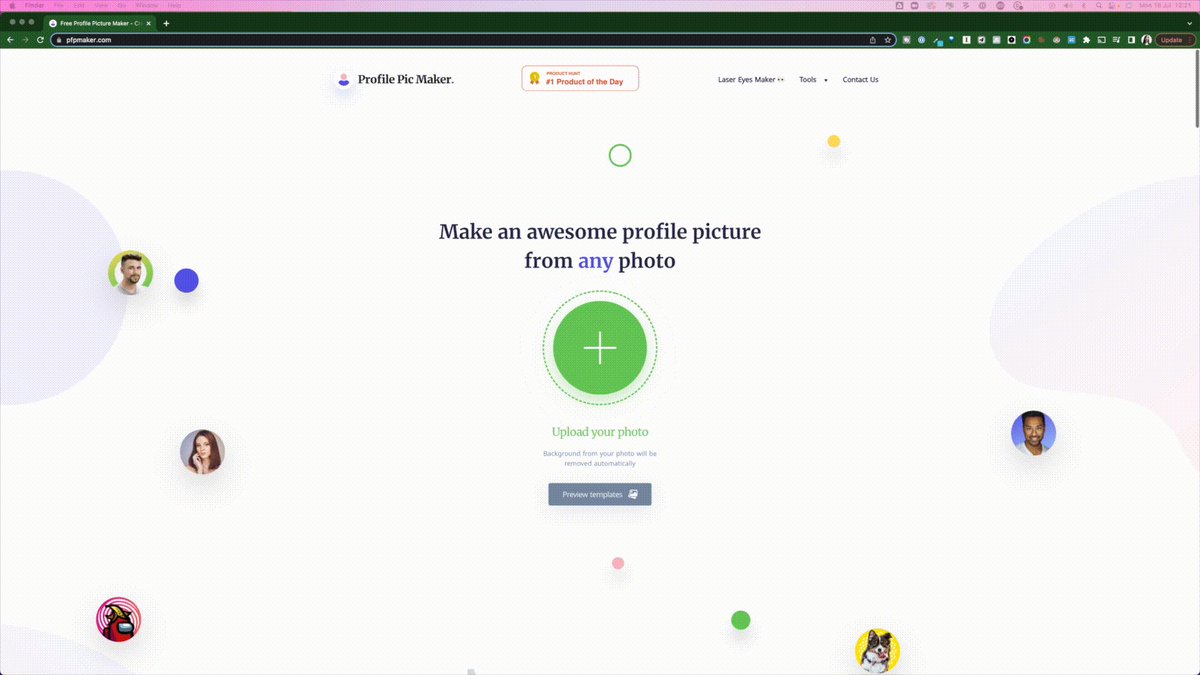
#4: Design your profile pic with Profile Pic Maker.
A free + simple way to design an eye-catching profile pic.
• Upload your picture
• Adjust the size
• Choose a background
• Download it (+ a matching banner)
Now you've got a profile pic to use wherever you need it.
A free + simple way to design an eye-catching profile pic.
• Upload your picture
• Adjust the size
• Choose a background
• Download it (+ a matching banner)
Now you've got a profile pic to use wherever you need it.
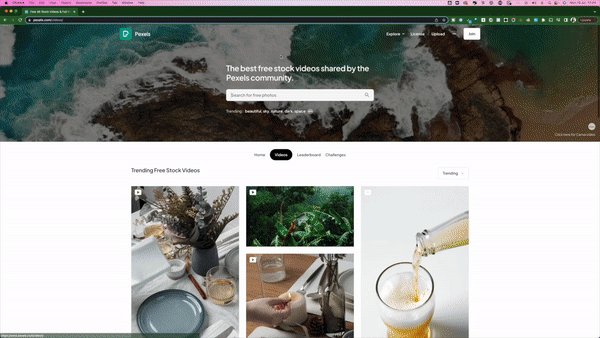
#5: Spice up your presentations with video from Pexels
We all uses images in our presentations.
But videos are the next level to keep your audience engaged.
• Go to pexels.com
• Choose a video
• Download it
Free to use (attribution appreciated).
We all uses images in our presentations.
But videos are the next level to keep your audience engaged.
• Go to pexels.com
• Choose a video
• Download it
Free to use (attribution appreciated).

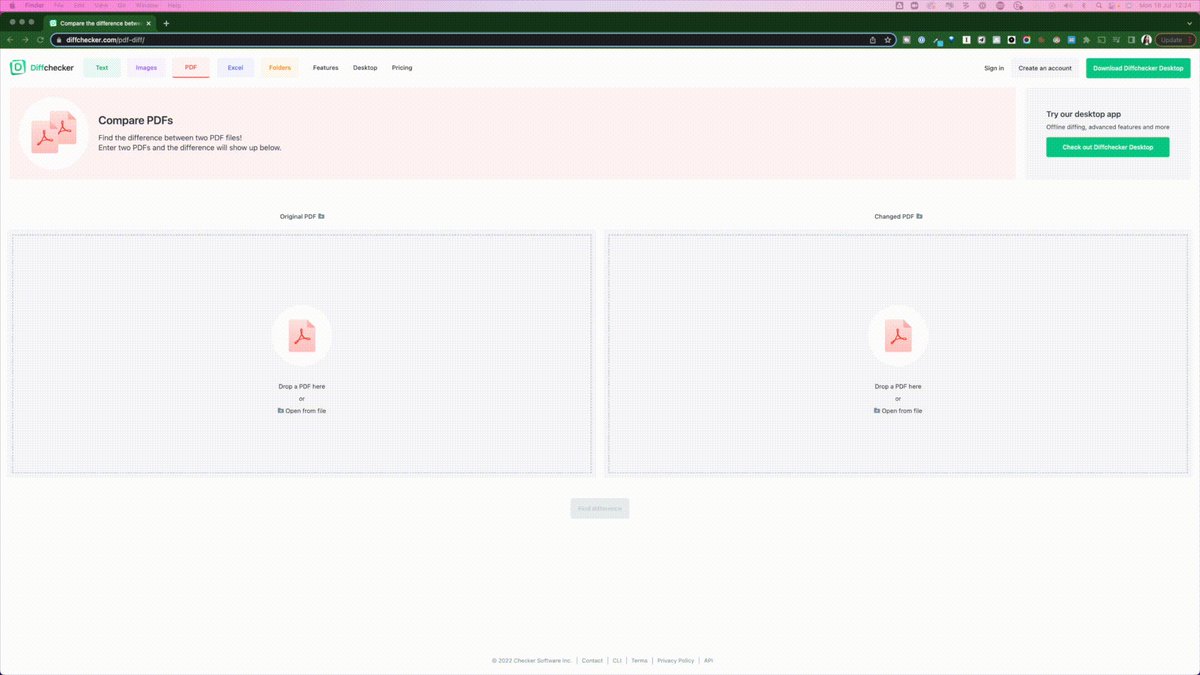
#6: Compare two documents with Diff Checker
Got sent a revised pdf with no changes tracked?
Check them with diffchecker.com
You can also compare:
• Text
• Images
• Spreadsheet
Got sent a revised pdf with no changes tracked?
Check them with diffchecker.com
You can also compare:
• Text
• Images
• Spreadsheet

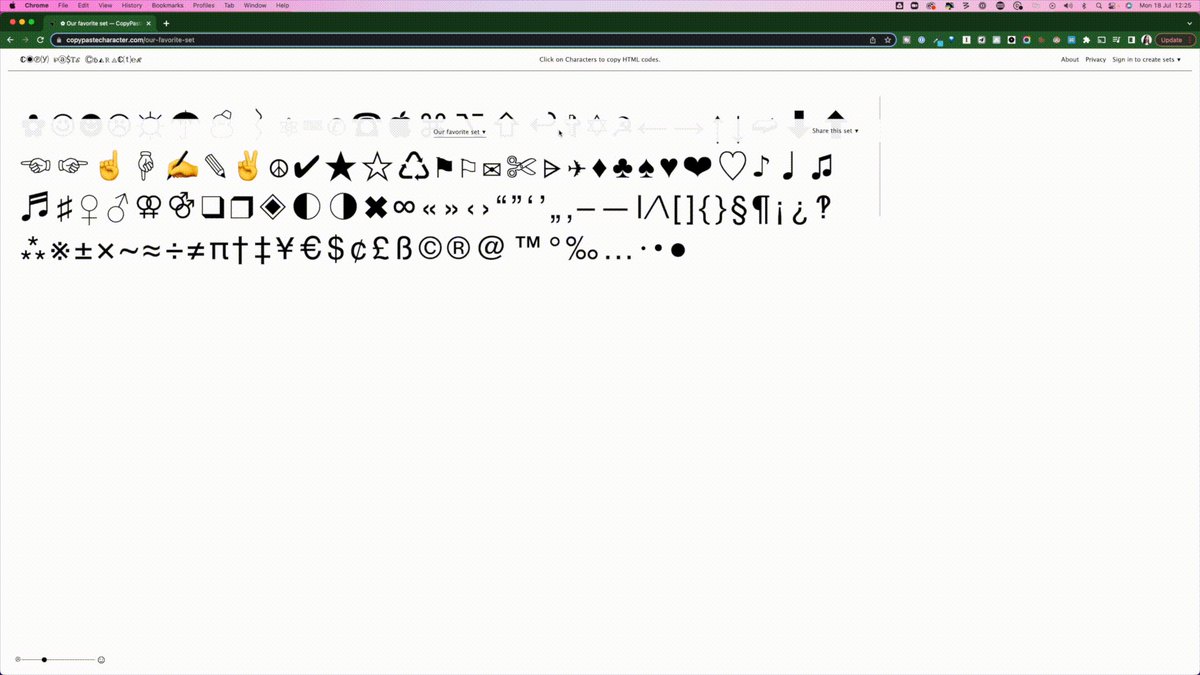
#7: Find symbols + emojis with Copy Paste Character.
Want to add an emoji or a symbol to your tweet but not sure how?
Go to copypastecharacter.com
• Choose one
• Copy it 🐞
• Paste it into your tweet (or wherever you want it)
Easy access to hundreds of symbols.
Want to add an emoji or a symbol to your tweet but not sure how?
Go to copypastecharacter.com
• Choose one
• Copy it 🐞
• Paste it into your tweet (or wherever you want it)
Easy access to hundreds of symbols.

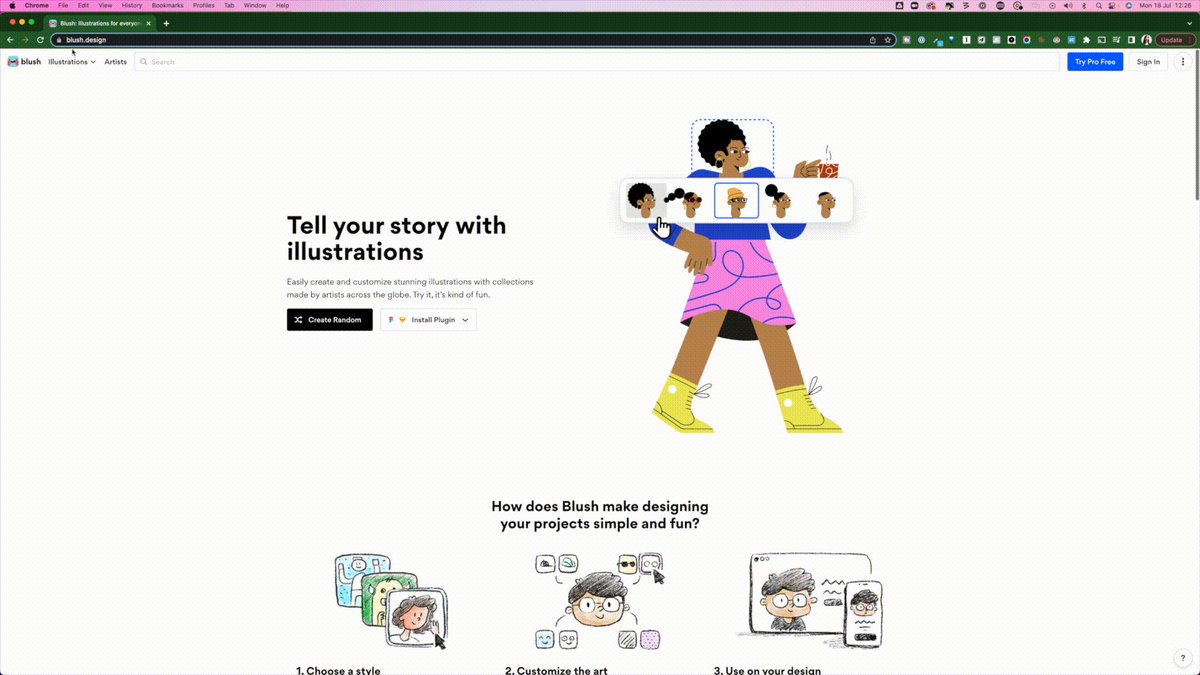
#8: Create illustrations + tell stories with Blush.
Add illustrated drawings to your presentations or website with blush.design
• Choose one you like
• Click edit
• Customize the parts you want
• Download it
Now you have your own designs to brighten your slides.
Add illustrated drawings to your presentations or website with blush.design
• Choose one you like
• Click edit
• Customize the parts you want
• Download it
Now you have your own designs to brighten your slides.

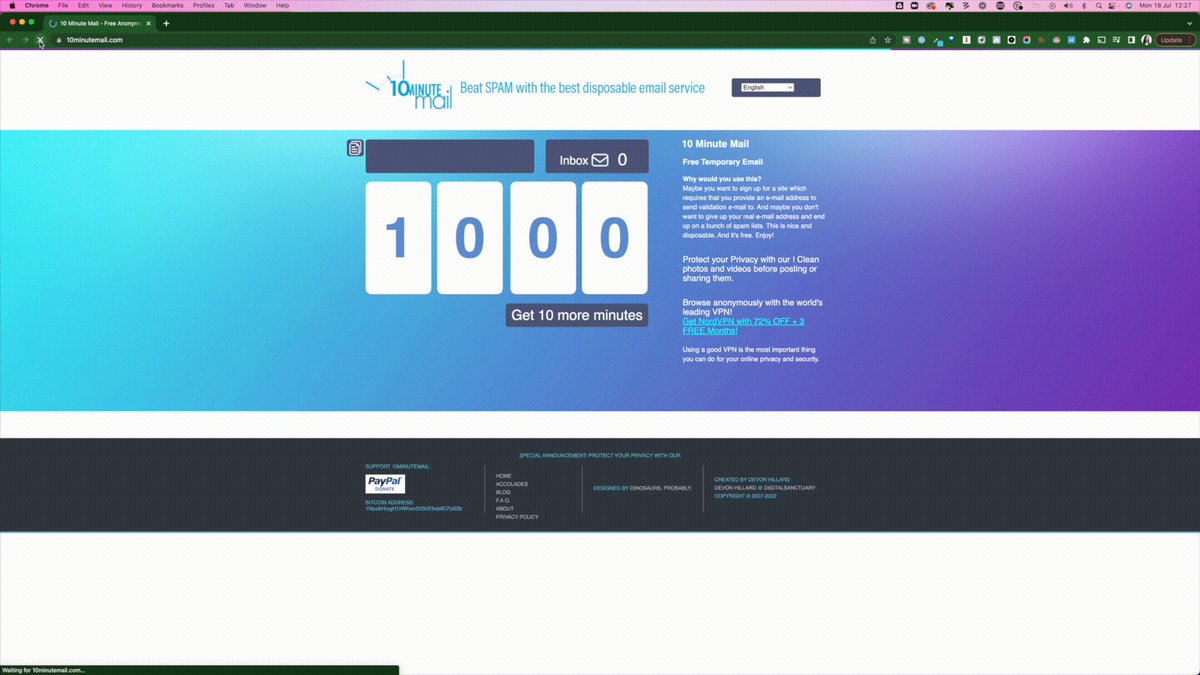
#9: Get a random email address with 10 Minute Mail
Sometimes you need an email address to subscribe/purchase but don't want to use your real email.
Use 10minutemail.com
• Copy the address
• Extend the time if needed
• At the end, it'll be gone
No more inbox spam.
Sometimes you need an email address to subscribe/purchase but don't want to use your real email.
Use 10minutemail.com
• Copy the address
• Extend the time if needed
• At the end, it'll be gone
No more inbox spam.
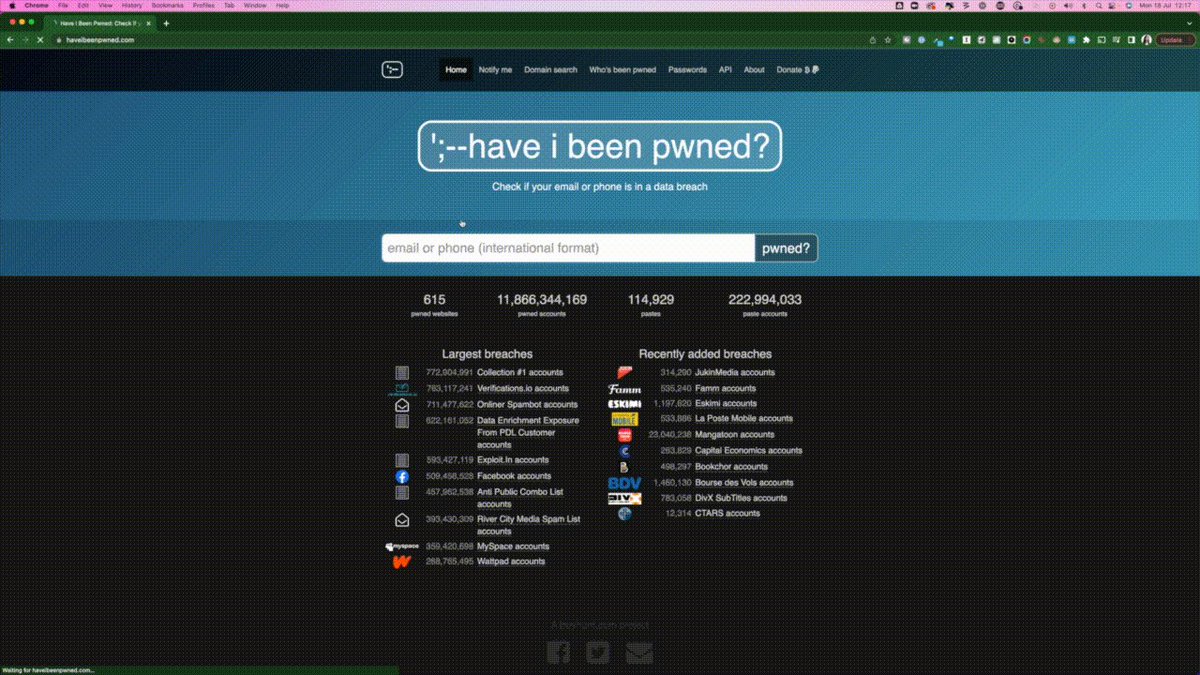
#10: Check for data breaches with Have I Been Pwned?
Have any of your login details been leaked?
Check haveibeenpwned.com
• Enter your email address
• Find any data breaches
• Scroll down to check what the nature of them
• Change these passwords
Have any of your login details been leaked?
Check haveibeenpwned.com
• Enter your email address
• Find any data breaches
• Scroll down to check what the nature of them
• Change these passwords

TL;DR - 10 free website you'll wish you already knew:
• #1 Lunapic
• #2 Sejda
• #3 My Heritage Nostalgia
• #4 Profile pic Maker
• #5 Pexels
• #6 Diff Checker
• #7 Copy Paste Character
• #8 Blush
• #9 10 Minute Mail
• #10 Have I Been Pwned?
• #1 Lunapic
• #2 Sejda
• #3 My Heritage Nostalgia
• #4 Profile pic Maker
• #5 Pexels
• #6 Diff Checker
• #7 Copy Paste Character
• #8 Blush
• #9 10 Minute Mail
• #10 Have I Been Pwned?
If you enjoyed this thread, please:
1. Subscribe to my newsletter: getrevue.co
2. Retweet the first tweet of the thread:
1. Subscribe to my newsletter: getrevue.co
2. Retweet the first tweet of the thread:

Loading suggestions...