

Amazon Seller Account Registration
How to Set Up Your Seller Central Account correctly
[COMPLETE STEP-BY-STEP]👇
How to Set Up Your Seller Central Account correctly
[COMPLETE STEP-BY-STEP]👇
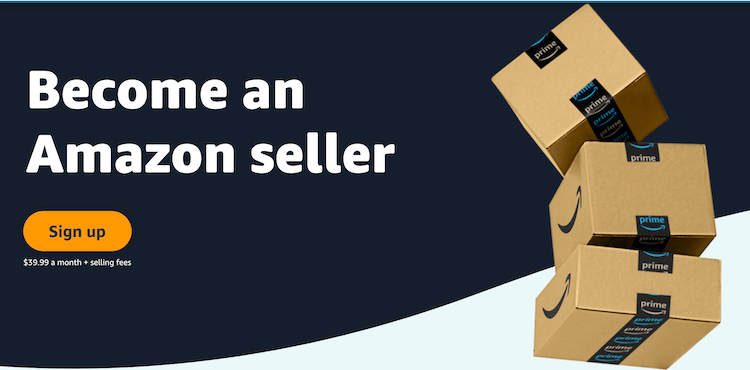
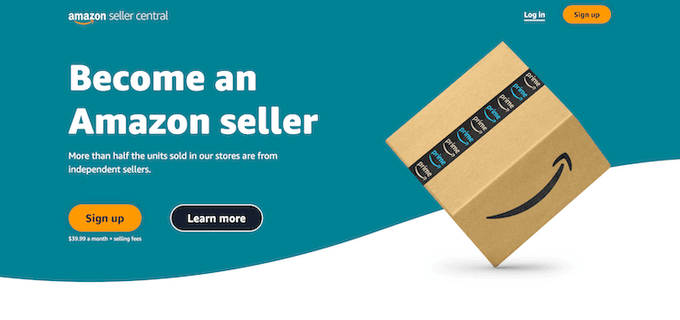
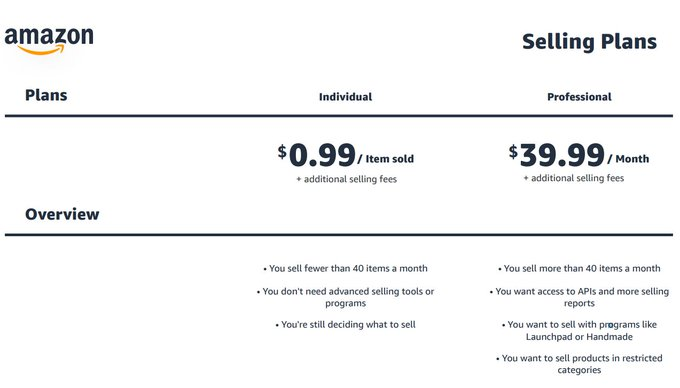
Step #3: Submit Country & Seller Information
You do not need a business to sign up, you can simply submit as an individual.
When you do have a business, you can switch your informatio n at that point.
You do not need a business to sign up, you can simply submit as an individual.
When you do have a business, you can switch your informatio n at that point.
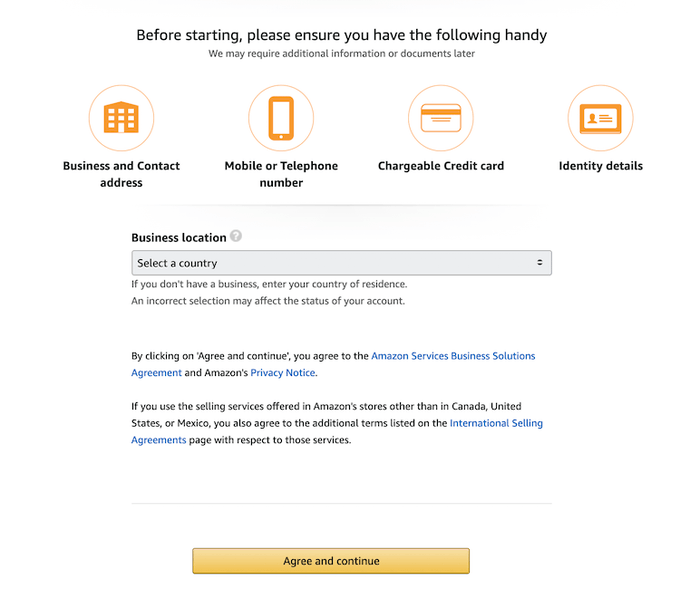
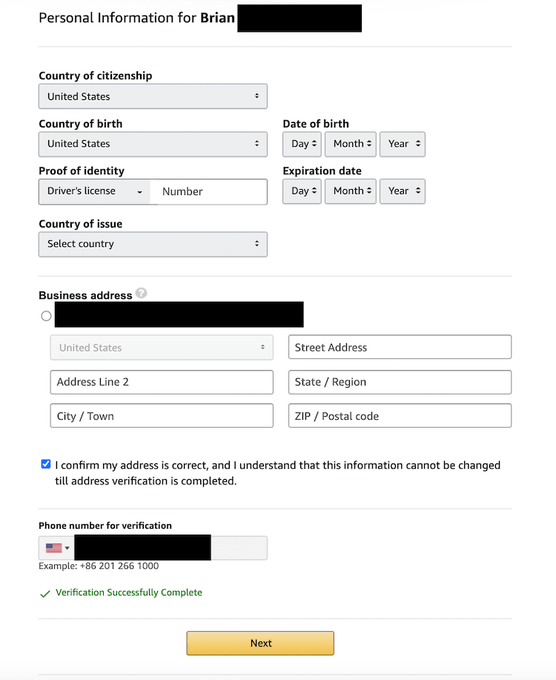
Step #4: Enter Your Personal or Business Information
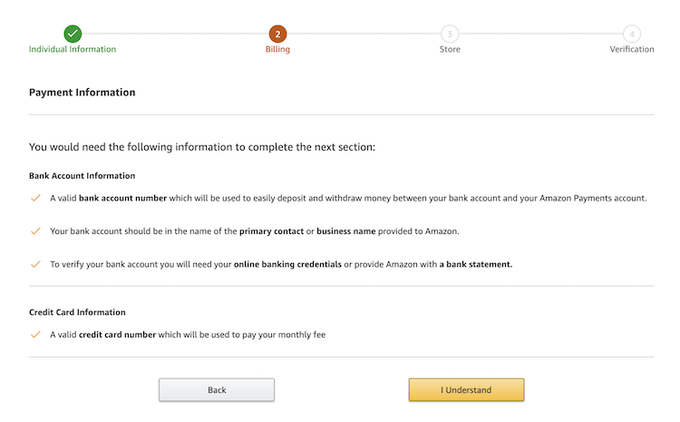
Step #5: Enter Your Billing Address
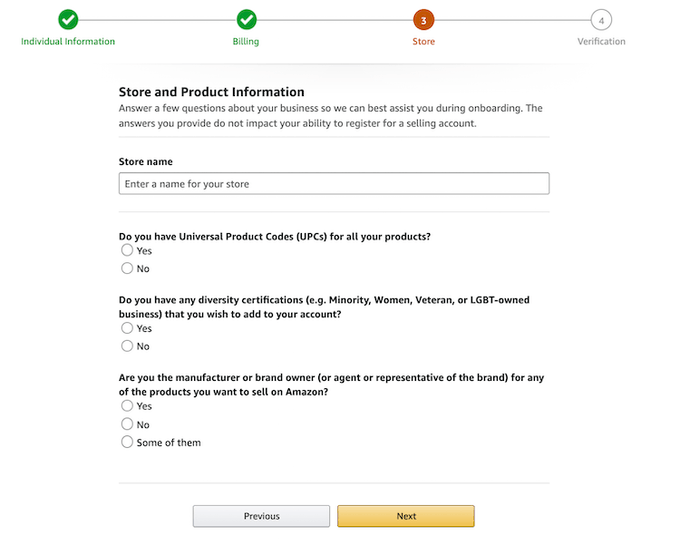
Step #6: Enter Information About Products You Want to Sell
If you don't know what products you're going to sell, simply answer "No" on all here.
If you don't know what products you're going to sell, simply answer "No" on all here.
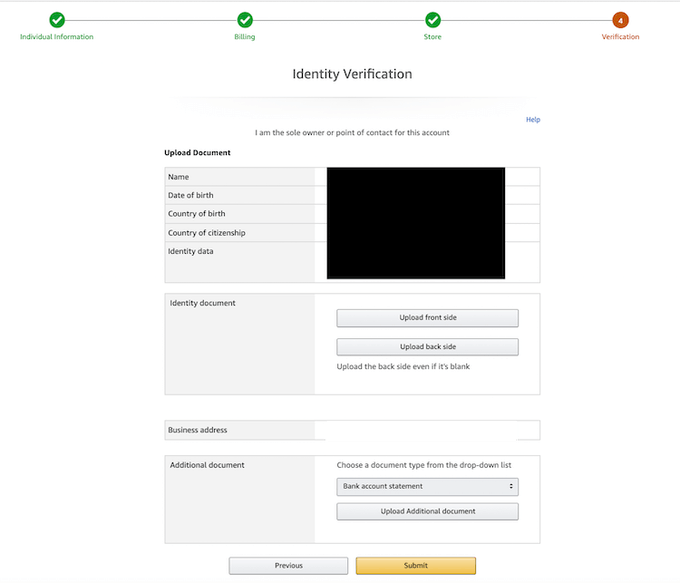
Step #7: Submit Your Identity Verification
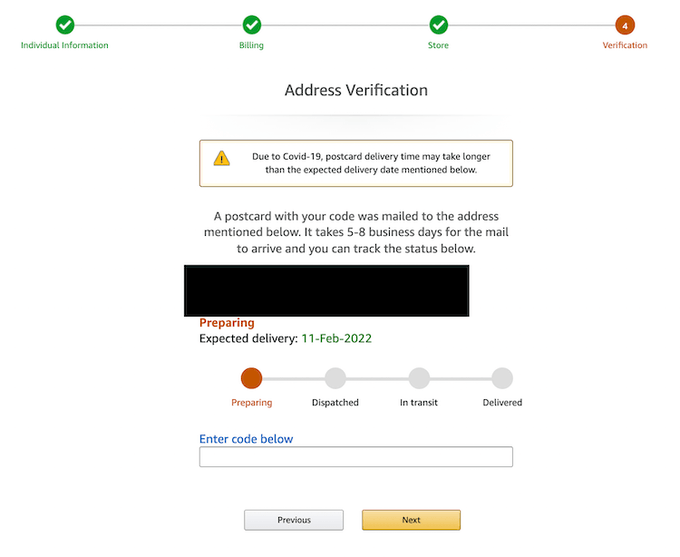
Step #8: Enter Code from Postcard Amazon Sends You
BOOM! Now you're ready to move on to the fun stuff and MAKE SALES!
If you found this thread helpful:
1. Follow me @wishzen for more of these
2. RT the first tweet to share this with your audience😉
More Amazon tips below👇
If you found this thread helpful:
1. Follow me @wishzen for more of these
2. RT the first tweet to share this with your audience😉
More Amazon tips below👇
Grab my FREE eBook that shows you the 5 Simple Steps to launching a profitable Amazon business:
michaelwishko.gumroad.com
michaelwishko.gumroad.com
If you want help direct mentorship to start, @TheFBAInvestor and I are taking on two more students for our Amazon Accelerator 2.0 program.
If you're interested & have the capital to start now
Book a call👇
calendly.com
If you're interested & have the capital to start now
Book a call👇
calendly.com
And if you haven't already, subscribe to our FBA University channel for weekly gems on building your own Amazon business 👇
youtube.com
youtube.com
Loading suggestions...