

Getting started with curl
Thread 🧵
Thread 🧵
curl is nothing but a command-line tool that provides a more programmatic way to interact with APIs.
curl stands for client URL.
It is used to establish communication between the client and the server.
You can fetch data and transfer data to the server using curl.
It is used to establish communication between the client and the server.
You can fetch data and transfer data to the server using curl.
Working with curl is super fast and convenient.
Open your terminal and run the following command.
`curl --version`
It will give you the version of curl you're currently using.
Open your terminal and run the following command.
`curl --version`
It will give you the version of curl you're currently using.
Let's try to understand the syntax of sending requests using curl.
We are using the HTTP protocol as it is widely used.
We are using the HTTP protocol as it is widely used.
A typical HTTP request has four different components:
- Method
- Endpoint
- HTTP headers
- Body
You can pass all of these using curl.
- Method
- Endpoint
- HTTP headers
- Body
You can pass all of these using curl.
Before that, let's try to make a simple GET request without any headers and body.
Run the following command in your terminal.
Run the following command in your terminal.

You will have the response something like this. 👇🏻

Not just that, you can also attach HTTP headers and body with the request.
curl Options allow you to do that.
curl Options allow you to do that.
Options give you the flexibility of passing an extra bit of information.
There are over 200 options but a few of them are widely used.
Options start with one (-) or two (--) dashes.
There are over 200 options but a few of them are widely used.
Options start with one (-) or two (--) dashes.

You can get the list of all options by running the following command in your terminal.
`curl --help`
`curl --help`
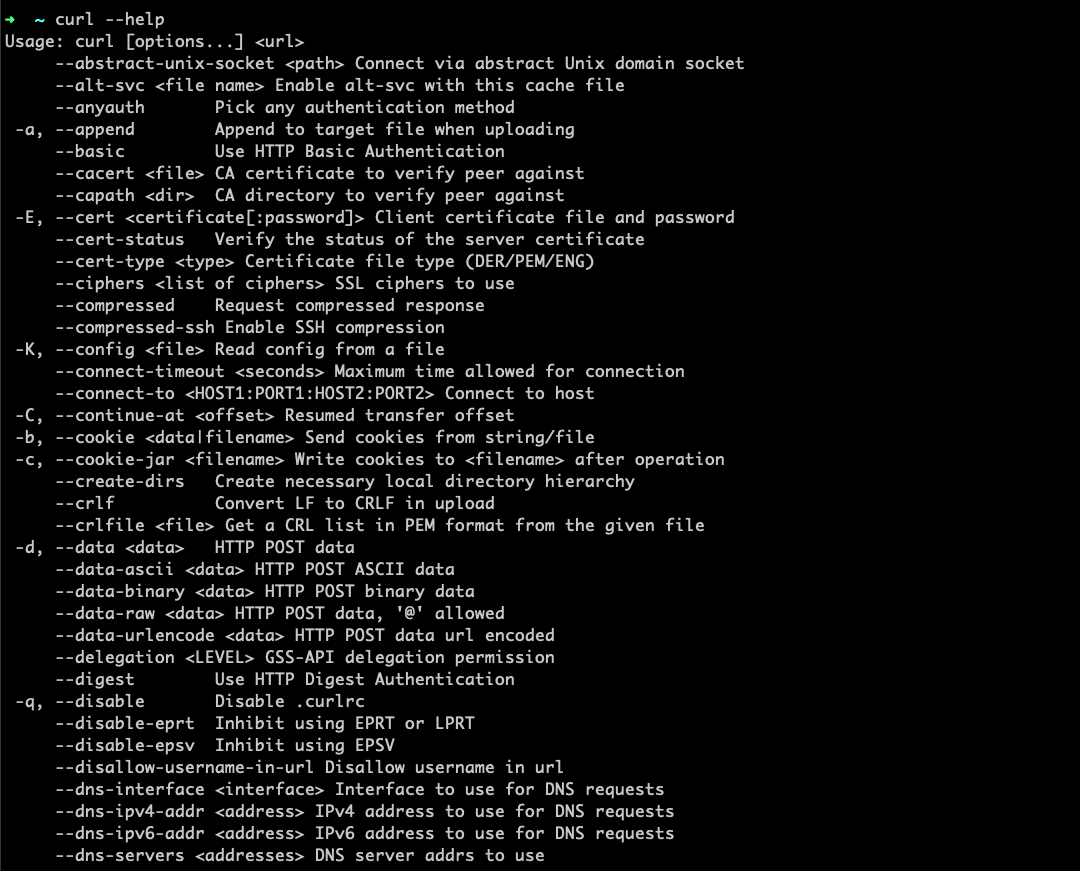
Let's try to put curl options in action.
In order to pass the HTTP headers, you can either use `--header` or `-H` option.
In order to pass the HTTP headers, you can either use `--header` or `-H` option.
For example,
We are using Random Words API from RapidAPI Hub. RapidAPI.com
We need to pass `X-RapidAPI-Key` HTTP header.
Here's how you can do that:
We are using Random Words API from RapidAPI Hub. RapidAPI.com
We need to pass `X-RapidAPI-Key` HTTP header.
Here's how you can do that:

By default, the GET method is used if no method is specified.
But you can mention other HTTP request methods as well using the -X option.
For example,
`curl -X POST URL`
But you can mention other HTTP request methods as well using the -X option.
For example,
`curl -X POST URL`
With that being said, I hope you like this thread.
Follow @Rapid_API for more exclusive content. 🐙 💙
Follow @Rapid_API for more exclusive content. 🐙 💙
Loading suggestions...