

Want to see ALL of the products your potential competitors sell on Amazon?
Here's how it's done 🖊️📖
Here's how it's done 🖊️📖
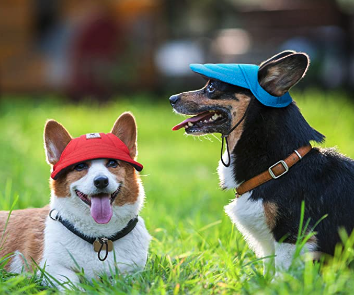
No I didn't just post a photo of dog's in visors to get your attention (well, maybe a bit), but these bad boys are a good example.
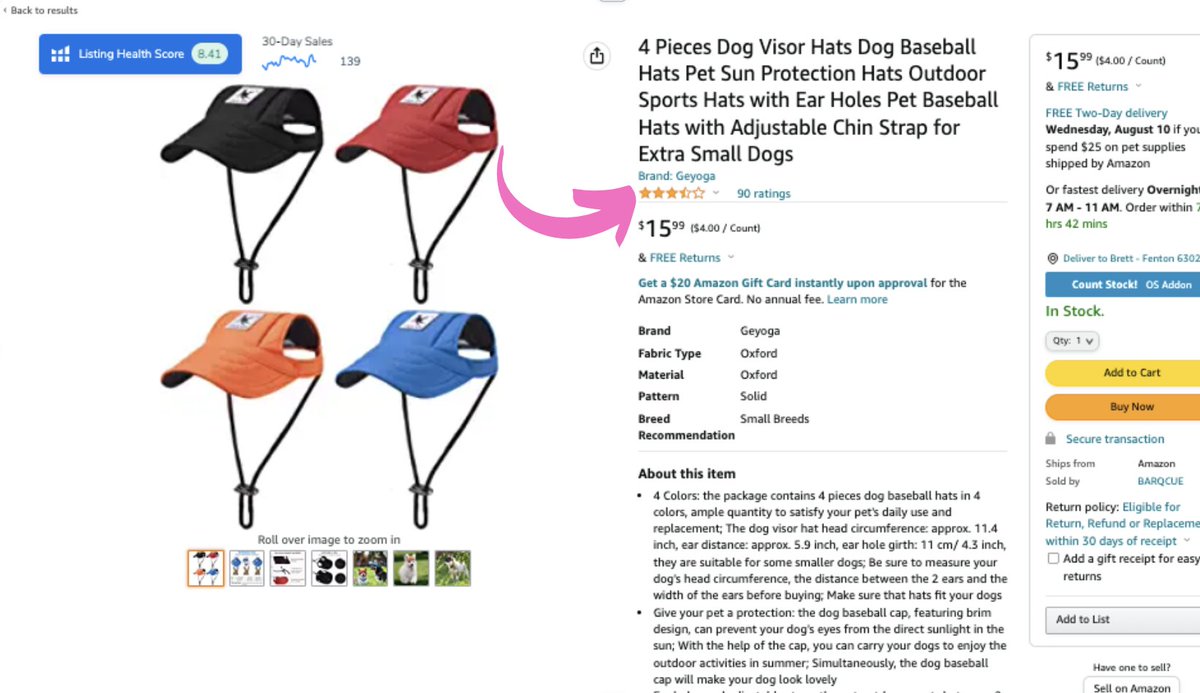
Let's say this product didn't quite pass the test, but you're curious as to what else Geyoga sell.
Most people go to the brand store, but we don't.
Let's say this product didn't quite pass the test, but you're curious as to what else Geyoga sell.
Most people go to the brand store, but we don't.
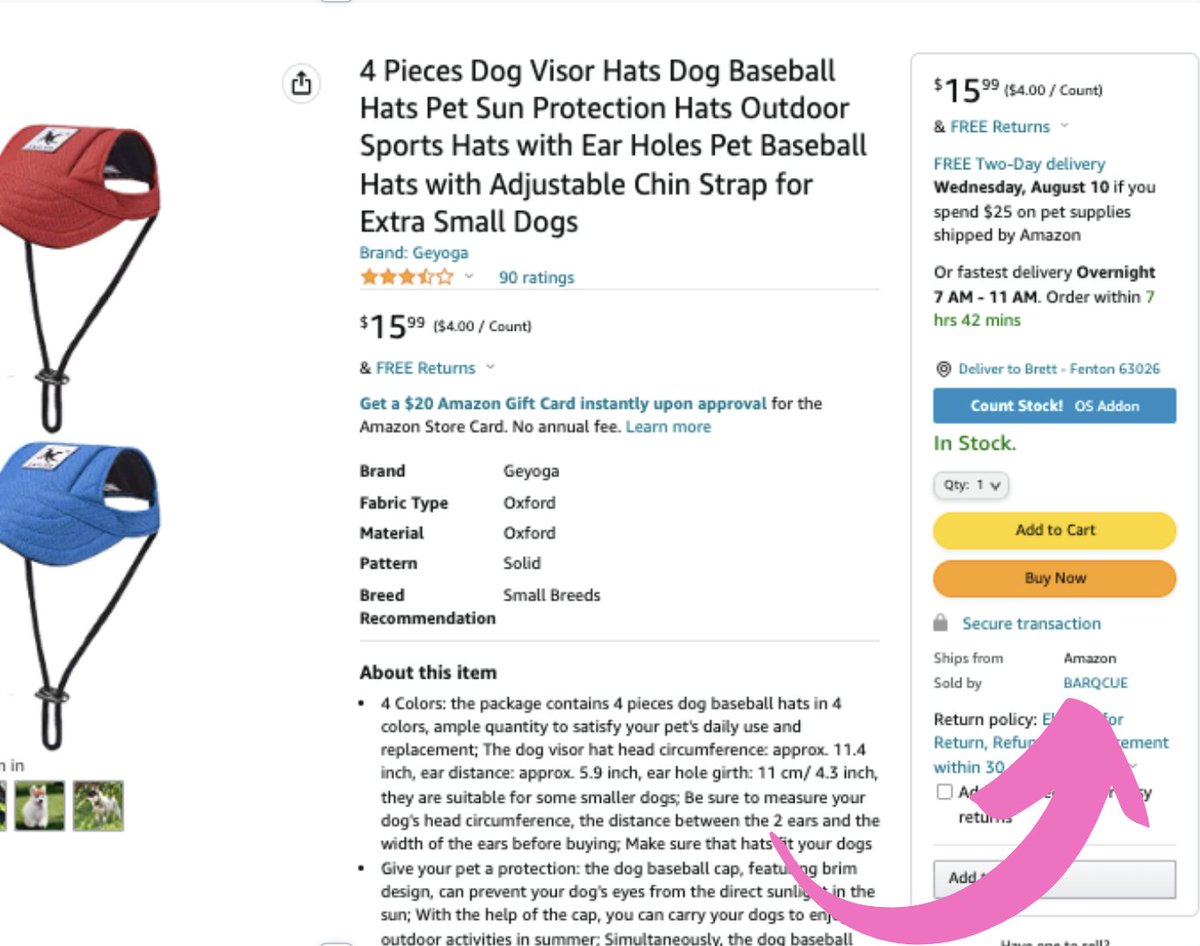
Just under the buy box on the right hand side we can see two things.
Ships from: Amazon
Sold by: BARQCUE (note this is different to the brand name).
Click that.
Ships from: Amazon
Sold by: BARQCUE (note this is different to the brand name).
Click that.
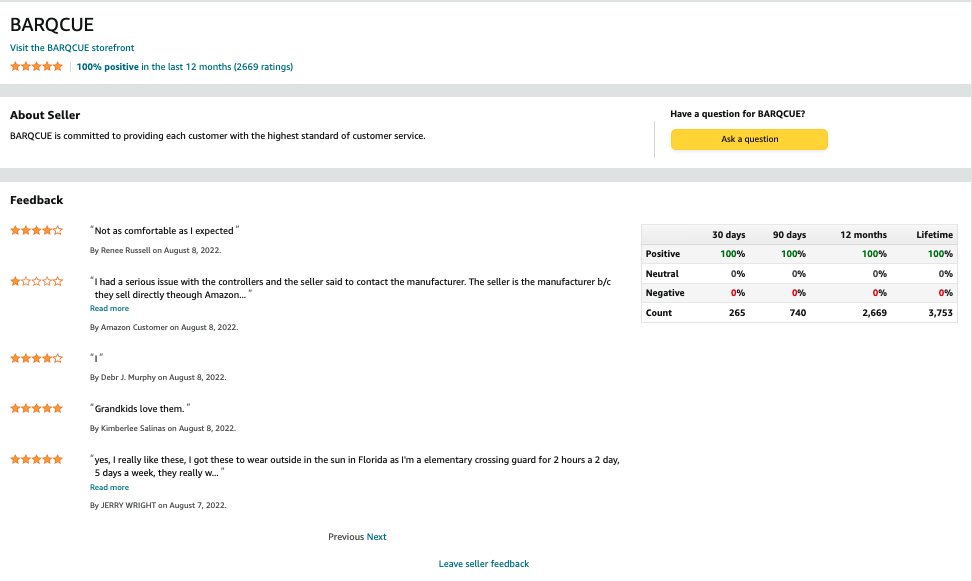
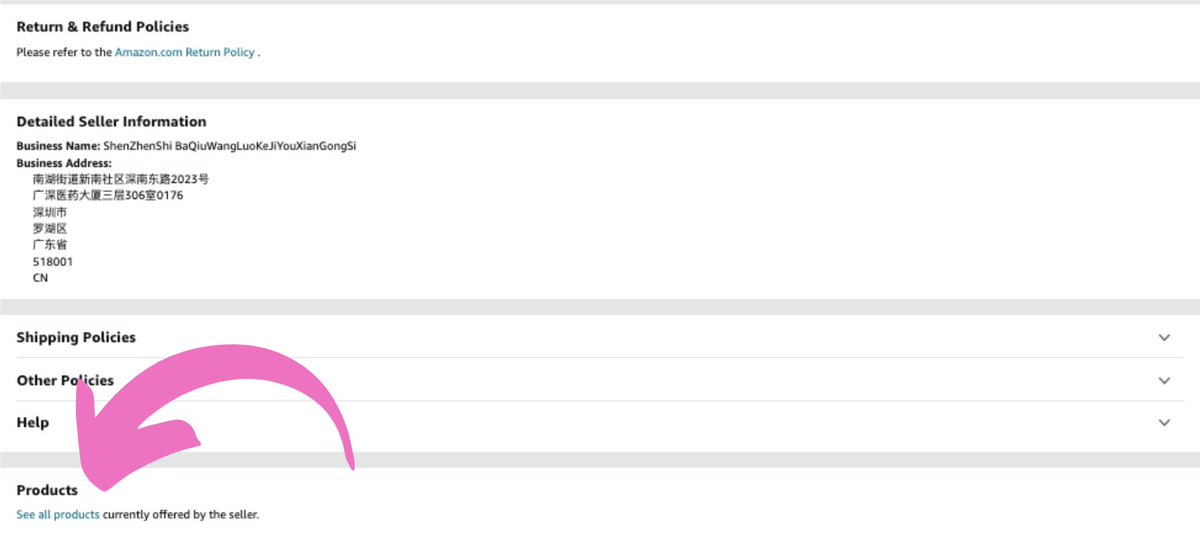
We're now on the BARQCUE seller page.
We can see customer feedback, this easy to read address and a few other bits of info.
Ignore all that.
Scroll to the very bottom and hit 'See all products'.
We can see customer feedback, this easy to read address and a few other bits of info.
Ignore all that.
Scroll to the very bottom and hit 'See all products'.
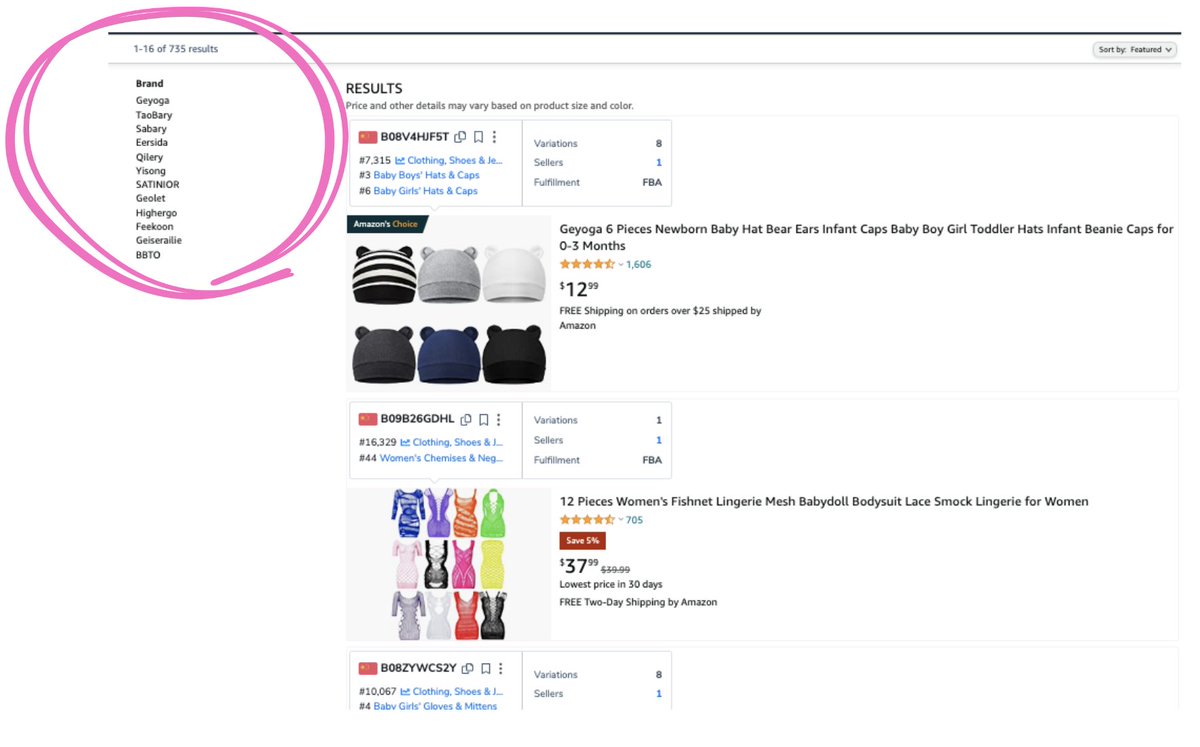
Crikey.
Not only do these guys have Geyoga for the classic dog visors from the initial search.
They have ELEVEN more brands and 735 products.
Not only do these guys have Geyoga for the classic dog visors from the initial search.
They have ELEVEN more brands and 735 products.
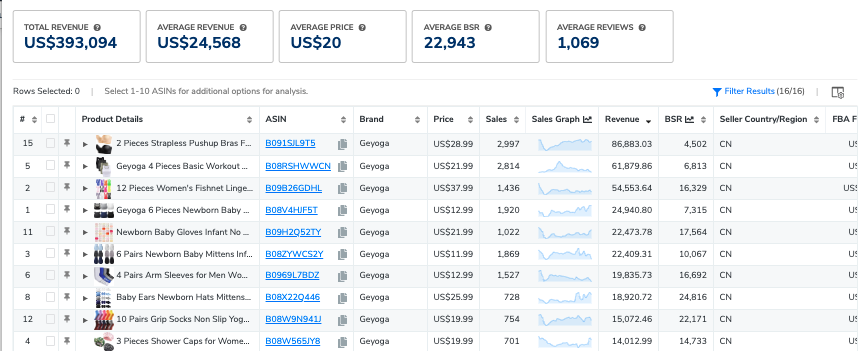
We can now look through all of their brands, run @Helium_10's x-ray on them and potentially find a product opportunity.
(Shockingly, the dog visors are not one Geyoga's best sellers)
(Shockingly, the dog visors are not one Geyoga's best sellers)
Happy hunting.
Follow @The_Honest_Tom for more Amazon stuff.
Follow @The_Honest_Tom for more Amazon stuff.
Loading suggestions...