

Top 5 VS Code extensions for Beginners
A Thread 🧵
A Thread 🧵
1. Prettier
Prettier is a code formatter that greatly improves readability in teams.
As soon as you install prettier in your project, it gets implemented throughout your dev process.
It works as automatic formatting on save or while you’re typing.
Prettier is a code formatter that greatly improves readability in teams.
As soon as you install prettier in your project, it gets implemented throughout your dev process.
It works as automatic formatting on save or while you’re typing.
2. Live Server
Live server generate a local server with a live reload feature.
When you save your code in vs code and you don't have to refresh the browser to show the output.
Live server generate a local server with a live reload feature.
When you save your code in vs code and you don't have to refresh the browser to show the output.
3. Settings Sync
It will auto sync your customization that you do in your vs code.
You can access to your preferred IDE from whichever device you want.
It will auto sync your customization that you do in your vs code.
You can access to your preferred IDE from whichever device you want.
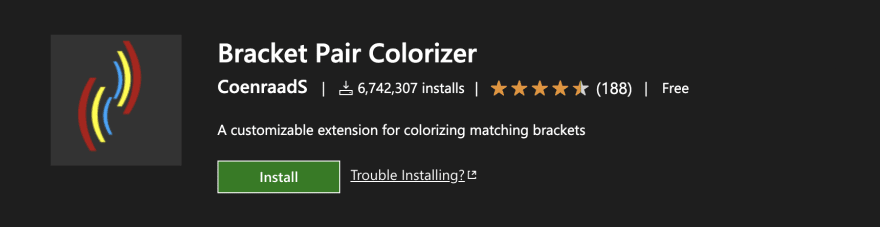
4. Bracket Pair Colorizer
Bracket Pair Colorizer do the same color of the opening and closing tags and that's make you easier to know which brackets belong together.
Bracket Pair Colorizer do the same color of the opening and closing tags and that's make you easier to know which brackets belong together.
5. Auto rename tag
Whenever you rename a opening tag then the auto rename tag automatically rename the closing tag.
Whenever you rename a opening tag then the auto rename tag automatically rename the closing tag.

BONUS TIP
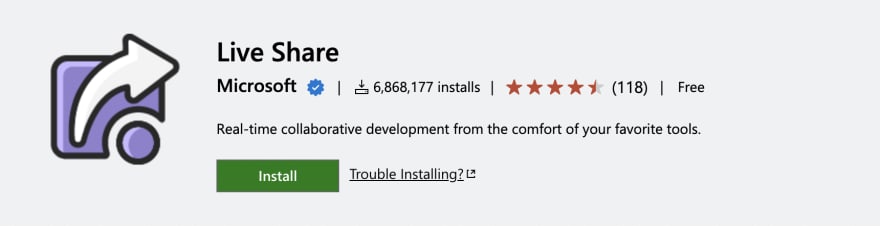
6. Live Share
Live Share allows developers to collaborate on projects where they can edit and debug together.
Developers can join different sessions and receive all of the editor context from another developer's immediately, without the need to clone any repos.
6. Live Share
Live Share allows developers to collaborate on projects where they can edit and debug together.
Developers can join different sessions and receive all of the editor context from another developer's immediately, without the need to clone any repos.
That's a wrap!
If you enjoyed this thread :
1. Follow me @hasanstack for more
2. RT the tweet below to share this thread with your audience
If you enjoyed this thread :
1. Follow me @hasanstack for more
2. RT the tweet below to share this thread with your audience
Let's focus on what really matters to us, and feel better doing that
Loading suggestions...