

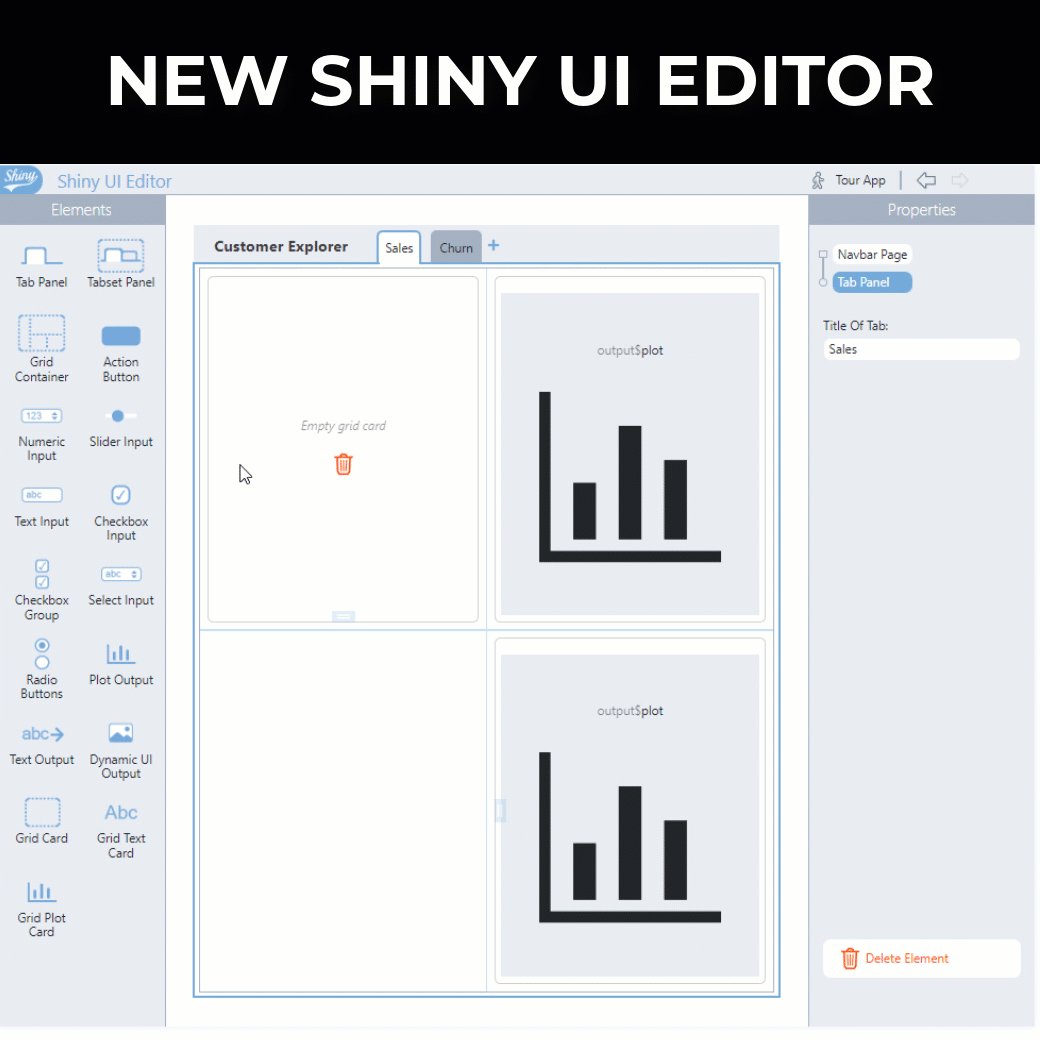
There's a new tool coming called the Shiny UI Editor.
And, the Shiny UI Editor makes it easier and faster to build shiny apps from scratch.
And, the Shiny UI Editor makes it easier and faster to build shiny apps from scratch.
The New UI Editor:
- Simplifies the app build process for beginners
- Decreases the time to build a shiny app by as much as 100X
But there are a few things you need to watch out for...
- Simplifies the app build process for beginners
- Decreases the time to build a shiny app by as much as 100X
But there are a few things you need to watch out for...
The most common mistake is not knowing how to set up the shiny server code...
I stumbled quite a bit with my 1st app.
Which is why I want to host a live workshop on the new shiny UI editor.
In my free workshop you will...
I stumbled quite a bit with my 1st app.
Which is why I want to host a live workshop on the new shiny UI editor.
In my free workshop you will...
1. Discover how to quickly make a user interface with the Shiny UI Editor
This is by FAR the easiest way I've seen to build a shiny user interface...
And it has me excited for 2 reasons I'll share in the workshop.
This is by FAR the easiest way I've seen to build a shiny user interface...
And it has me excited for 2 reasons I'll share in the workshop.
2. Avoid the most common mistakes connecting your user interface to R server logic
Like I said, I stumbled initially using it...
The toughest part was connecting server code.
But I have a sneaky method that makes it much easier.
Like I said, I stumbled initially using it...
The toughest part was connecting server code.
But I have a sneaky method that makes it much easier.
3. Explore simple customizations that improve the theme & appearance of your Shiny app
The last thing that really takes this over the top is adding custom themes.
I'll show you what I do to add logos + custom themes in about 60-seconds.
The last thing that really takes this over the top is adding custom themes.
I'll show you what I do to add logos + custom themes in about 60-seconds.

Loading suggestions...