

9 PowerPoint hacks you'll wish you already knew:
#1: Format your text to look like you designed it.
Don't have time to make your text look pretty?
Use SmartArt
• Insert text box
• Type your text
• Select the box
• On Home tab
• Click 'Convert to SmartArt'
Choose from a range of design options that all look 10x better.
Don't have time to make your text look pretty?
Use SmartArt
• Insert text box
• Type your text
• Select the box
• On Home tab
• Click 'Convert to SmartArt'
Choose from a range of design options that all look 10x better.
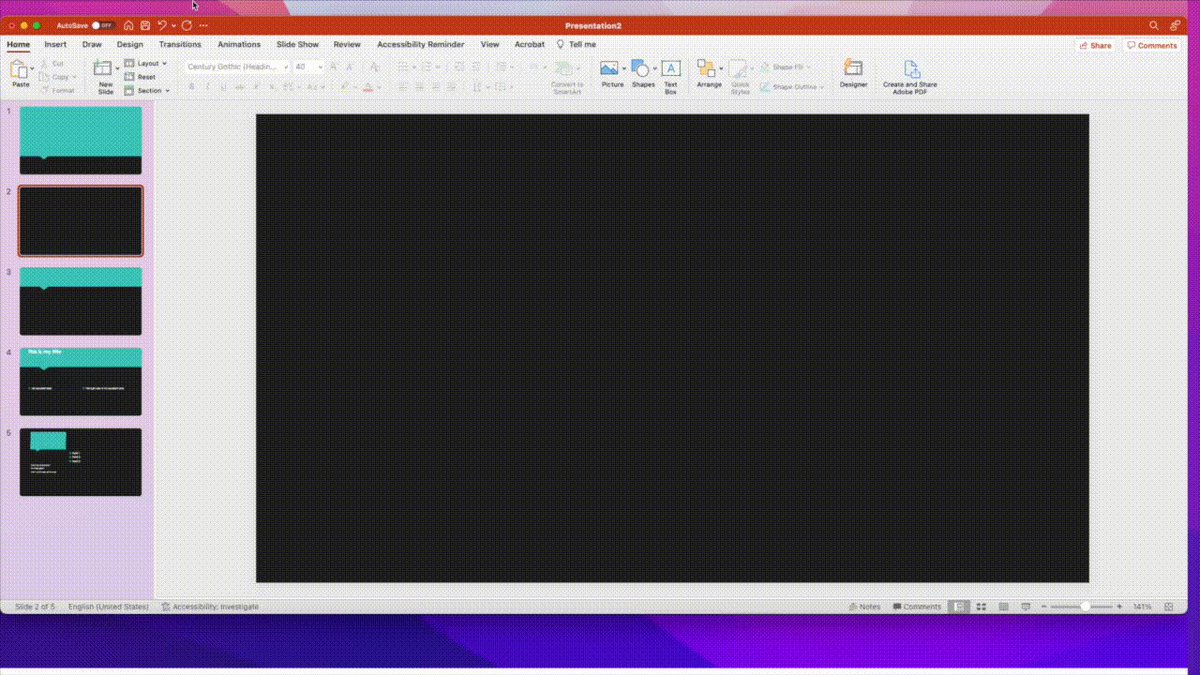
#2: Have effortless transitions.
Don't bother with endless animations.
Use Morph to merge designs from one slide to the next
• Duplicate the item
• Move it on the 2nd slide
• Select Morph
• Preview to check
Classier transitions with no spinning things or flying in items.
Don't bother with endless animations.
Use Morph to merge designs from one slide to the next
• Duplicate the item
• Move it on the 2nd slide
• Select Morph
• Preview to check
Classier transitions with no spinning things or flying in items.
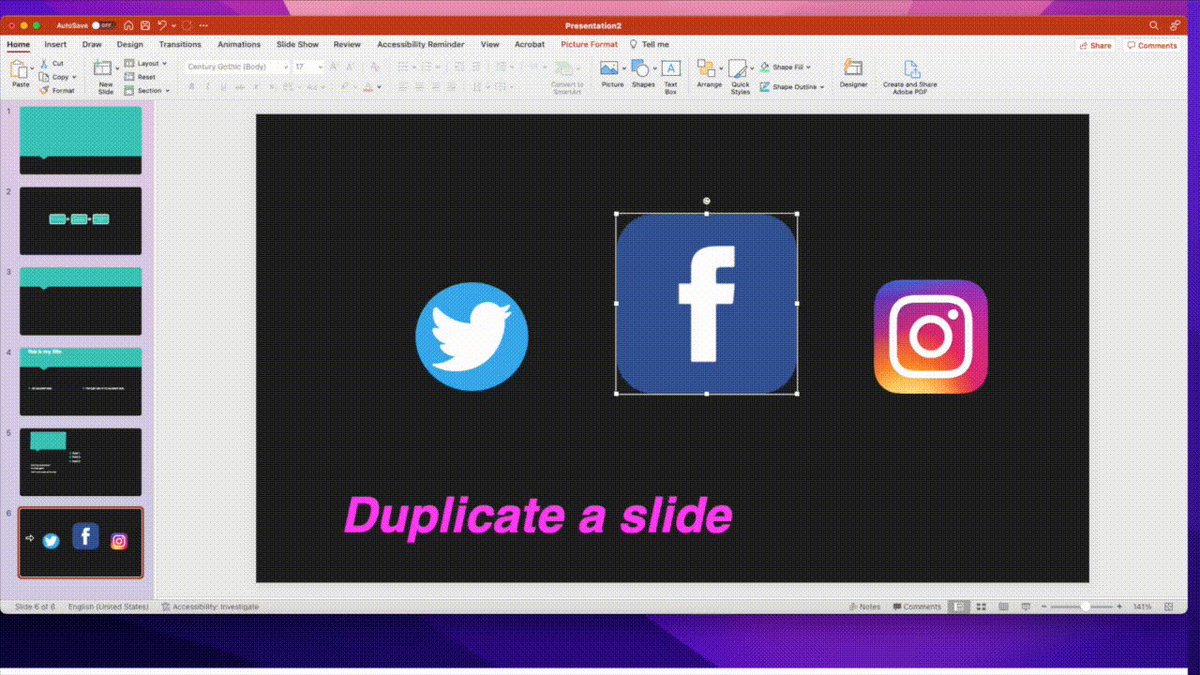
#3: Add perfect shapes.
Need to adjust your shapes but want to keep them in proportion?
• Insert>Shapes
• Choose your shape
• Hold shift while you adjust
The proportions stay the same and you keep your perfect circle.
Need to adjust your shapes but want to keep them in proportion?
• Insert>Shapes
• Choose your shape
• Hold shift while you adjust
The proportions stay the same and you keep your perfect circle.
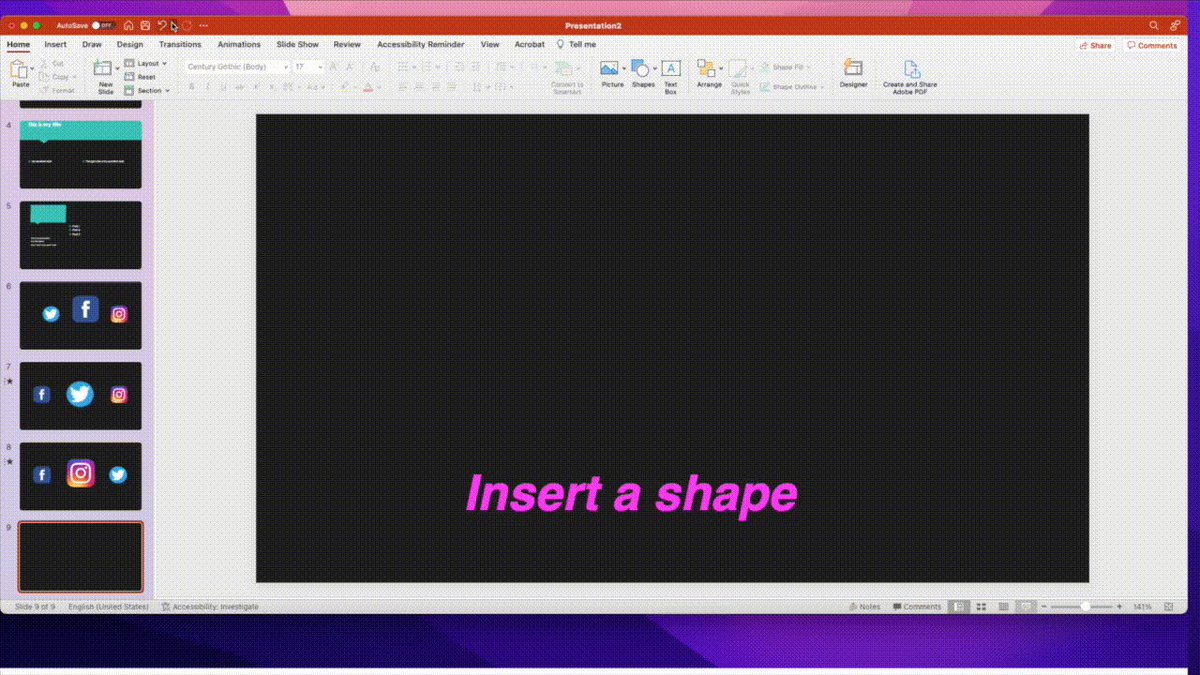
#4: Record your presentation.
Want to easily record your narration?
• Slide show
• Record slide show
• Add your camera
Get recordings with one easy click.
Want to easily record your narration?
• Slide show
• Record slide show
• Add your camera
Get recordings with one easy click.

#5: Remove photo background.
No need for fancy editing software when you can get the basics done here.
• Select your picture
• Click 'picture format'
• Choose 'remove background'
• Mark areas to remove/keep to adjust
• Keep changes
A simple way to improve your images.
No need for fancy editing software when you can get the basics done here.
• Select your picture
• Click 'picture format'
• Choose 'remove background'
• Mark areas to remove/keep to adjust
• Keep changes
A simple way to improve your images.
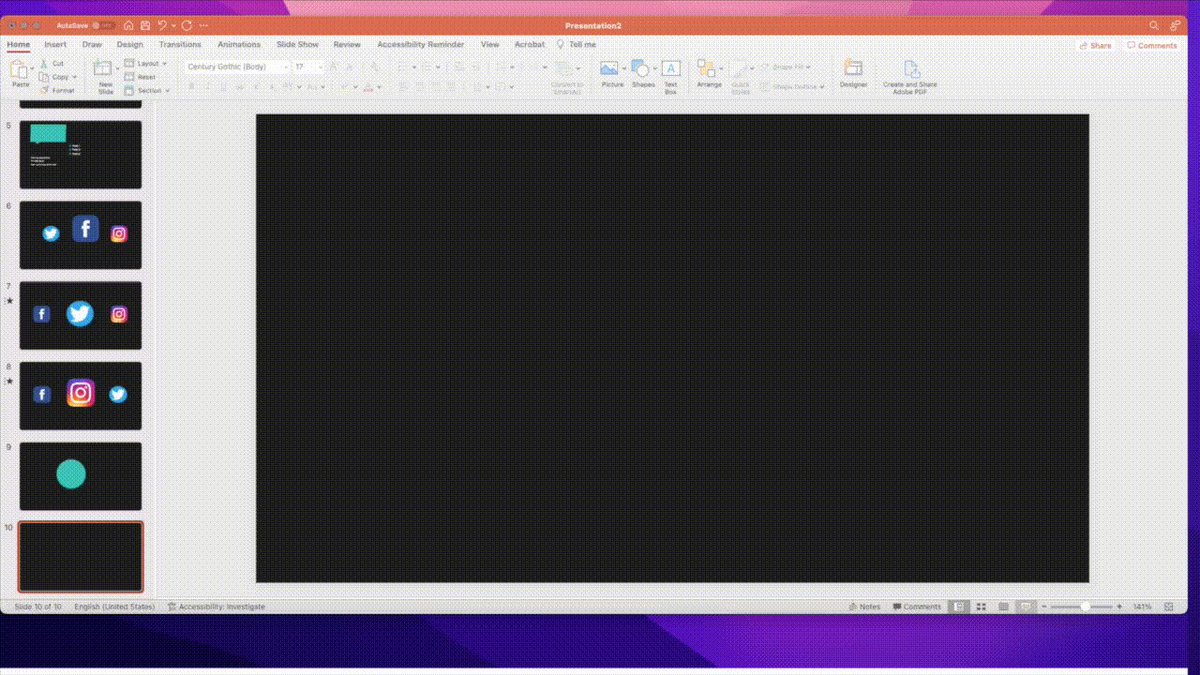
#6: Align objects perfectly.
Don't spend hours trying to get everything perfectly aligned.
• Select all the objects
• Click Shape format
• Align to top/bottom/left/right/middle
• Or distribute evenly
Everything will look much neater and cleaner.
Don't spend hours trying to get everything perfectly aligned.
• Select all the objects
• Click Shape format
• Align to top/bottom/left/right/middle
• Or distribute evenly
Everything will look much neater and cleaner.
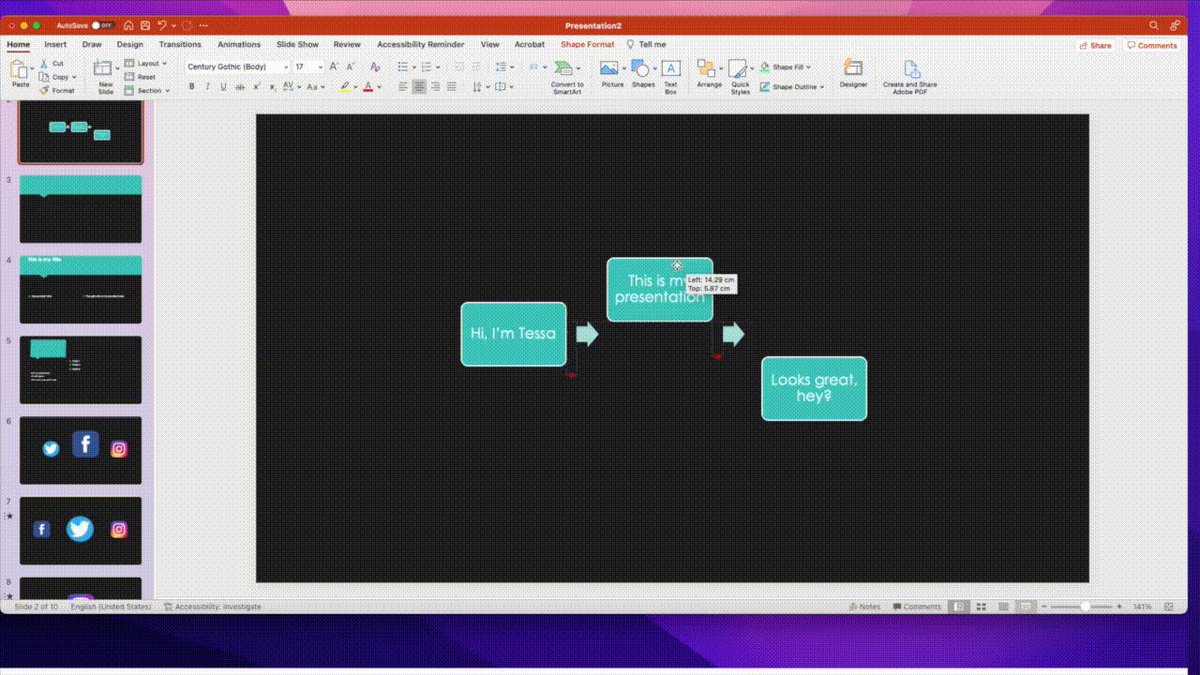
#7: Use design ideas.
When you're not a designer it's not easy making slides look good.
PowerPoint can do it for you.
• Take your boring slide
• Choose the Design tab
• Click Designer
• See a range of options for your theme
Looks so much better with just 2 mins work.
When you're not a designer it's not easy making slides look good.
PowerPoint can do it for you.
• Take your boring slide
• Choose the Design tab
• Click Designer
• See a range of options for your theme
Looks so much better with just 2 mins work.
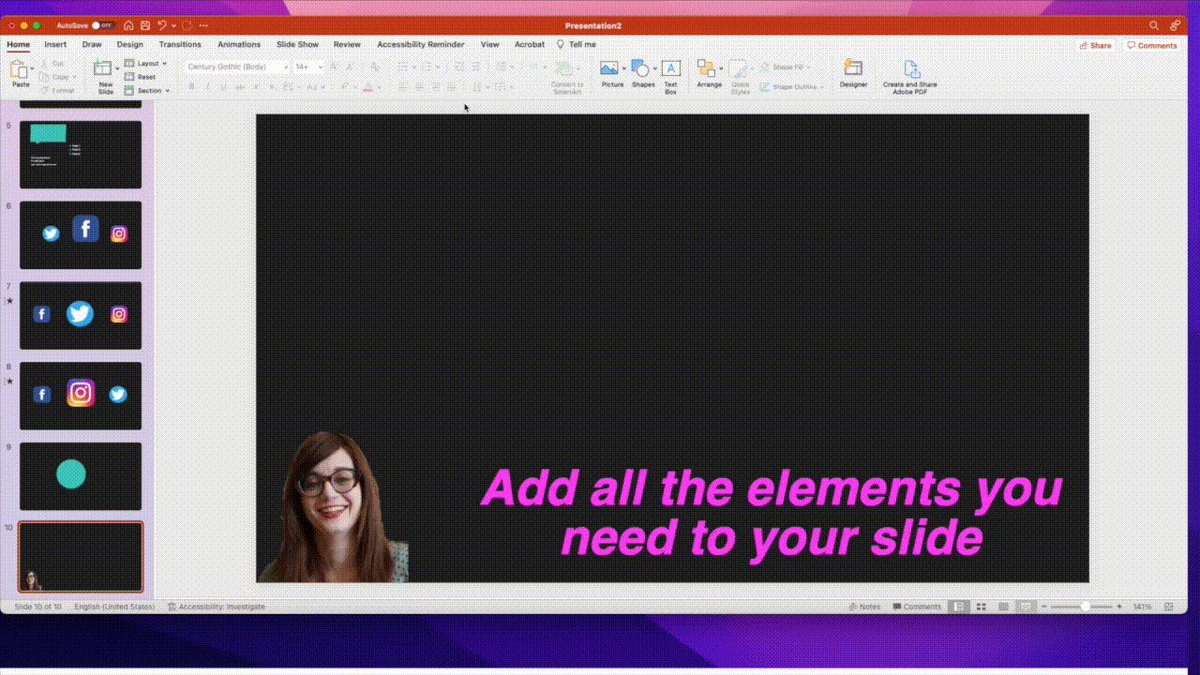
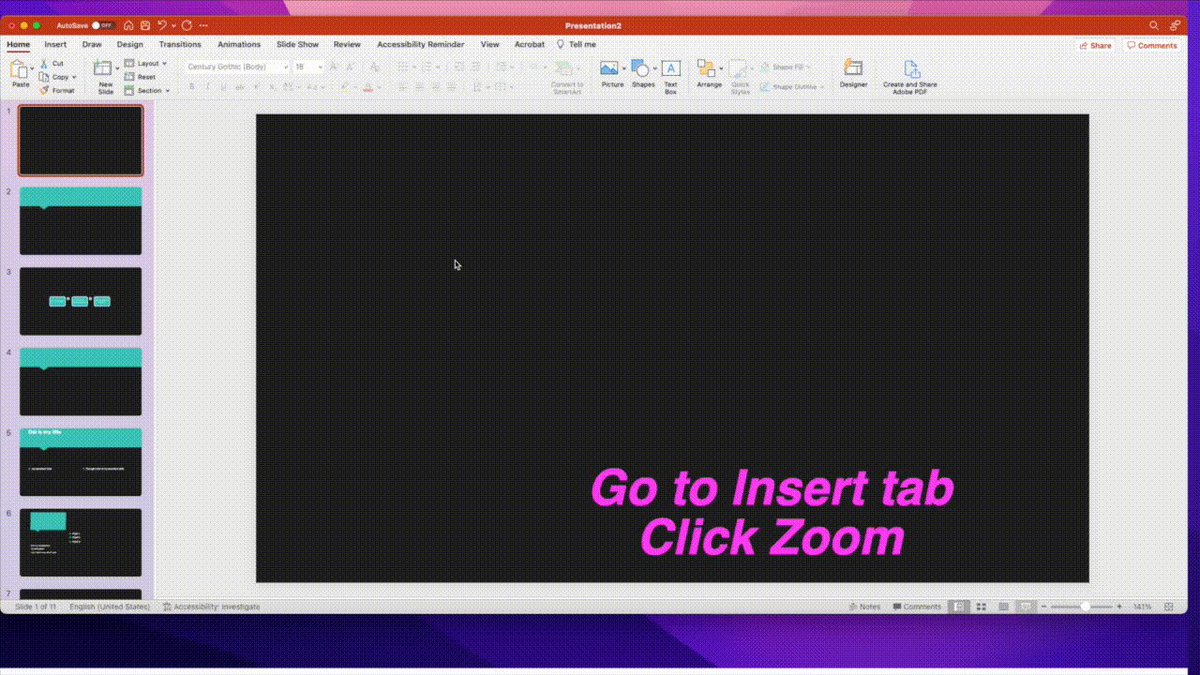
#8: Zoom into your slides
Want to be able to navigate around different slides?
Use Zoom slide.
• Open a blank slide
• Choose the Insert tab
• Click Zoom
• Choose which slides you need
• Rearrange them
Now you can navigate to different slides during your presentation.
Want to be able to navigate around different slides?
Use Zoom slide.
• Open a blank slide
• Choose the Insert tab
• Click Zoom
• Choose which slides you need
• Rearrange them
Now you can navigate to different slides during your presentation.
#9: Change all colors with one click.
Want to see a different look for your presentation?
• Go to the Design tab
• Click to see color options
• Choose a different color
Watch your presentation transform.
Want to see a different look for your presentation?
• Go to the Design tab
• Click to see color options
• Choose a different color
Watch your presentation transform.

TL;DR 9 PowerPoint hacks you'll wish you already knew:
#1: Make text look great
#2: Transition smoothly
#3: Have perfect shapes
#4: Record your presentation
#5: Remove pic backgrounds
#6: Align objects
#7: Use design ideas
#8: Zoom slides
#9: Change the color scheme
#1: Make text look great
#2: Transition smoothly
#3: Have perfect shapes
#4: Record your presentation
#5: Remove pic backgrounds
#6: Align objects
#7: Use design ideas
#8: Zoom slides
#9: Change the color scheme
If you enjoyed this thread please:
1. Subscribe to my newsletter:
tessardavis.com
2. Jump to the first tweet of the thread and retweet it:
1. Subscribe to my newsletter:
tessardavis.com
2. Jump to the first tweet of the thread and retweet it:

Loading suggestions...