


This code allows web pages to be searched automatically by DuckDuckGo. You can configure keywords, search region and number of sites.
The results will show links, headings and some of the text of the pages.
🧵
The results will show links, headings and some of the text of the pages.
🧵

You can also search for pictures (specifying region, colour scheme, licence type, etc.)
The results will show the title, the link to the picture, the dimensions and the source.
🧵
The results will show the title, the link to the picture, the dimensions and the source.
🧵

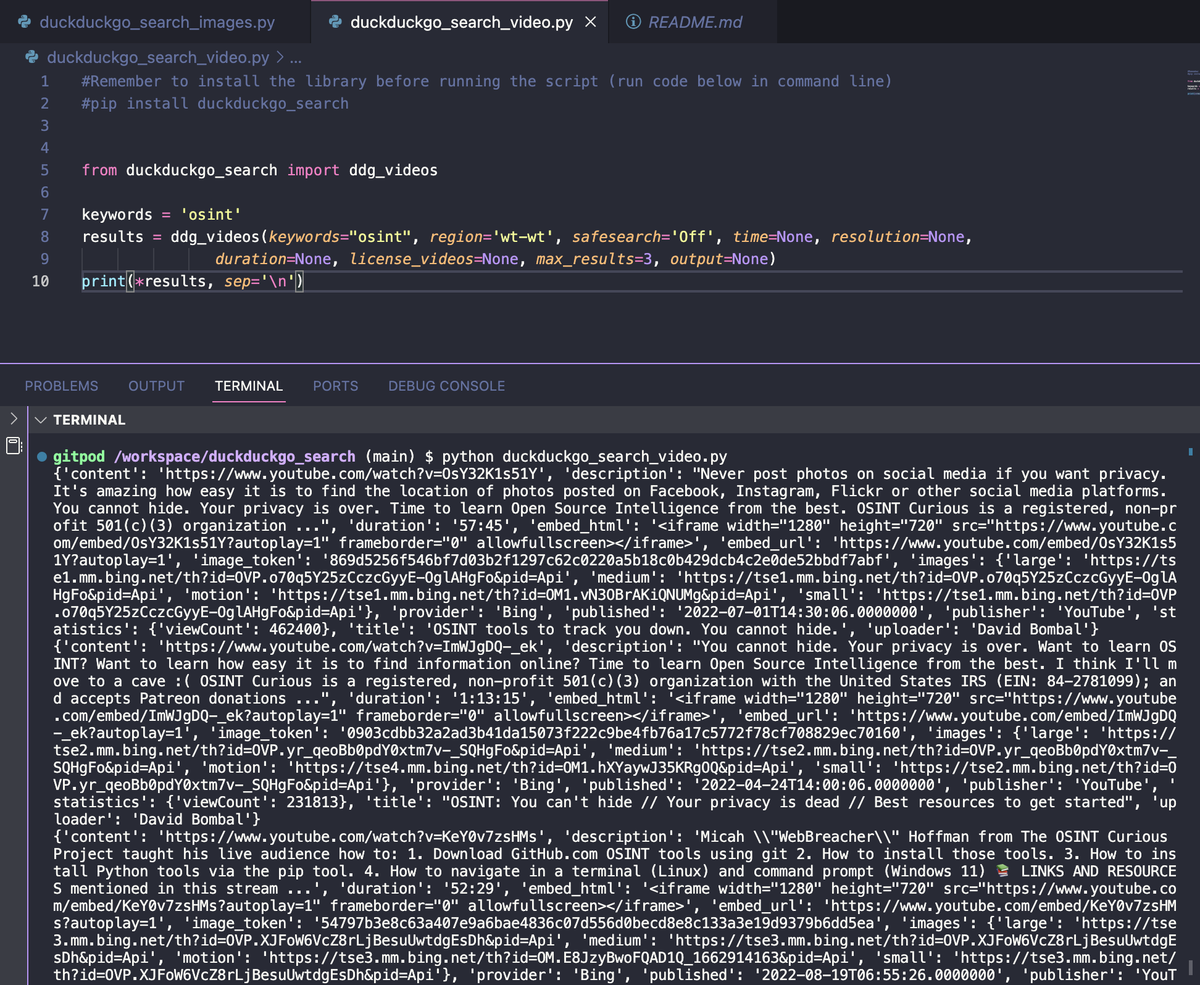
The video search is one of the most informative in this library.
The results will show the video link, description, duration, publication date, number of views and more.
🧵
The results will show the video link, description, duration, publication date, number of views and more.
🧵
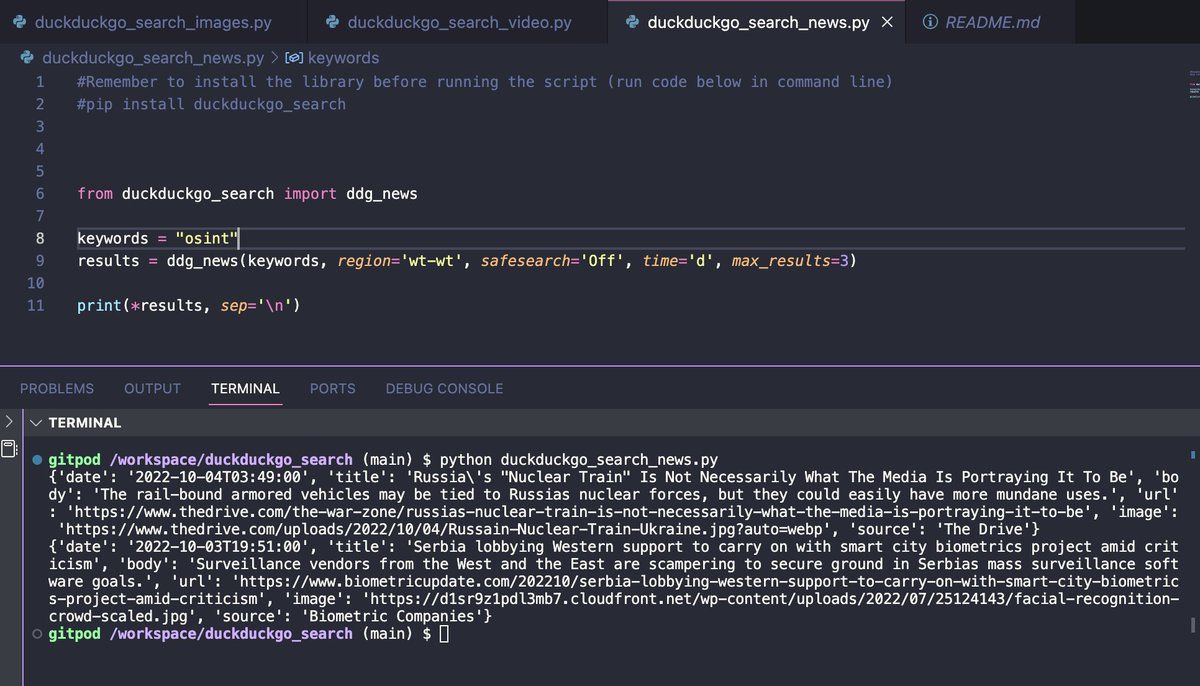
Searching for news is very similar to a normal search. Only it filters the most recent information + a link to the main picture of the article is displayed in the results.
🧵
🧵
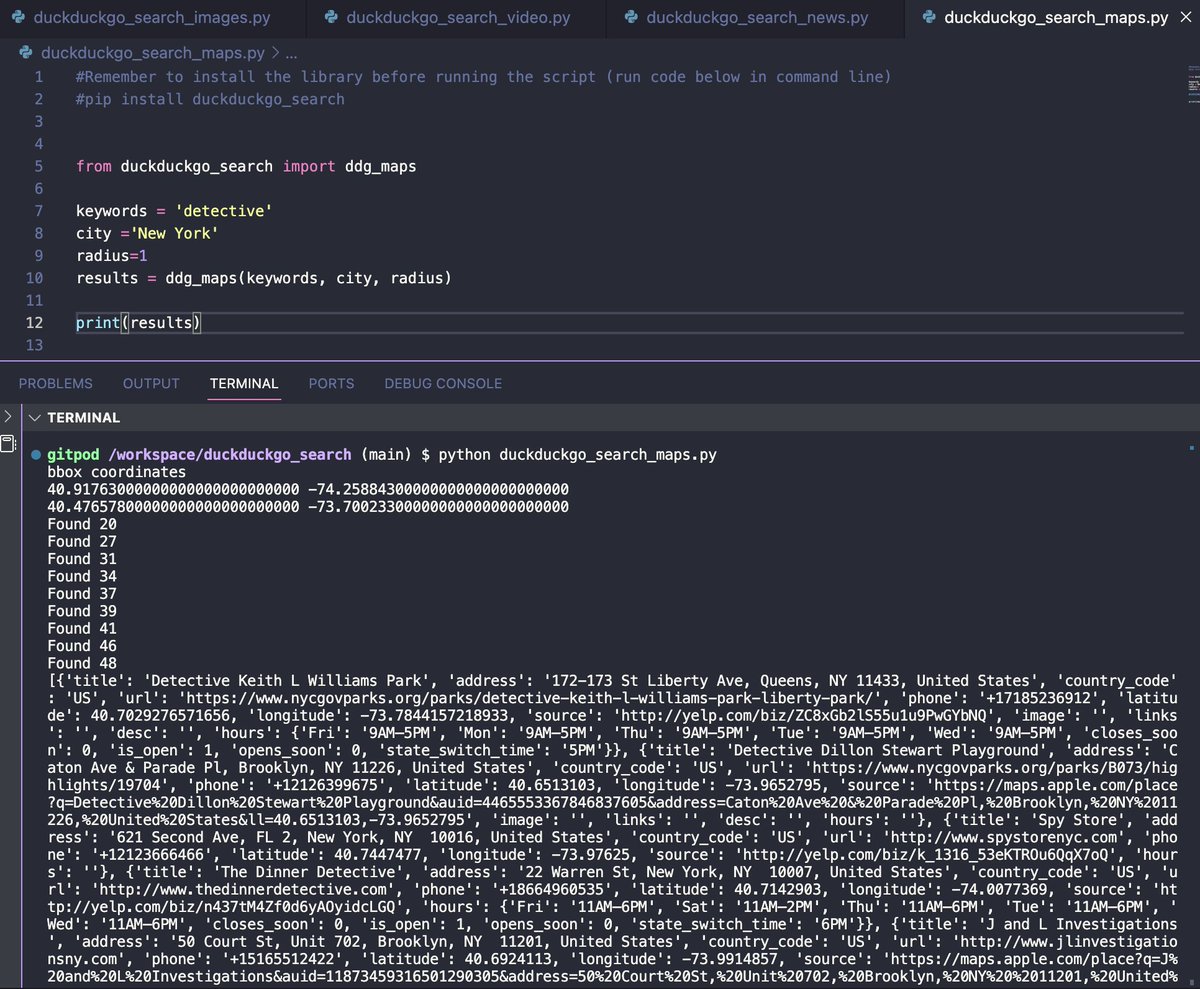
Also it's possible to search for objects on the map by keyword, city name and radius. The results show the name, exact address, link to website, phone number, opening hours and exact geographical coordinates.
You can also search by street name, latitude and longitude.
🧵
You can also search by street name, latitude and longitude.
🧵
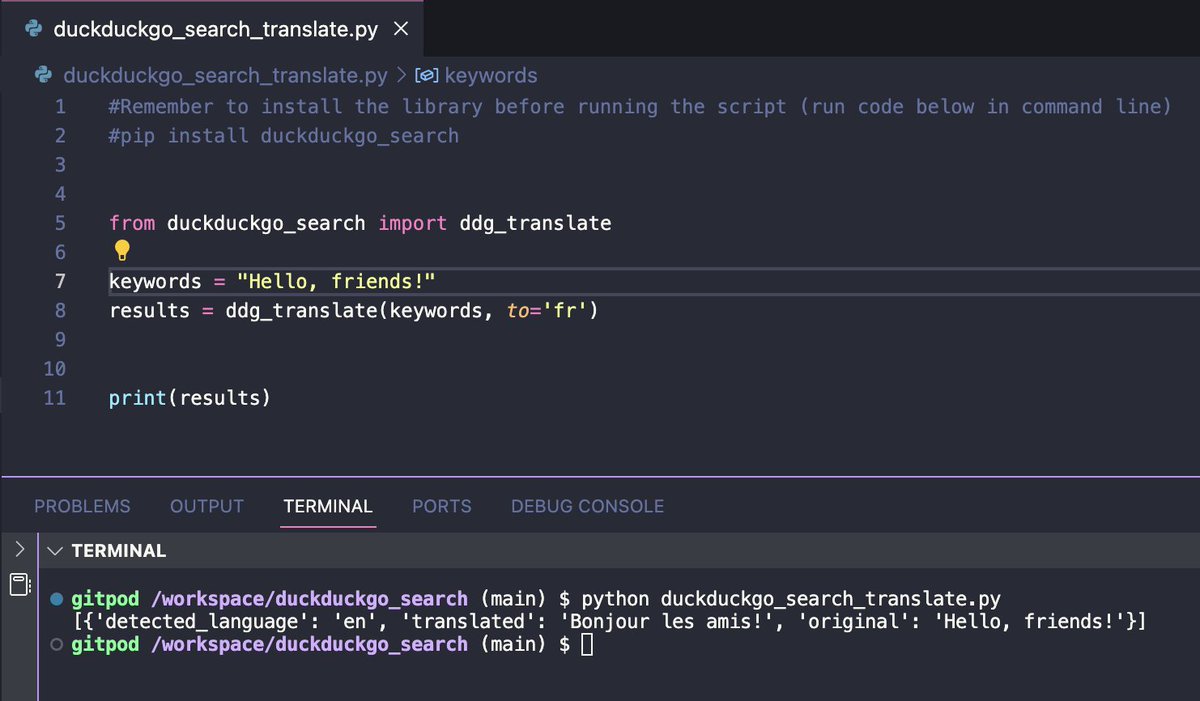
One last nice bonus of this library is the automation of translation. Just specify the text and the language you want it translated into.
🧵
🧵
All code examples from this thread (as well as examples using other #osint automation libraries in #python) can be found in this repository:
#duckduckgo-search-httpspypiorgprojectduckduckgo-search" target="_blank" rel="noopener" onclick="event.stopPropagation()">github.com
#duckduckgo-search-httpspypiorgprojectduckduckgo-search" target="_blank" rel="noopener" onclick="event.stopPropagation()">github.com

@threader compile
@threadreaderapp unroll
@threadrip unroll
@PingThread unroll
@threadreaders unroll
@TurnipSocial save
@readwiseio save thread
@tresselapp save thread
@rattibha unroll
@getnaked_bot unroll
@threadreaderapp unroll
@threadrip unroll
@PingThread unroll
@threadreaders unroll
@TurnipSocial save
@readwiseio save thread
@tresselapp save thread
@rattibha unroll
@getnaked_bot unroll
Loading suggestions...