
Education
Technology
Design
Web Development
Web Design
Presentation Design
Presentations
Online tools

10 incredible websites that will revolutionize your next presentation (and will cost you nothing):
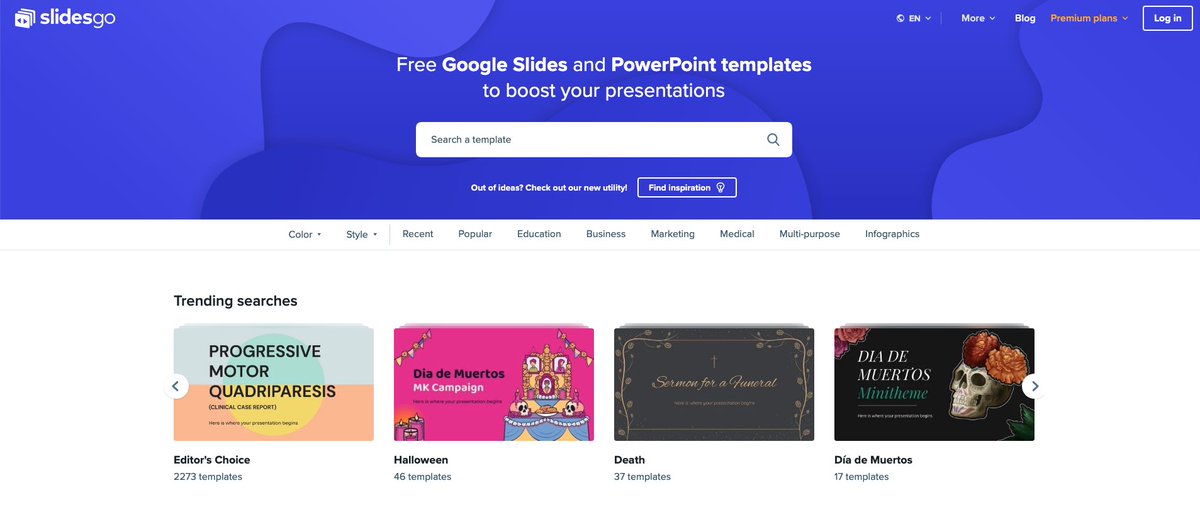
#1: Use templates for seamless slide design with SlidesGo.
Slidesgo.com
Don't start your slides from a blank page.
Instead, use the wisdom of designers:
• Search by color, style, or topic
• Download in the right format
• Open the file to use
• Edit as needed
Slidesgo.com
Don't start your slides from a blank page.
Instead, use the wisdom of designers:
• Search by color, style, or topic
• Download in the right format
• Open the file to use
• Edit as needed
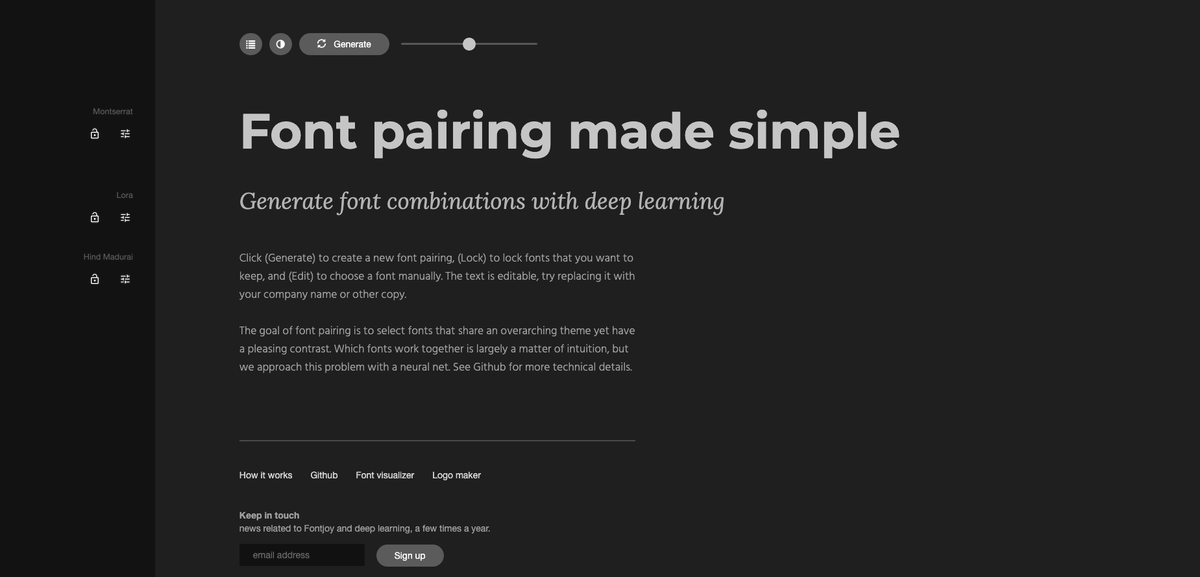
#2: Choose awesome font pairs with FontJoy.
FontJoy.com
It's hard to know which fonts go well.
Take the friction away:
• Lock in your fonts
• Or browse suggestions
• Generate fonts that pair well
Now you have fonts you KNOW work well together.
FontJoy.com
It's hard to know which fonts go well.
Take the friction away:
• Lock in your fonts
• Or browse suggestions
• Generate fonts that pair well
Now you have fonts you KNOW work well together.
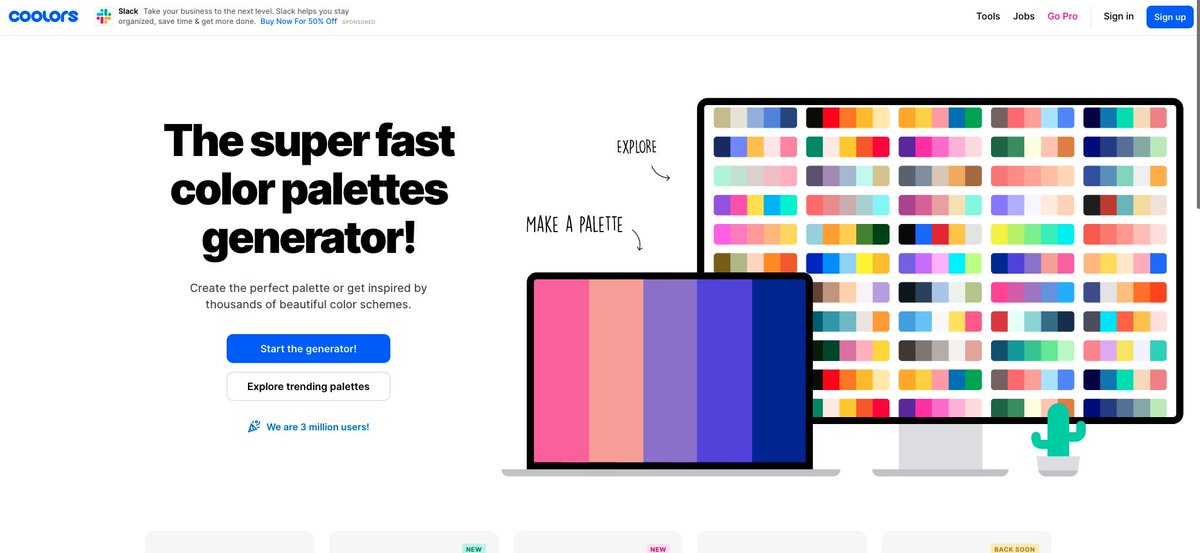
#3: Choose a color scheme that looks smooth with Coolors.
Coolors.co
Color Theory is complicated.
But this site makes it simple for you:
• Explore palettes
• Understand contrast
• Lock in specific colors
• Select colors from images
Use eye-catching palettes.
Coolors.co
Color Theory is complicated.
But this site makes it simple for you:
• Explore palettes
• Understand contrast
• Lock in specific colors
• Select colors from images
Use eye-catching palettes.
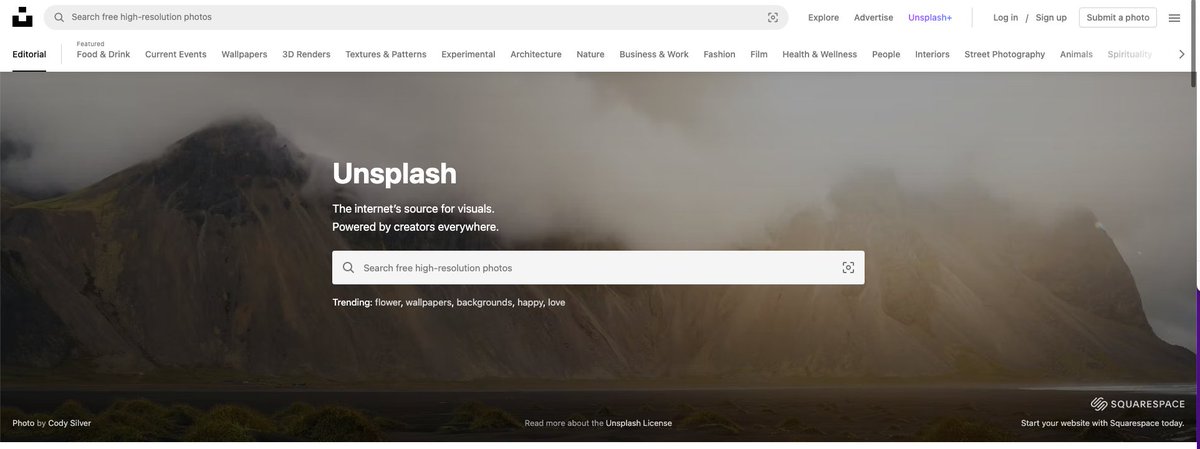
#4: Find images that are sharp + slick with Unsplash.
Unsplash.com
Fed up with pixelated images that don't fit?
Make them a thing of the past:
• Browse or enter search terms
• Pick the size you want
• Download
You'll now have high-res, crystal-clear images.
Unsplash.com
Fed up with pixelated images that don't fit?
Make them a thing of the past:
• Browse or enter search terms
• Pick the size you want
• Download
You'll now have high-res, crystal-clear images.
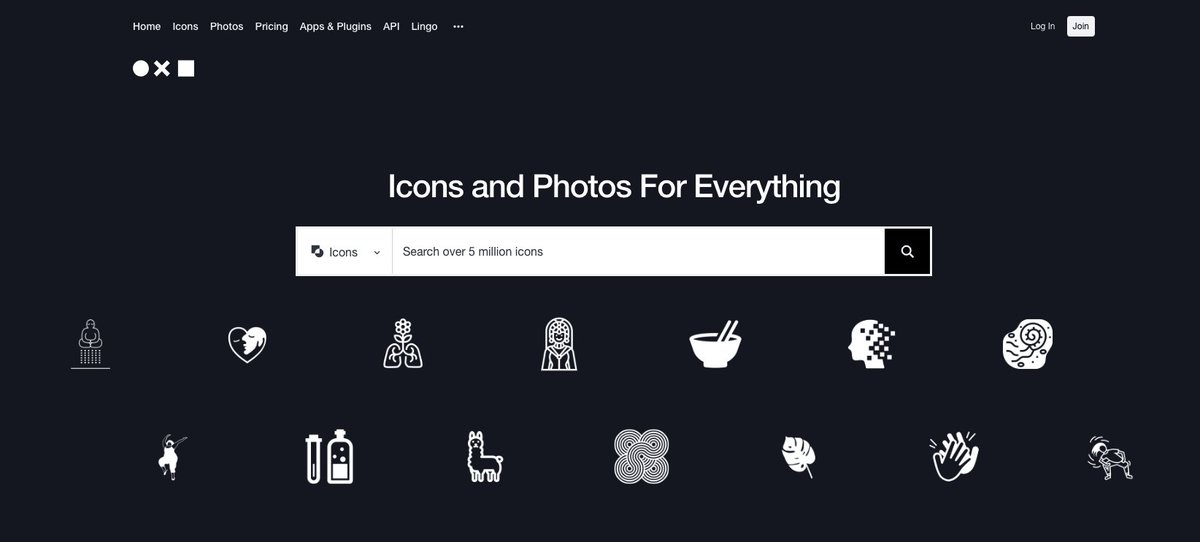
#5: Find beautiful icons with The Noun Project.
TheNounProject.com
Want to add flair to your designs with custom icons?
• Search by keyword
• Browse packs
• Download + use
>5 million icons to choose from.
TheNounProject.com
Want to add flair to your designs with custom icons?
• Search by keyword
• Browse packs
• Download + use
>5 million icons to choose from.
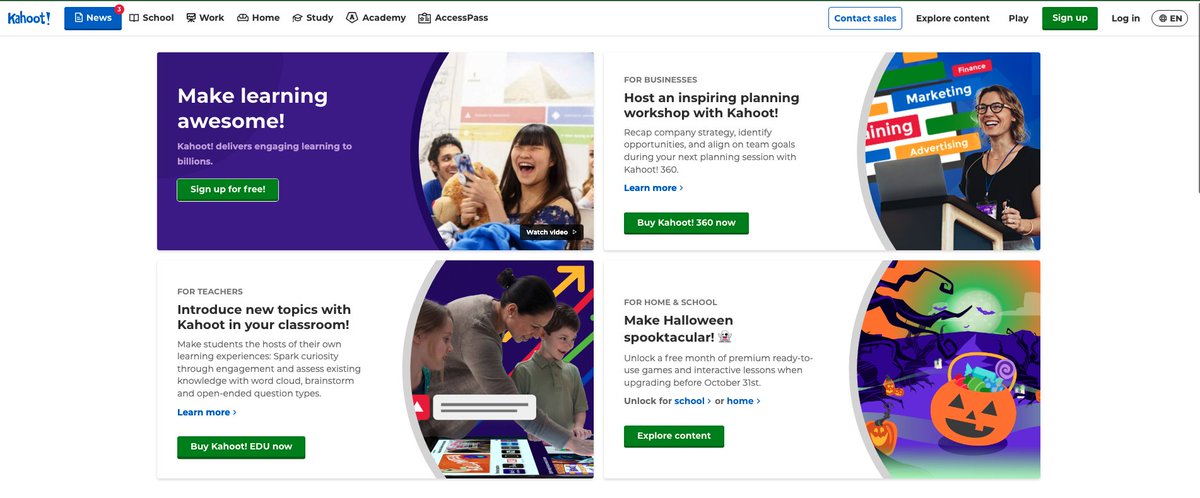
#8: Use quizzes to inject entertainment with Kahoot.
Kahoot.com
A quiz relaxed everyone.
• Design your own questions
• Add images
• Use existing templates
• Allocate points for scoring
• Award a winner
Easy for the audience to join in and have fun.
Kahoot.com
A quiz relaxed everyone.
• Design your own questions
• Add images
• Use existing templates
• Allocate points for scoring
• Award a winner
Easy for the audience to join in and have fun.
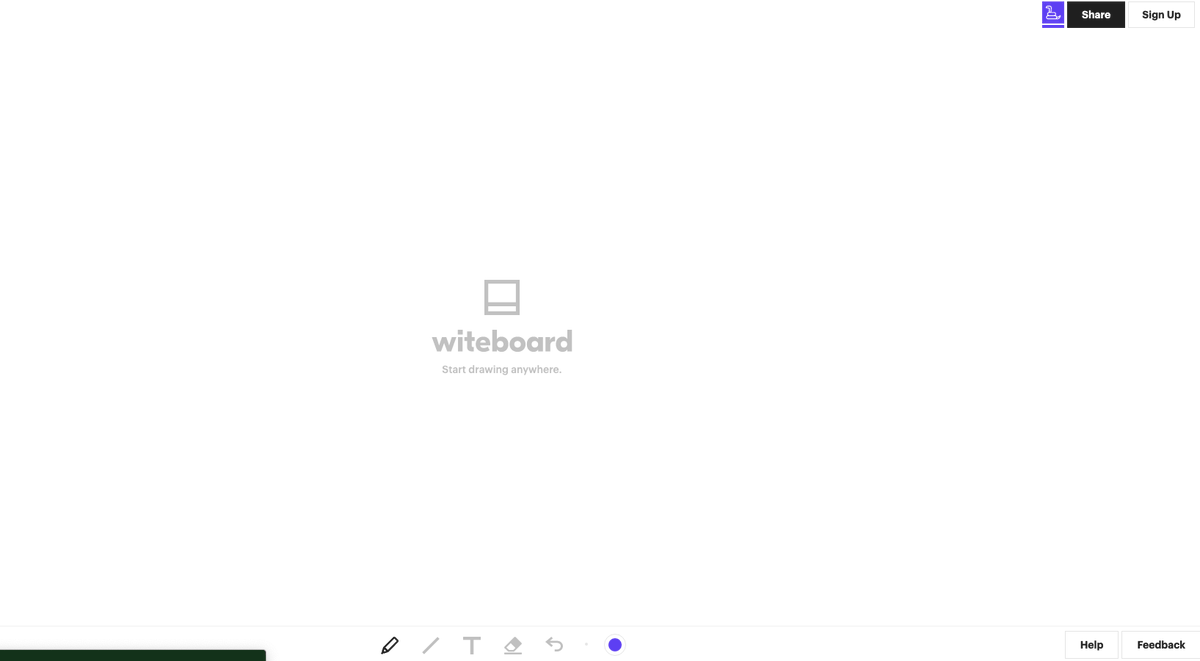
#9: Use interactive whiteboards with Witeboard.
Witeboard.com
Get people working together:
• Make concepts simple with diagrams
• Collaborate in small, safe groups
• Save it so you can share later
Witeboard.com
Get people working together:
• Make concepts simple with diagrams
• Collaborate in small, safe groups
• Save it so you can share later

TL;DR 10 free tools to 10x your presentations:
• #1 SlidesGo
• #2 Fontjoy
• #3 Coolors
• #4 Unsplash
• #5 The Noun Project
• #6 Slido
• #7 Otter
• #8 Kahoot
• #9 Clipchamp
• #10 Gamma
• #1 SlidesGo
• #2 Fontjoy
• #3 Coolors
• #4 Unsplash
• #5 The Noun Project
• #6 Slido
• #7 Otter
• #8 Kahoot
• #9 Clipchamp
• #10 Gamma
If you enjoyed this thread, please jump up to the first tweet and RT it:
Loading suggestions...