

Show Your Designs Like a Pro (even if you aren’t yet)
Check out UI.SERGIO on IG for some more good stuff.
Check out UI.SERGIO on IG for some more good stuff.
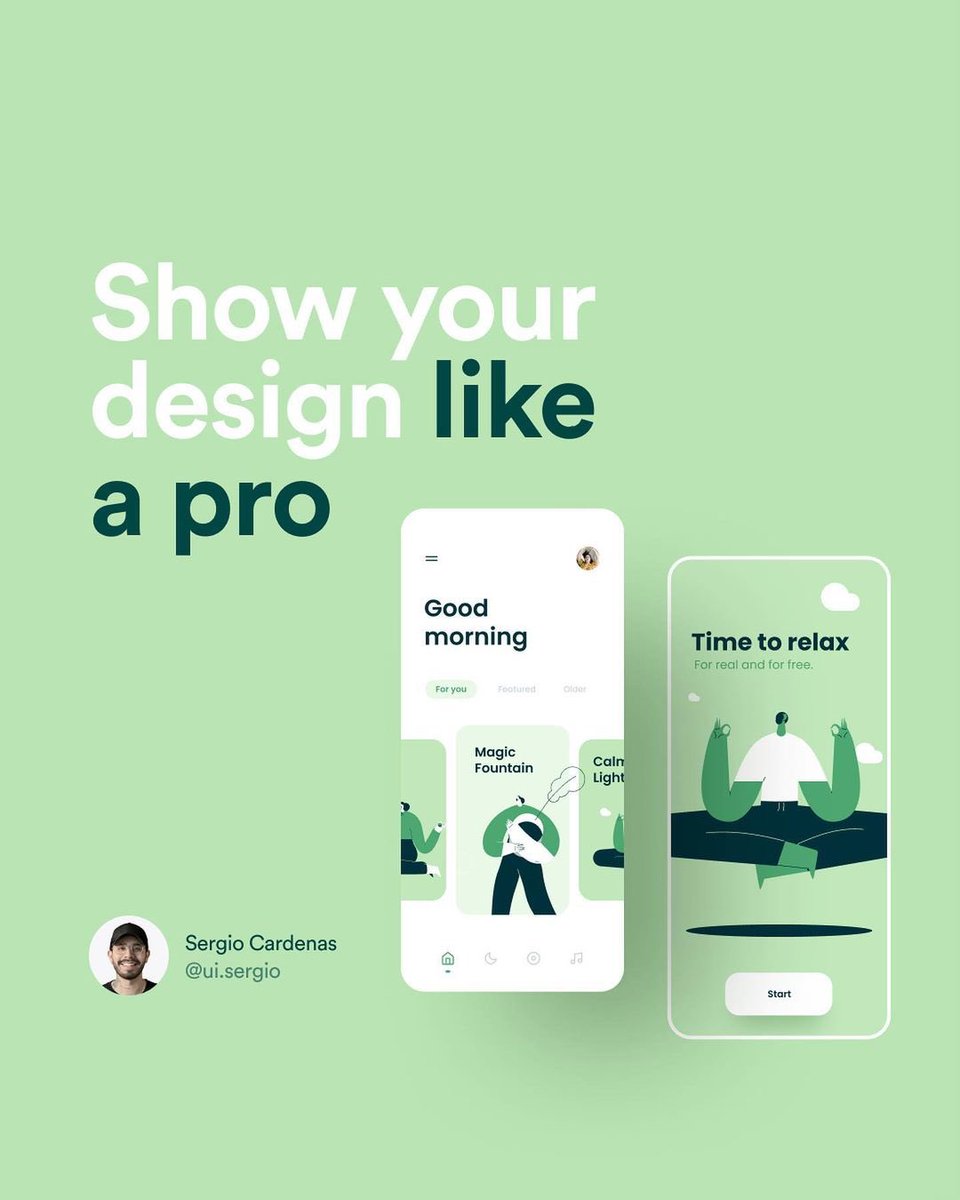
Create an IG frame on Figma (1080 x 1080) and place your design in the middle.

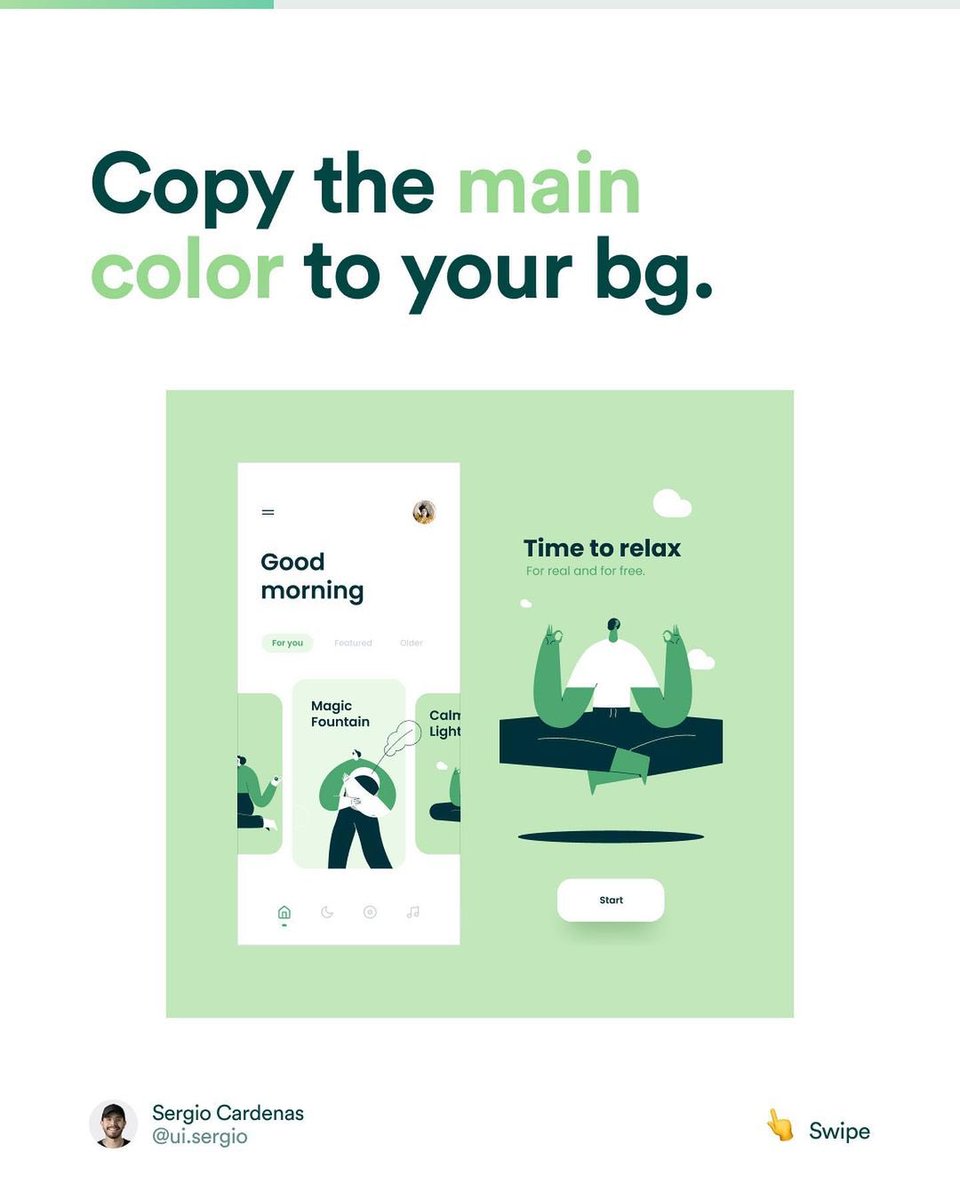
Use the primary colour of your design for the background.
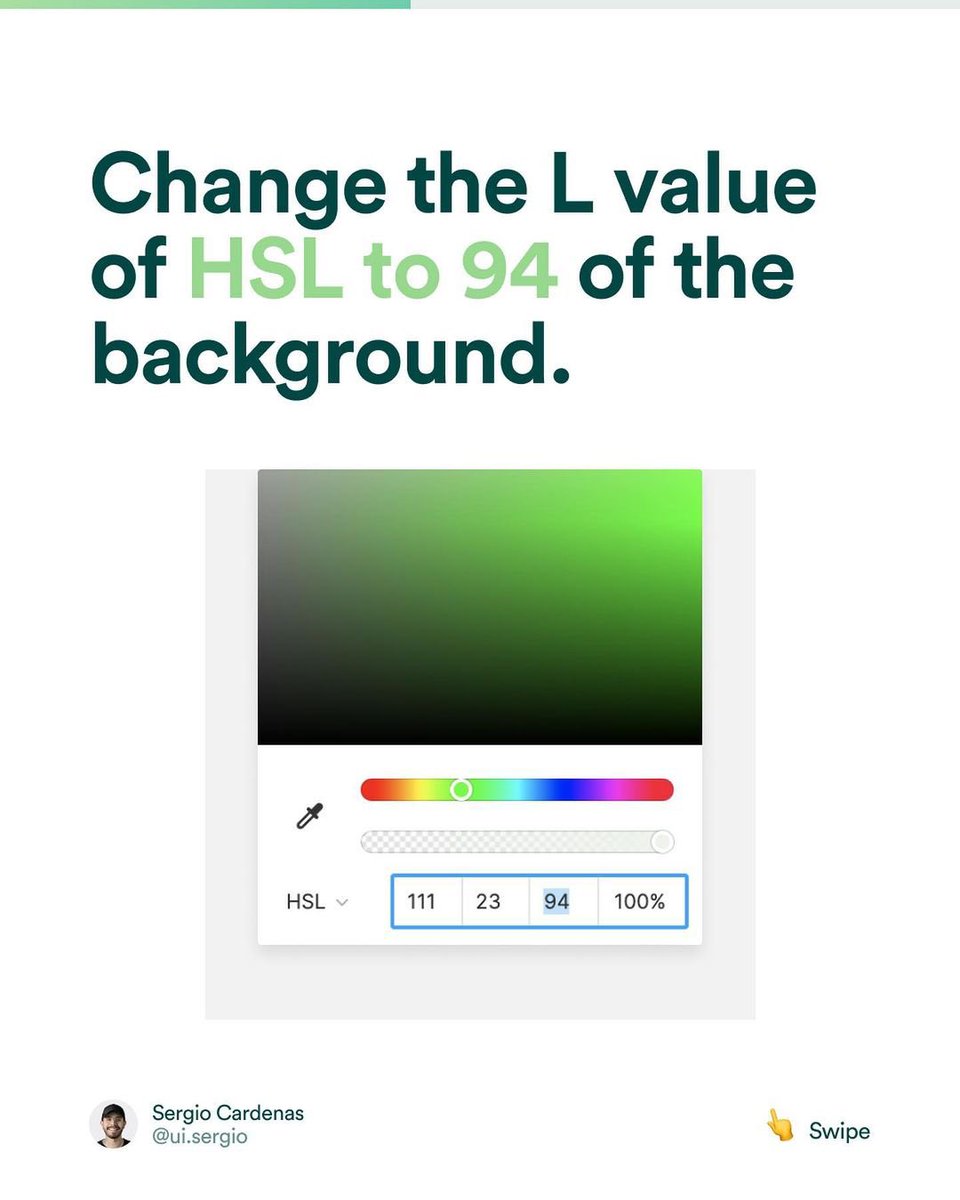
Reduce the darkness
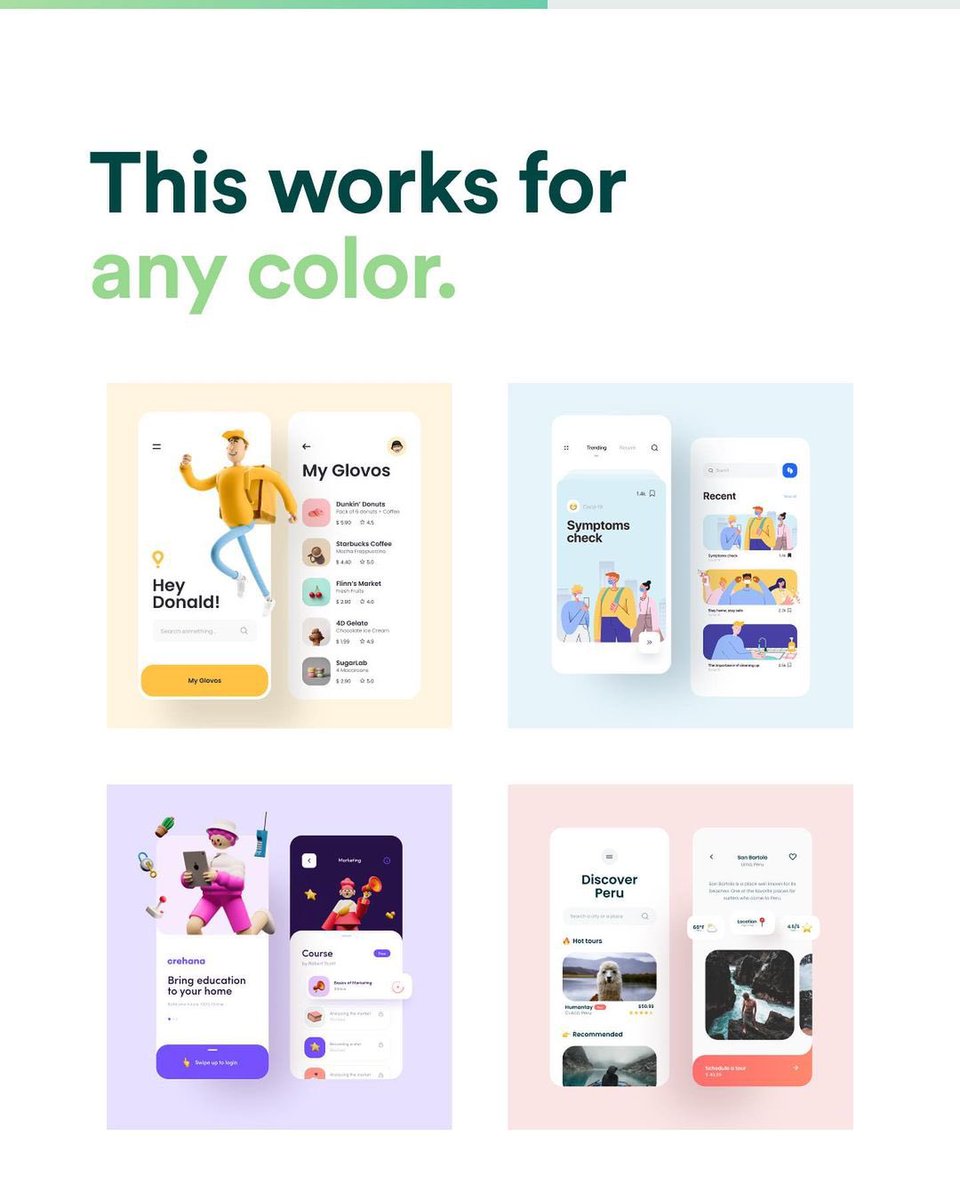
It goes for any colour… you’d get a sweet pastel feel… juicy! 🥰🥰
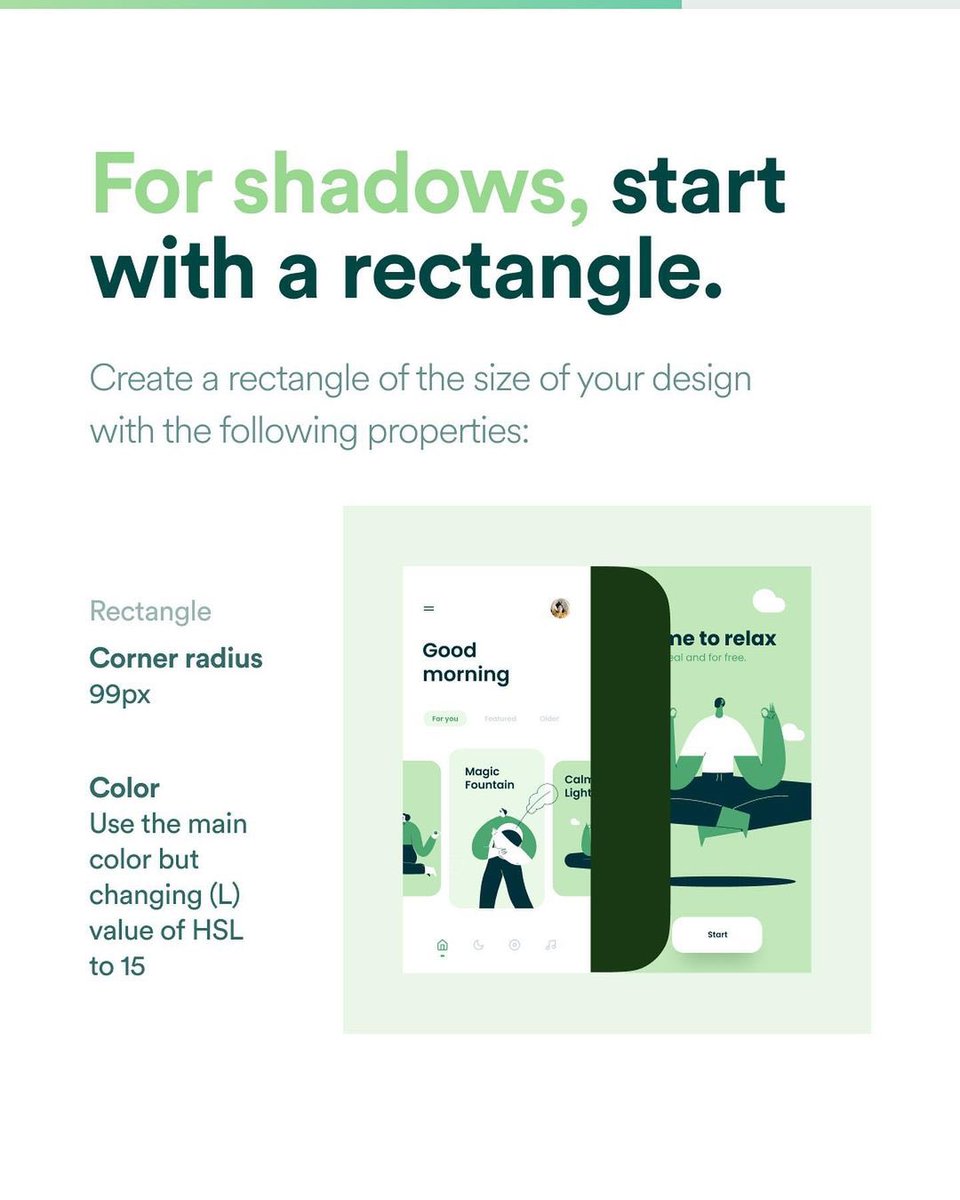
Create a rectangle the height of your design frame and place it in between your frames… add some corner radius!
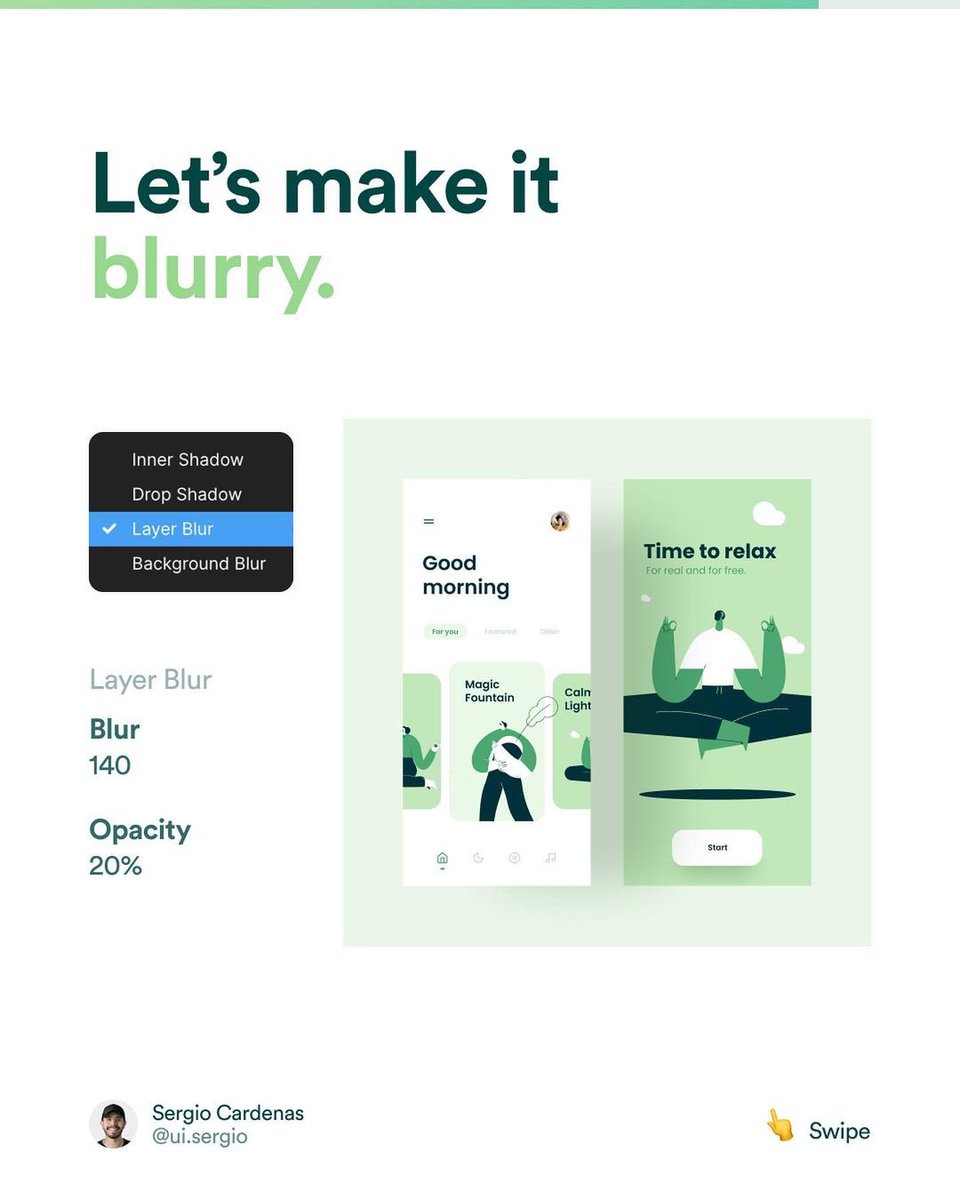
… and blurrrrrr
You can move up, tilt sideways, skew and stuff like that!
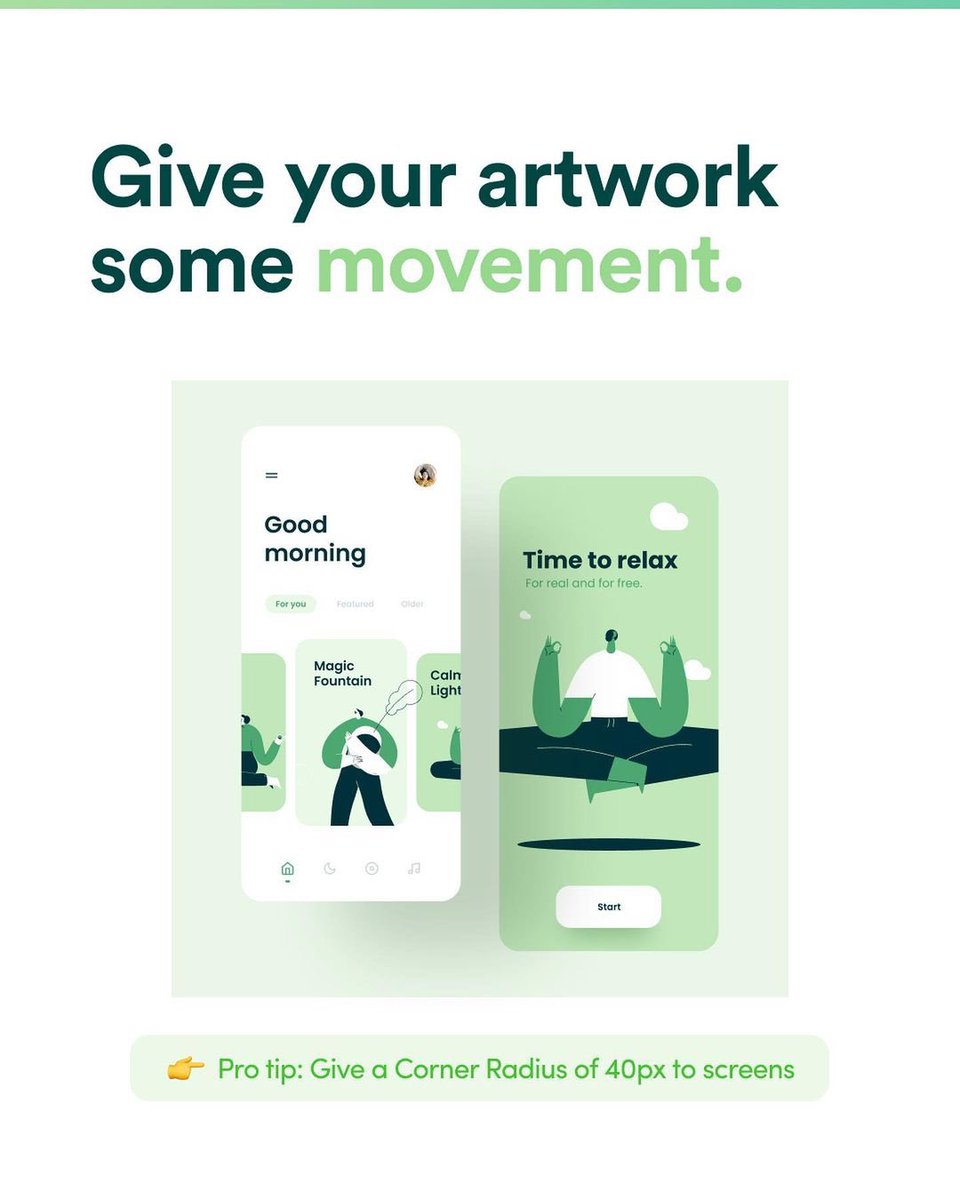
Try it out! And follow for some more gems! Global standard is the goal! 🥰🚀🚀
Loading suggestions...