

21 tags that will reveal the hidden power of HTML (you will be surprised):
1. Accept
Describes which input file types are allowed.
Only used with a file type of the input tag. Takes in a comma-separated list of one or more file types.
To allow all files of specific media type, use accept="image/*".
Describes which input file types are allowed.
Only used with a file type of the input tag. Takes in a comma-separated list of one or more file types.
To allow all files of specific media type, use accept="image/*".

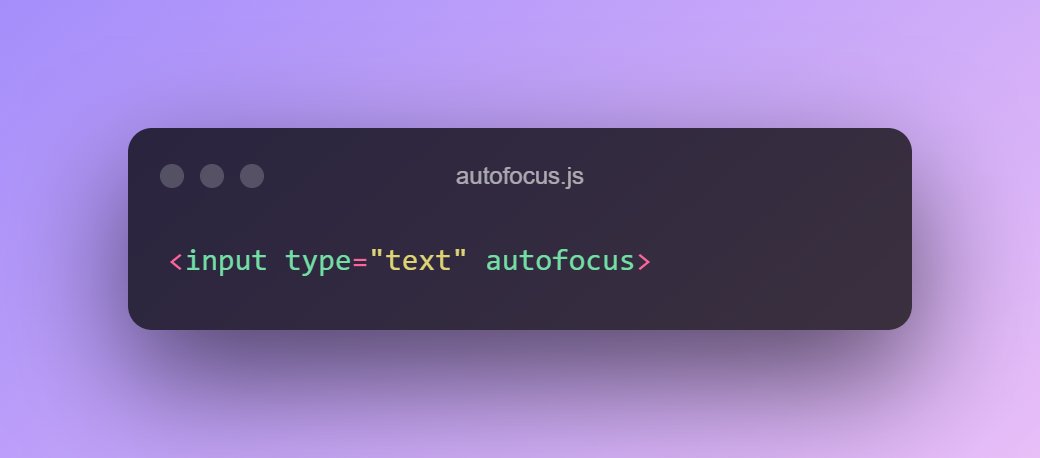
2. Autofocus
Indicates that the particular element should be focused on page load.
Only one element in the document or dialog may have the autofocus attribute.
If applied to multiple elements the first one will receive focus.
Indicates that the particular element should be focused on page load.
Only one element in the document or dialog may have the autofocus attribute.
If applied to multiple elements the first one will receive focus.
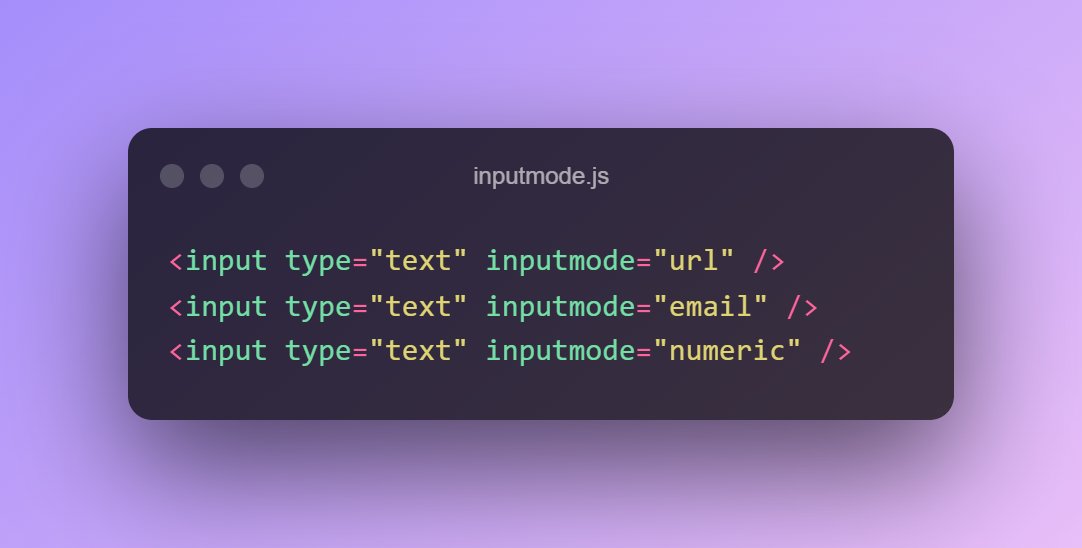
3. Inputmode
Hints at the type of data that might be entered by the user while editing the element or its contents.
This allows a browser to display an appropriate virtual keyboard.
Hints at the type of data that might be entered by the user while editing the element or its contents.
This allows a browser to display an appropriate virtual keyboard.
4. Pattern
Specifies a regular expression that the input value is checked against on form submission.
Specifies a regular expression that the input value is checked against on form submission.

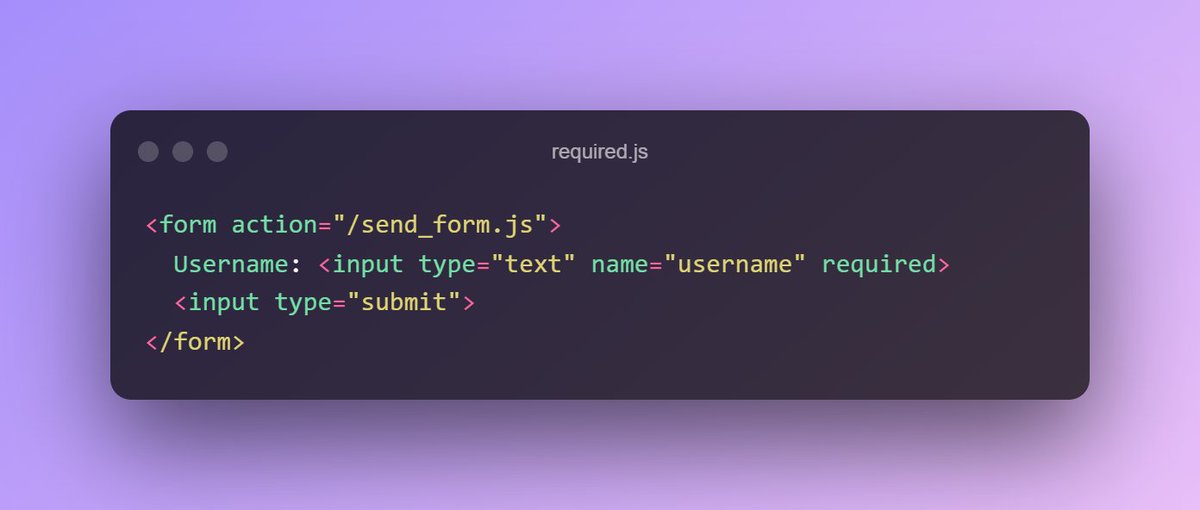
5. Required
Ensures that the element must be filled out before submitting the form.
Ensures that the element must be filled out before submitting the form.
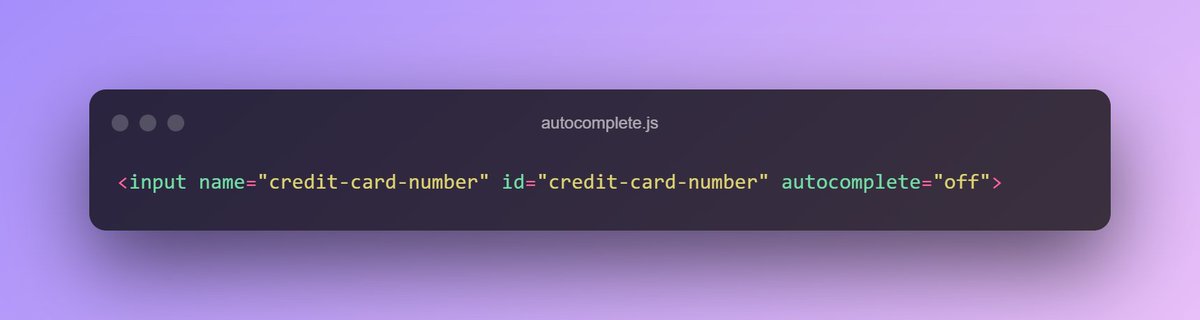
6. Autocomplete
Specifies whether the browser has permission to provide assistance to fill out form fields like email, phone numbers, country, etc.
Specifies whether the browser has permission to provide assistance to fill out form fields like email, phone numbers, country, etc.
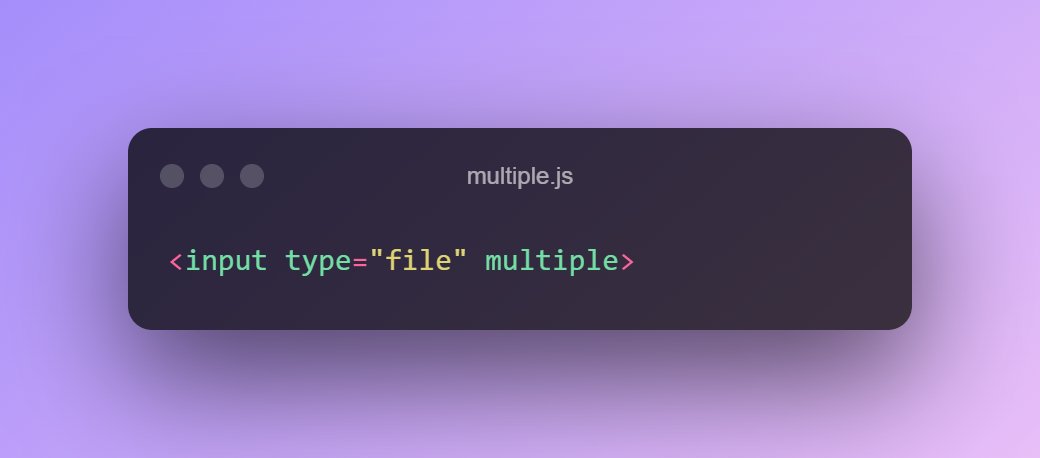
7. Multiple
This attribute allows the user to select multiple values.
You can use it with file and email types of input and the select tag.
This attribute allows the user to select multiple values.
You can use it with file and email types of input and the select tag.
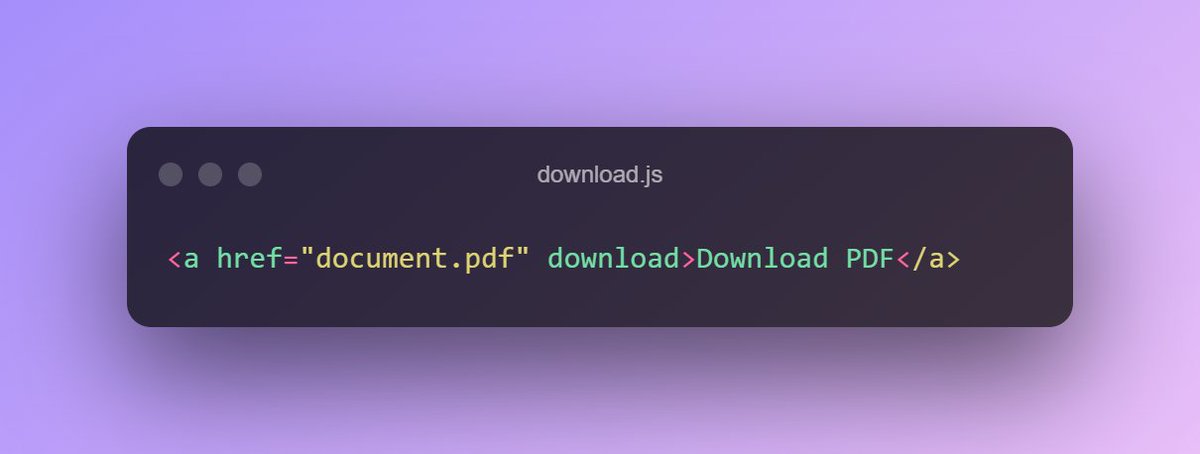
8. Download
Specifies that the target will be downloaded when the user clicks on the hyperlink.
Specifies that the target will be downloaded when the user clicks on the hyperlink.
9. Contenteditable
This attribute allows the user to edit the content of the element.
This attribute allows the user to edit the content of the element.

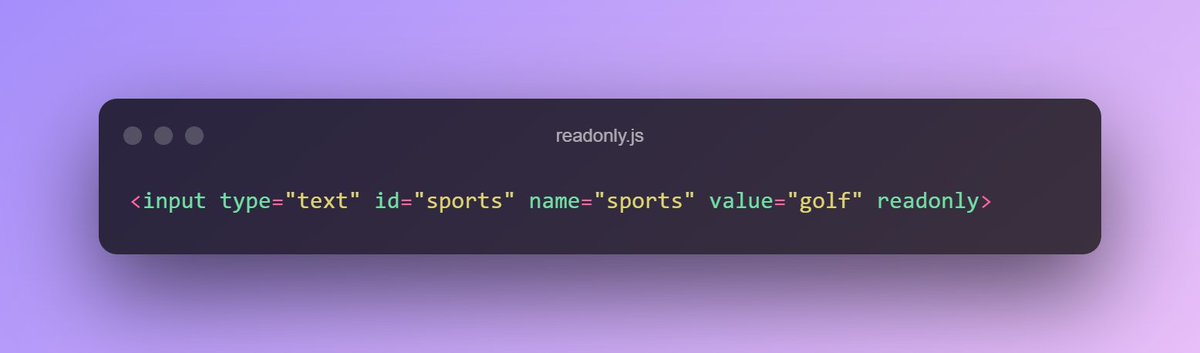
10. Readonly
Specifies that an input field is read-only.
A user can still tab to it, highlight it, and copy the text from it. To forbid those actions, use the disabled attribute, instead.
Specifies that an input field is read-only.
A user can still tab to it, highlight it, and copy the text from it. To forbid those actions, use the disabled attribute, instead.
11. Hidden
Specifies whether or not the element is visible.
Specifies whether or not the element is visible.

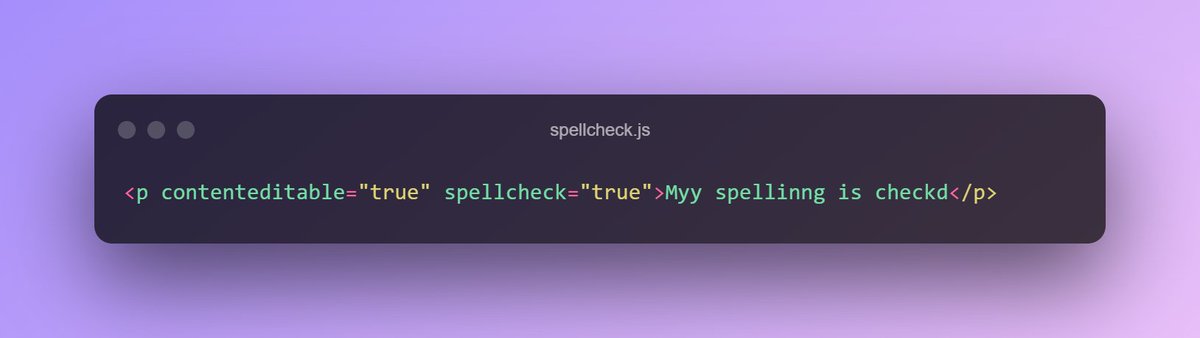
12. Spellcheck
Defines whether the element is checked for spelling errors.
Typically, all the non-editable elements are not checked, even if the spellcheck attribute is set to true and the browser supports spellchecking.
Defines whether the element is checked for spelling errors.
Typically, all the non-editable elements are not checked, even if the spellcheck attribute is set to true and the browser supports spellchecking.
13. Translate
Specifies whether the element should be translated when the page is localized.
An example use case would be your company name, book titles, locations, etc.
Specifies whether the element should be translated when the page is localized.
An example use case would be your company name, book titles, locations, etc.

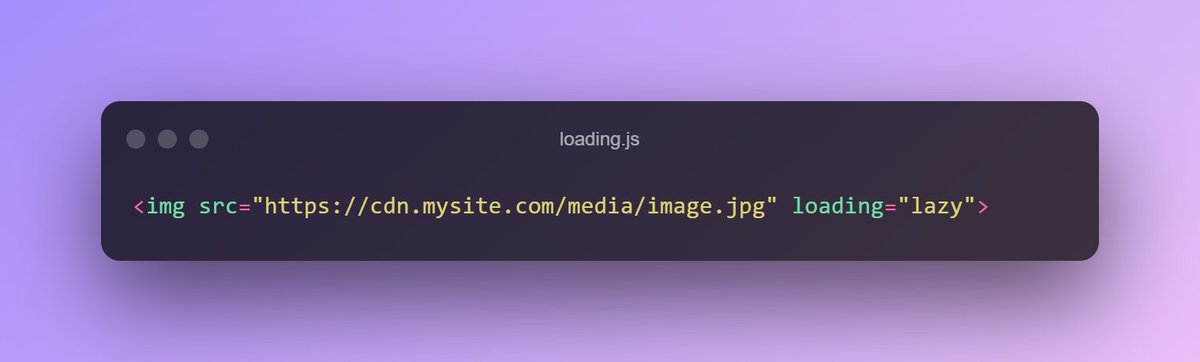
14. Loading
Specifies whether a browser should load an image immediately or to defer loading of off-screen images until, for example, the user scrolls near them.
Eager is the default behavior, lazy is used to defer (aka lazy loading).
Specifies whether a browser should load an image immediately or to defer loading of off-screen images until, for example, the user scrolls near them.
Eager is the default behavior, lazy is used to defer (aka lazy loading).
15. Poster
Allows adding an image to be shown while the video is downloading.
If not specified, nothing is displayed until the first frame is available, then the first frame is shown as the poster frame.
Allows adding an image to be shown while the video is downloading.
If not specified, nothing is displayed until the first frame is available, then the first frame is shown as the poster frame.

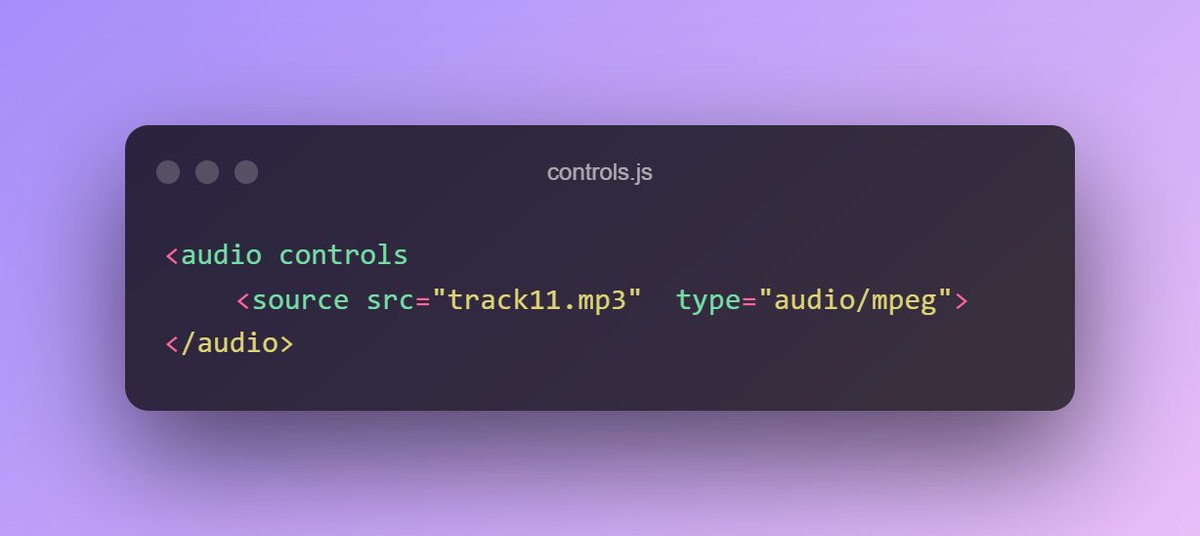
16. Controls
Specifies whether or not the audio/video controls should be displayed on the player.
Specifies whether or not the audio/video controls should be displayed on the player.
17. Autoplay
Ensures that the audio/video will automatically start playing as soon as it is loaded.
Ensures that the audio/video will automatically start playing as soon as it is loaded.

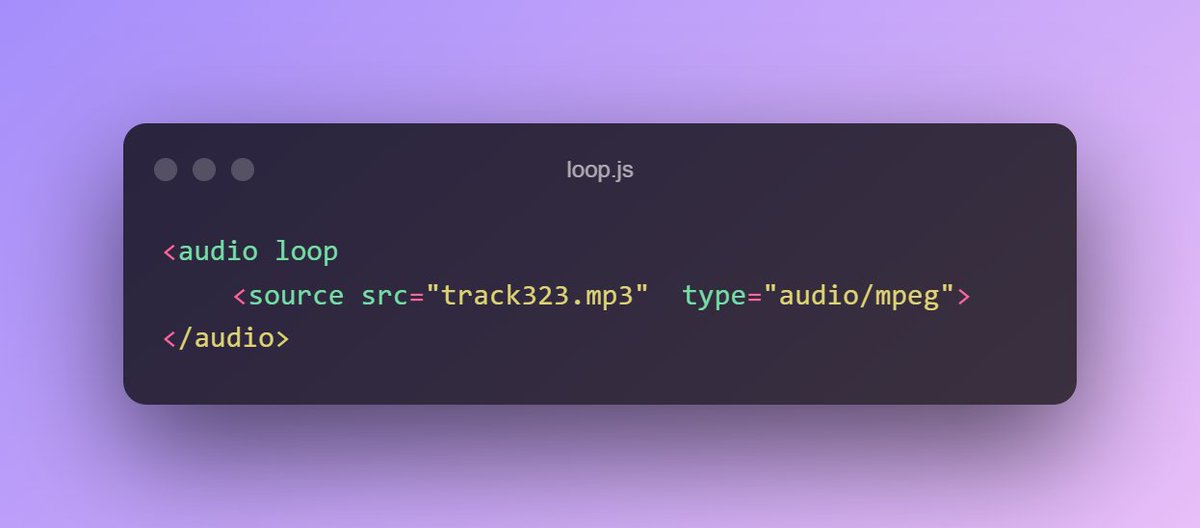
18. Loop
Specifies that the audio/video will start over again, every time it is finished.
Specifies that the audio/video will start over again, every time it is finished.
19. Cite
Points to where the content is taken from, or change or deletion is referred.
Points to where the content is taken from, or change or deletion is referred.

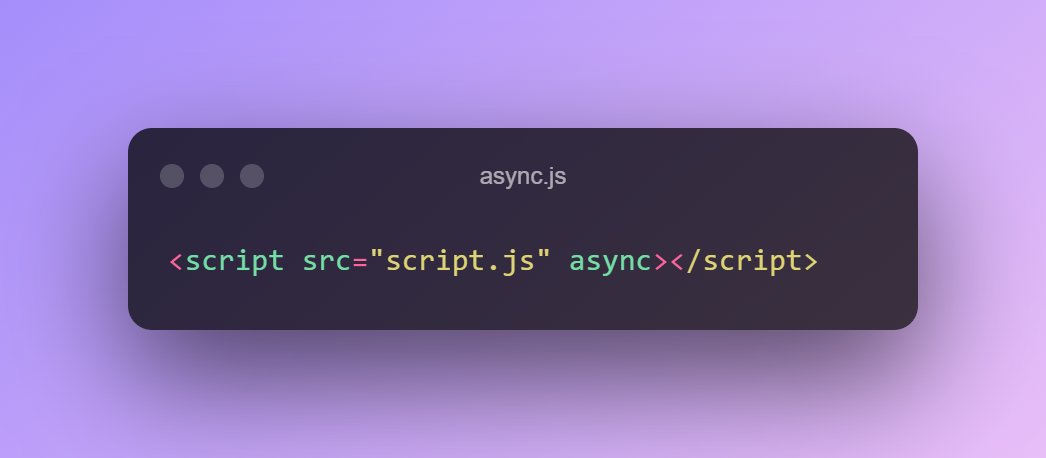
20. Async
Ensures the script is executed asynchronously with the rest of the page.
The async attribute only has an effect on external scripts (src attribute must be present).
Ensures the script is executed asynchronously with the rest of the page.
The async attribute only has an effect on external scripts (src attribute must be present).
21. Defer
Ensures the script is executed when the page has finished parsing.
The defer attribute only has an effect on external scripts (src attribute must be present).
Ensures the script is executed when the page has finished parsing.
The defer attribute only has an effect on external scripts (src attribute must be present).

That's a wrap! Thank you for reading!
I tweet about dev-related productivity tips and resources, create discussions and make articles on career growth.
If you found this thread useful make sure to follow me (@madzadev) and RT this thread. Thanks! 🙏💖
I tweet about dev-related productivity tips and resources, create discussions and make articles on career growth.
If you found this thread useful make sure to follow me (@madzadev) and RT this thread. Thanks! 🙏💖
Loading suggestions...