

Almost everyone use Google Chrome.
But very few use the extensions which extend its funtionality by leaps and bounds.
11 amazing Chrome Extensions that you should start using today:
But very few use the extensions which extend its funtionality by leaps and bounds.
11 amazing Chrome Extensions that you should start using today:
1. Print Friendly
👉 Optimizes webpages to save in pdf format
👉 Removes Junk
👉 Editable preview so you can delete what you don't need
Extremely useful if you save any web pages/articles for printing or reading later. Blew my mind away
👉 Optimizes webpages to save in pdf format
👉 Removes Junk
👉 Editable preview so you can delete what you don't need
Extremely useful if you save any web pages/articles for printing or reading later. Blew my mind away

2. GoFullPage
👉 Take a screenshot of an entire web page in just one click
👉 PNG, JPEG, or various PDF options to download
👉 Edit the screenshot
👉 Take a screenshot of an entire web page in just one click
👉 PNG, JPEG, or various PDF options to download
👉 Edit the screenshot
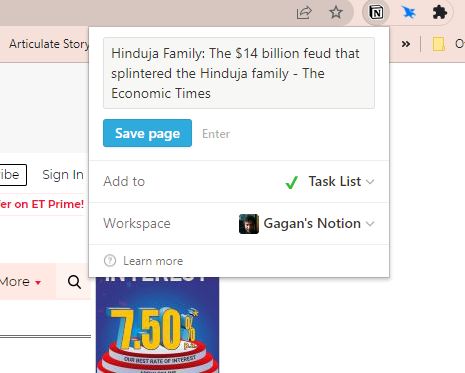
3. Save to Notion
👉 Save links to your Notion database.
👉 Bookmark articles quickly and save other data like emails etc
👉 Save links to your Notion database.
👉 Bookmark articles quickly and save other data like emails etc
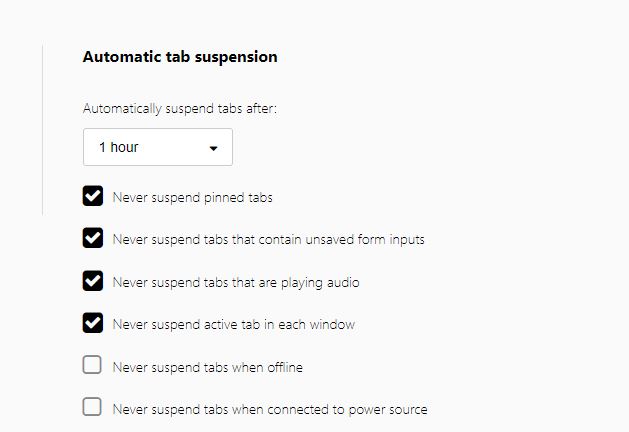
4. The Great Suspender
👉Make your computer run smoothly by suspending the tabs you aren't using.
👉 Reduce chrome's memory footprint.
👉 Useful if you open a number of tabs open at the same time.
👉Make your computer run smoothly by suspending the tabs you aren't using.
👉 Reduce chrome's memory footprint.
👉 Useful if you open a number of tabs open at the same time.
5. Grammarly
• fix grammar
• spelling
• punctuation issues
• help you revise sentences that are grammatically correct but unclear
• fix grammar
• spelling
• punctuation issues
• help you revise sentences that are grammatically correct but unclear
6. Chrome Notes
- Simple notepad extension for Google Chrome
- Easily copy a few words/links etc
- Download text backup
- Remembers notes even after closing chrome or restarting computer
- Notes are stored locally -> so full privacy
This feature is extremely useful every day
- Simple notepad extension for Google Chrome
- Easily copy a few words/links etc
- Download text backup
- Remembers notes even after closing chrome or restarting computer
- Notes are stored locally -> so full privacy
This feature is extremely useful every day

7. Power Thesaurus
- Find synonyms to words you are writing
- Find the right word for the exact context quickly
- Makes your writing powerful
- Find synonyms to words you are writing
- Find the right word for the exact context quickly
- Makes your writing powerful
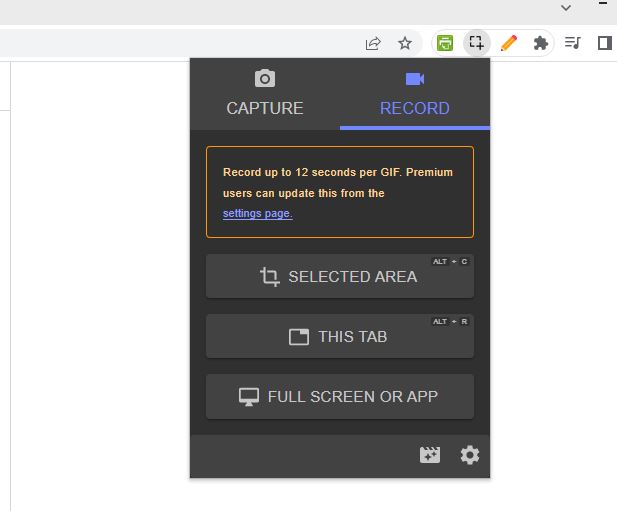
8. Chrome Capture
- Take screenshot
- Record screen to GIF
- Edit capture
- Share with friend/colleague
- Quick and easy
- Take screenshot
- Record screen to GIF
- Edit capture
- Share with friend/colleague
- Quick and easy
9. Bitly
-Shortens long links
- Very useful if you use Whatsapp Web
-Shortens long links
- Very useful if you use Whatsapp Web
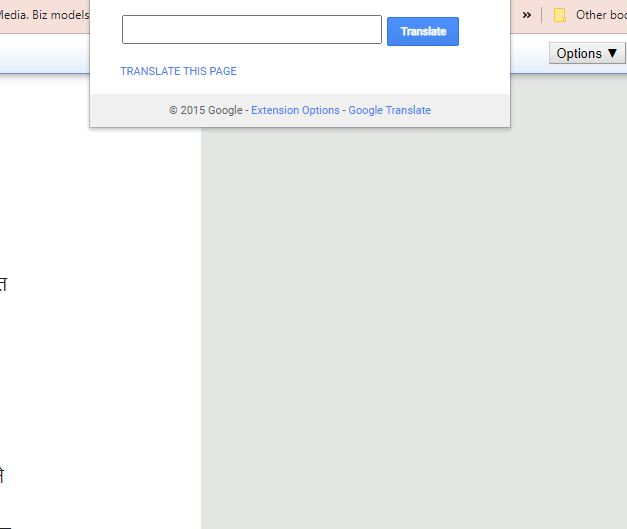
10. Google Translate
-Translate any page into any language without visiting google translate and copying the link etc.
- Most quick way and saves time
-Translate any page into any language without visiting google translate and copying the link etc.
- Most quick way and saves time
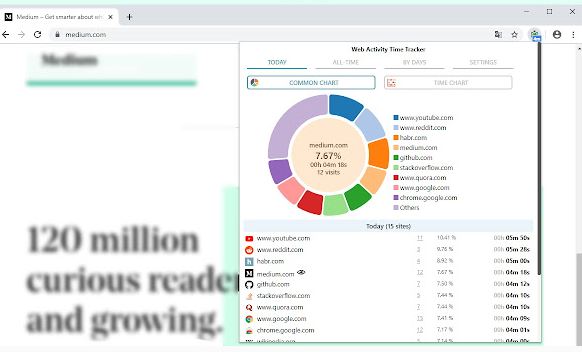
11. Web Activity Time Tracker
👉Track and limit your activity in the browser
👉Control how much time you spend on websites and set a time limit on websites if you procrastinate.
👉Awesome charts and stats on time spent by days/sites
👉Track and limit your activity in the browser
👉Control how much time you spend on websites and set a time limit on websites if you procrastinate.
👉Awesome charts and stats on time spent by days/sites
Just search the name of the extenstion + "chrome extension" on Google! Install the connection and you are ready to use. You can pin the ones you use the most.
If you liked this thread:
1. Follow me @divyamittal_IAS for more of these
2. RT the tweet below to share this thread
If you liked this thread:
1. Follow me @divyamittal_IAS for more of these
2. RT the tweet below to share this thread
Loading suggestions...