

You've been squandering your time and money on productivity apps.
Here are the best Chrome extensions to help you get through your workday faster:
Here are the best Chrome extensions to help you get through your workday faster:
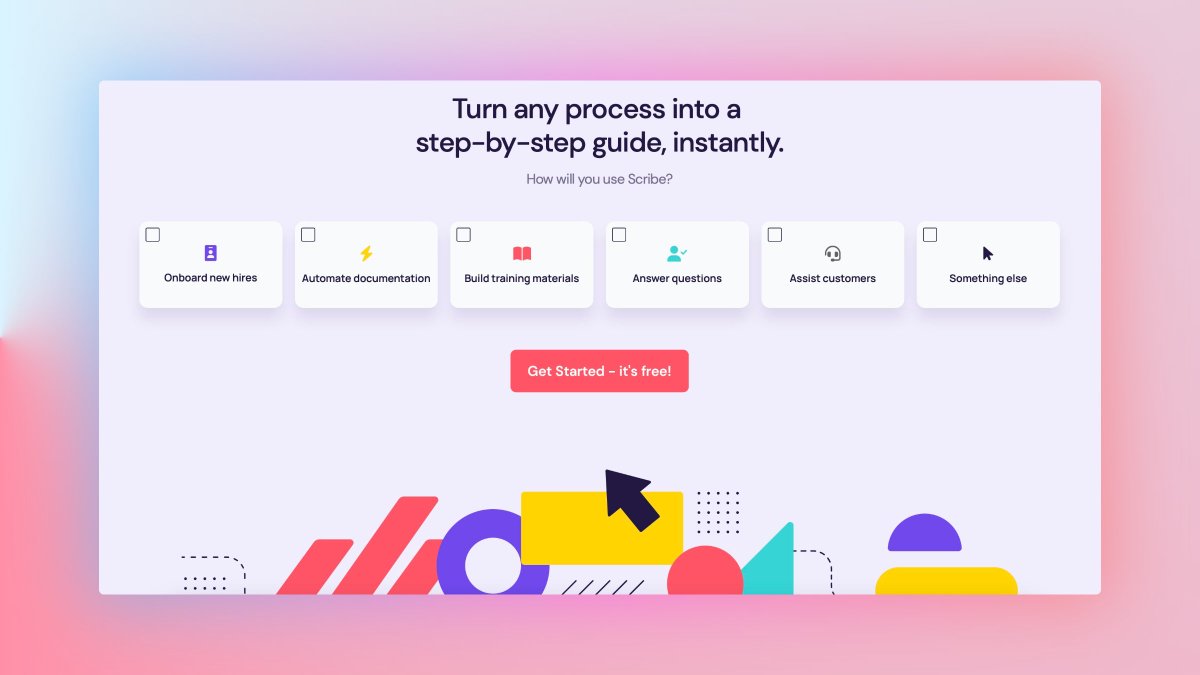
• Scribe How
It automatically creates step-by-step guides while recording you and writing instructions for you.
- Instant document creation
- Highlighted screenshots
- Screenshot editor
- Recommended guides
getscribe.how
It automatically creates step-by-step guides while recording you and writing instructions for you.
- Instant document creation
- Highlighted screenshots
- Screenshot editor
- Recommended guides
getscribe.how
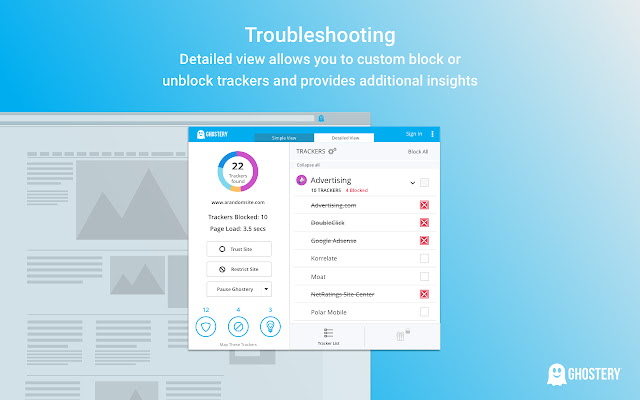
• Ghostery
It is a sophisticated ad-blocking extension designed to remove ads.
It helps:
- Block ads to eliminate clutter
- Protect your privacy
- Stop trackers and speed up websites
It is a sophisticated ad-blocking extension designed to remove ads.
It helps:
- Block ads to eliminate clutter
- Protect your privacy
- Stop trackers and speed up websites
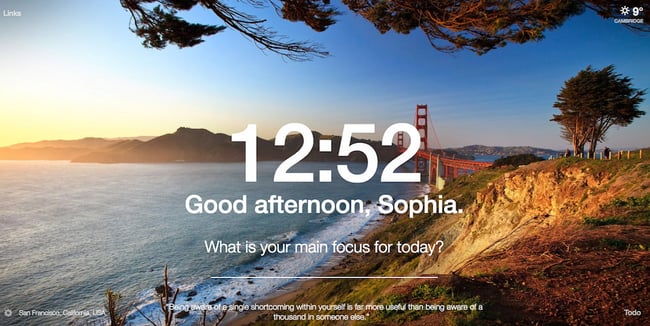
• Momentum
Momentum is a simple Chrome extension that replaces blank new tabs with beautiful photography.
It features to-do lists, weather, daily photos, and encouraging quotes.
Momentum is a simple Chrome extension that replaces blank new tabs with beautiful photography.
It features to-do lists, weather, daily photos, and encouraging quotes.
• Honey
It helps you find coupons and promo codes when you shop online.
It helps :
- Find great deals on 30,000+ sites
- Know the best time to buy
- Compare Amazon sellers easily
- Load up on Cash Back
It helps you find coupons and promo codes when you shop online.
It helps :
- Find great deals on 30,000+ sites
- Know the best time to buy
- Compare Amazon sellers easily
- Load up on Cash Back

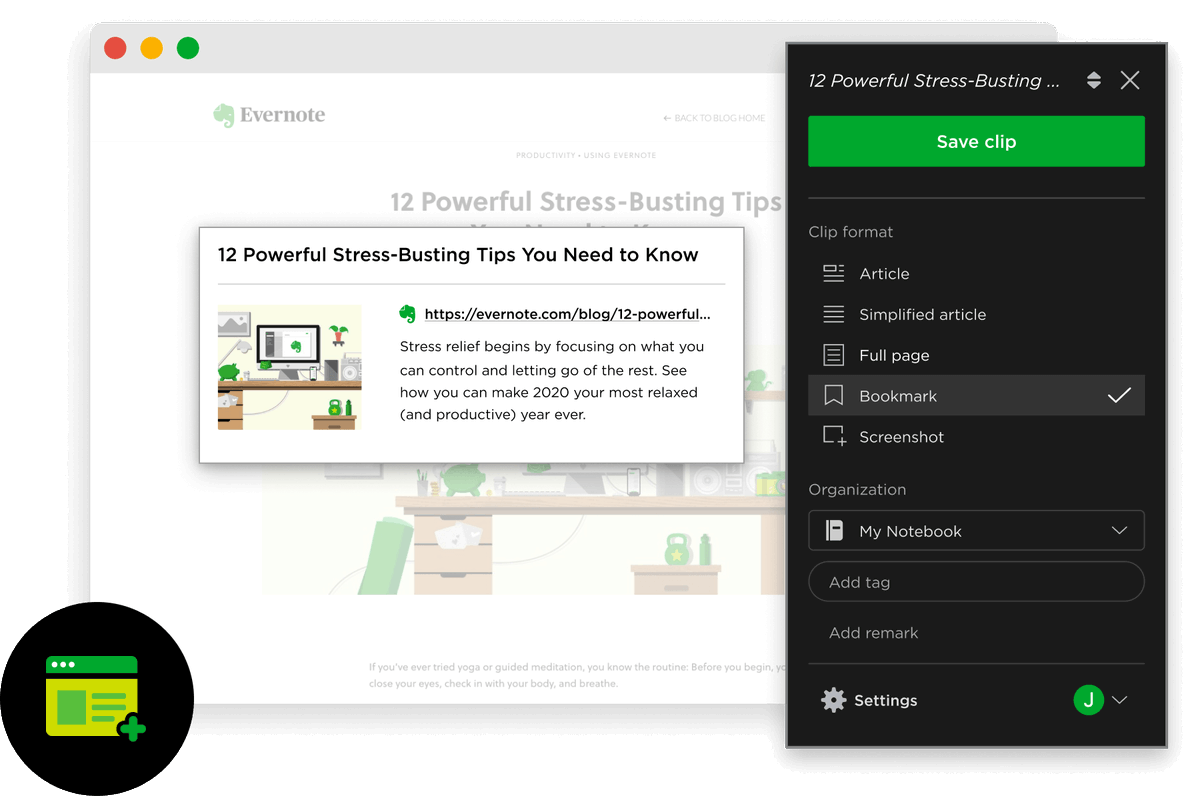
• Evernote Web Clipper
With this extension, you can store interesting web content in your Evernote account.
It helps :
- Capture ideas
- Save articles and web pages
- Clip web pages, articles, or PDFs
With this extension, you can store interesting web content in your Evernote account.
It helps :
- Capture ideas
- Save articles and web pages
- Clip web pages, articles, or PDFs
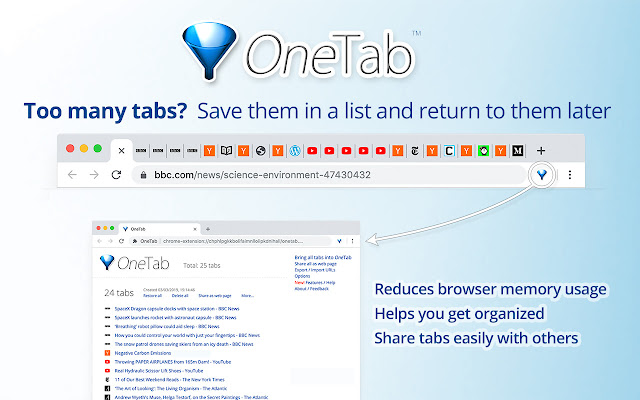
• OneTab
It incorporates all open tabs into a single bookmark tab.
Save up to 95% memory and reduce tab clutter
All Your Tabs in One Place
Restore Tabs
Import and Export Your Tabs
It incorporates all open tabs into a single bookmark tab.
Save up to 95% memory and reduce tab clutter
All Your Tabs in One Place
Restore Tabs
Import and Export Your Tabs
• Grammarly
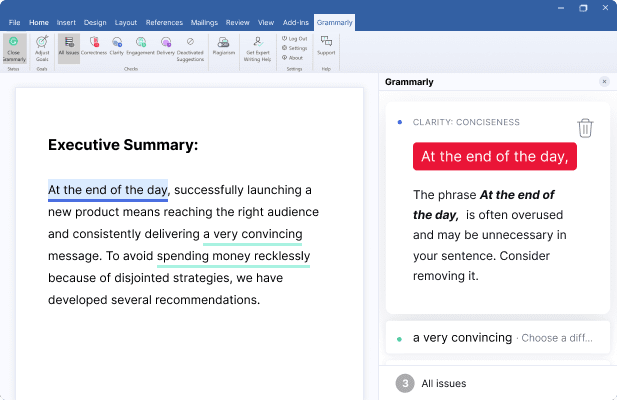
It is a spelling and grammar checker.
- Spelling
- Grammar
- Punctuation
- Fluency check
- Plagiarism detection
It is a spelling and grammar checker.
- Spelling
- Grammar
- Punctuation
- Fluency check
- Plagiarism detection
• Dark Reader
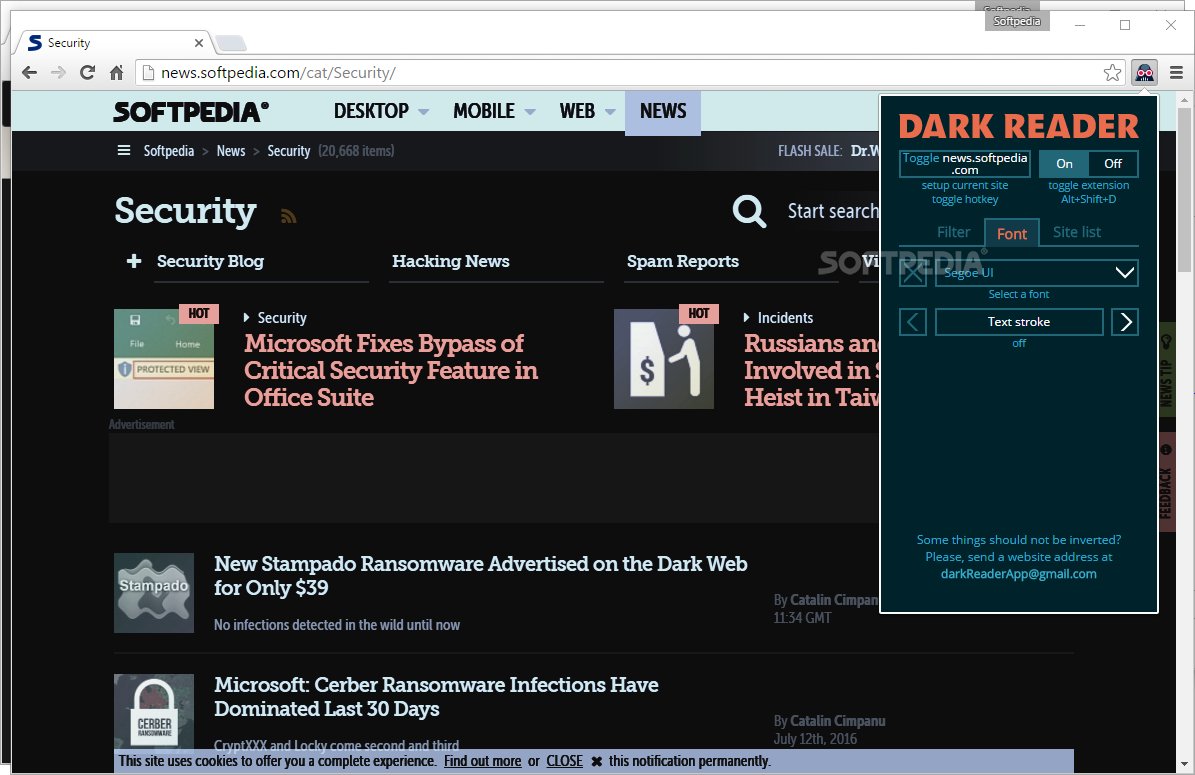
This extension creates a dark mode for every website you visit.
It protects your eyes by using a dark theme for nighttime and daily browsing.
This extension creates a dark mode for every website you visit.
It protects your eyes by using a dark theme for nighttime and daily browsing.
• QuillBot
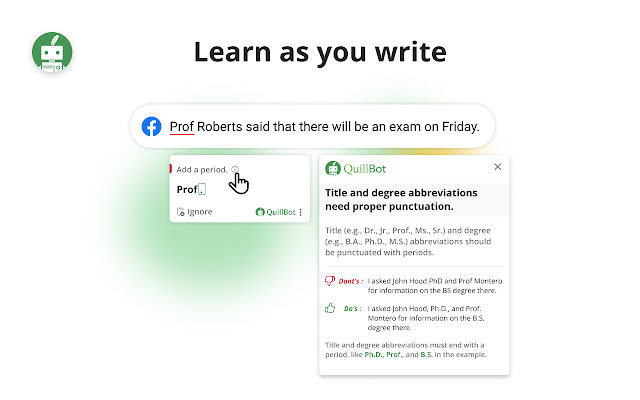
It is a paraphrasing tool that rewrites sentences, paragraphs, or articles using state-of-the-art AI.
It is a paraphrasing tool that rewrites sentences, paragraphs, or articles using state-of-the-art AI.
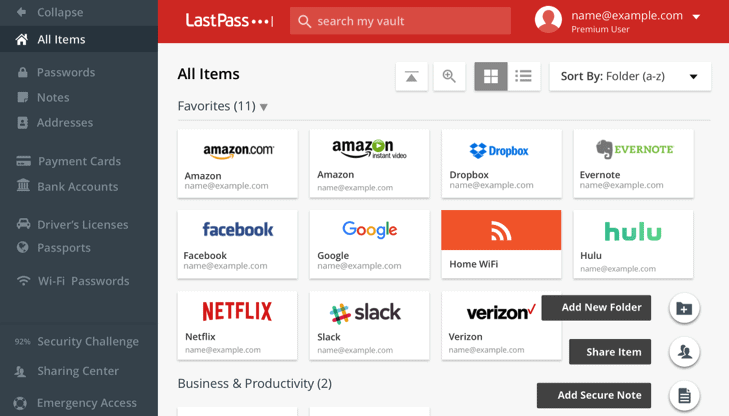
• LastPass
It is a password manager that fills in passwords for all saved accounts.
It helps:
- Store usernames and passwords
- Save passports, insurance cards and anything else you want
It is a password manager that fills in passwords for all saved accounts.
It helps:
- Store usernames and passwords
- Save passports, insurance cards and anything else you want
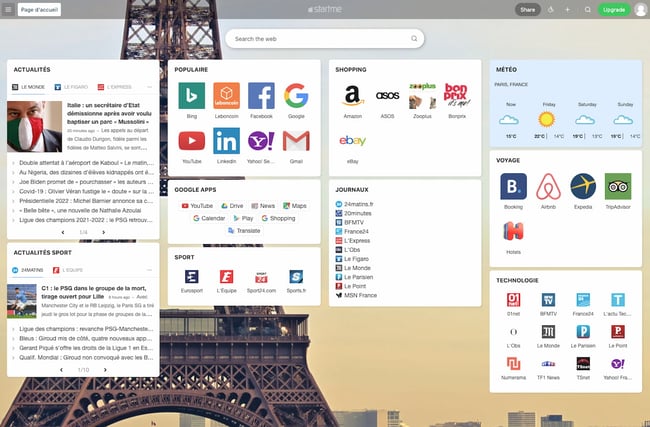
• Startme
This extension turns each new tab you open in Chrome into a personal dashboard.
This allows you to stay organized and complete more tasks in less time.
This extension turns each new tab you open in Chrome into a personal dashboard.
This allows you to stay organized and complete more tasks in less time.
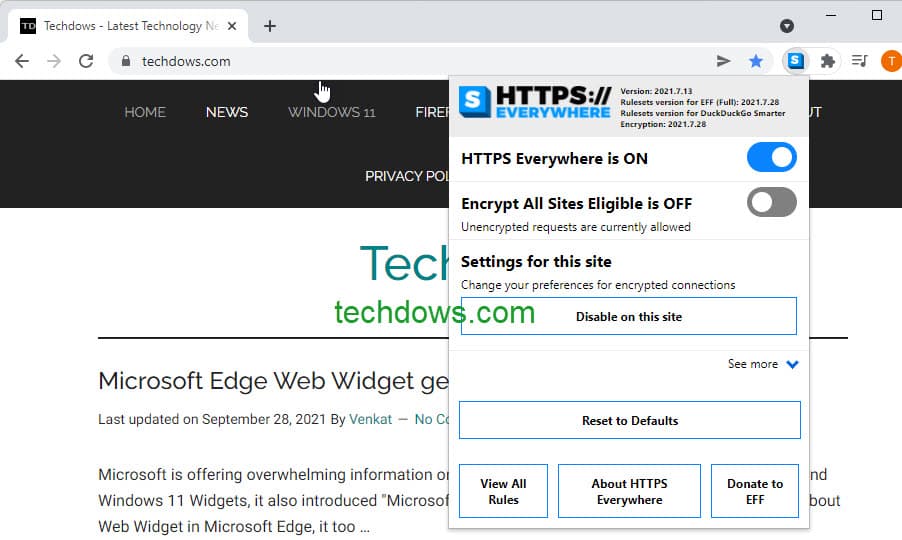
• HTTPS Everywhere
This extension lets you know whether you are visiting a secure website or not.
This extension lets you know whether you are visiting a secure website or not.
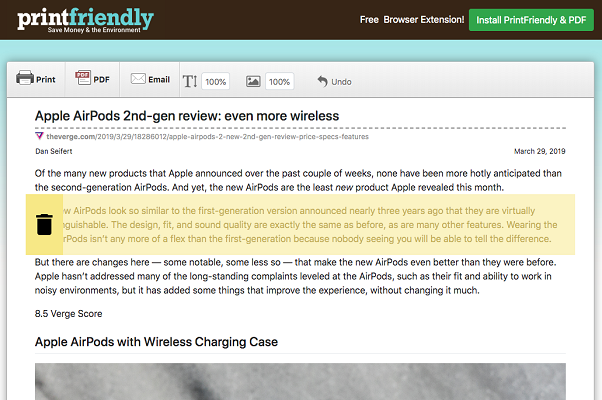
• Print Friendly & PDF
If you ever need to save a page in a print-friendly format or as a PDF, you can easily do so with the Print Friendly & PDF Chrome extension.
- Removes ads
- Delete images
- Change the text size.
If you ever need to save a page in a print-friendly format or as a PDF, you can easily do so with the Print Friendly & PDF Chrome extension.
- Removes ads
- Delete images
- Change the text size.
If you enjoyed this thread, please like, comment, and retweet the first tweet.
I write about:
- Personal Finance
- Investing
- Wealth
Follow me @AccentInvesting to get more tips.
Subscribe and get a Free guide on 5 ETFs to hold for life: bit.ly
I write about:
- Personal Finance
- Investing
- Wealth
Follow me @AccentInvesting to get more tips.
Subscribe and get a Free guide on 5 ETFs to hold for life: bit.ly
Loading suggestions...