

All you need is 2 components. Highlight element, and the button.
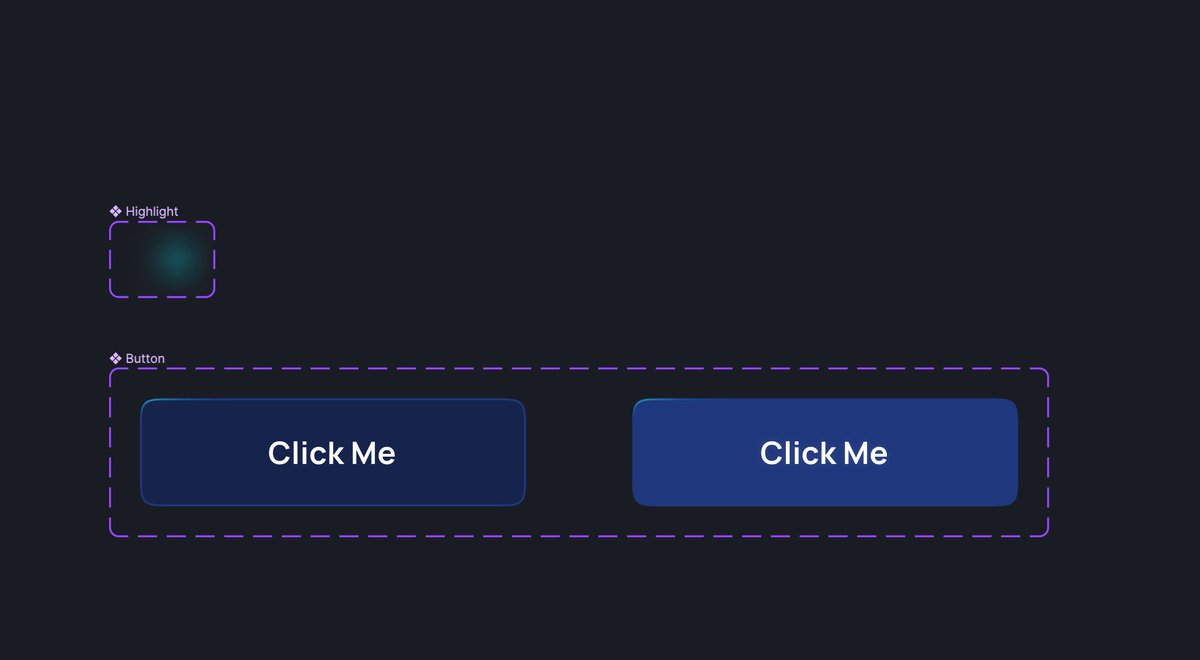
For highlight you need to prepare 2 small variants. One for normal state, second for hover. Apply layer blur for smooth effect. You may also experiment with layer blending
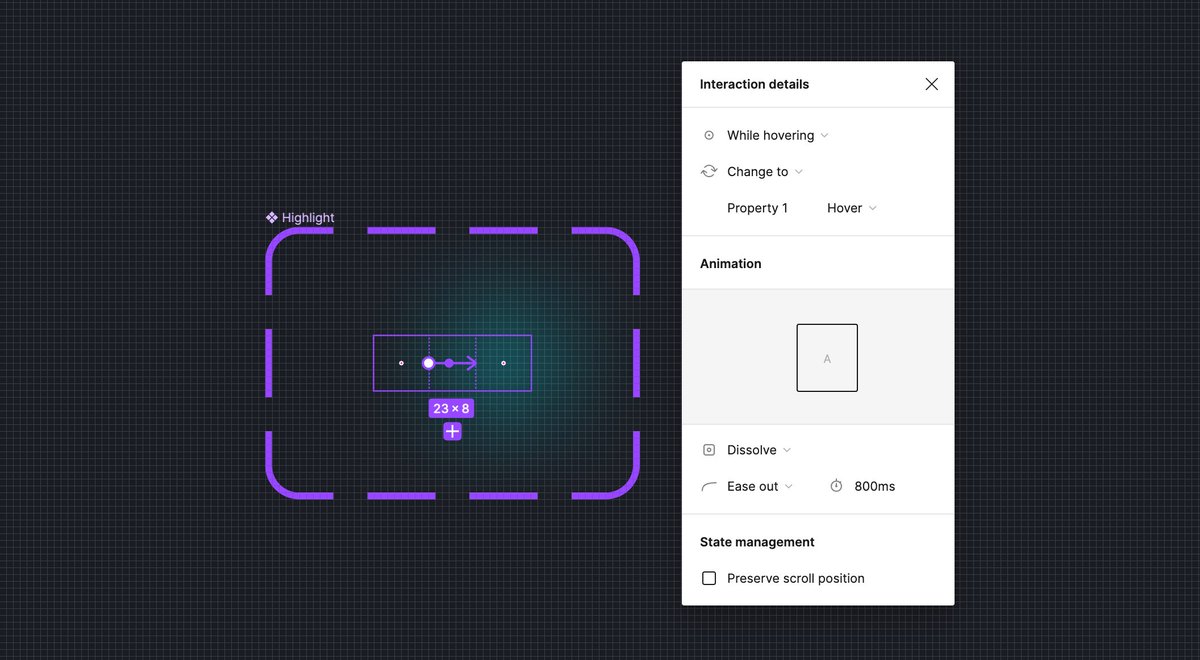
Now place hover components inside of the button. They will create kind of interactive grid.

That's it! Place button component in prototype, and see the magic happens. You may experiment with some additional elements that will interact on hover, pressed etc.

Curious how I made this top edge of the button shining? I will show this next week, follow me (@thalion_pb) and don't miss it!

Loading suggestions...