

Welcome to the AI-powered future of image editing.
Forget spending hours and money on image editing tools. Now you can simply edit images using text in a matter of seconds that too for FREE.
(A thread) 👇🧵
Forget spending hours and money on image editing tools. Now you can simply edit images using text in a matter of seconds that too for FREE.
(A thread) 👇🧵
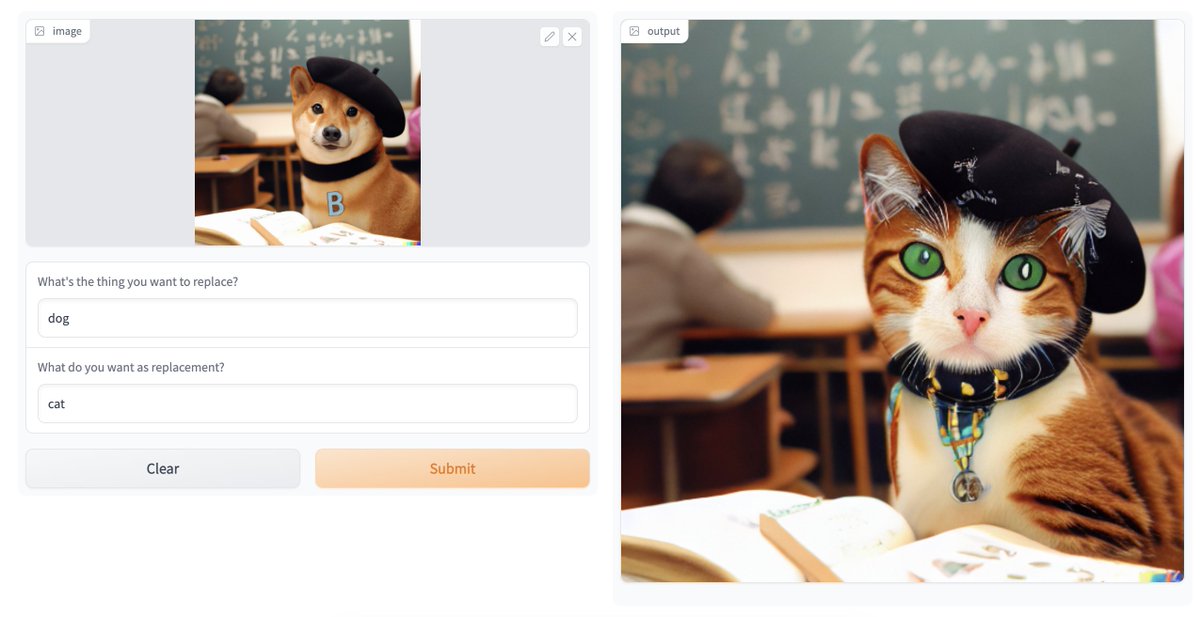
Introducing Text-Based Inpainting with CLIPSeg x Stable Diffusion on @huggingface spaces by @NielsRogge
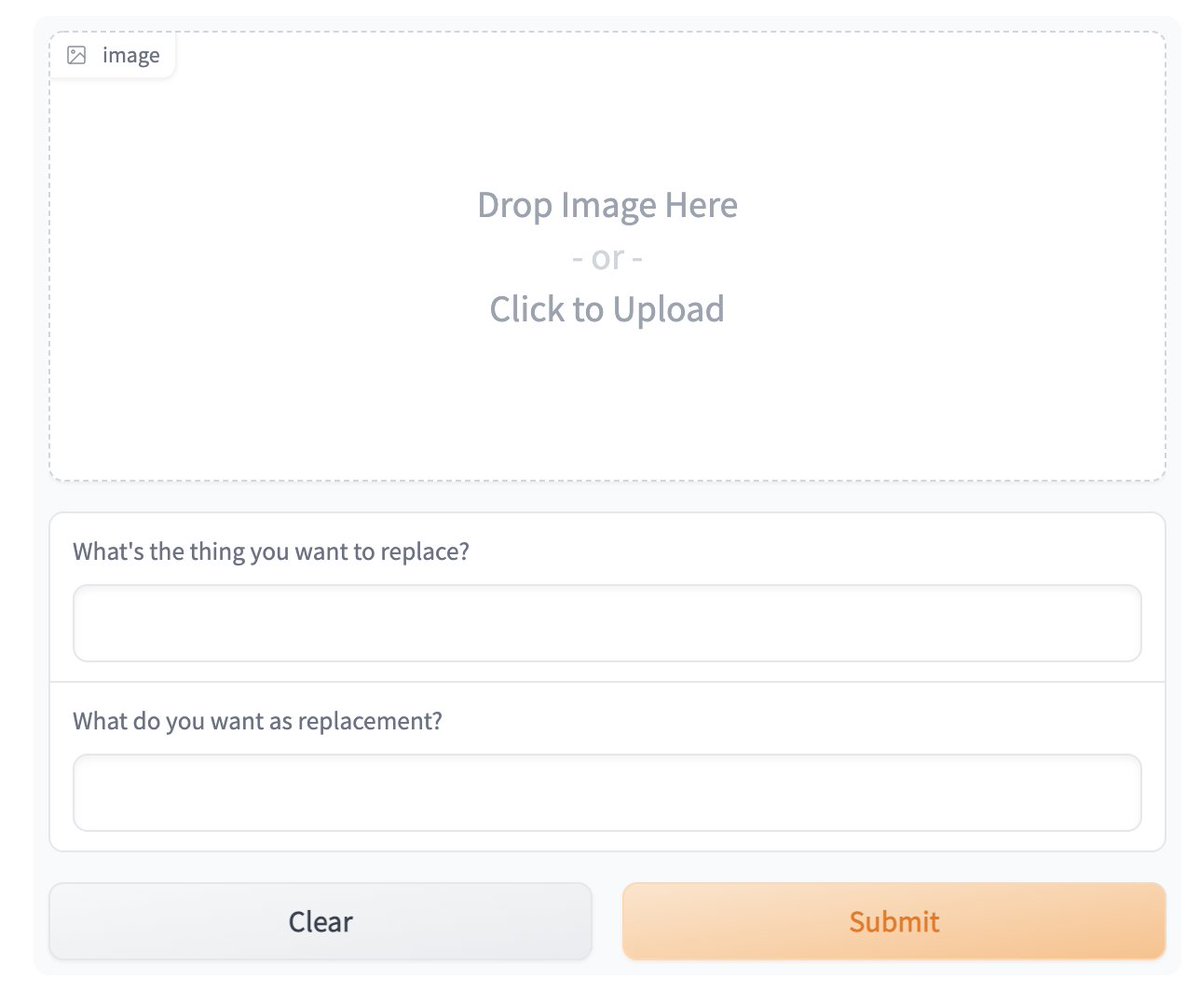
All you need to do is:
- Upload an image
- Type what you want to replace
- Type what you want to replace it with
Voila, sit back while AI will edit the image!
All you need to do is:
- Upload an image
- Type what you want to replace
- Type what you want to replace it with
Voila, sit back while AI will edit the image!
@huggingface @NielsRogge How does it work?
It is a two-step process:
1. CLIP-based zero or one-shot image segmentation: CLIP can be used to understand and segment objects in the image based on text.
It helps to create the binary mask that will go as an input to stable diffusion model for inpainting.
It is a two-step process:
1. CLIP-based zero or one-shot image segmentation: CLIP can be used to understand and segment objects in the image based on text.
It helps to create the binary mask that will go as an input to stable diffusion model for inpainting.
@huggingface @NielsRogge 2. Stable Diffusion model takes the masked area from the CLIP segmenter as the input and generates an image for that area using the text inputs.
@huggingface @NielsRogge Try it yourself here 👉 huggingface.co
Here is the source code if you want to customize or integrate it into your application 👉 huggingface.co
Here is the source code if you want to customize or integrate it into your application 👉 huggingface.co
@huggingface @NielsRogge If you enjoyed reading this, two requests:
1. Follow me @Saboo_Shubham_ to read more such content.
2. Share the first tweet in this thread so others can also read it 🙏
1. Follow me @Saboo_Shubham_ to read more such content.
2. Share the first tweet in this thread so others can also read it 🙏
Loading suggestions...