

How to use local storage in Javascript?
Let me show you 👇
Let me show you 👇

Browser local storage is a feature of web browsers that enables websites to store data locally on the user’s computer.
This type of storage is used to store information that should persist even after the user has closed the browser.
This type of storage is used to store information that should persist even after the user has closed the browser.
It can also be used to store small amounts of data that needs to be available for a long period of time, even after the user has left the website.
Let me show you 4 most common methods:
Let me show you 4 most common methods:
1️⃣ Setting a value in local storage
localStorage.setItem("name", "John");
2️⃣ Getting a value from local storage
let name = localStorage.getItem("name");
// It will return: John
localStorage.setItem("name", "John");
2️⃣ Getting a value from local storage
let name = localStorage.getItem("name");
// It will return: John
3️⃣ Removing a value from local storage
localStorage.removeItem("name");
4️⃣ Clearing all values from local storage
localStorage.clear();
localStorage.removeItem("name");
4️⃣ Clearing all values from local storage
localStorage.clear();
Is there a limit to the amount of data that can be stored in the browser's local storage?
Yes, the limit varies depending on the browser and device, but generally, most browsers support up to 5MB of data stored in local storage.
Yes, the limit varies depending on the browser and device, but generally, most browsers support up to 5MB of data stored in local storage.
Browser local storage should not be used to store sensitive information.
While local storage is relatively secure, it is still accessible by any malicious user accessing the client’s computer or device.
While local storage is relatively secure, it is still accessible by any malicious user accessing the client’s computer or device.
Additionally, if the user’s browser or device is compromised, then any data stored in local storage may become vulnerable.
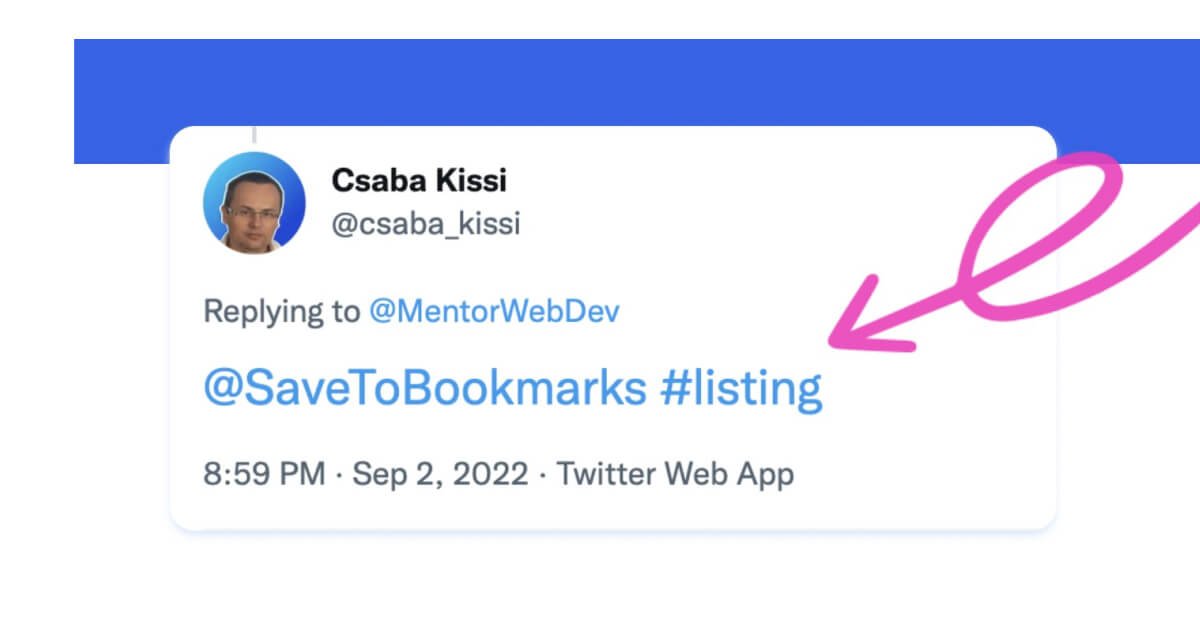
If you like this post, you can bookmark and tag it by replying with @SaveToBookmarks #javascript
You can view your bookmarks on savetobookmarks.com
You can view your bookmarks on savetobookmarks.com
That's all for now.
If you found this list useful, consider:
✅ Follow @csaba_kissi for more content like this
🔔 Enable notifications 👀
🔄 Retweeting the first tweet.
Thanks for your support, guys! 🙏🤝
If you found this list useful, consider:
✅ Follow @csaba_kissi for more content like this
🔔 Enable notifications 👀
🔄 Retweeting the first tweet.
Thanks for your support, guys! 🙏🤝
Loading suggestions...