

HTML tips you won't see in most tutorials:
1/ The `meter` element
You can use the `<meter>` element to display quantities. No JavaScript/CSS is needed.
You can use the `<meter>` element to display quantities. No JavaScript/CSS is needed.

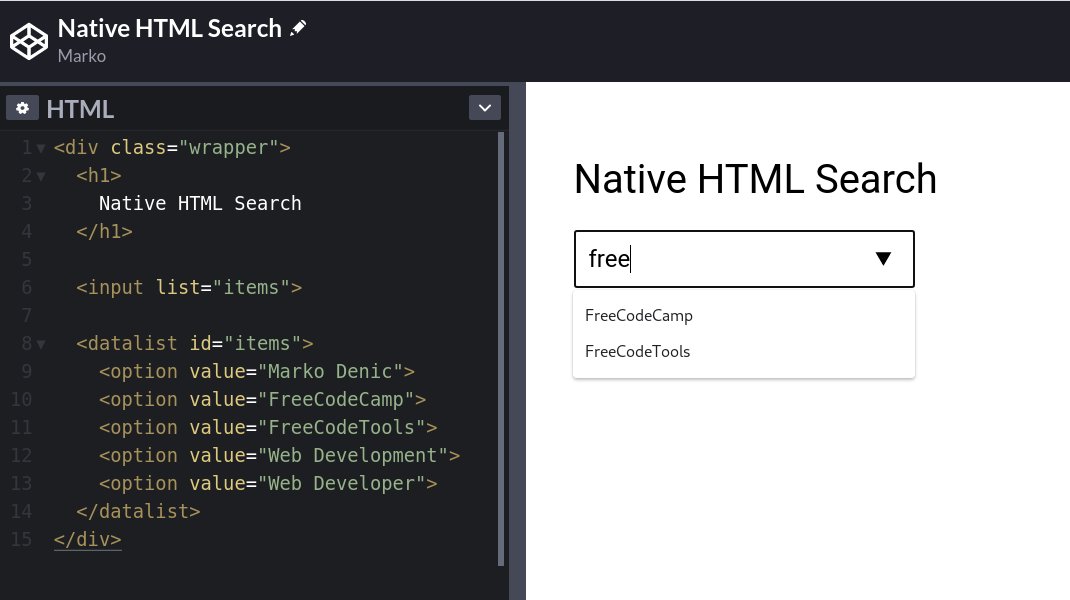
2/ Use the `<datalist>` element to create a native HTML autocomplete.
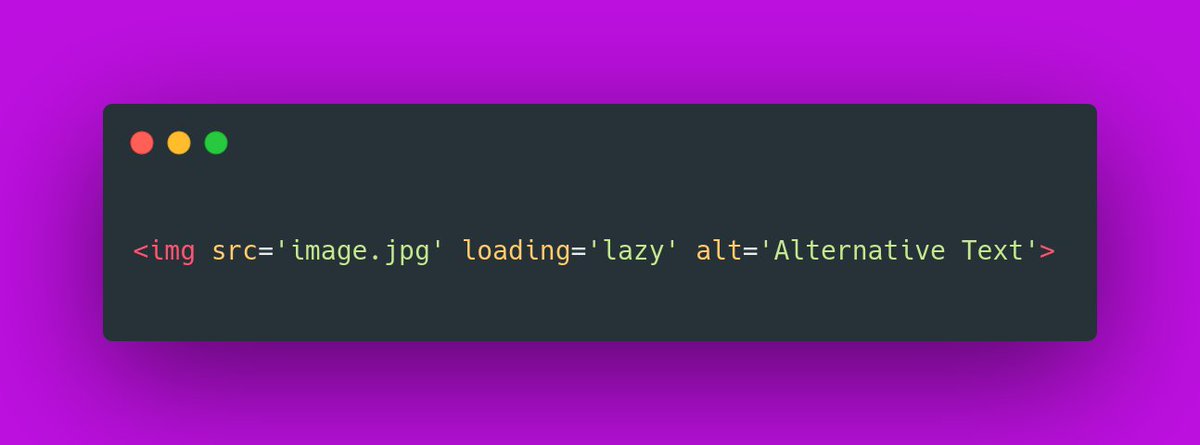
3/ The `loading=lazy` attribute
You can use the `loading=lazy` attribute to defer the loading of the image until the user scrolls to them.
You can use the `loading=lazy` attribute to defer the loading of the image until the user scrolls to them.
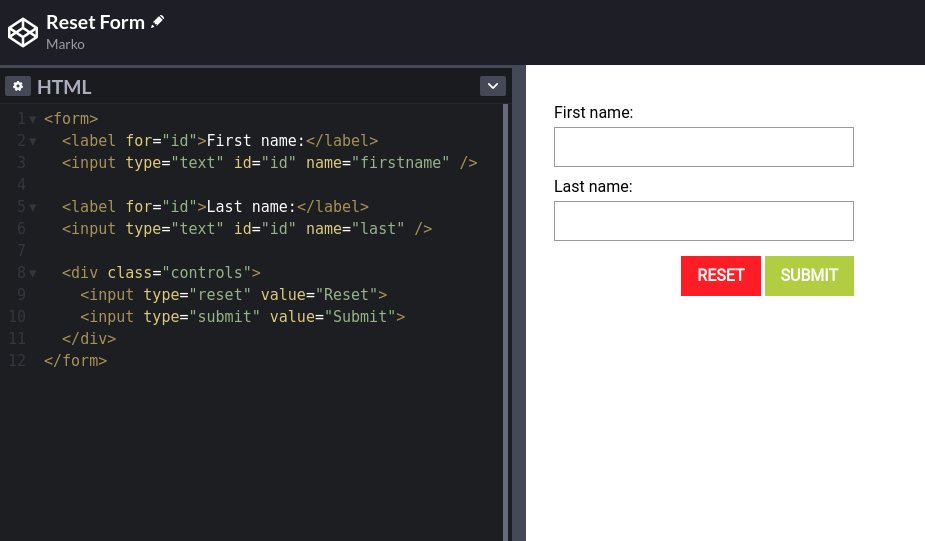
4/ Use `<input type="reset">` to create clear button for your forms.
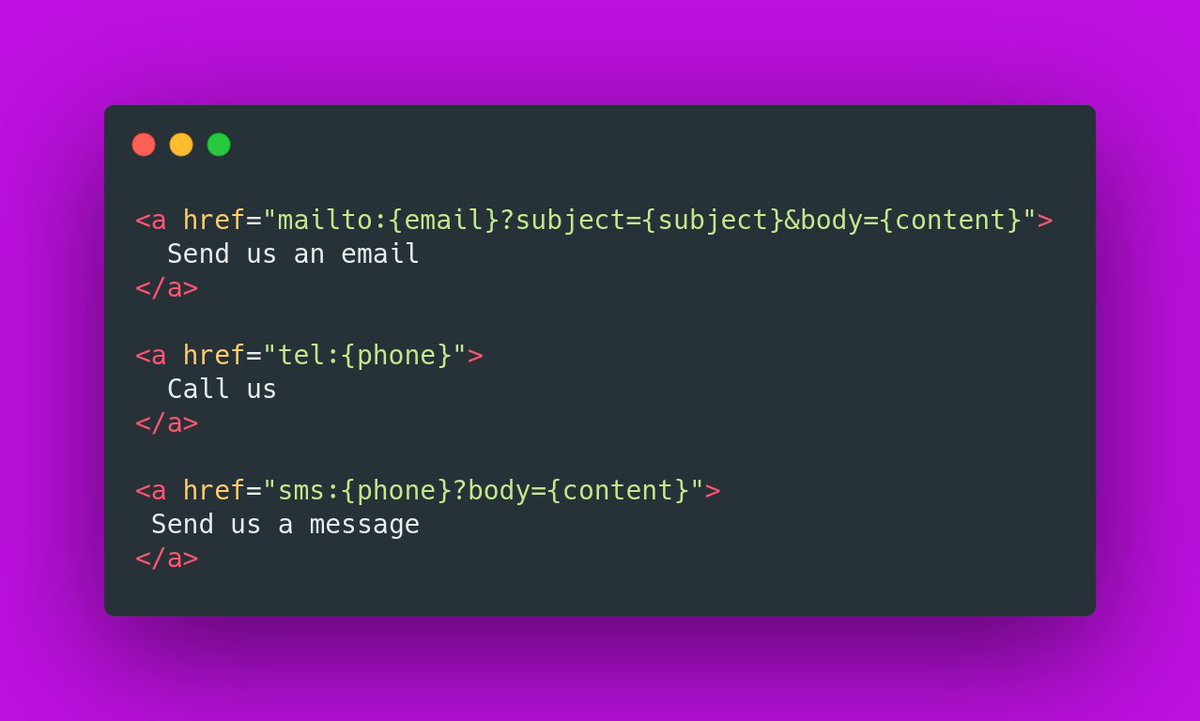
5/ Email, call, and SMS links:
6/ <sup> and <sub> elements:

7/ Base Element
If you want to open all links in the document in a new tab, you can use the `<base>` element:
If you want to open all links in the document in a new tab, you can use the `<base>` element:

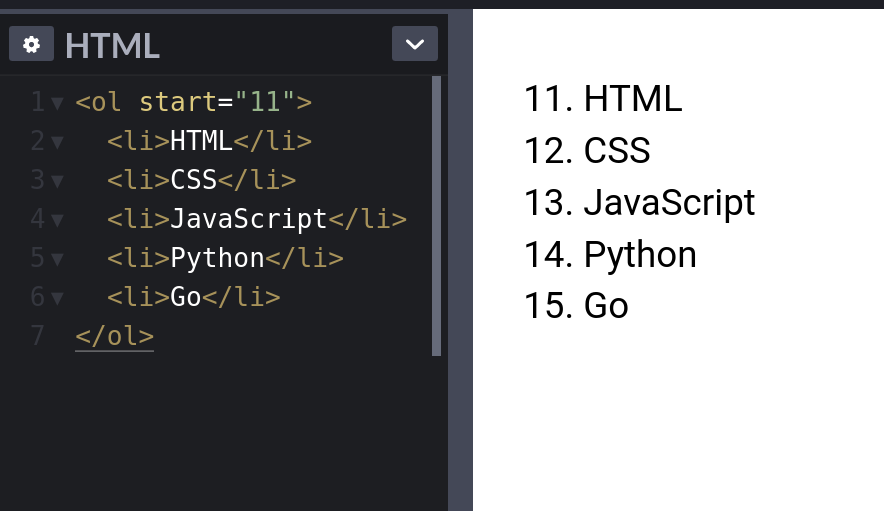
8/ Ordered lists `start` attribute.
Use the `start` attribute to change the starting point for your ordered lists.
Use the `start` attribute to change the starting point for your ordered lists.
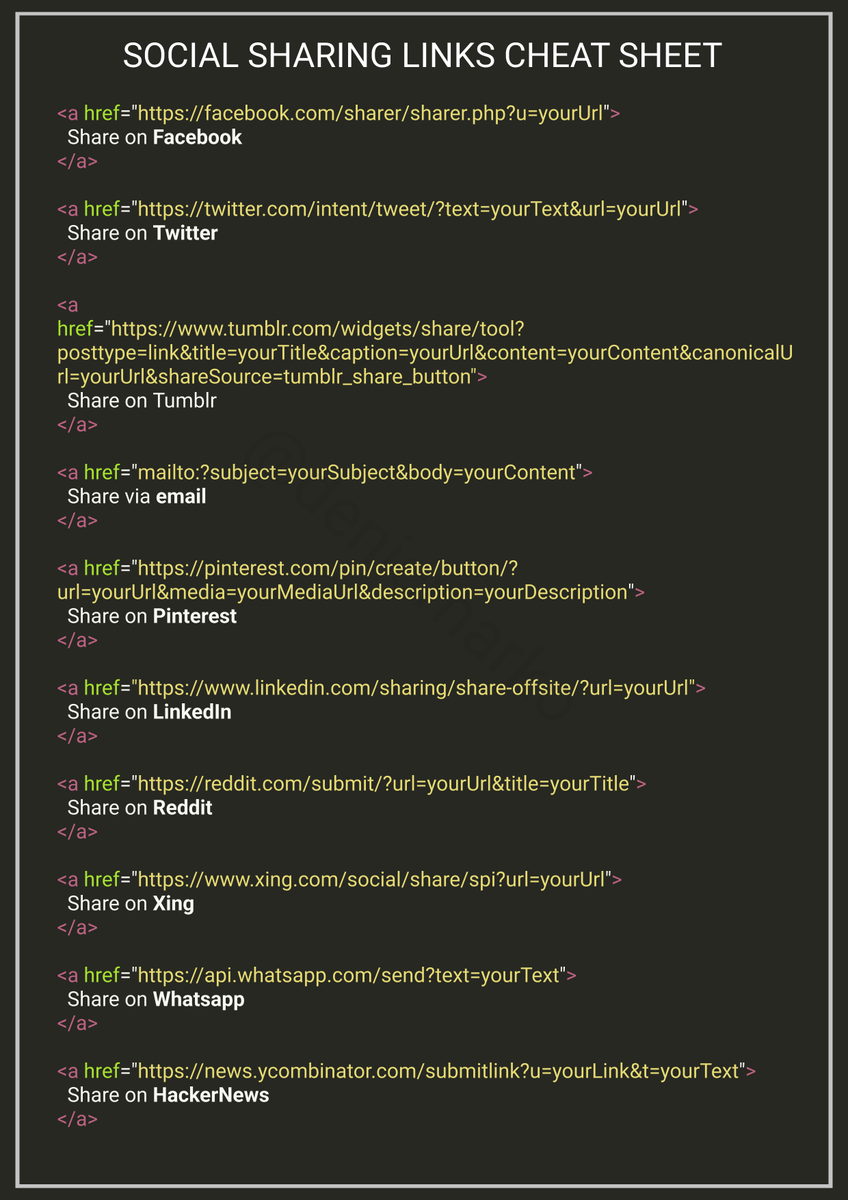
9/ Create social sharing links for your websites. Plain HTML - no libraries required.
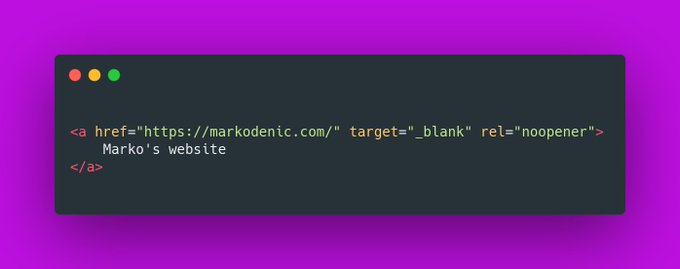
10/ `window.opener`
Pages opened with `target="_blank"` allow the new page to access the original’s `window.opener`. This can have security and performance implications. Include `rel="noopener"` or `rel="noreferrer"` to prevent this.
Pages opened with `target="_blank"` allow the new page to access the original’s `window.opener`. This can have security and performance implications. Include `rel="noopener"` or `rel="noreferrer"` to prevent this.
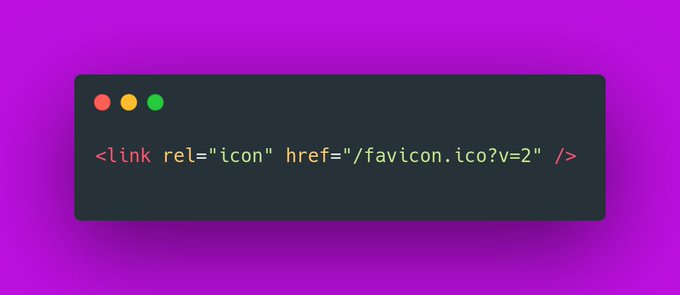
11/ Favicon cache busting
To refresh your website’s favicon you can force browsers to download a new version by adding ?v=2 to the filename.
This is especially helpful in production to make sure the users get the new version.
To refresh your website’s favicon you can force browsers to download a new version by adding ?v=2 to the filename.
This is especially helpful in production to make sure the users get the new version.
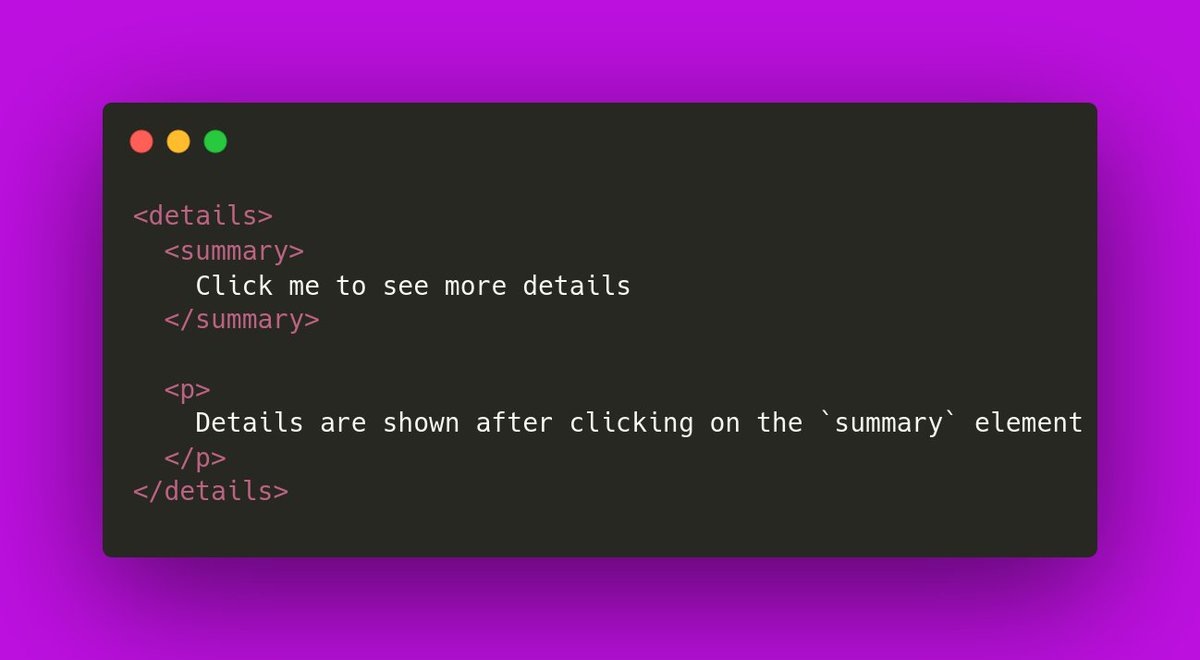
12/ HTML Accordion
You can use the `details` element to create a native HTML accordion.
You can use the `details` element to create a native HTML accordion.
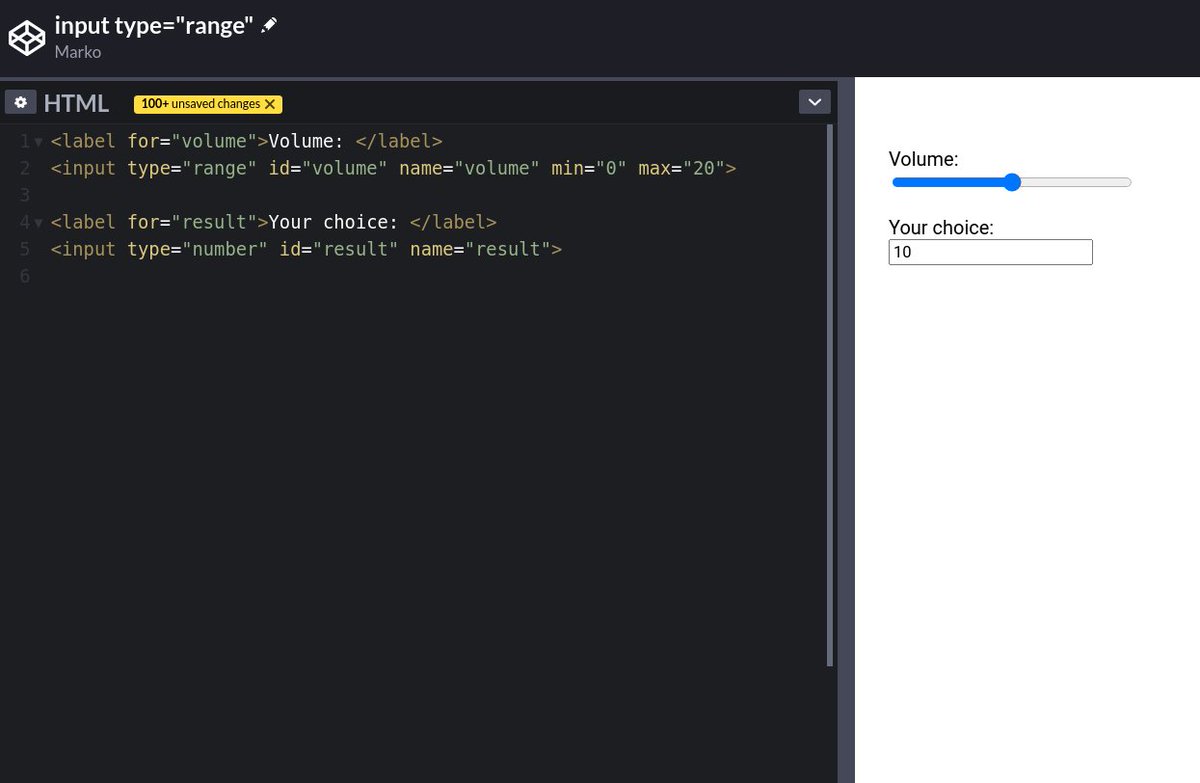
13/ Native HTML sliders
You can use `<input type="range">` to create sliders.
You can use `<input type="range">` to create sliders.
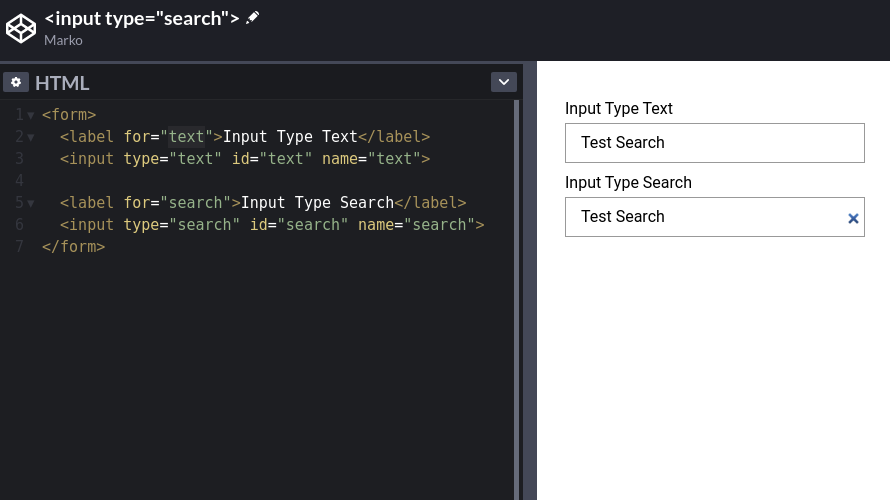
14/ Use the `type="search"` for your search inputs and you get the "clear" button for free.
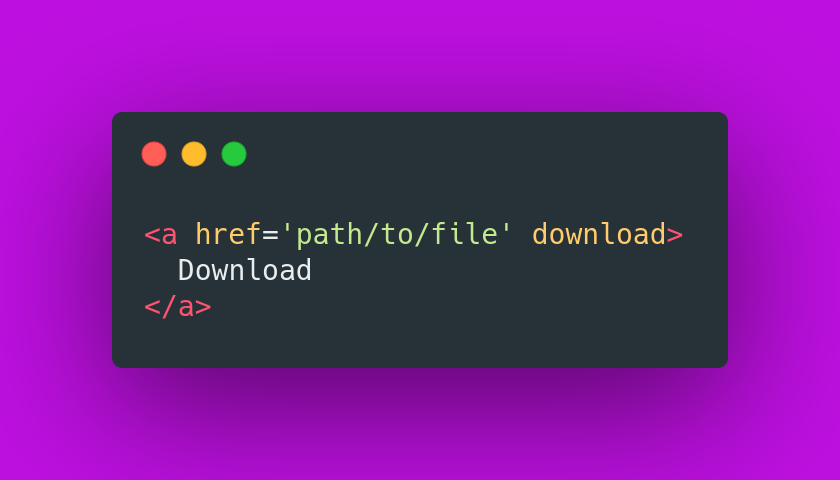
15/ The `download` attribute
You can use the `download` attribute in your links to download the file instead of navigating to it.
You can use the `download` attribute in your links to download the file instead of navigating to it.
16/ Performance tip
Use the `.webp` image format to make images smaller and boost the performance of your website.
Use the `.webp` image format to make images smaller and boost the performance of your website.

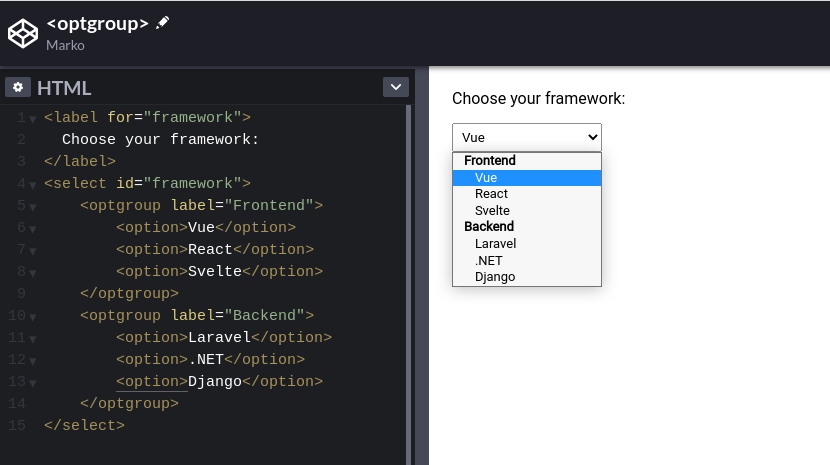
17/ Use the `<optgroup>` element to create a grouping of options within a `<select>` element.
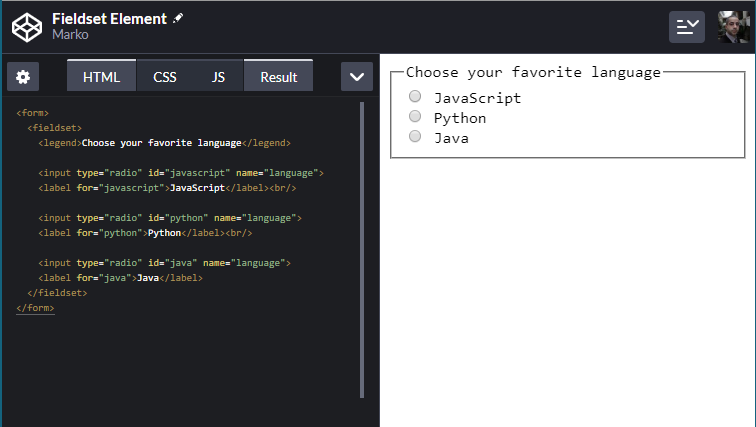
18/ You can use the `<fieldset>` element to group several controls as well as labels (`<label>`) within a web form.
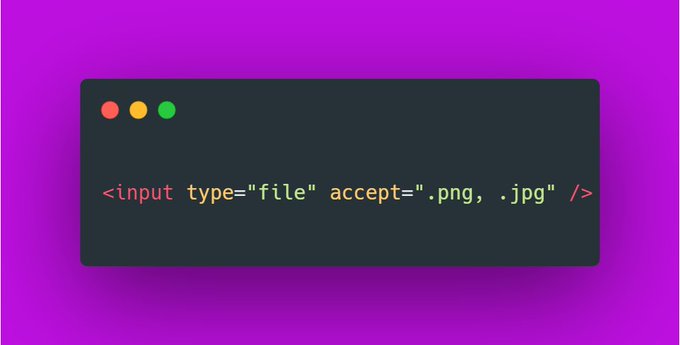
19/ Use the `accept` attribute to define the file types the file input should accept:
If you liked this thread, share it with your friends:
Loading suggestions...