

How to get a "you look great!" Zoom/podcast setup for $600.
Crisp audio. Good video. Easy setup. Look hot.
This is the shopping list: 🧵
Crisp audio. Good video. Easy setup. Look hot.
This is the shopping list: 🧵
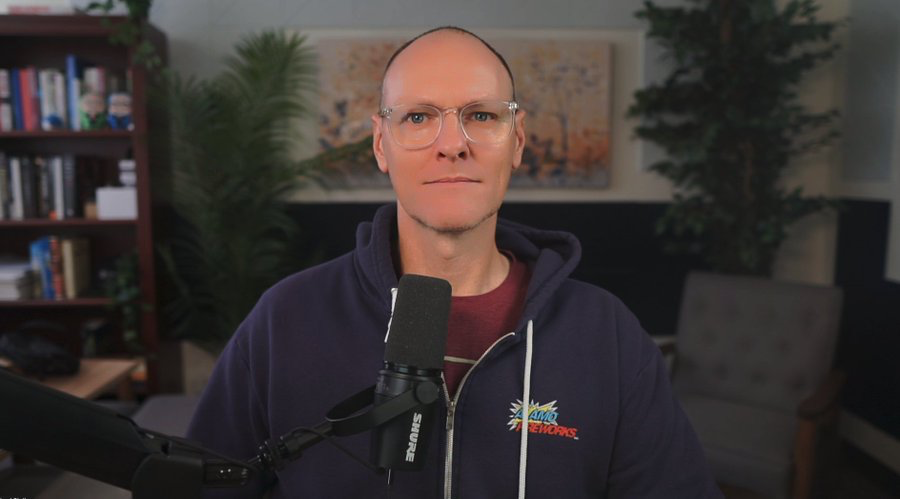
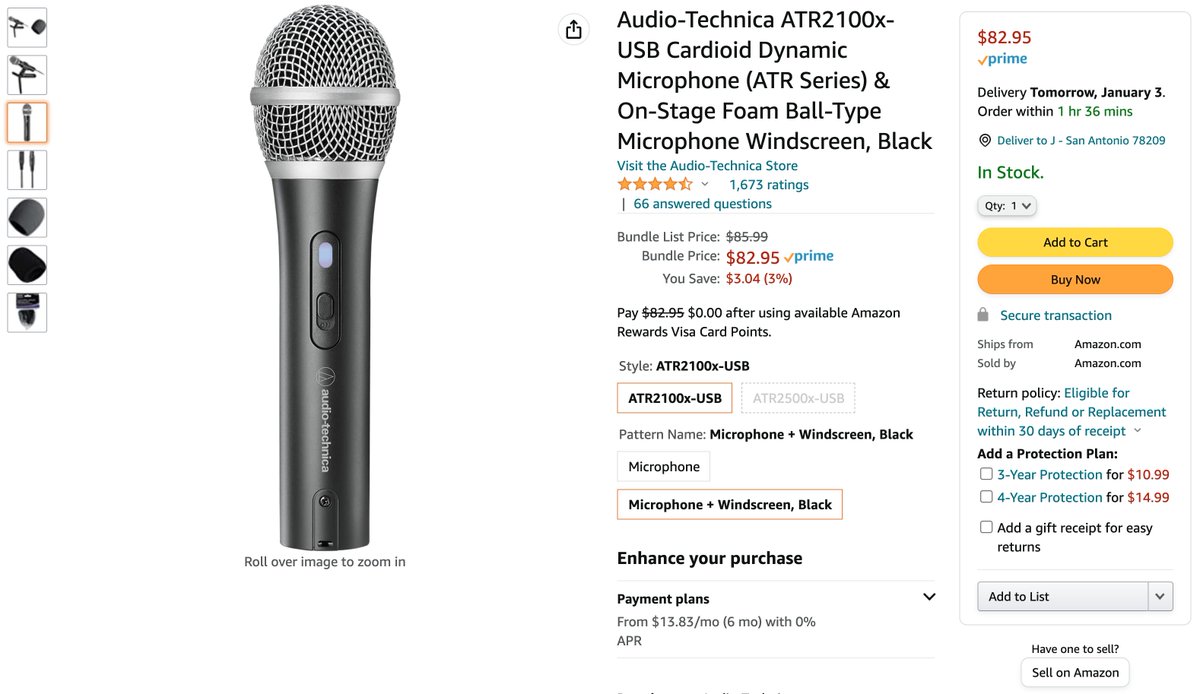
1/ Microphone
Audio-Technica ATR2100x-USB Cardioid Dynamic Microphone
Because it's a dynamic mic, you'll get the crispest voice audio.
Trade off is you must be close to the mic.
(If you want to spend more: Shure MV7 USB)
Audio-Technica ATR2100x-USB Cardioid Dynamic Microphone
Because it's a dynamic mic, you'll get the crispest voice audio.
Trade off is you must be close to the mic.
(If you want to spend more: Shure MV7 USB)
2/ Boom arm
QuadCast Boom Arm
Mounts mic to the desk and close to your mouth.
The cheap ones like this are just fine.
(If you want to spend more: Elgato Wave Mic Arm LP looks great.)
QuadCast Boom Arm
Mounts mic to the desk and close to your mouth.
The cheap ones like this are just fine.
(If you want to spend more: Elgato Wave Mic Arm LP looks great.)

3/ Lighting
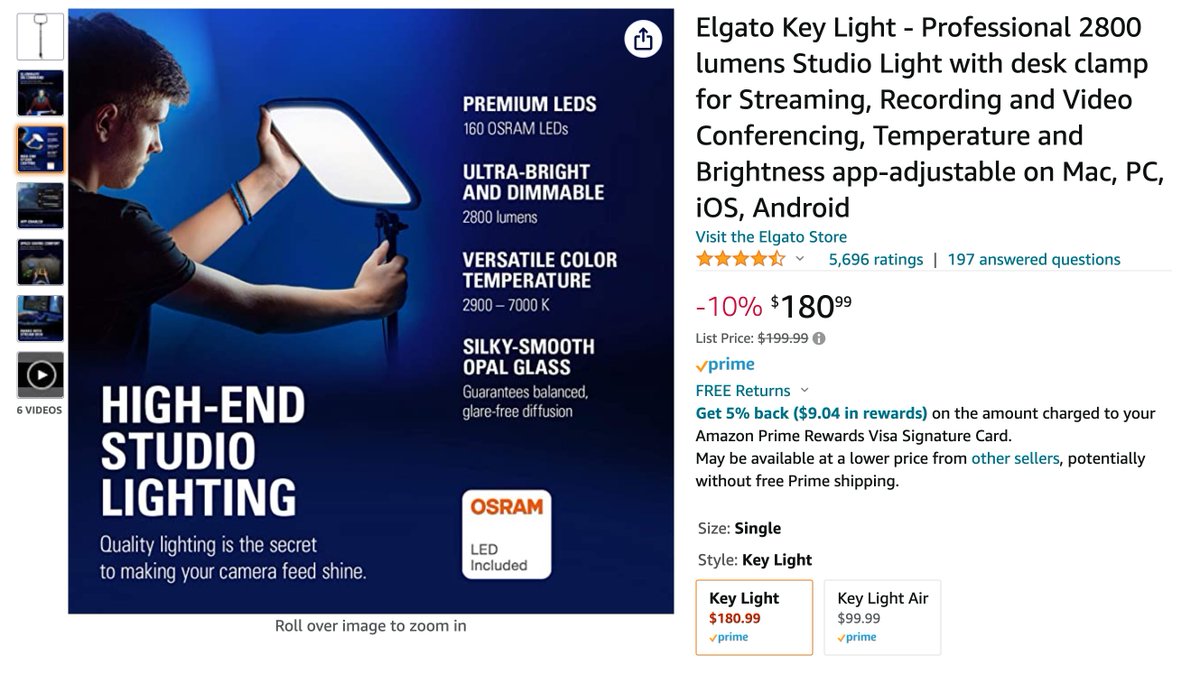
El Gato Key Light
Put this facing you just above your hairline.
I like this model because you control it with software.
(If you want to spend more: Get a second one and put them each at 45 degrees facing you.)
El Gato Key Light
Put this facing you just above your hairline.
I like this model because you control it with software.
(If you want to spend more: Get a second one and put them each at 45 degrees facing you.)
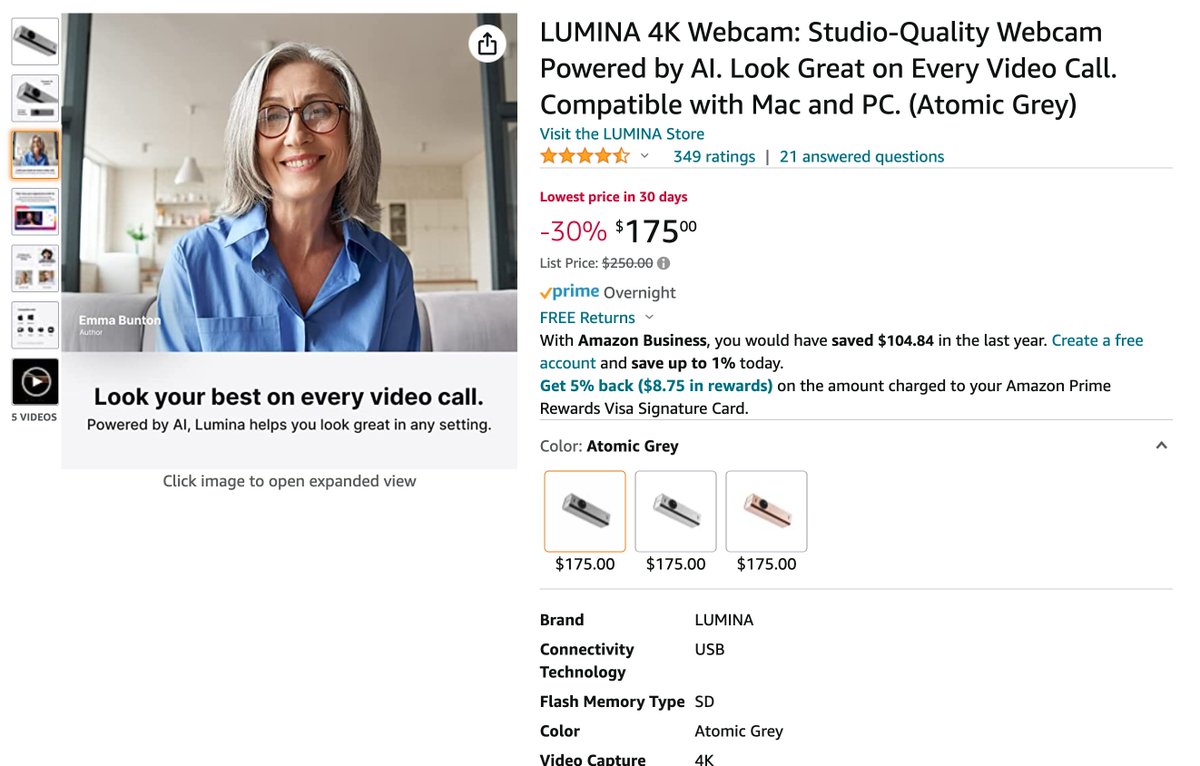
5/ Camera Mount
Plexicam (optional)
Most cameras are placed above your monitor, so you look away from the audience while speaking (yuck!)
This allows your camera to be positioned in the center of your monitor.
Plexicam (optional)
Most cameras are placed above your monitor, so you look away from the audience while speaking (yuck!)
This allows your camera to be positioned in the center of your monitor.

That's it!
Total budget:
~$612 for a "darn good" zoom/podcast setup that will blow people away.
A/V nerds, what would you change or upgrade?
Like/Retweet the first tweet below if you found this useful:
Total budget:
~$612 for a "darn good" zoom/podcast setup that will blow people away.
A/V nerds, what would you change or upgrade?
Like/Retweet the first tweet below if you found this useful:
Loading suggestions...