

Too many papers in your literature review?
Turn your list into an interactive board with Obsidian + Kanban plugin.
Here's how:
🧵
Turn your list into an interactive board with Obsidian + Kanban plugin.
Here's how:
🧵
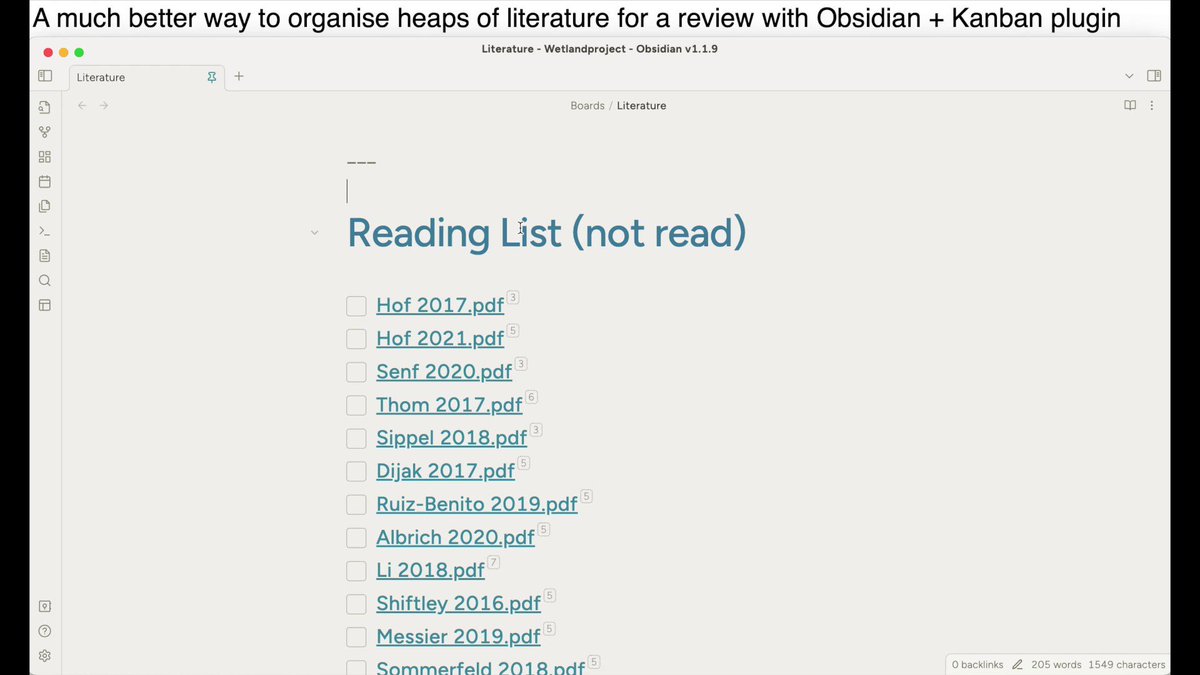
If @obsdmd is new to you - download this free software first.
In my opinion it hits the sweet spot of not being too complicated, yet powerful enough for all my academic needs.
Here is an overview on how I take notes using it.
In my opinion it hits the sweet spot of not being too complicated, yet powerful enough for all my academic needs.
Here is an overview on how I take notes using it.
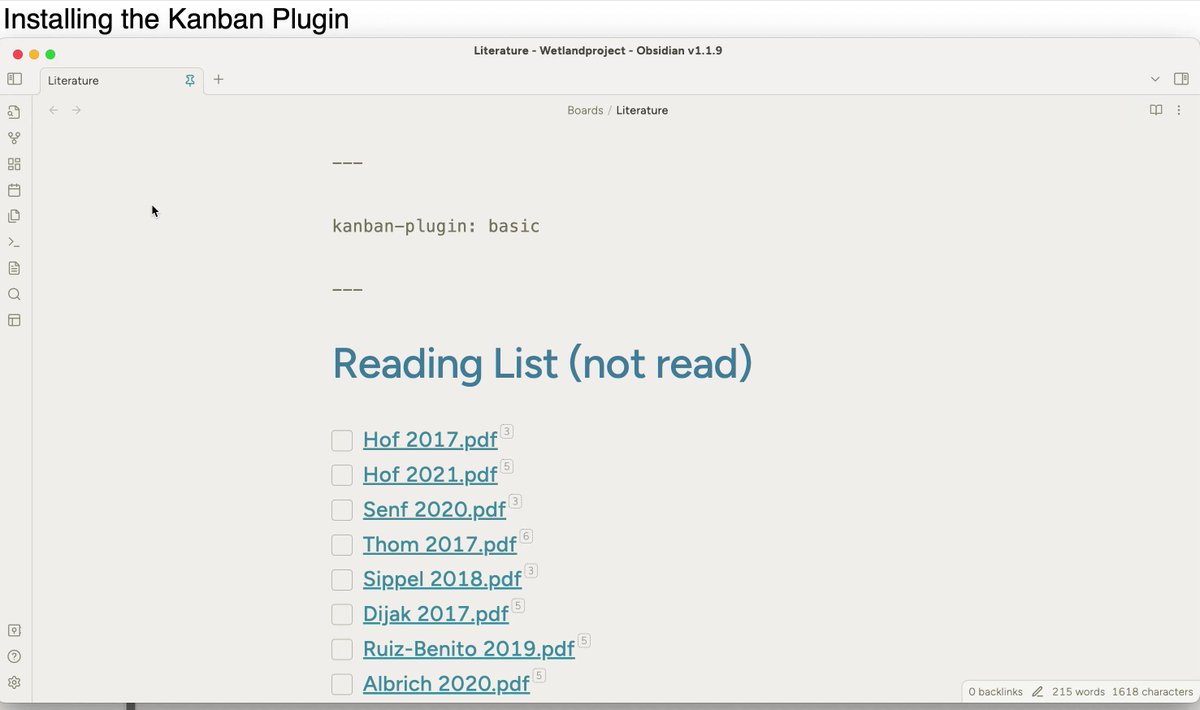
@obsdmd 1. Install the "Kanban" plugin
Open the Obsidian settings, by pressing the little gear symbol on the bottom left.
Navigate to community plugins, press "browse" and look for "Kanban".
Open the Obsidian settings, by pressing the little gear symbol on the bottom left.
Navigate to community plugins, press "browse" and look for "Kanban".
@obsdmd 2. Create a new "Kanban Board"
Technically your Board will just be a special note in the vault.
R-Click any folder to get a new board.
Add as many columns or "categories" for your papers as you like.
Sort by:
- Rating
- Reading status
- Doman
... Make it work for you
Technically your Board will just be a special note in the vault.
R-Click any folder to get a new board.
Add as many columns or "categories" for your papers as you like.
Sort by:
- Rating
- Reading status
- Doman
... Make it work for you

@obsdmd 3. Adding "Cards"
A card can be anything
• Text
• Link to a PDF
• Any Markdown that obsidian recognizes (links, embeds, images)
If I haven't read the paper yet, I drop the PDF into the vault and link it here.
Hold Ctrl(Win) or Cmd(Mac) and hover the PDF to see a preview.
A card can be anything
• Text
• Link to a PDF
• Any Markdown that obsidian recognizes (links, embeds, images)
If I haven't read the paper yet, I drop the PDF into the vault and link it here.
Hold Ctrl(Win) or Cmd(Mac) and hover the PDF to see a preview.

@obsdmd 4. Bulk adding
"Open as markdown" (top right).
Copy paste PDFs directly from the file system into the note!
By default they will be embedded. The Obsidian syntax for this is: "![[name.pdf]]".
We replace all "!" with "- [ ]", that is markdown for checkbox.
Checkbox = Card.
"Open as markdown" (top right).
Copy paste PDFs directly from the file system into the note!
By default they will be embedded. The Obsidian syntax for this is: "![[name.pdf]]".
We replace all "!" with "- [ ]", that is markdown for checkbox.
Checkbox = Card.

@obsdmd 5. Linking Notes and Meta Data
You can link notes by using the syntax: "[[name]]".
If your notes have "meta data" (simply invisible fields at the top of each note) – you can show them here.
Open Settings > scroll to bottom.
Add the names of the fields here. e.g. "summary"
You can link notes by using the syntax: "[[name]]".
If your notes have "meta data" (simply invisible fields at the top of each note) – you can show them here.
Open Settings > scroll to bottom.
Add the names of the fields here. e.g. "summary"

@obsdmd ⚡️ Another cool way to organise your literature
Use Obsidian's built in Canvas to arrange your "Cards" visually.
(If you are familiar with Canvas, you will notice that Cards in Kanban or on Canvas, are pretty much the same thing!)
Use Obsidian's built in Canvas to arrange your "Cards" visually.
(If you are familiar with Canvas, you will notice that Cards in Kanban or on Canvas, are pretty much the same thing!)
@obsdmd Summary
► Use Kanban Plugin
► Create a board, columns are "categories" (according to your needs)
► Store your PDFs in vault
► Link them in the cards
► Bulk add from file system (replace "!" with "- [ ]")
► Display meta-data from linked notes
Drag & Drop to satisfaction!
► Use Kanban Plugin
► Create a board, columns are "categories" (according to your needs)
► Store your PDFs in vault
► Link them in the cards
► Bulk add from file system (replace "!" with "- [ ]")
► Display meta-data from linked notes
Drag & Drop to satisfaction!
Loading suggestions...