

10 Microsoft Excel shortcuts to make you an expert:
(1) AutoSum: Alt + =
(2) Create pivot table: Alt + N, V
(3) Insert today's date: Ctrl + ;
(4) Spelling & grammar check: F7
(5) Filter Data: Ctrl + Shift + L
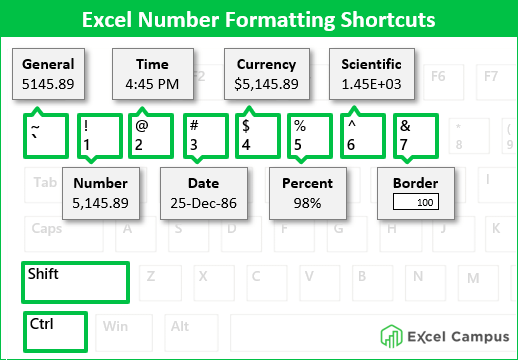
(6) Currency format: Ctrl + Shift + $
🧵7-10:
(1) AutoSum: Alt + =
(2) Create pivot table: Alt + N, V
(3) Insert today's date: Ctrl + ;
(4) Spelling & grammar check: F7
(5) Filter Data: Ctrl + Shift + L
(6) Currency format: Ctrl + Shift + $
🧵7-10:
(7) Percentage format: Ctrl + Shift + %
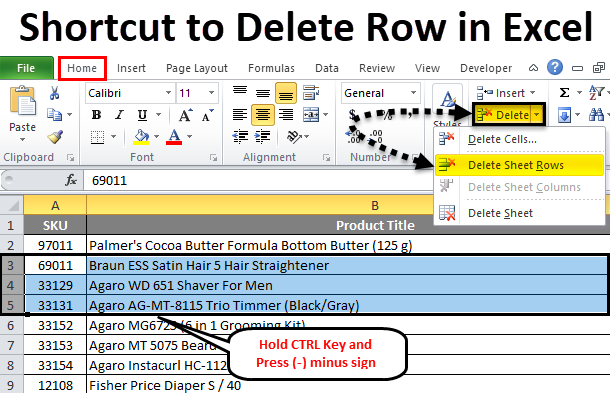
(8a) Delete row: Ctrl + -
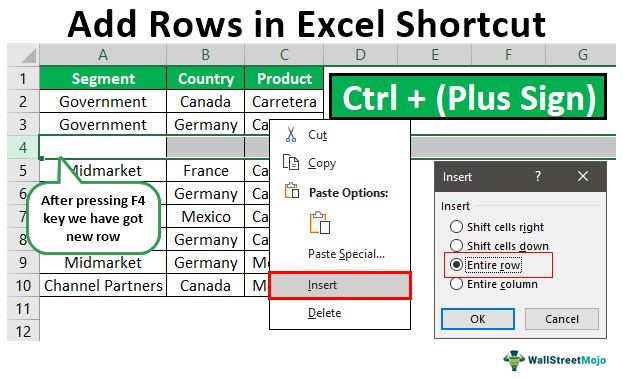
(8b) Add row: Ctrl + +
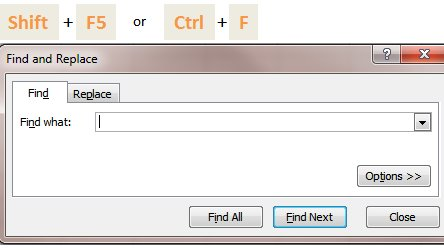
(9) To find: Shift + F5
(10) Save workbook: Ctrl + S
🧵Examples of each:
(8a) Delete row: Ctrl + -
(8b) Add row: Ctrl + +
(9) To find: Shift + F5
(10) Save workbook: Ctrl + S
🧵Examples of each:
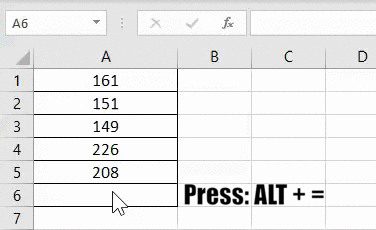
(1) To insert the AutoSum formula:
Alt + =
Alt + =
(2) To create pivot table:
Alt + N, V
Alt + N, V

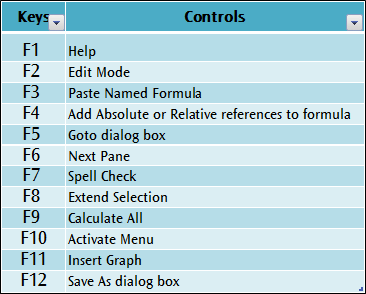
(3) To open spelling & grammar check:
F7
F7
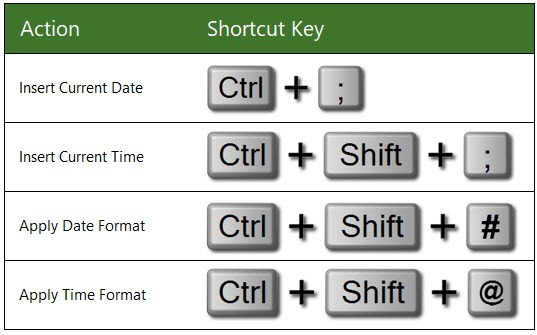
(4) To insert today's date:
Ctrl + ;
Ctrl + ;
(5) To activate the filter:
Ctrl + Shift + L
Ctrl + Shift + L

(6) To apply the currency format:
Ctrl + Shift + $
Ctrl + Shift + $
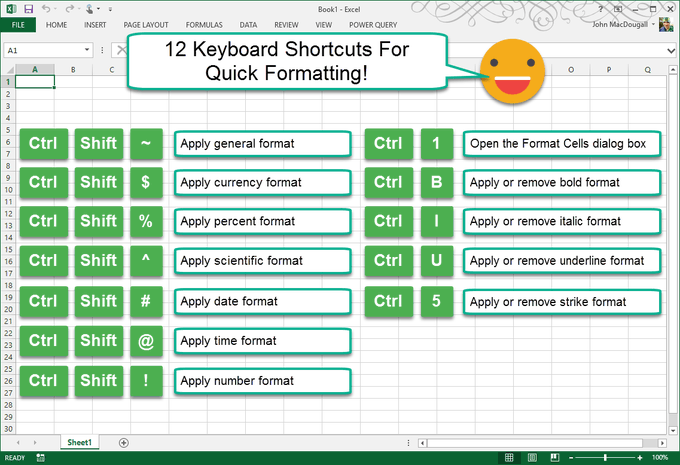
(7) To apply the percent format:
Ctrl + Shift + %
Ctrl + Shift + %
(8a) To delete a row:
Ctrl + -
Ctrl + -
(8b) To add a row:
Ctrl + +
Ctrl + +
(9) To find:
Shift + F5
Shift + F5
(10) To save the workbook:
Ctrl + S
Ctrl + S
These Excel shortcuts will make you an expert! If you found this thread helpful:
• Follow me @FluentInFinance
•🔁RT the FIRST tweet
• Sign-up for my FREE newsletter to learn valuable skills: FluentInFinance.Substack.com!
• Follow me @FluentInFinance
•🔁RT the FIRST tweet
• Sign-up for my FREE newsletter to learn valuable skills: FluentInFinance.Substack.com!

Loading suggestions...