

Git tip 💡
Here is how you can use git log in different ways to get the desired info 😍
🧵↓
Here is how you can use git log in different ways to get the desired info 😍
🧵↓
1. git log --oneline
Using this you can get the compact details of the commit in one line
Using this you can get the compact details of the commit in one line

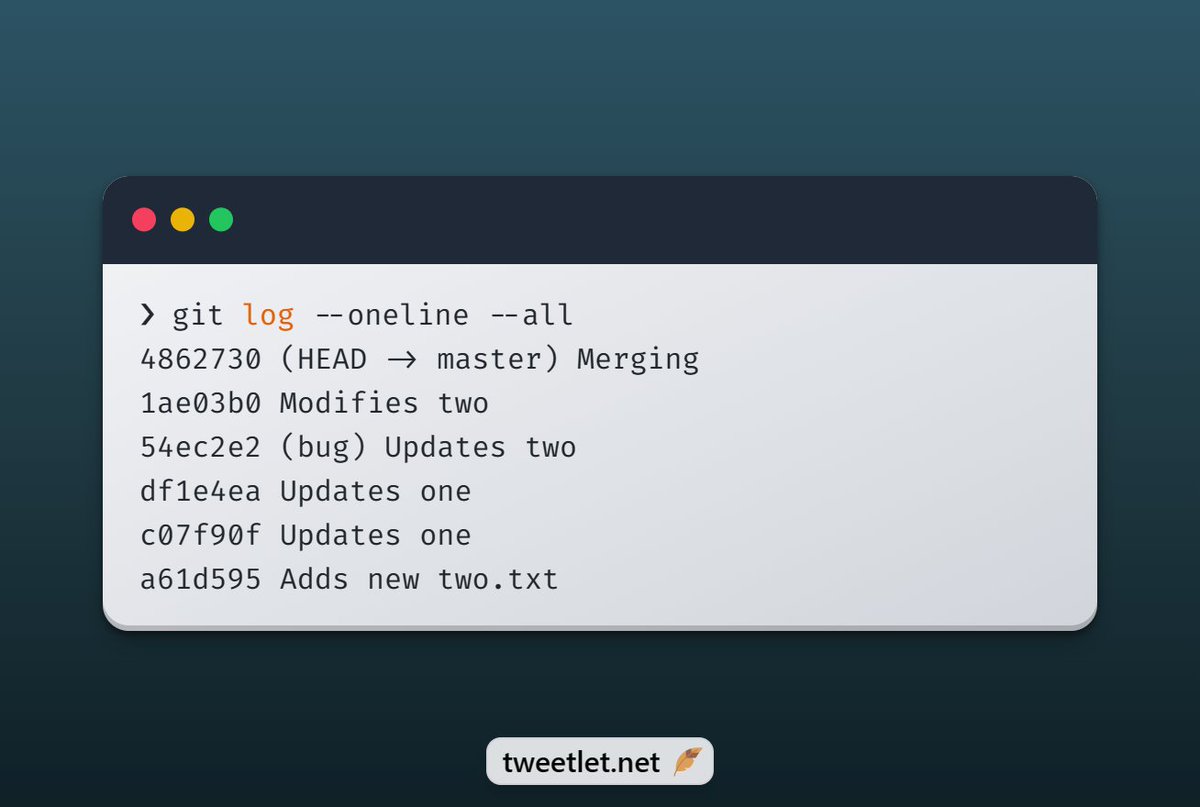
2. git log --oneline --all
--all is used to view the commit history of all branches in a repository. It will show the commits made on all branches, including the ones that have been merged or deleted.
--all is used to view the commit history of all branches in a repository. It will show the commits made on all branches, including the ones that have been merged or deleted.
3. git log --oneline —all —graph
--graph command is used to view the commit history of a repository in a graphical format, also known as a "log tree”.
--graph command is used to view the commit history of a repository in a graphical format, also known as a "log tree”.

4. git log --oneline -n 3
You can use the -n option to limit the number of log entries that are displayed. For example, to view the last 3 commits:
You can use the -n option to limit the number of log entries that are displayed. For example, to view the last 3 commits:

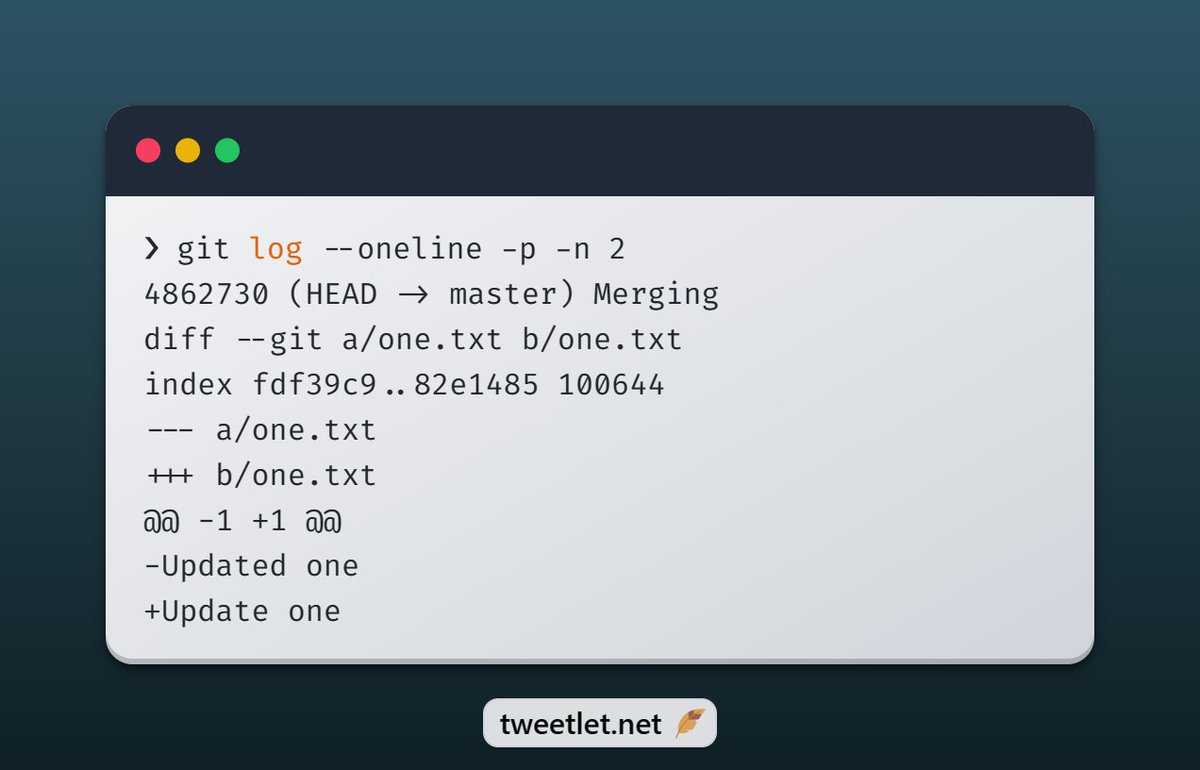
5. git log -p
You can use the --patch or -p option to show the changes made in each commit.
You can use the --patch or -p option to show the changes made in each commit.
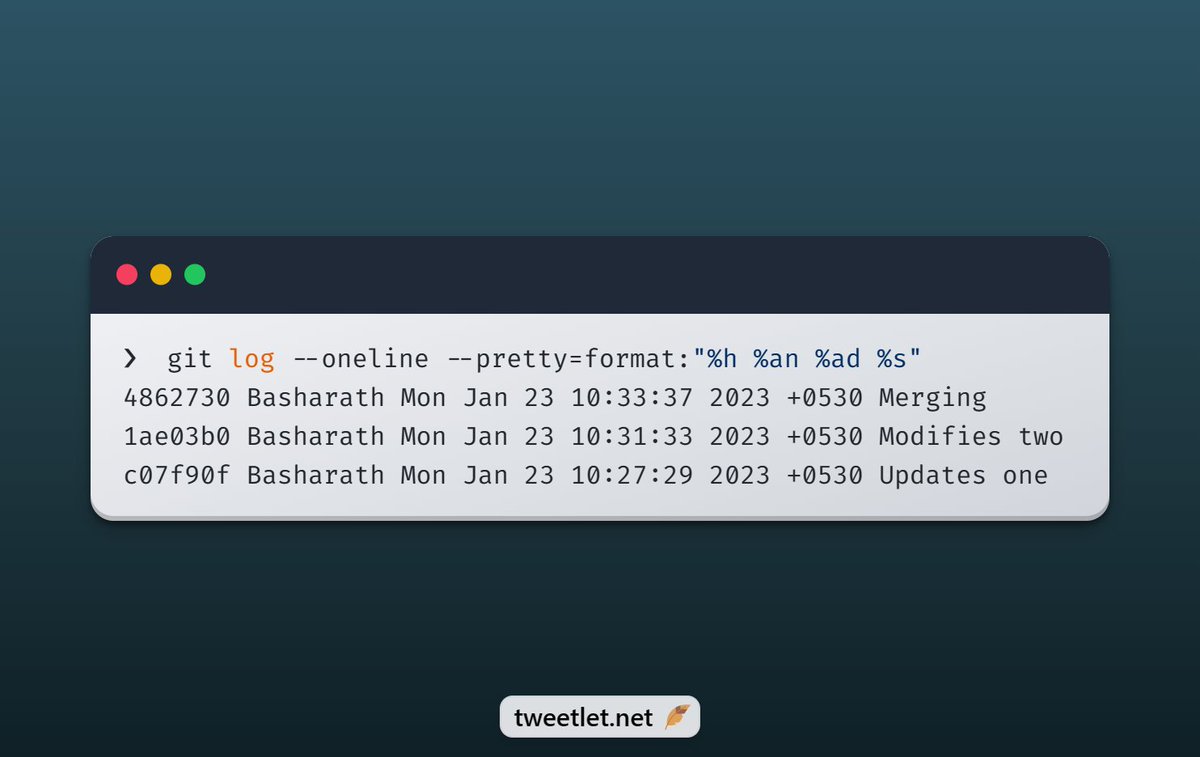
6. git log --oneline --pretty=format:"%h %an %ad %s”
You can use the --pretty option to customize the format of the log output. For example, to show the commit hash, author, date, and message
You can use the --pretty option to customize the format of the log output. For example, to show the commit hash, author, date, and message
7. git log --oneline --author="Basharath”
You can use the --author option to show commits made by a specific author.
You can use the --author option to show commits made by a specific author.
To receive such small bytes of useful info every single time
▪ Follow (@wahVinci) ✅
▪ Retweet 🔁
▪ Connect ❤️
Thank you
▪ Follow (@wahVinci) ✅
▪ Retweet 🔁
▪ Connect ❤️
Thank you
Loading suggestions...