

Let's learn CSS Flexbox 🚀
A Thread ↓
A Thread ↓

What is the Flexbox?
⇢ Flexbox is a one-dimensional layout model. Before flexbox, there were four layout modes. The Flexbox provides a lot of flexibility.
It has two entities:
✧ flex-container
✧ flex-items
⇢ Flexbox is a one-dimensional layout model. Before flexbox, there were four layout modes. The Flexbox provides a lot of flexibility.
It has two entities:
✧ flex-container
✧ flex-items

Example:

Flex Container Properties

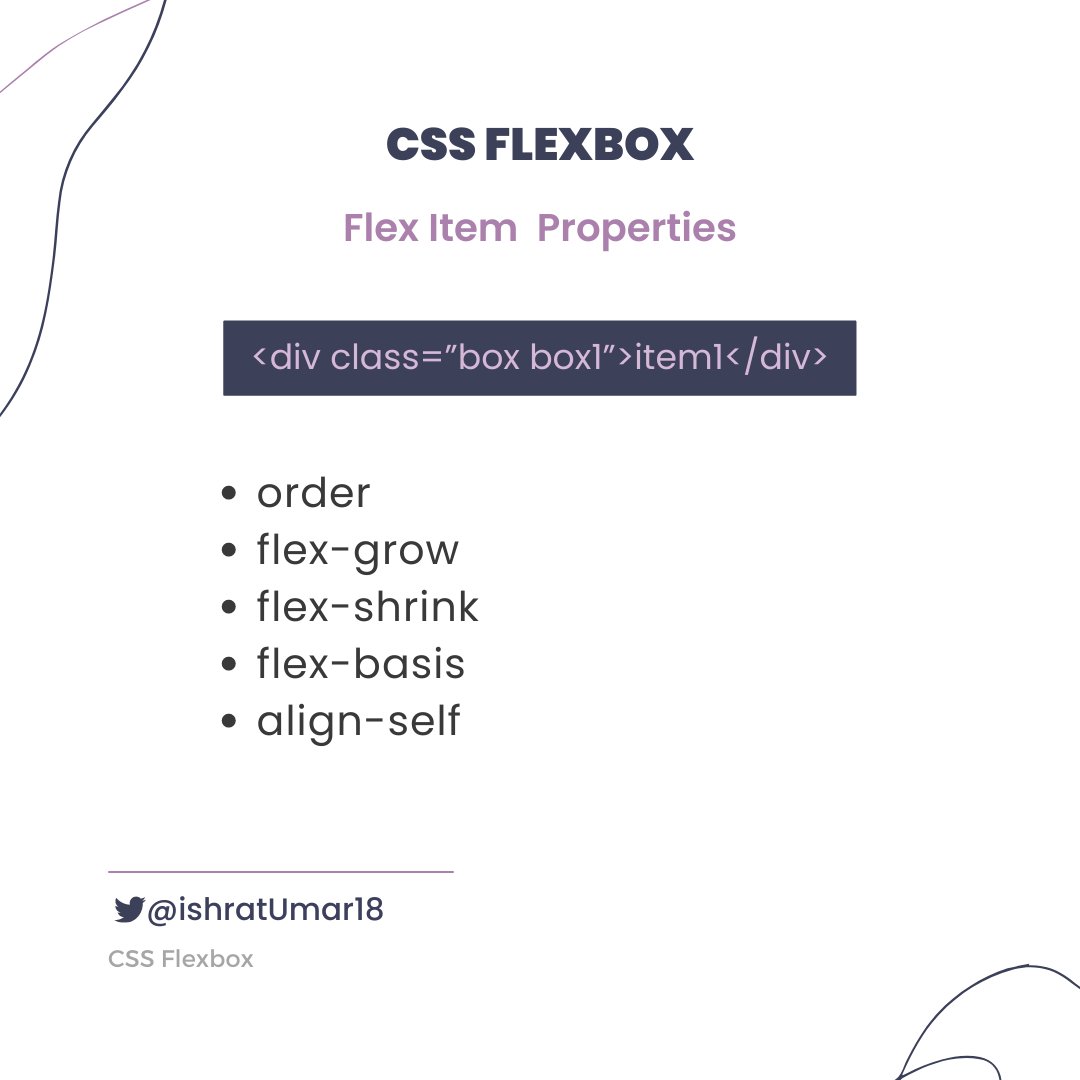
Flex Item Properties
✧ display
⇢It is important to note that in order to use Flexbox properties, the display property must be set to "flex" or "inline-flex" on the parent container of the flex items. Without this, the Flexbox properties will not have any effect.
⇢It is important to note that in order to use Flexbox properties, the display property must be set to "flex" or "inline-flex" on the parent container of the flex items. Without this, the Flexbox properties will not have any effect.
⚡ Container Properties
✧ flex-direction: row & row-reverse.
✧ flex-direction: row & row-reverse.
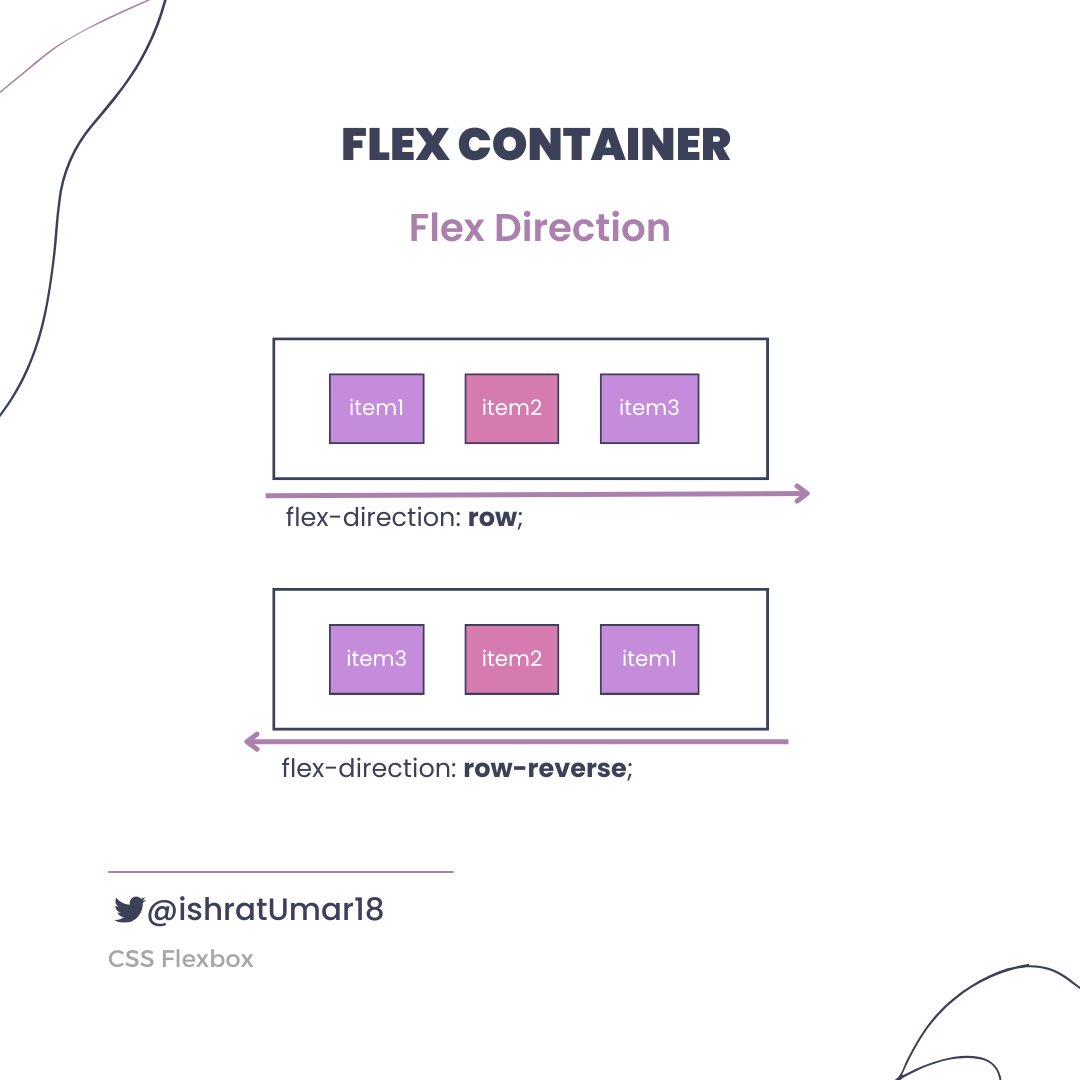
✧ flex-direction: column & column-reverse.

Flexbox is a complex topic that cannot be fully explained in just one post. In order to provide a comprehensive explanation, I will need to create additional threads. I will address the remaining properties in subsequent tweets. Stay tuned for more on this topic.
That's it for now. Thank you for reading!
If you found it helpful, like and retweet the first tweet and follow @ishratUmar18 for more awesome content.
If you found it helpful, like and retweet the first tweet and follow @ishratUmar18 for more awesome content.
Loading suggestions...