

Create an awesome box pattern background in figma (visual thread)👇

Step 1 - Add the main frame

Step 2 - Add a smaller frame
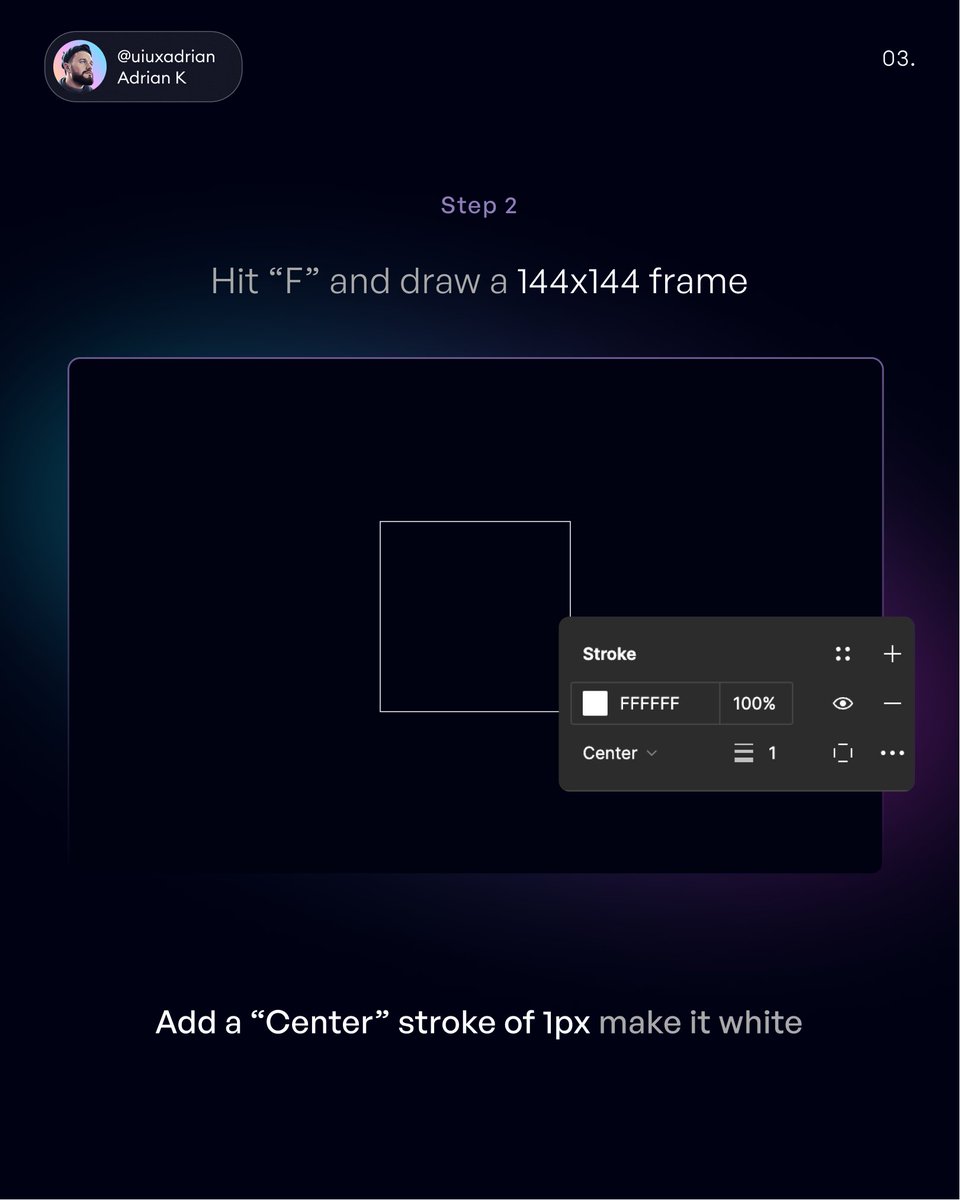
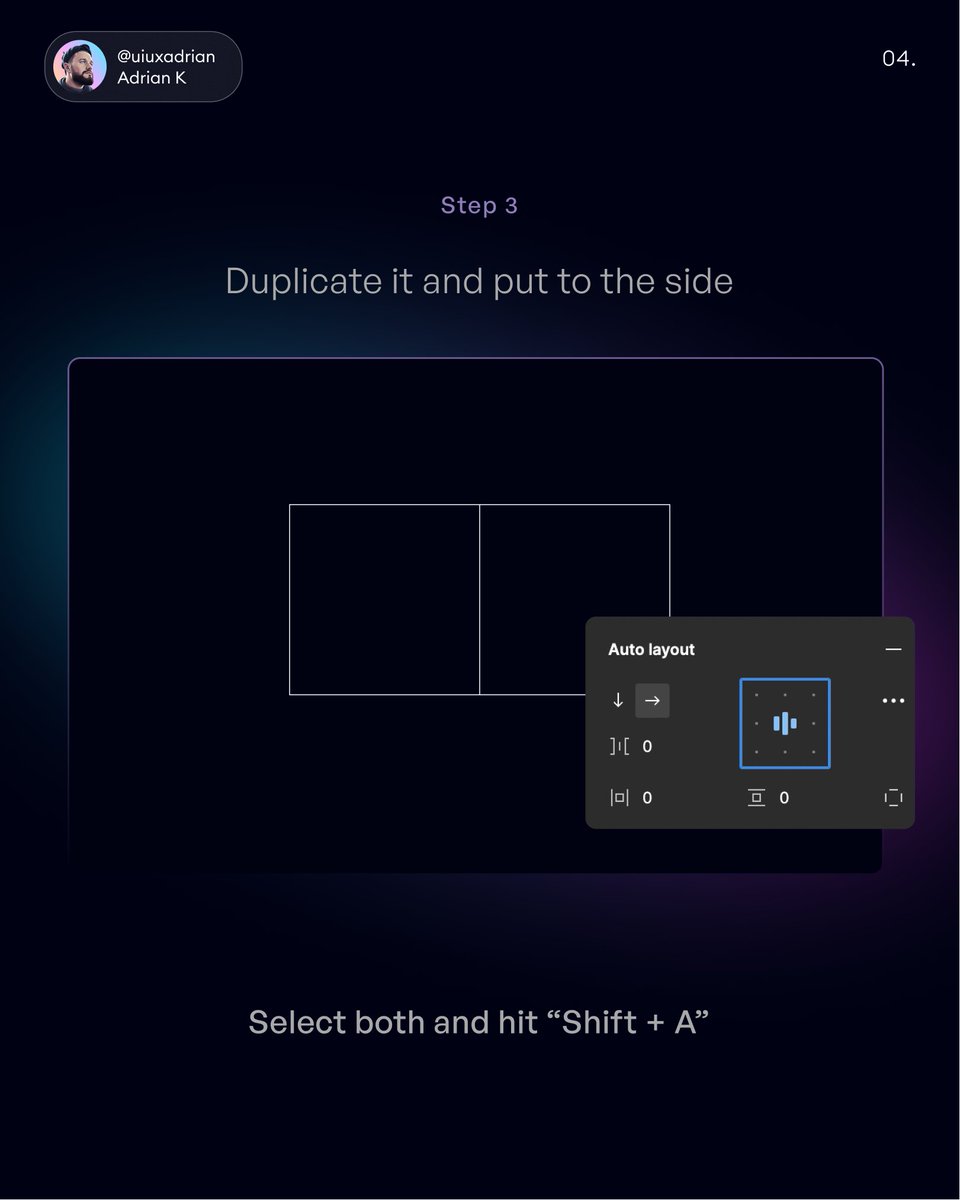
Step 3 - Duplicate & add auto layout
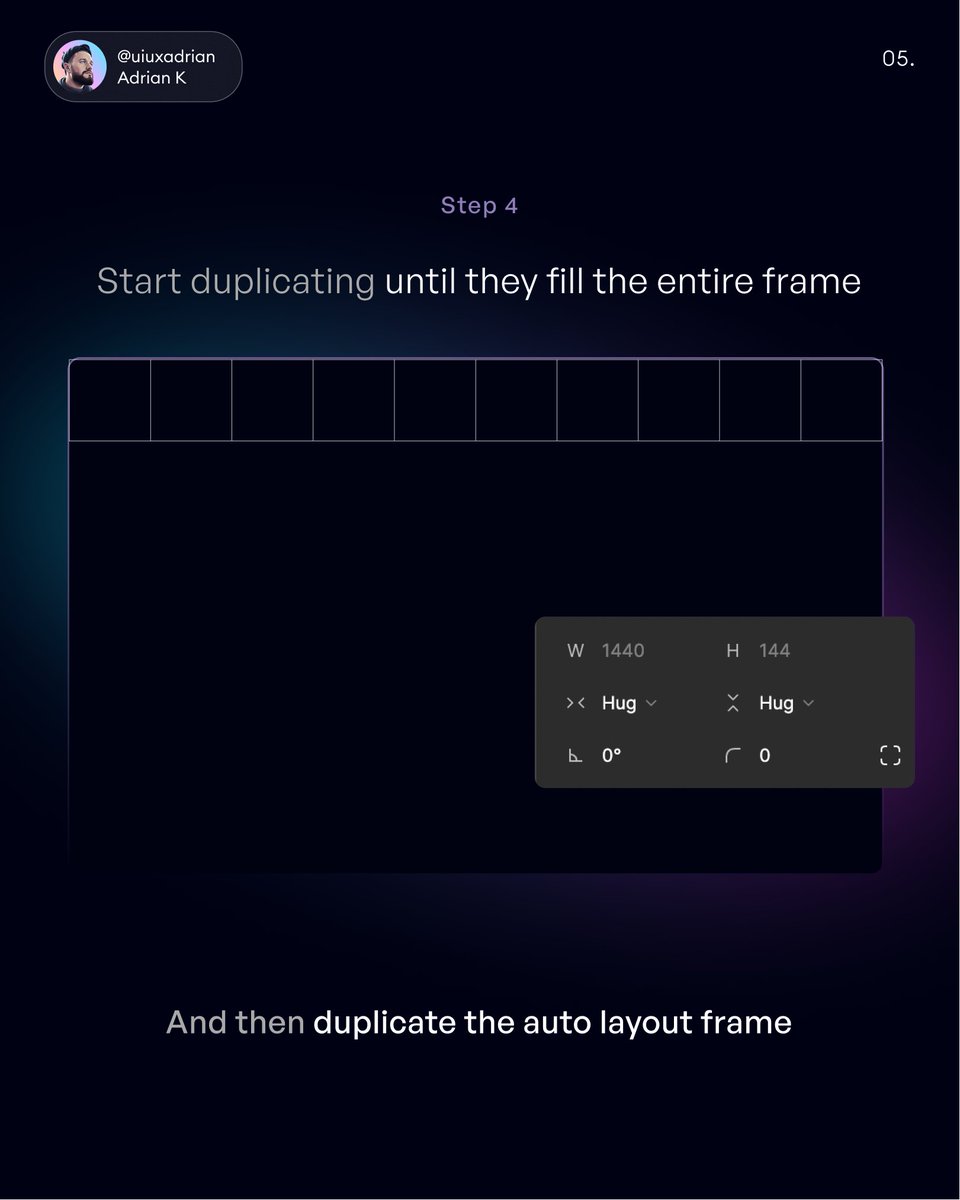
Step 4 - Start duplicating until your rectangles fill the entire frame
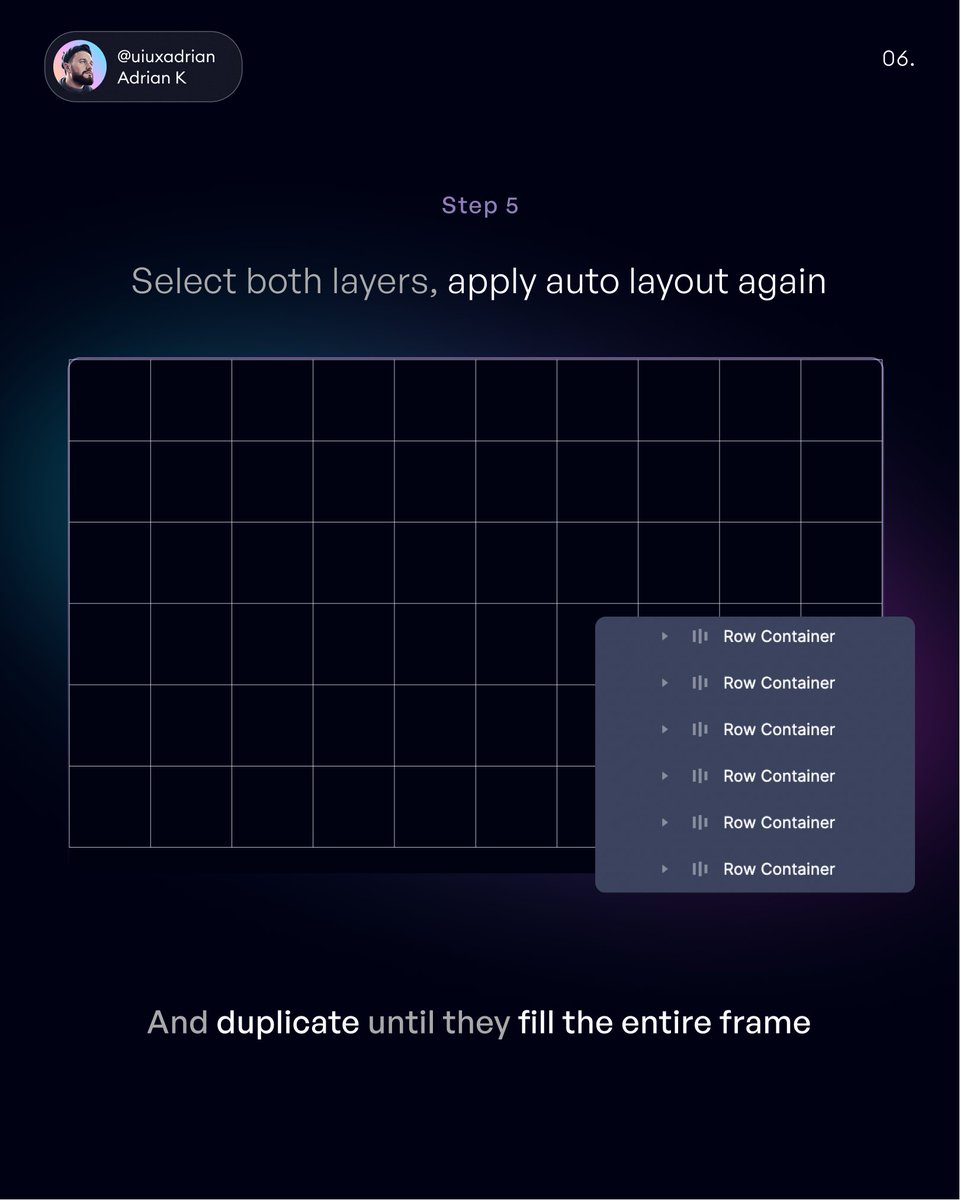
Step 5 - Duplicate the auto layout rows until they fill the entire frame
Step 6 - Lock your auto layout frame and add a linear gradient fill behind it
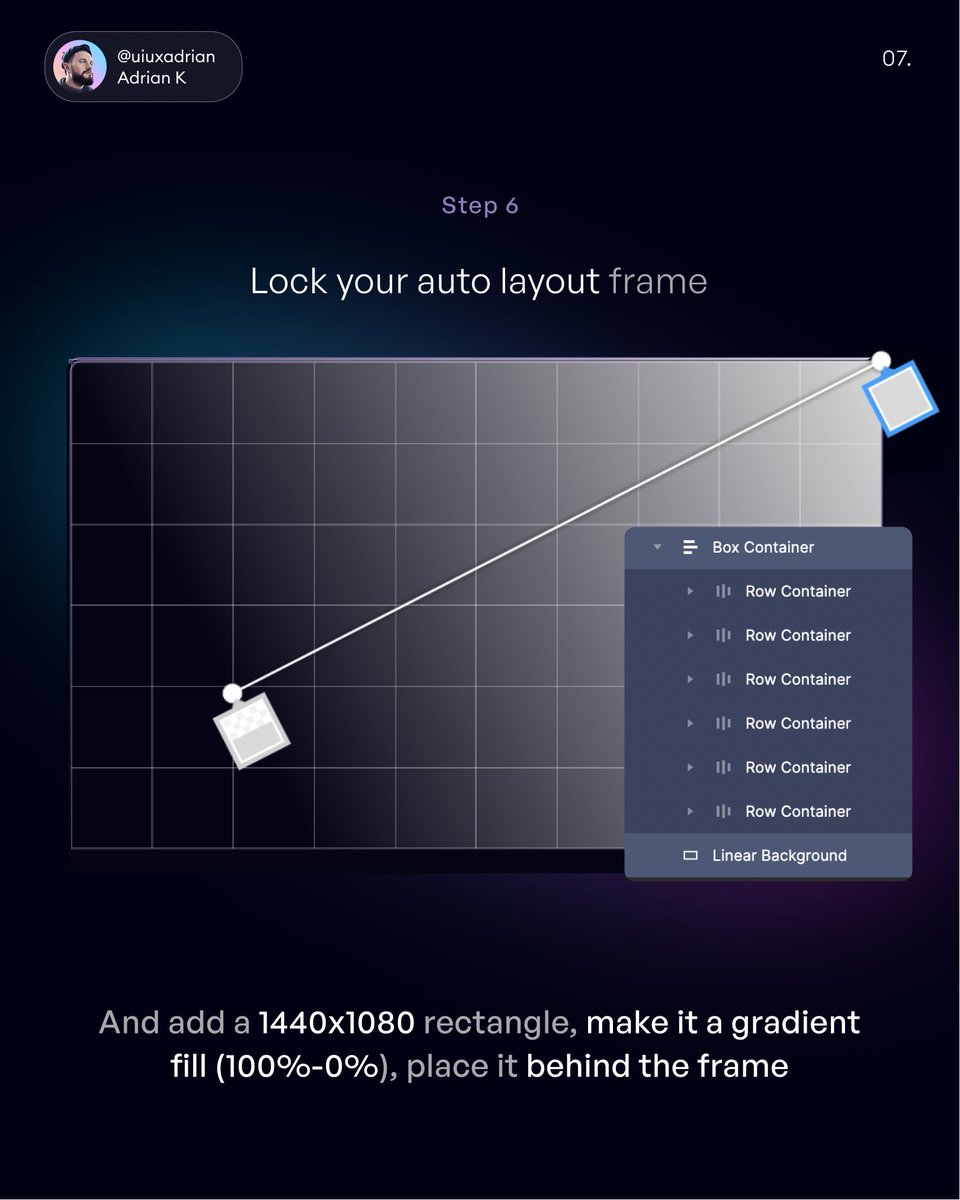
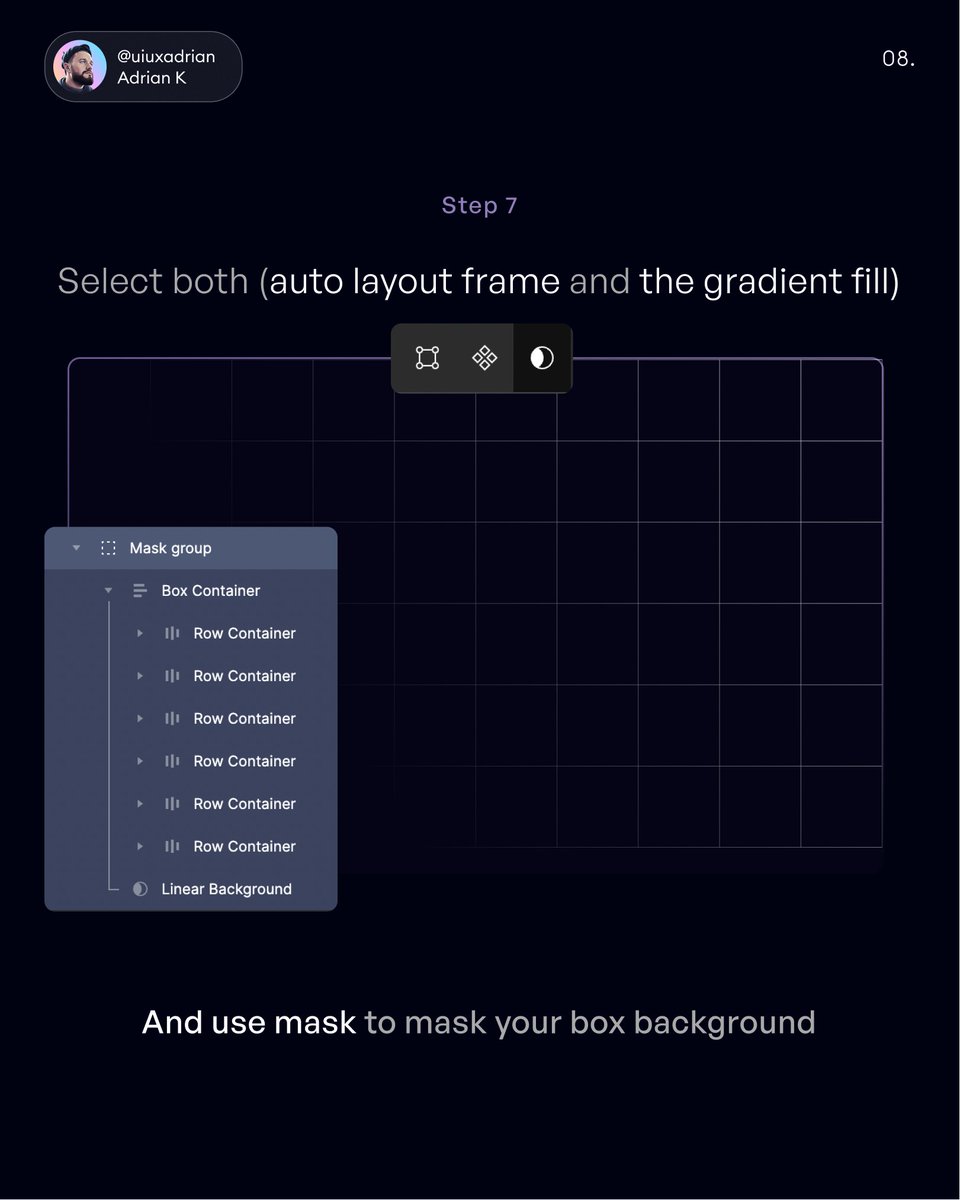
Step 7 - Mask your auto layout frame with the box background
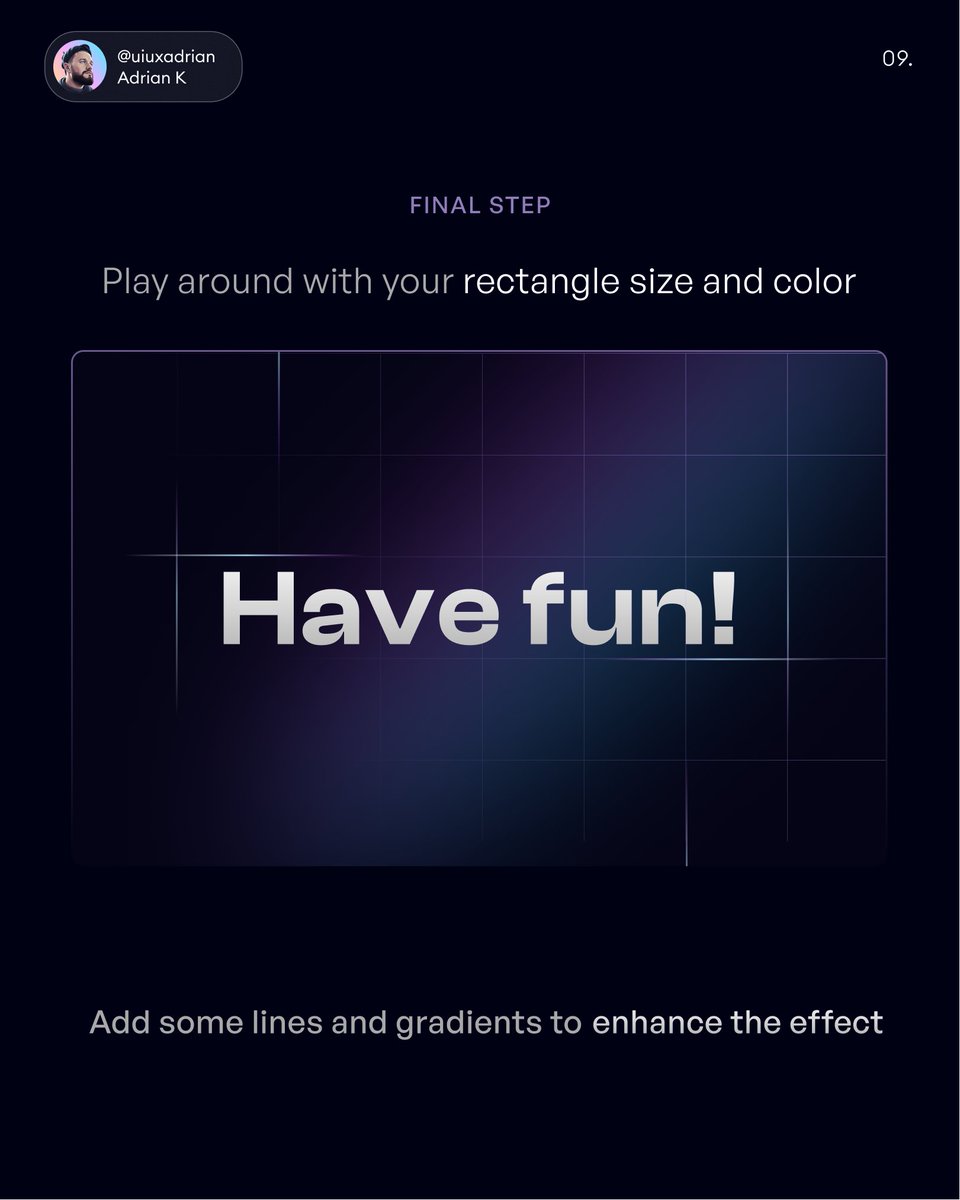
Final Step - Play around with the settings to create your visuals
Have fun!
Have fun!
That's it from me guys!
If you enjoyed this tutorial, consider to:
1. Follow me @uiuxadrian for more design-related threads and videos
2. RT the tweet below to share this thread with your audience 💜
If you enjoyed this tutorial, consider to:
1. Follow me @uiuxadrian for more design-related threads and videos
2. RT the tweet below to share this thread with your audience 💜
P.S. If you're interested in mastering mobile design for iOS/Android
Grab my Design Manual while it's 40% off
And get my upcoming Figma Mastery Course for half the price 😊
Here's the link👇
uiadrian.gumroad.com
Grab my Design Manual while it's 40% off
And get my upcoming Figma Mastery Course for half the price 😊
Here's the link👇
uiadrian.gumroad.com
Loading suggestions...