

I've seen some people complaining about Twitter putting text-based 2FA behind the paywall.
There is gladly a far better way that still works for everyone (and to be honest, text-based 2FA is flawed).
A small tutorial:
There is gladly a far better way that still works for everyone (and to be honest, text-based 2FA is flawed).
A small tutorial:
Go to "Settings and Support".

Now lick on "Settings and privacy".

Now click on "Security and account access".
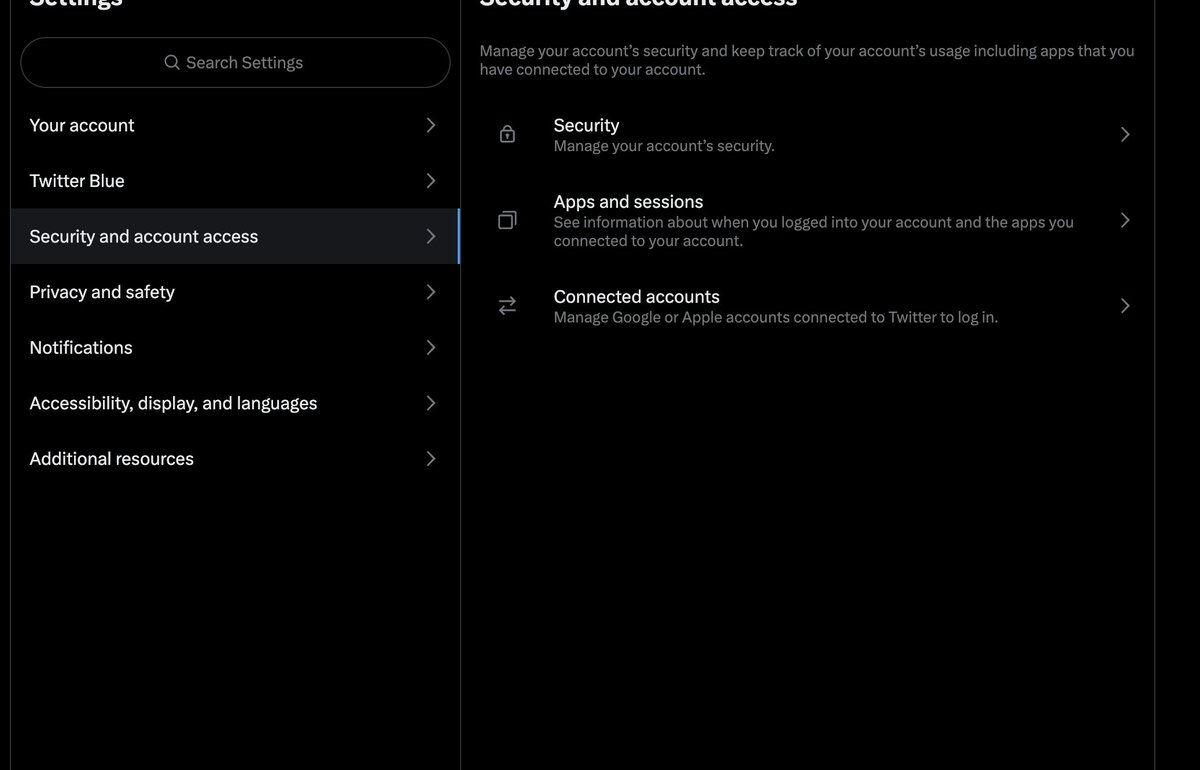
Click on "Security".
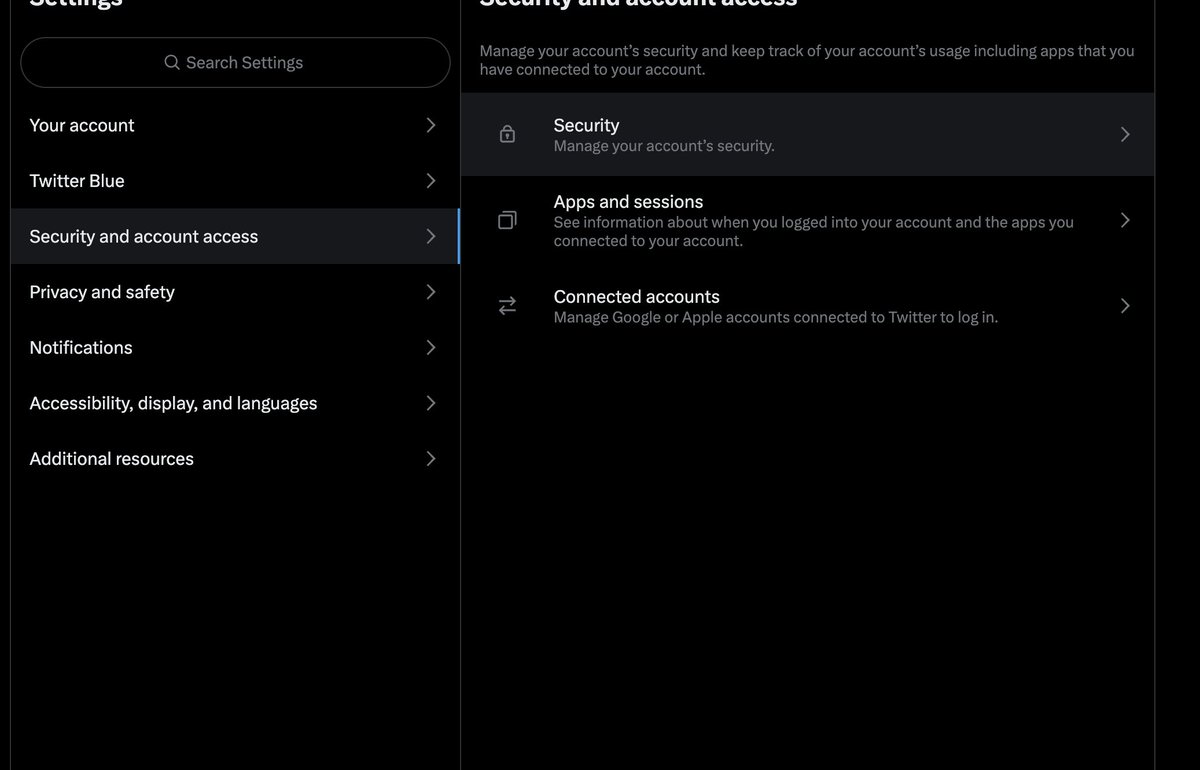
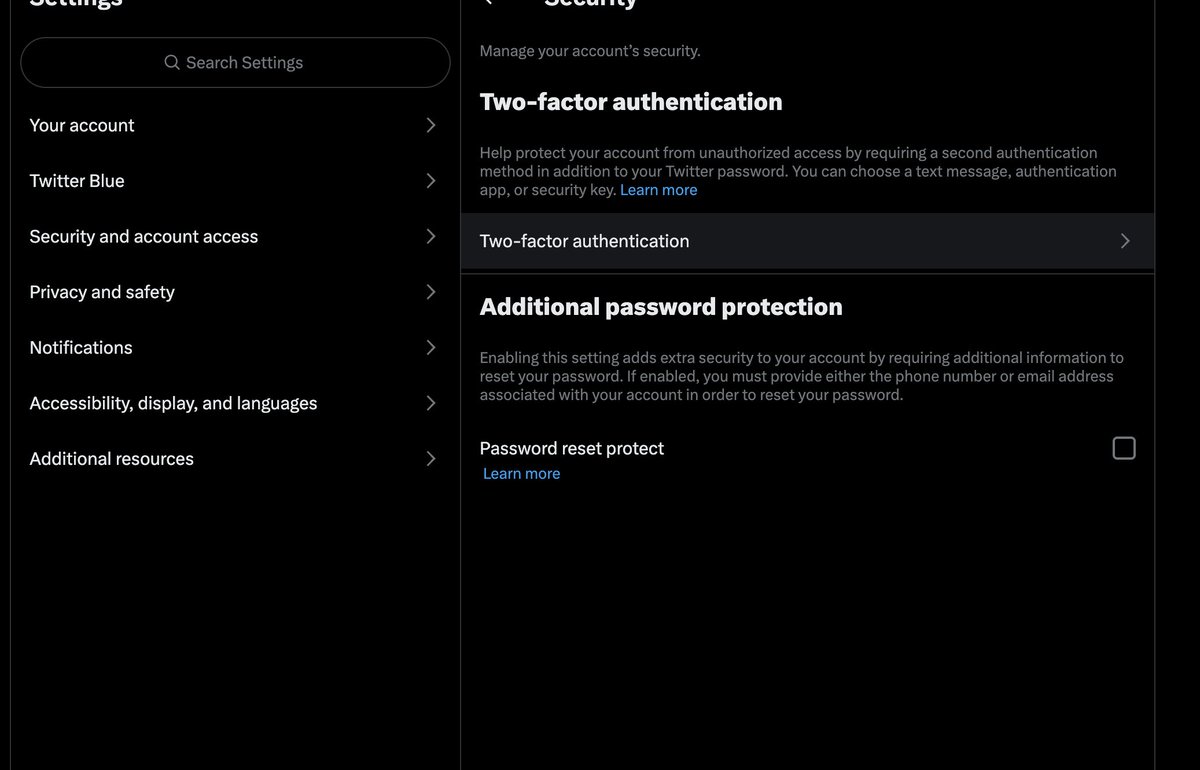
Click on "Two-factor authentication".
Enable "Authentication app".
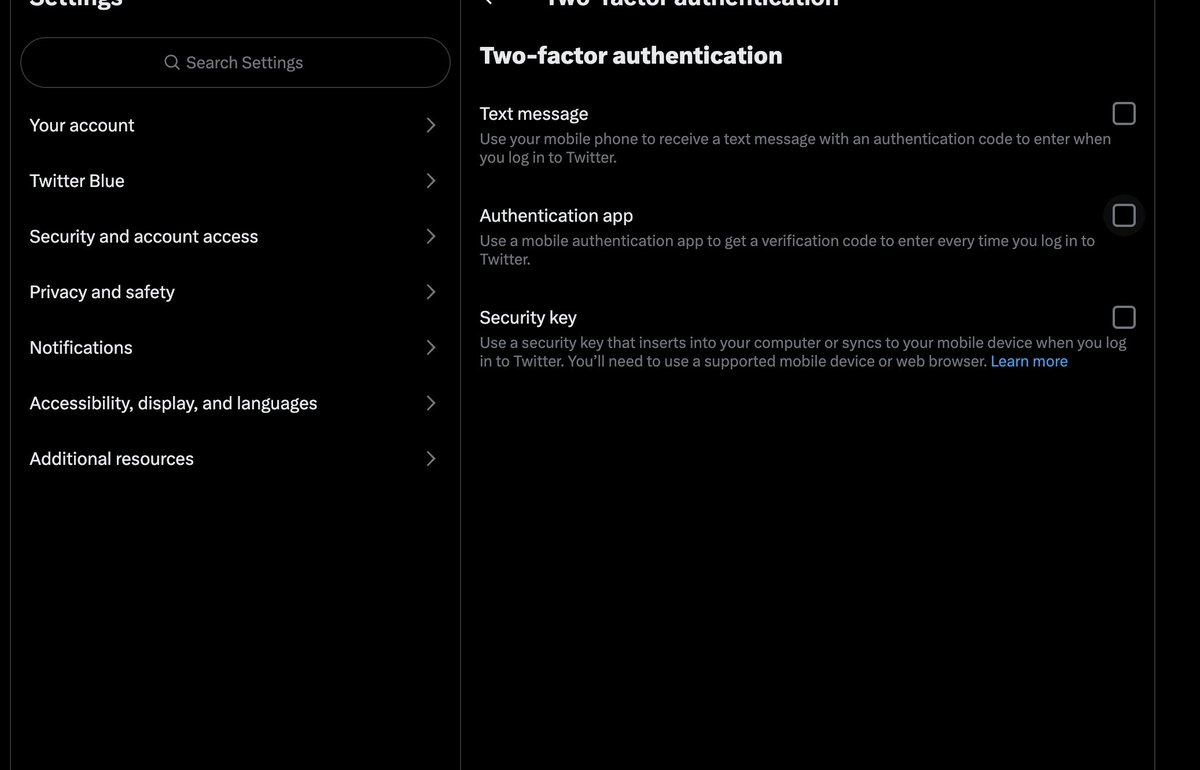
This presents you with this screen.
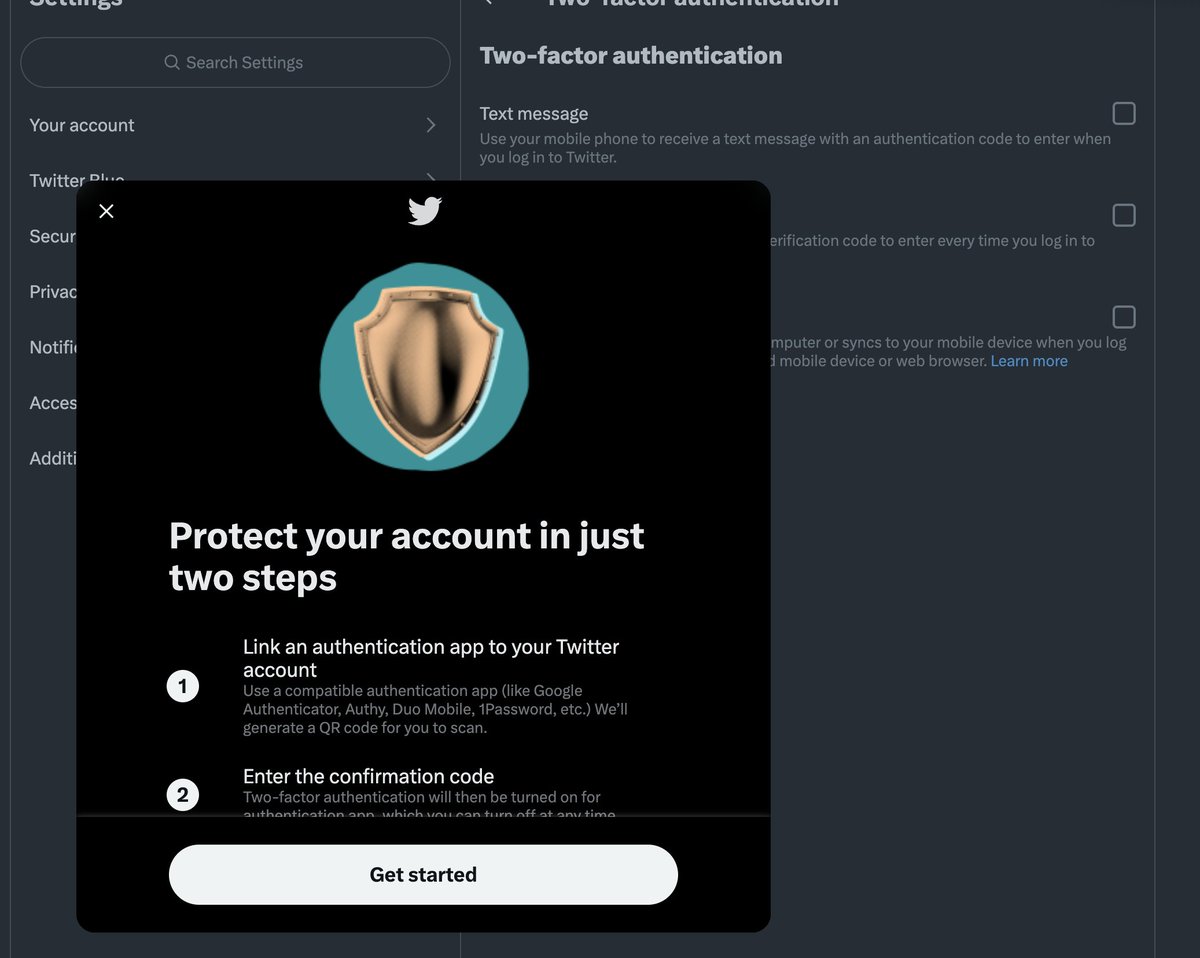
Click on "Get started", which opens a screen with a QR code.
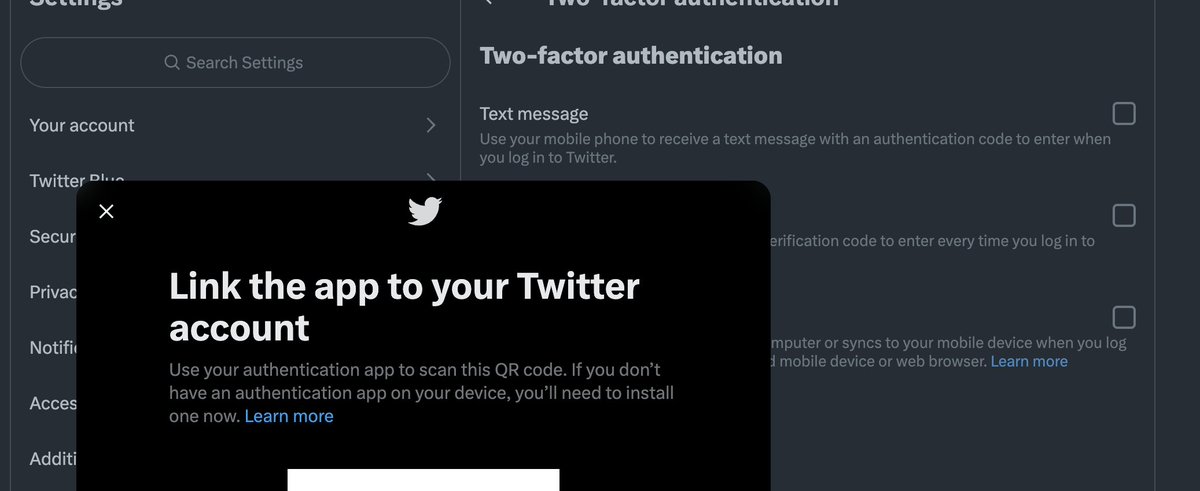
Now you need an authenticator.
Microsoft has an app that is free to use.
If you haven't already, install either this or another app of your choice.
microsoft.com
Microsoft has an app that is free to use.
If you haven't already, install either this or another app of your choice.
microsoft.com
Link the authenticator by scanning the QR code.
After this, enter your confirmation code for the first time.
After this, enter your confirmation code for the first time.
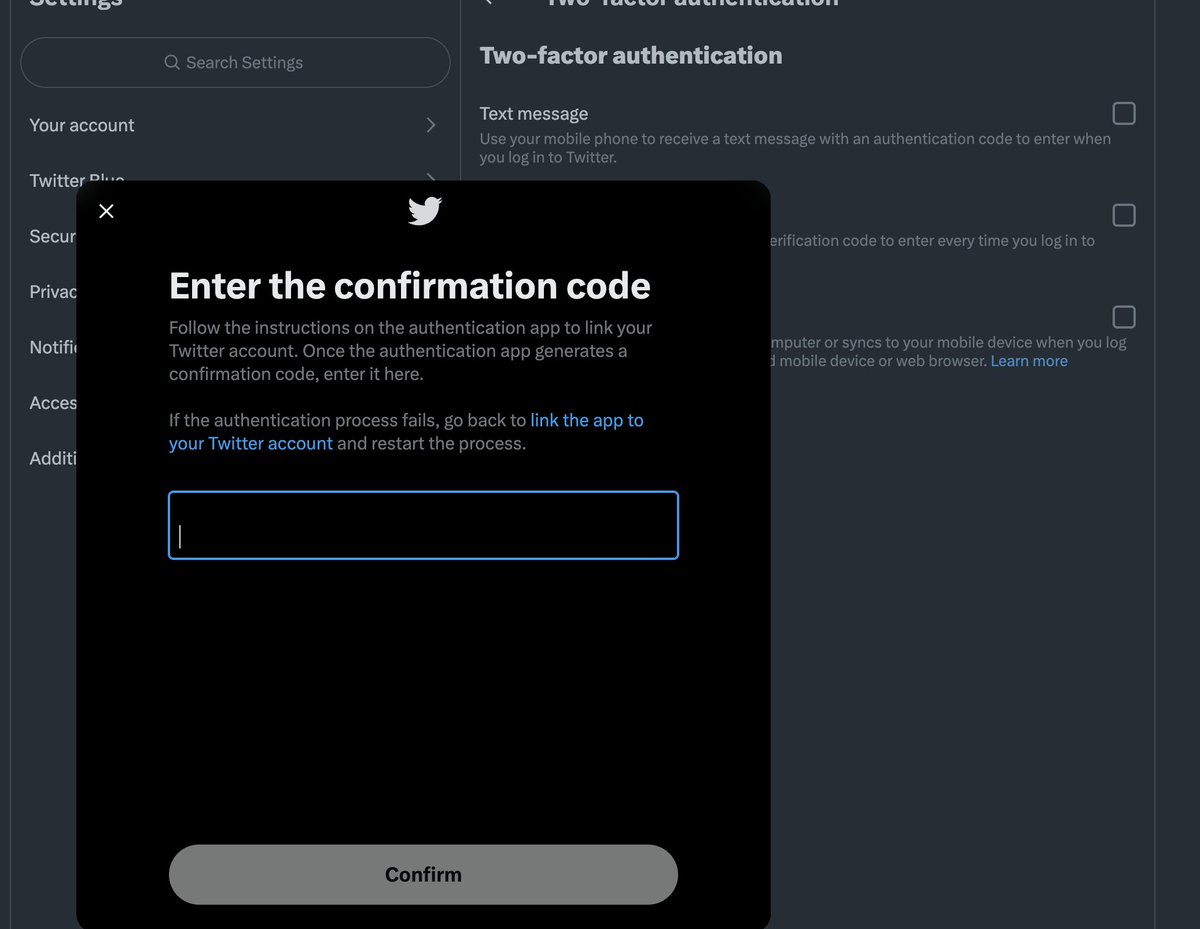
After this, you are all set.
Remember to save your backup code because if you lose your phone or authenticator, you'll have difficulty logging in again.
Remember to save your backup code because if you lose your phone or authenticator, you'll have difficulty logging in again.
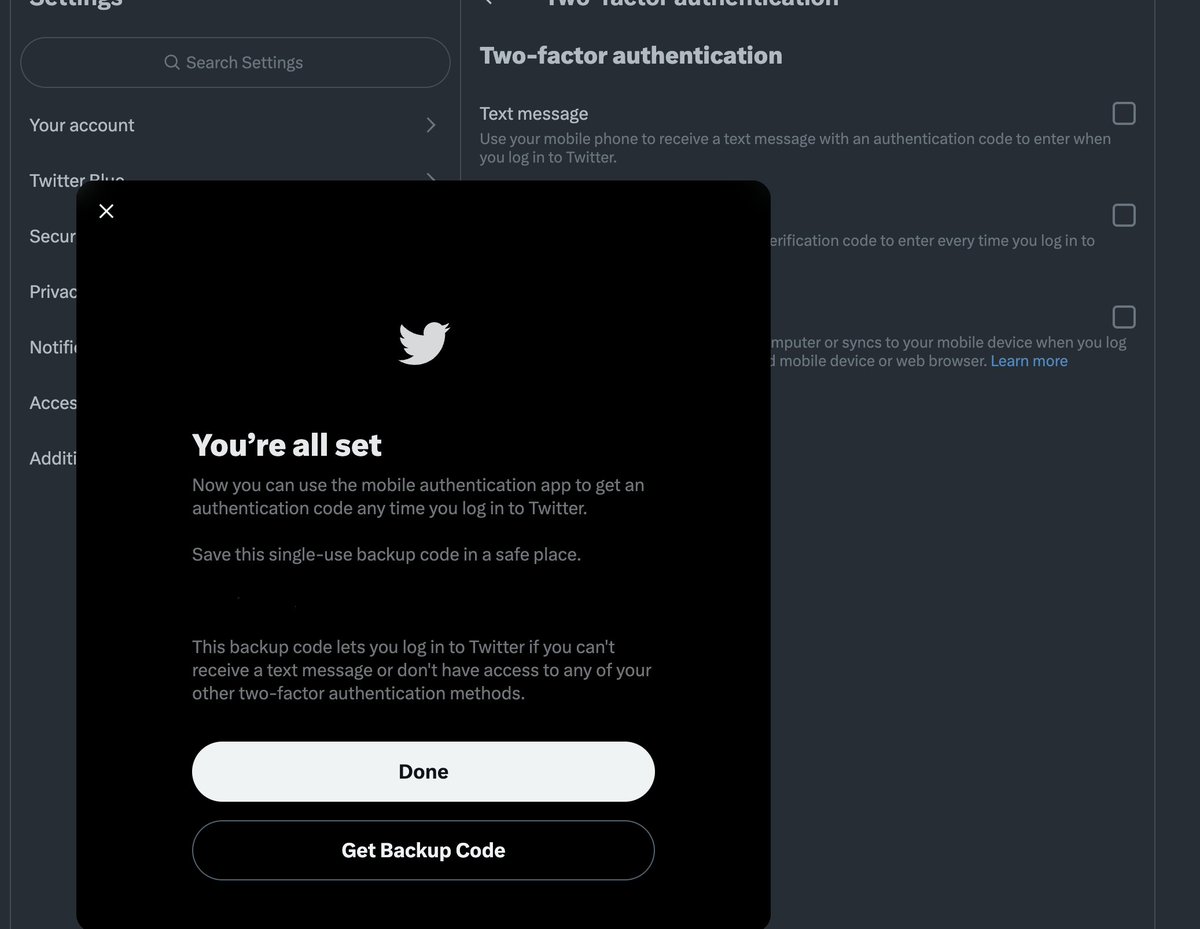
You're all set now.
No Twitter Blue subscription is needed, and you got a way safer alternative to text-based 2FA.
Have fun tweeting.
No Twitter Blue subscription is needed, and you got a way safer alternative to text-based 2FA.
Have fun tweeting.
Loading suggestions...