

Today let's just make something cool visually together.
I believe designers really benefit from taking time off from screens and just playing around with shapes, colors and effects.
A tutorial thread 👇🤷♂️
I believe designers really benefit from taking time off from screens and just playing around with shapes, colors and effects.
A tutorial thread 👇🤷♂️
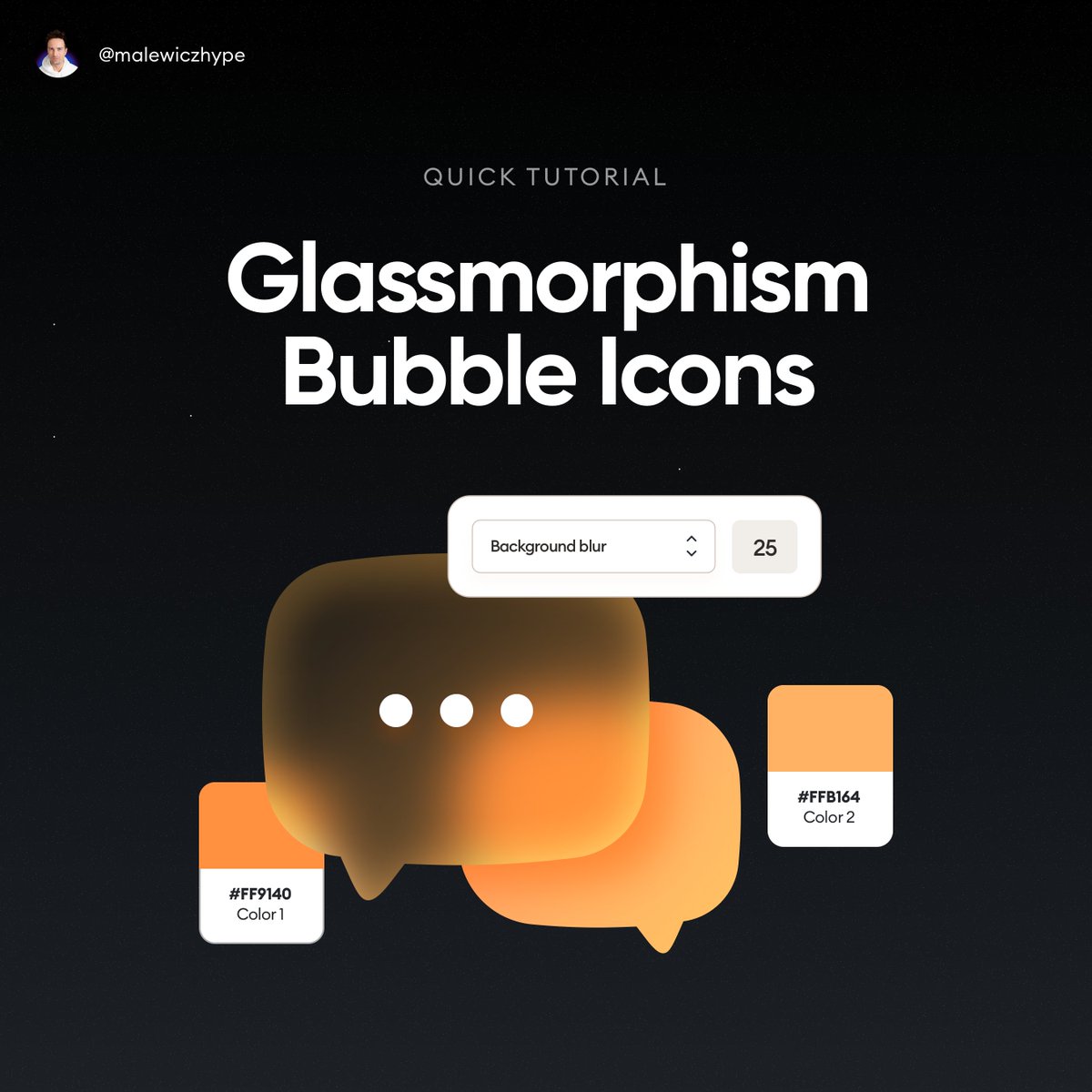
In this tutorial I'll quickly show you how you can achieve this nice 3d blur effect yourself.
You can use ANY design tool you like for this.
Let's go! 👇
You can use ANY design tool you like for this.
Let's go! 👇
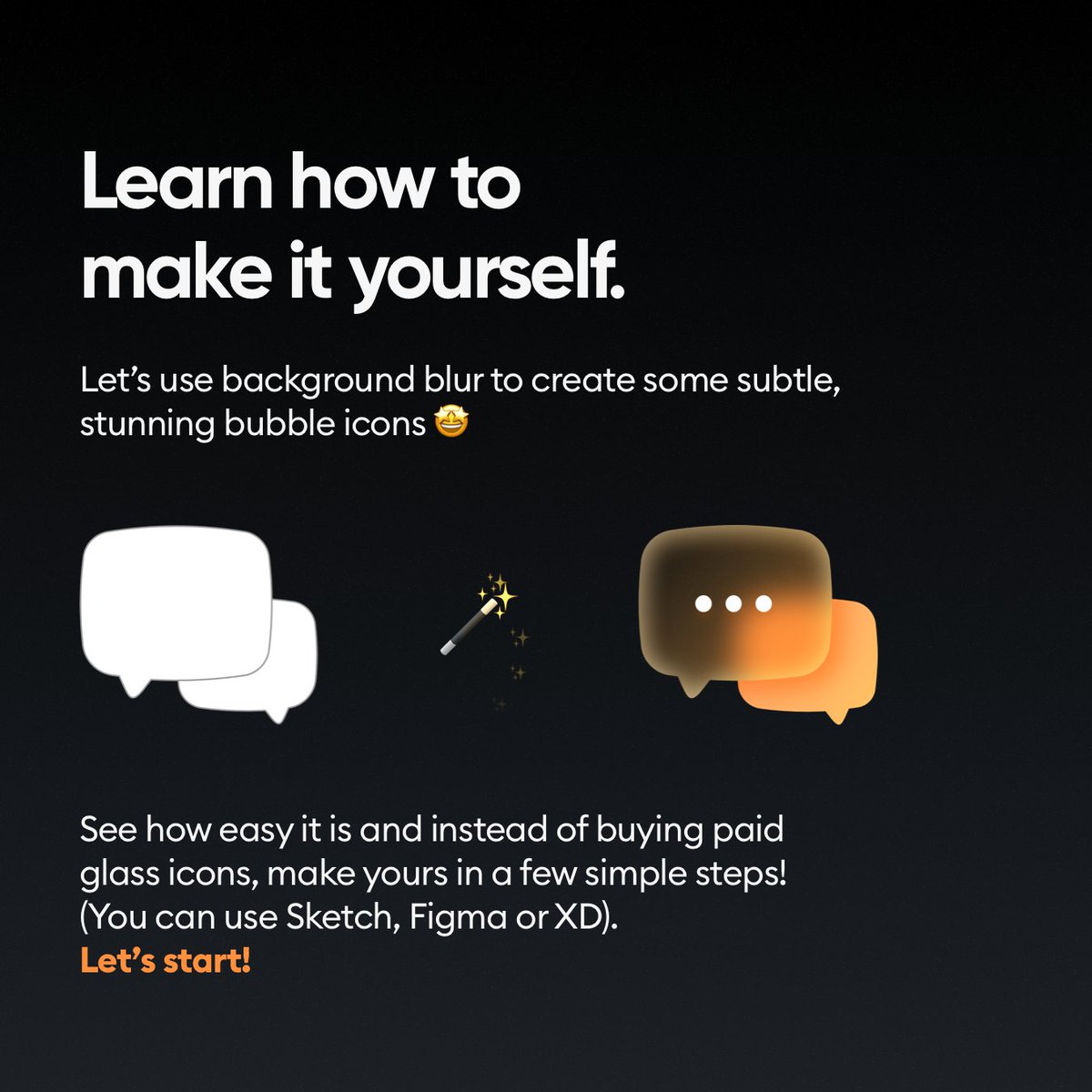
Start by creating the shape.
It's a great practice on how to use the vector editing tools that will come in handy in most of your UI work later!
It's a great practice on how to use the vector editing tools that will come in handy in most of your UI work later!
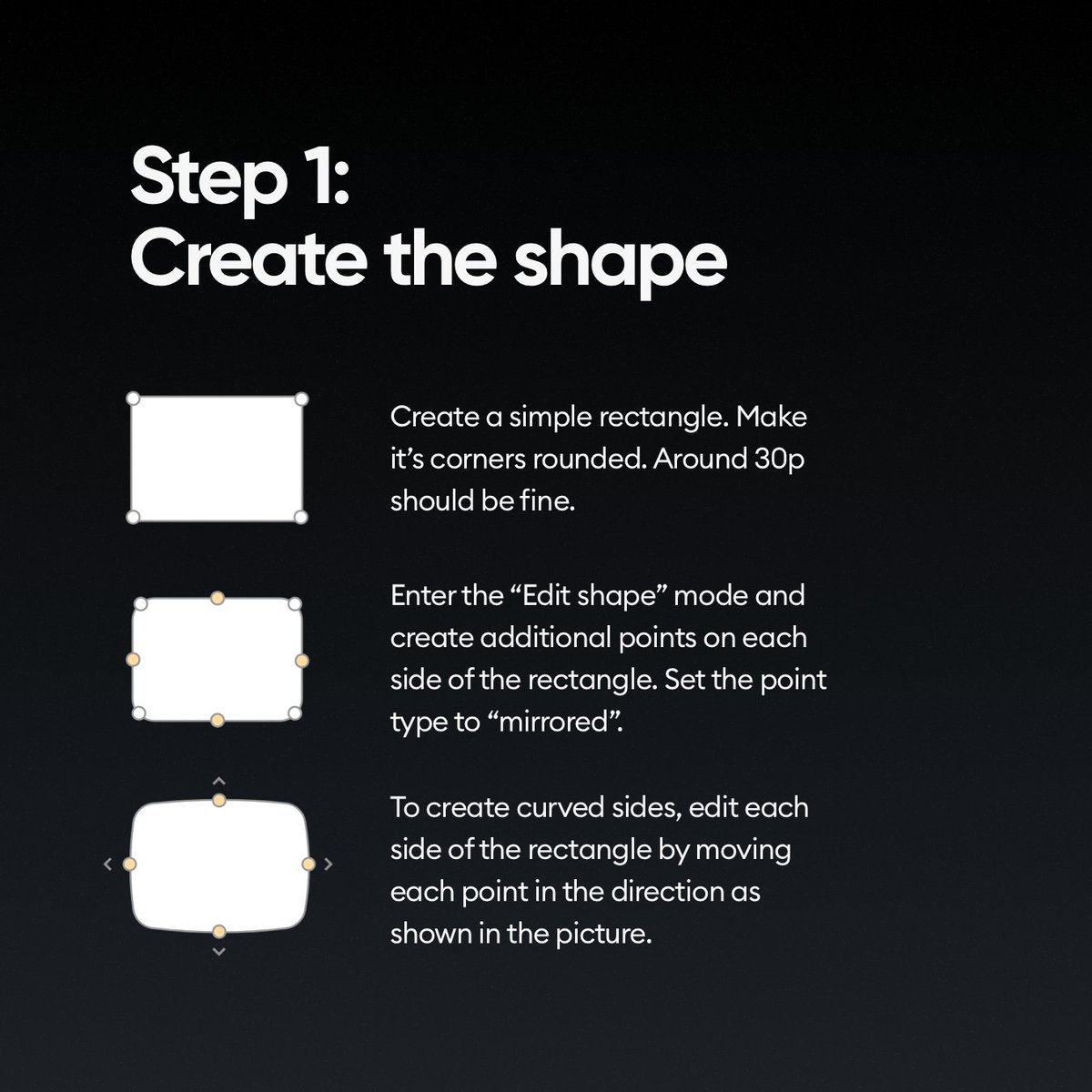
Then let's tweak it some more by adding the stem of the bubble.
Many beginners don't know you can add points on paths this way so it's a great exercise to learn it!
Many beginners don't know you can add points on paths this way so it's a great exercise to learn it!

Now comes the fun part. Duplicate the shape, make it smaller and flip it horizontally.
Then apply two linear gradients to them. Or experiment with radial gradients! The world is your playground!
Then apply two linear gradients to them. Or experiment with radial gradients! The world is your playground!

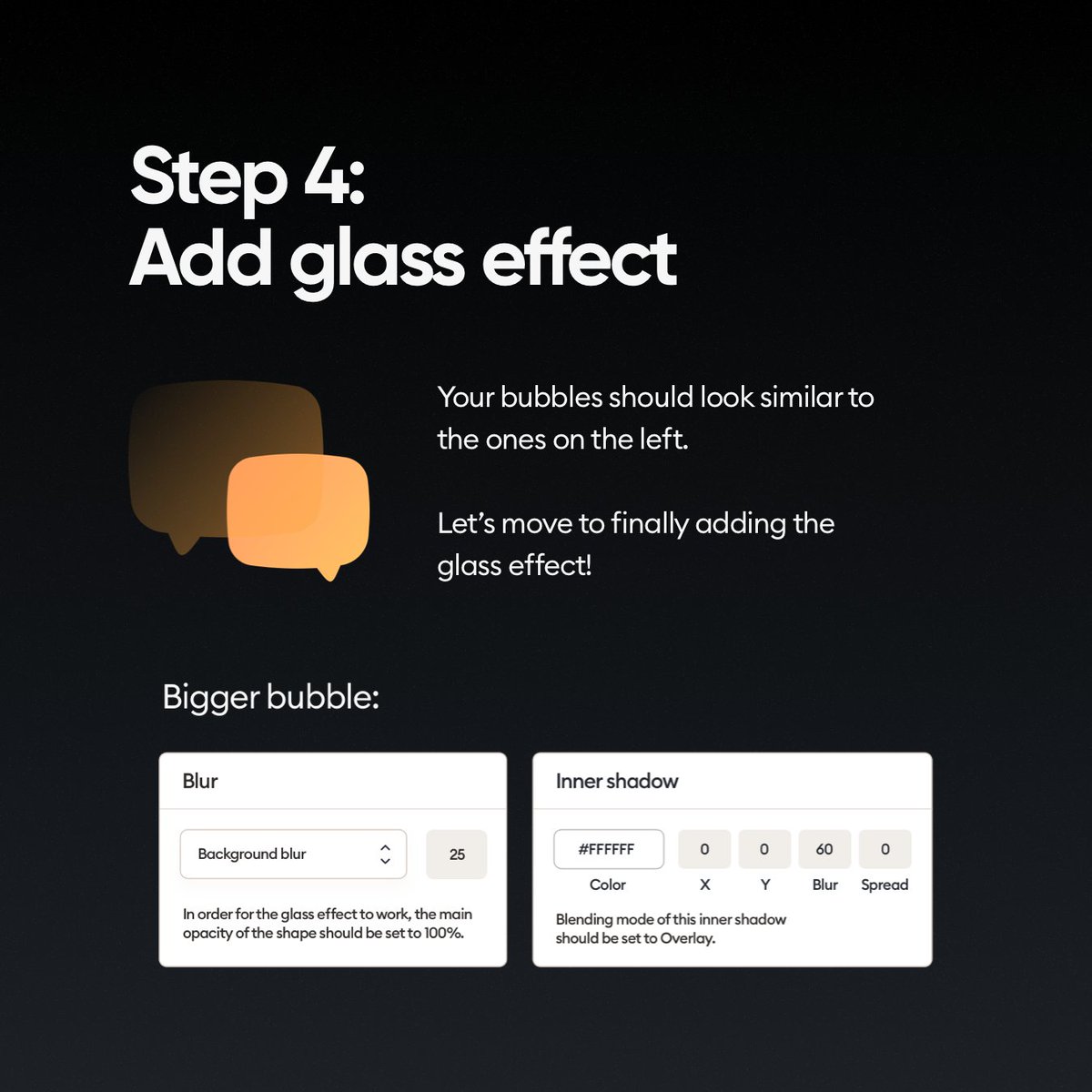
Now add the glassmorphism effect by applying a background blue to one of the shapes (the one on top) along with a small opacity drop.
Tweak it to match!
Tweak it to match!
You can use the existing objects as both glows and shadows.
Just duplicate -> move -> blur.
And once again - experiment!
Just duplicate -> move -> blur.
And once again - experiment!
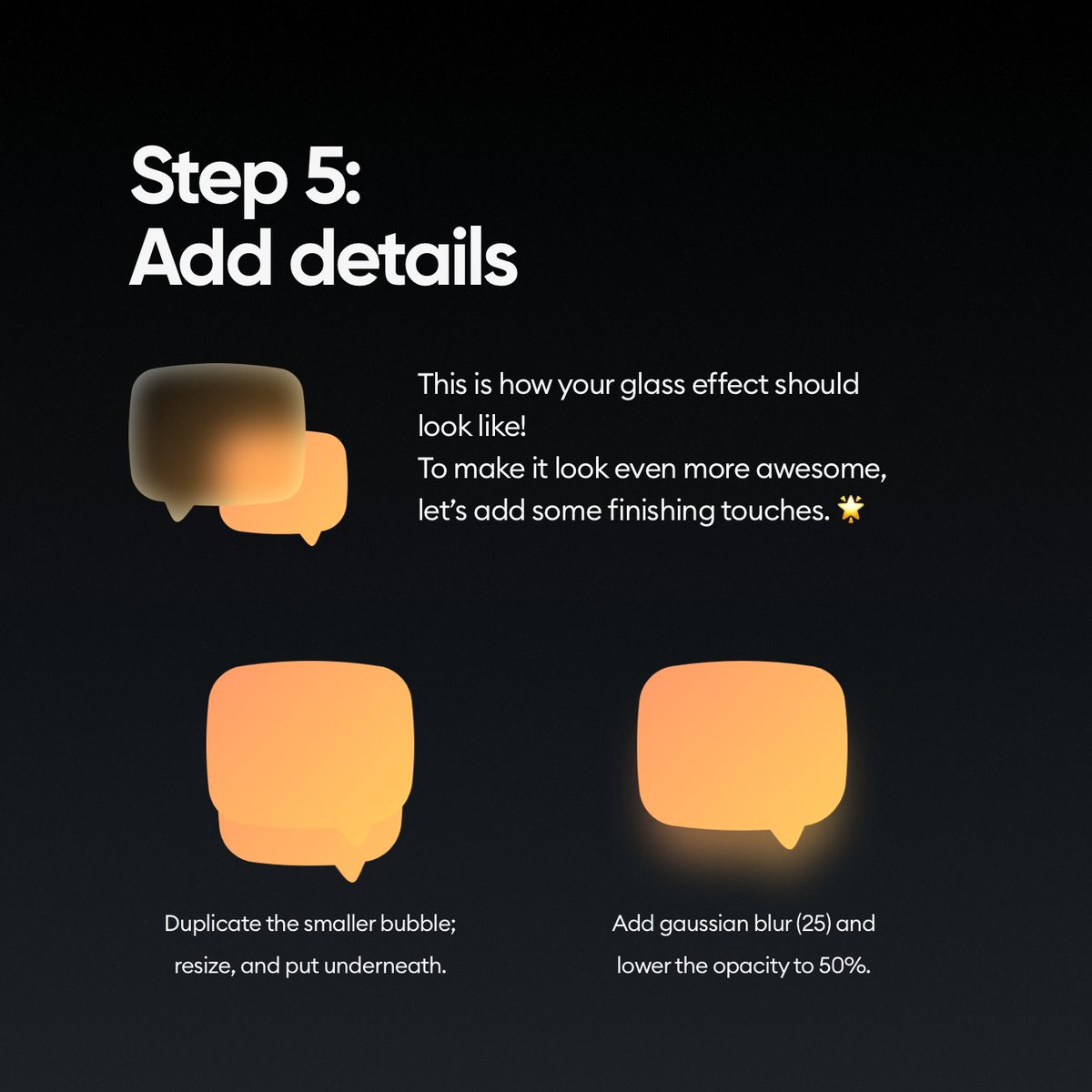
It works the same way with natural looking shadows.
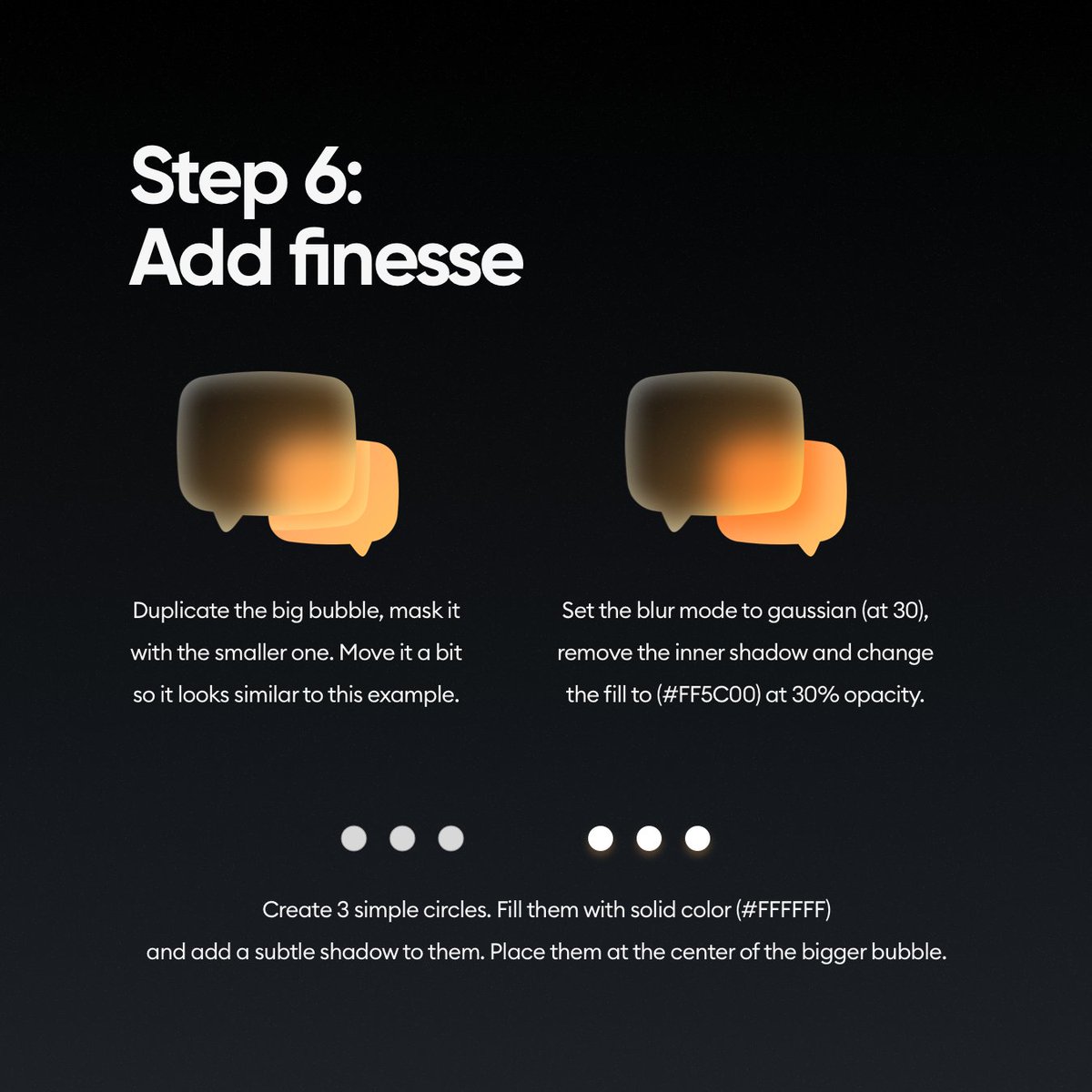
Check out how I created a really cool shadow with just a duplicate, blur and a blending mode!
It makes it way more realistic than a "drop shadow" effect.
Check out how I created a really cool shadow with just a duplicate, blur and a blending mode!
It makes it way more realistic than a "drop shadow" effect.
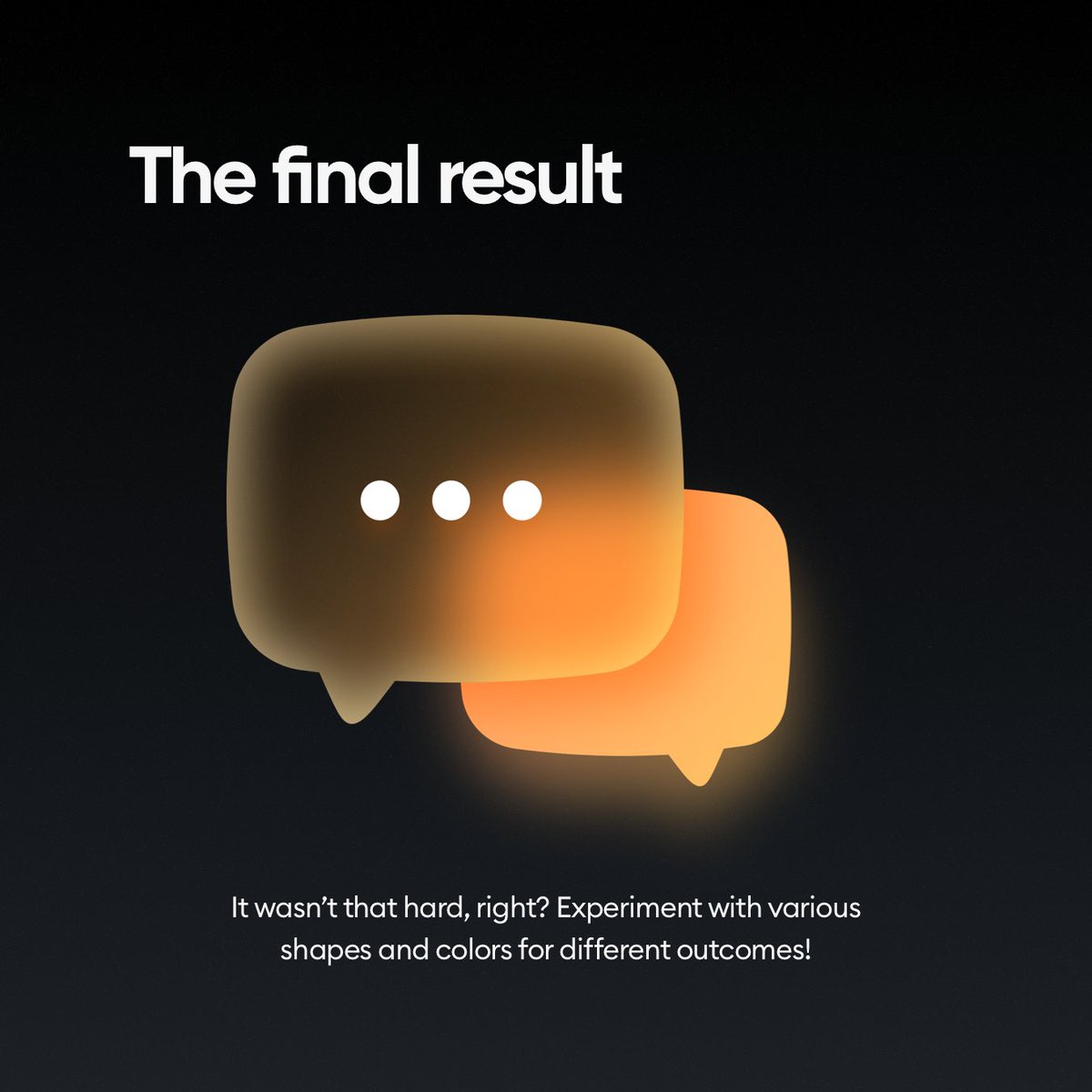
And this is the final result! Looking cool right?
Now go and make some of your own and when you do reply to this thread and show how you made them! :)
And of course
Now go and make some of your own and when you do reply to this thread and show how you made them! :)
And of course
I help designers to get great quickly!
► Follow me @michalmalewicz
► Share the thread so more people can see it
► Follow me @michalmalewicz
► Share the thread so more people can see it
Loading suggestions...