

Lateral is an AI-powered app for academics that will completely change the way you read and take notes.
Here's how to use it:
Here's how to use it:
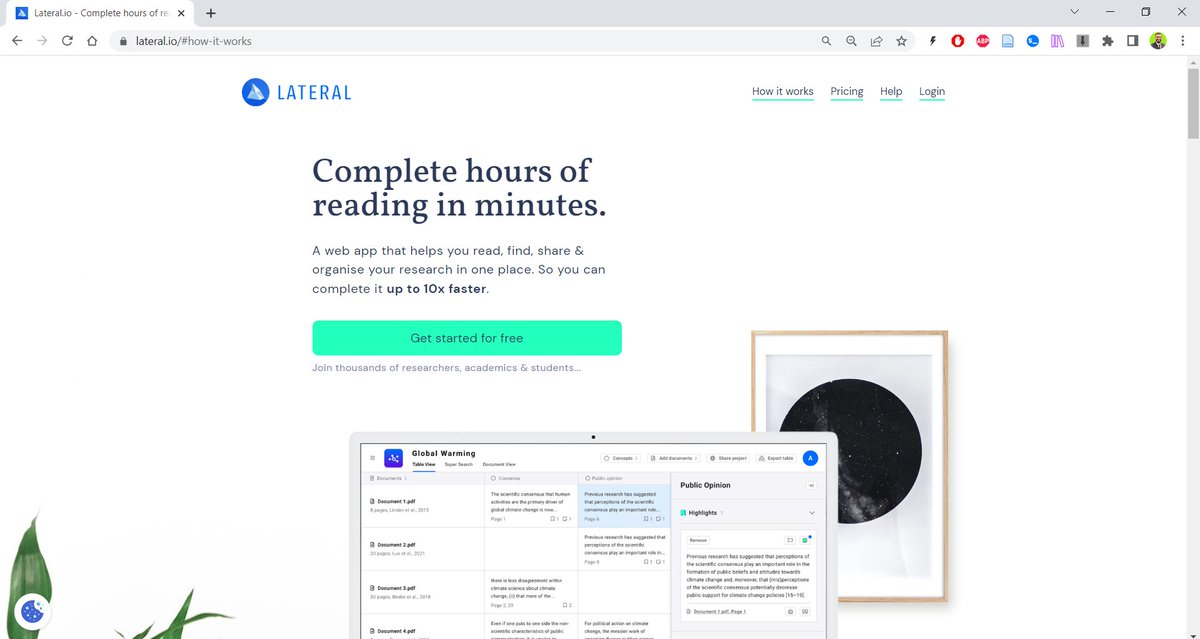
Go to lateral(dot)io and sign up for a free account.
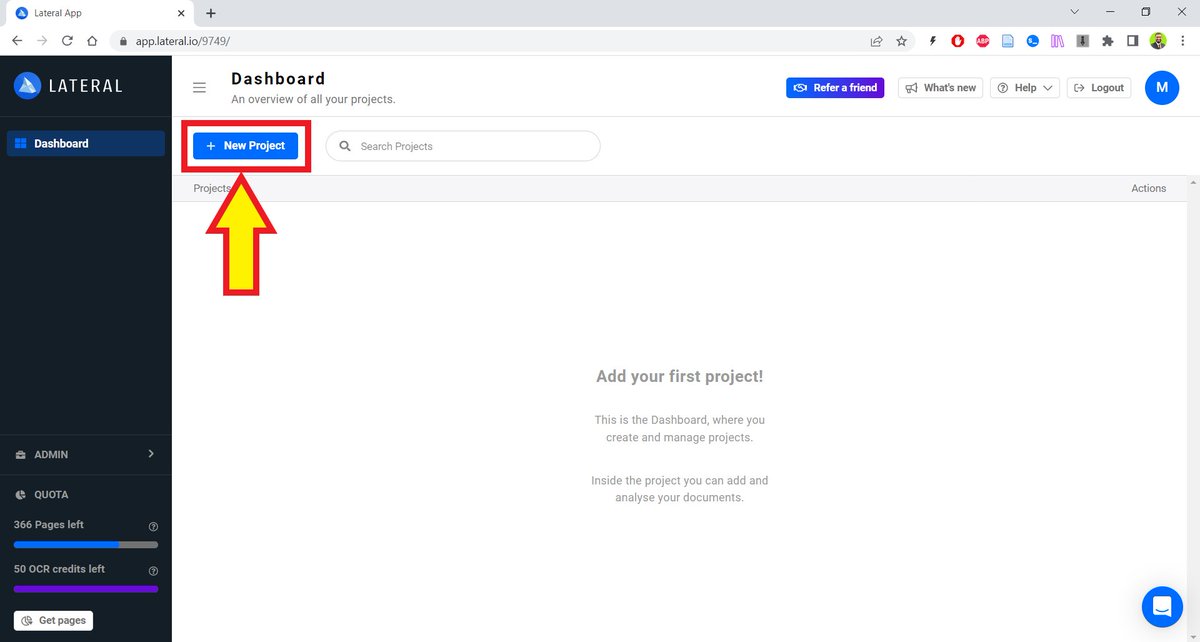
Click on the "New Project" button in the top-left corner.
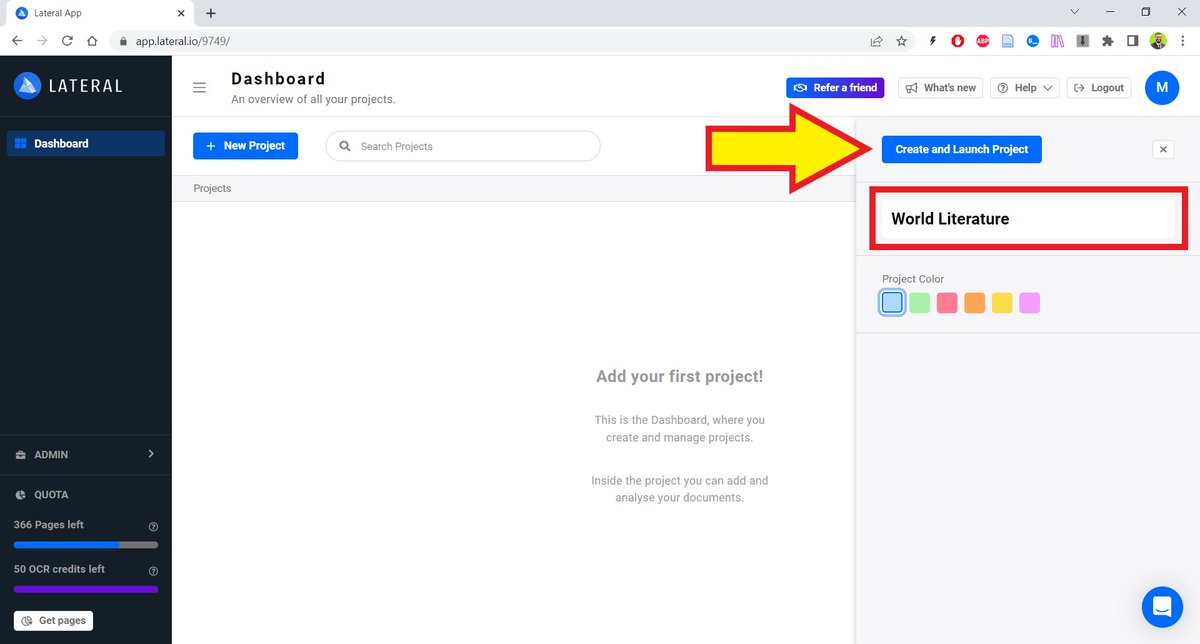
Give you project a title and select a color if want to color-code it.
Then click on the "Create and Launch Project."
Then click on the "Create and Launch Project."
After you have created a project, upload the PDFs of research papers you want to read.
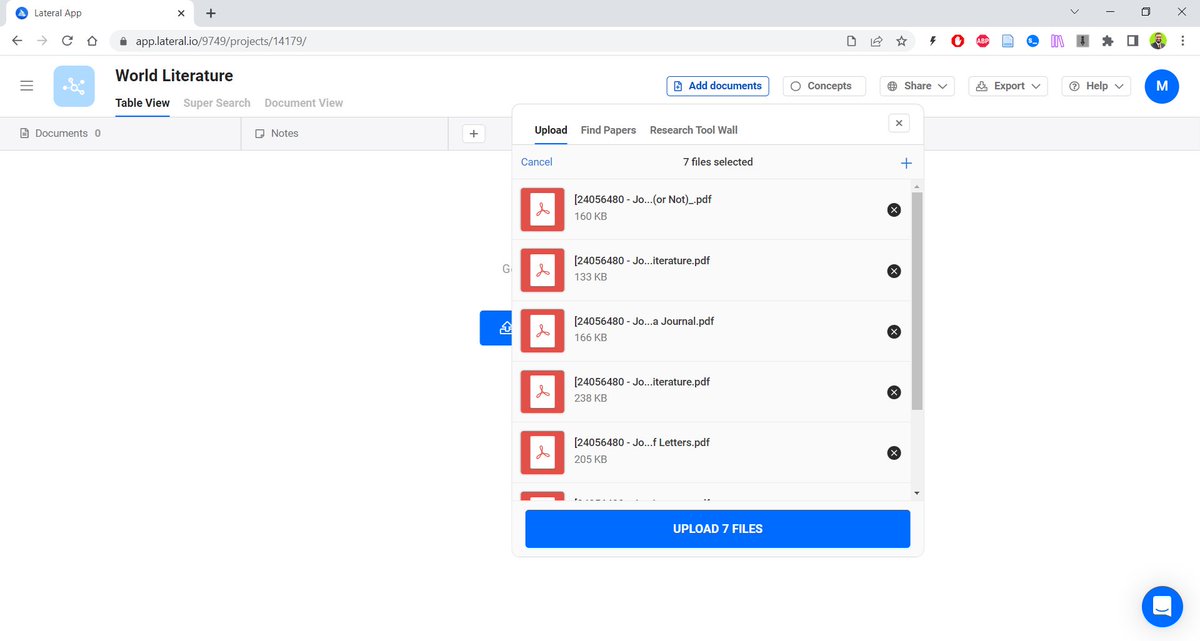
Once uploaded, Lateral will run them through its algorithm to analyze the PDFs.
You will see how useful this is in a bit.
You will see how useful this is in a bit.
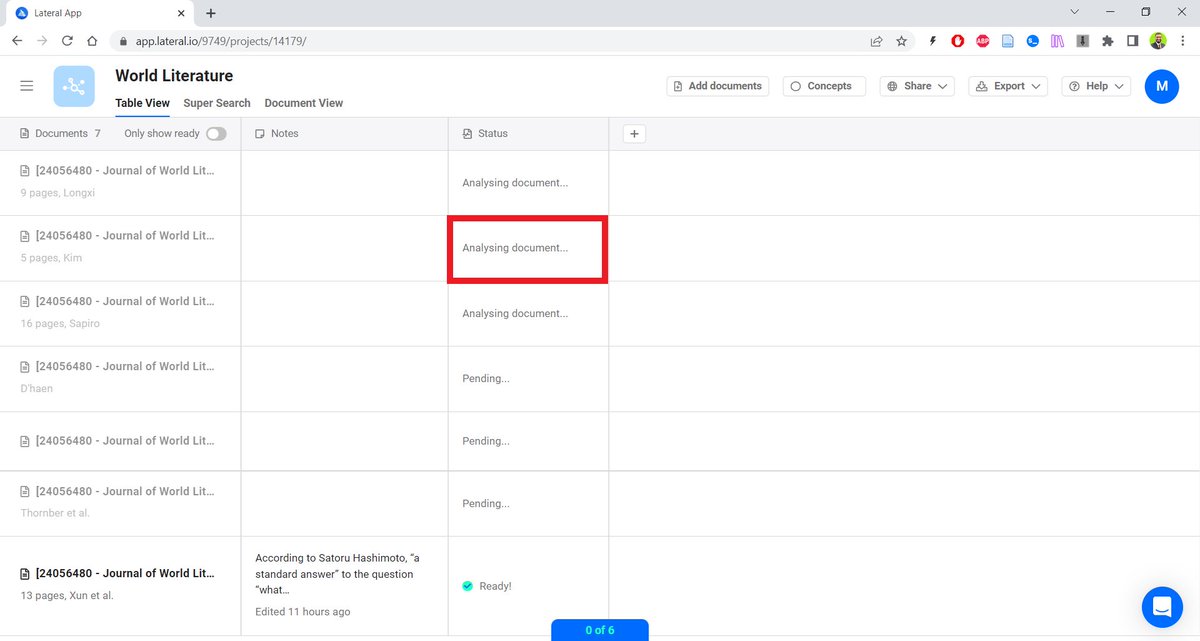
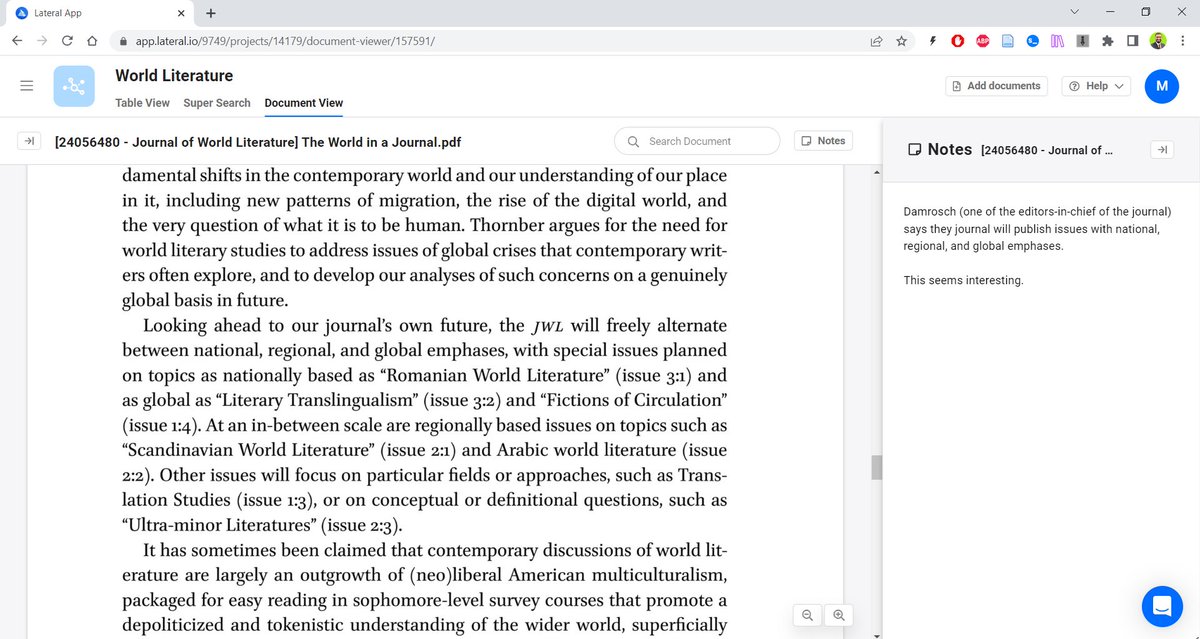
After Lateral has analyzed the PDFs, you can open them in the "Document Viewer" to read them.

You can take notes in the notepad as you read.
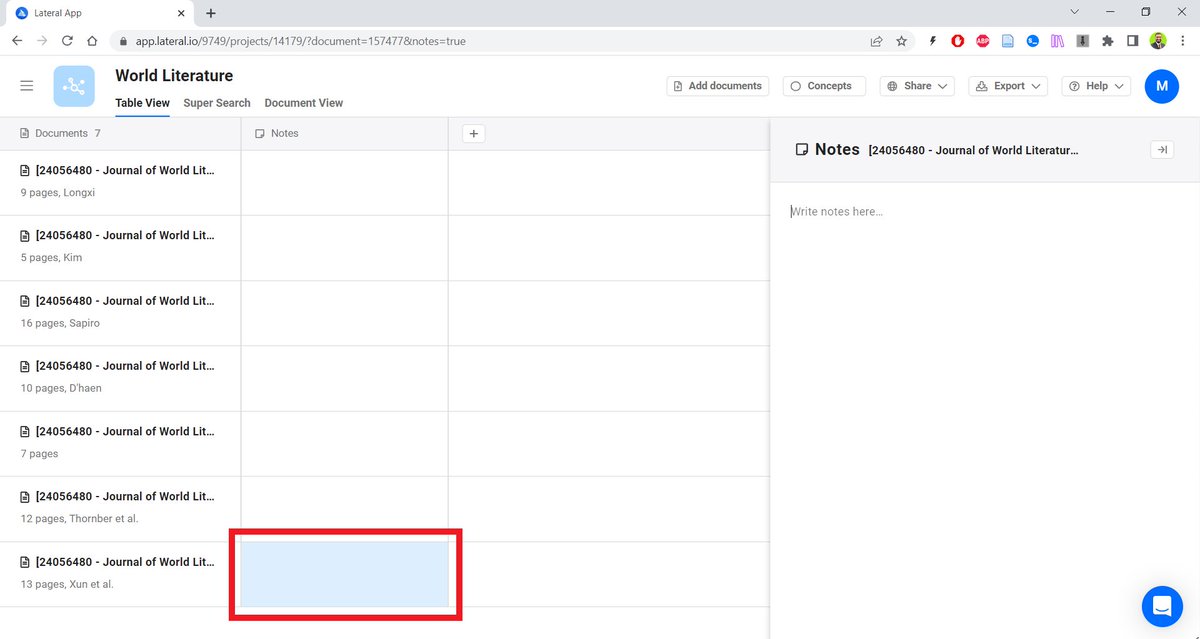
You can also take notes by clicking on the "Notes" box in front of an article.
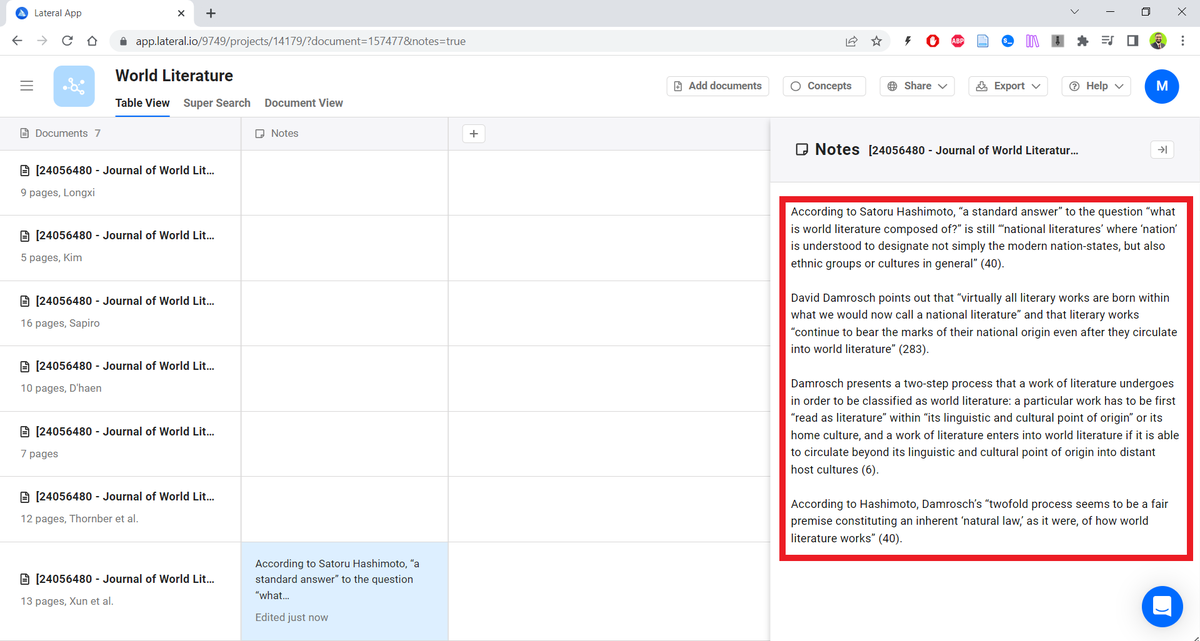
All your notes will appear laterally in a table.
There isn't anything extraordinary about these features. You can read and take notes in Zotero too.
But...
There isn't anything extraordinary about these features. You can read and take notes in Zotero too.
But...
Lateral's extraordinary feature is that it lets you create "Concepts."
To do so, click on the "Concept" button.
To do so, click on the "Concept" button.
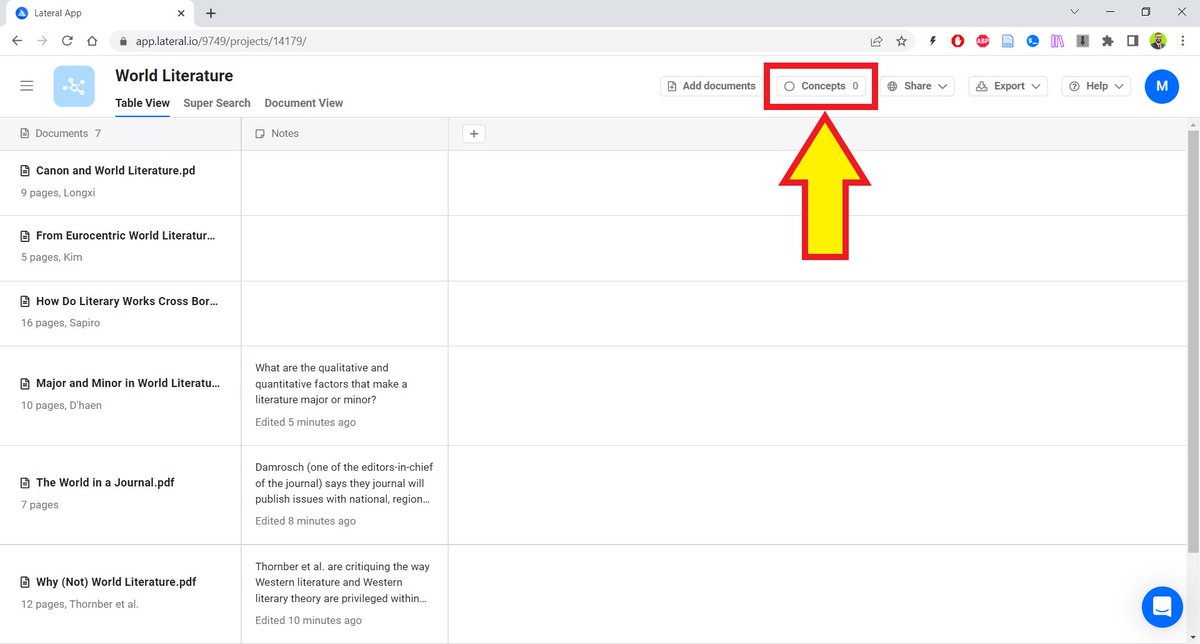
Here I am creating a concept "Circulation."
[How a work of literature circulates in the world is a very important topic in the field of world literature, which is one of my specialties.]
[How a work of literature circulates in the world is a very important topic in the field of world literature, which is one of my specialties.]

Now if I click in the Circulation box in front of any paper, Lateral will give me all the snippets relevant to the topic of circulation in that paper.

I can add one or more snippets to the Circulation concept.
This is because Lateral analyzed the whole document when I uploaded it.
You can create multiple concepts and Lateral will extract snippets relevant to them.
This is because Lateral analyzed the whole document when I uploaded it.
You can create multiple concepts and Lateral will extract snippets relevant to them.
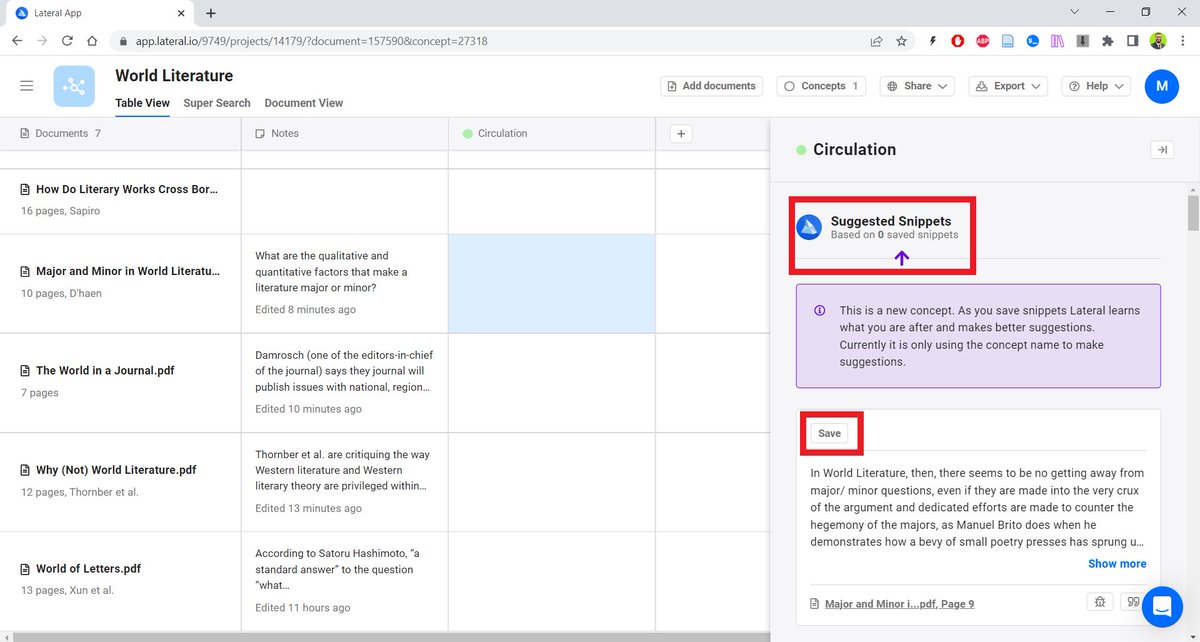
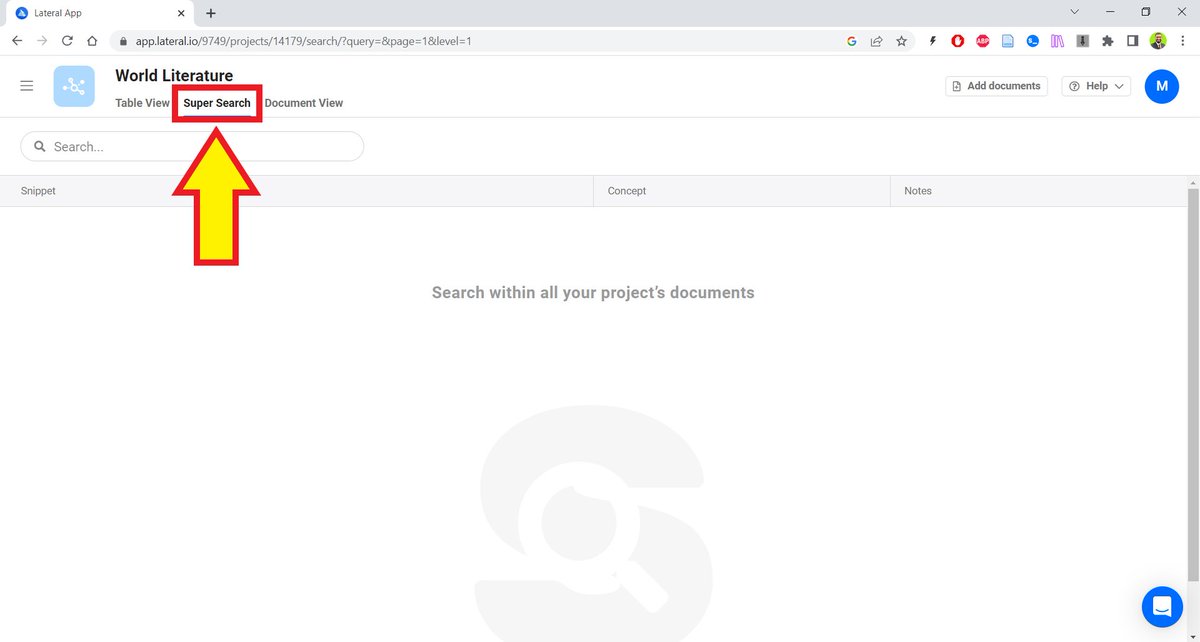
Lateral also has a "Super Search" feature that lets you search the texts of all the papers in your collection.
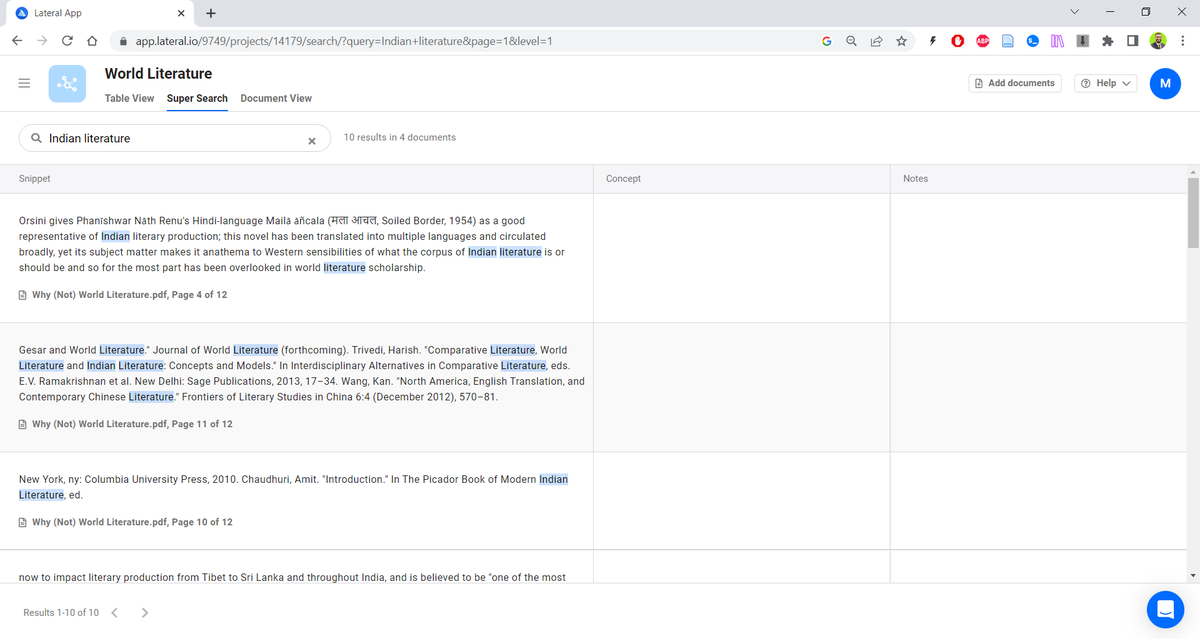
I looked up "Indian literature" and it showed me all the instances of Indian literature in all the papers in my collection.
Once you are done reading, you can export all your notes as a Word file and start writing.
It's particularly useful if the blank page scares you.
It's particularly useful if the blank page scares you.

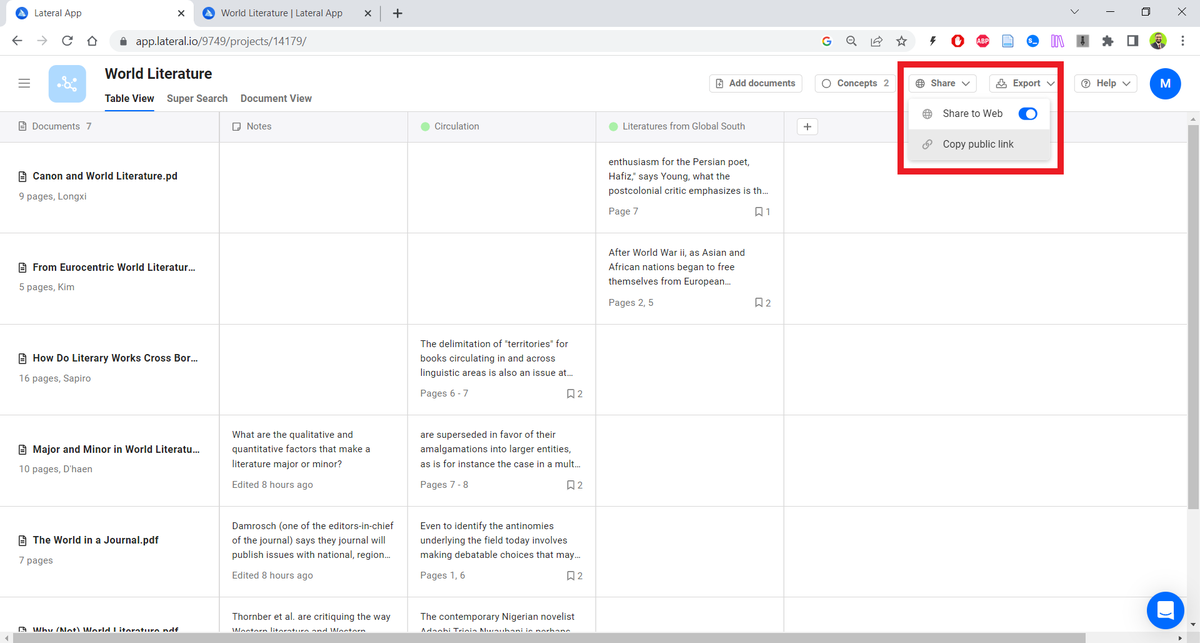
You can share your collection and notes with anyone even if they don't have a Lateral account.
Lateral lets you read 500 pages for free. You can get 250 additional pages if you refer Lateral to 10 friends.
If you need to read more, you will have to buy a subscription.
If you need to read more, you will have to buy a subscription.
Found this thread helpful?
1. Scroll to the top and hit the "Like" button on the first tweet.
2. Follow me for regular threads on how to use AI-powered apps for academic purposes.
1. Scroll to the top and hit the "Like" button on the first tweet.
2. Follow me for regular threads on how to use AI-powered apps for academic purposes.
Want AI to help you become an efficient academic writer?
I have an ebook for you. You can get it here: efficientacademicwriter.carrd.co
I have an ebook for you. You can get it here: efficientacademicwriter.carrd.co

Want me to email you tips on academic writing?
Sign up for my newsletter. It's FREE!
keepwriting.beehiiv.com
Sign up for my newsletter. It's FREE!
keepwriting.beehiiv.com

Loading suggestions...