

Javascript explained:
Filter method in Arrays
Filter method in Arrays

Today, let's talk about one of the most useful array methods in JavaScript - .filter(). If you're not using it already, you're missing out on some serious array magic!
.filter() allows you to create a new array with all elements that pass a certain test. In other words, it filters out unwanted elements from an array and returns a new one with only the desired elements.
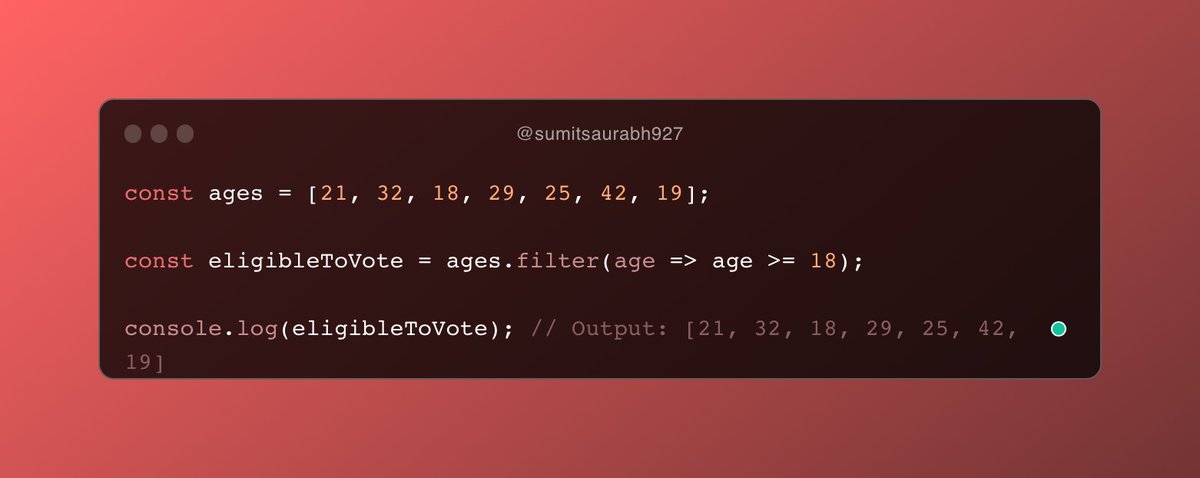
Here's an example:
Here, we have used .filter() to create a new array called eligibleToVote, which includes only the ages that are greater than or equal to 18.
The result is that, the eligibleToVote array includes all elements from the ages array that pass the test.
Here, we have used .filter() to create a new array called eligibleToVote, which includes only the ages that are greater than or equal to 18.
The result is that, the eligibleToVote array includes all elements from the ages array that pass the test.
.filter() is incredibly versatile and can be used in a wide variety of scenarios.
Here are some common use cases:
Here are some common use cases:
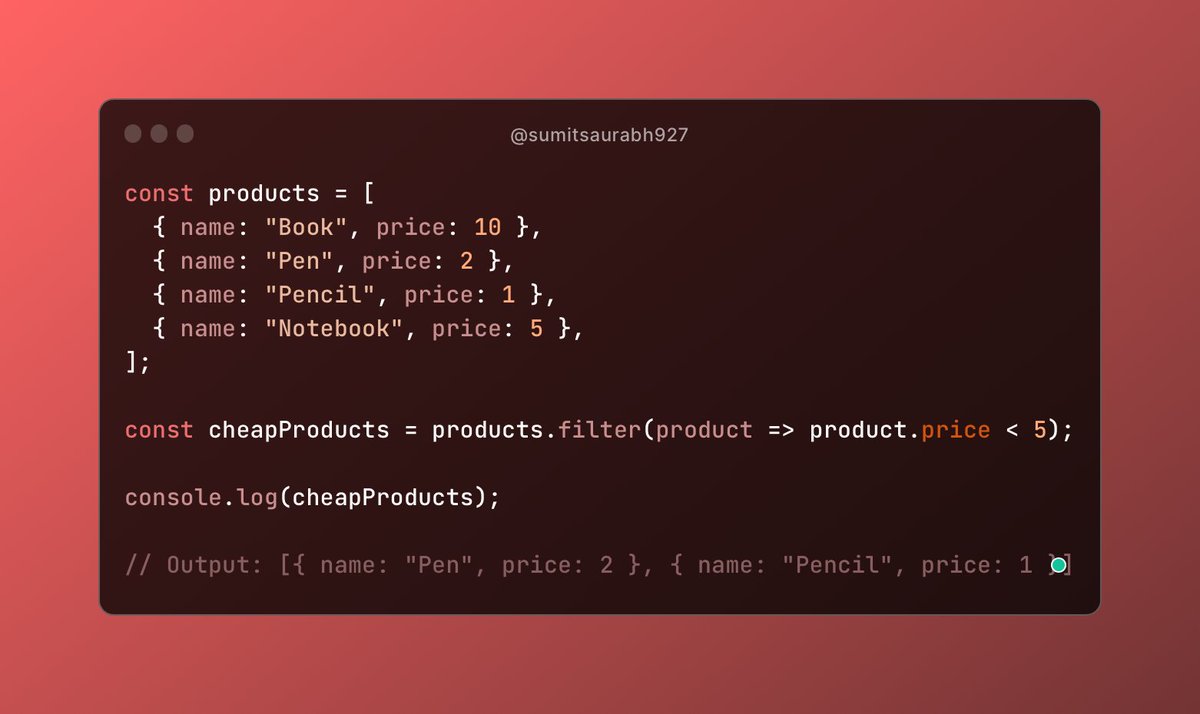
Filtering an array of objects based on a specific property value:
Removing falsy values (such as null, undefined, false, etc.) from an array:

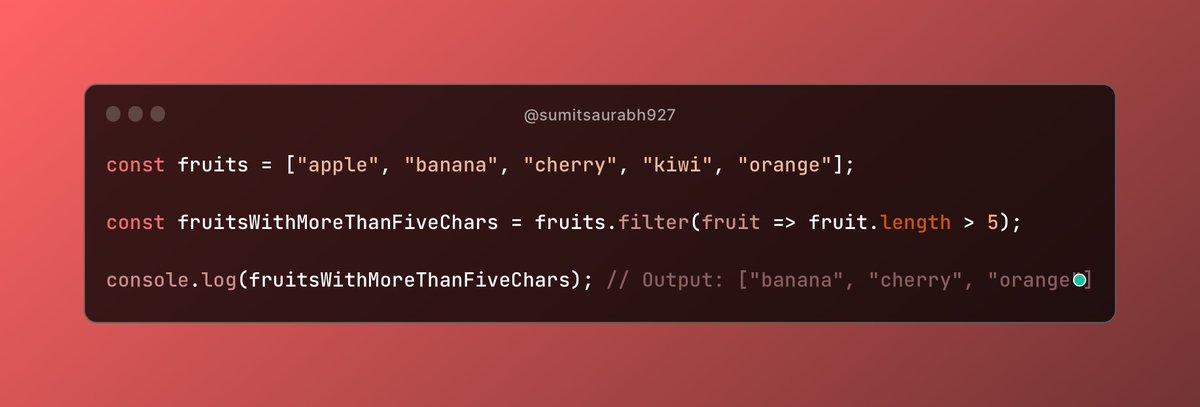
Filtering an array of strings based on a specific condition:
These are just a few examples of what you can do with .filter().
The possibilities are endless!
However, it's important to note that .filter() doesn't modify the original array.
Instead, it returns a new array with the filtered elements.
The possibilities are endless!
However, it's important to note that .filter() doesn't modify the original array.
Instead, it returns a new array with the filtered elements.
Also, keep in mind that .filter() can be a bit slower than other methods, so use it judiciously when working with very large arrays.
Thanks for reading!
You can also take a look at slice method that I wrote a thread about here:
You can also take a look at slice method that I wrote a thread about here:
That's a wrap!
Hey, I write two threads every day on web dev and it takes a lot of time and effort.
So, I'd be glad if you could spare me a minute to:
✅ Follow me @sumitsaurabh927 for more of these.
✅ RT the tweet below to show me some love.
Hey, I write two threads every day on web dev and it takes a lot of time and effort.
So, I'd be glad if you could spare me a minute to:
✅ Follow me @sumitsaurabh927 for more of these.
✅ RT the tweet below to show me some love.
Loading suggestions...