
Tutorial: Companies utilising AI will win
Learn how to make images like this so you can start using Midjourney in your workflow right now.
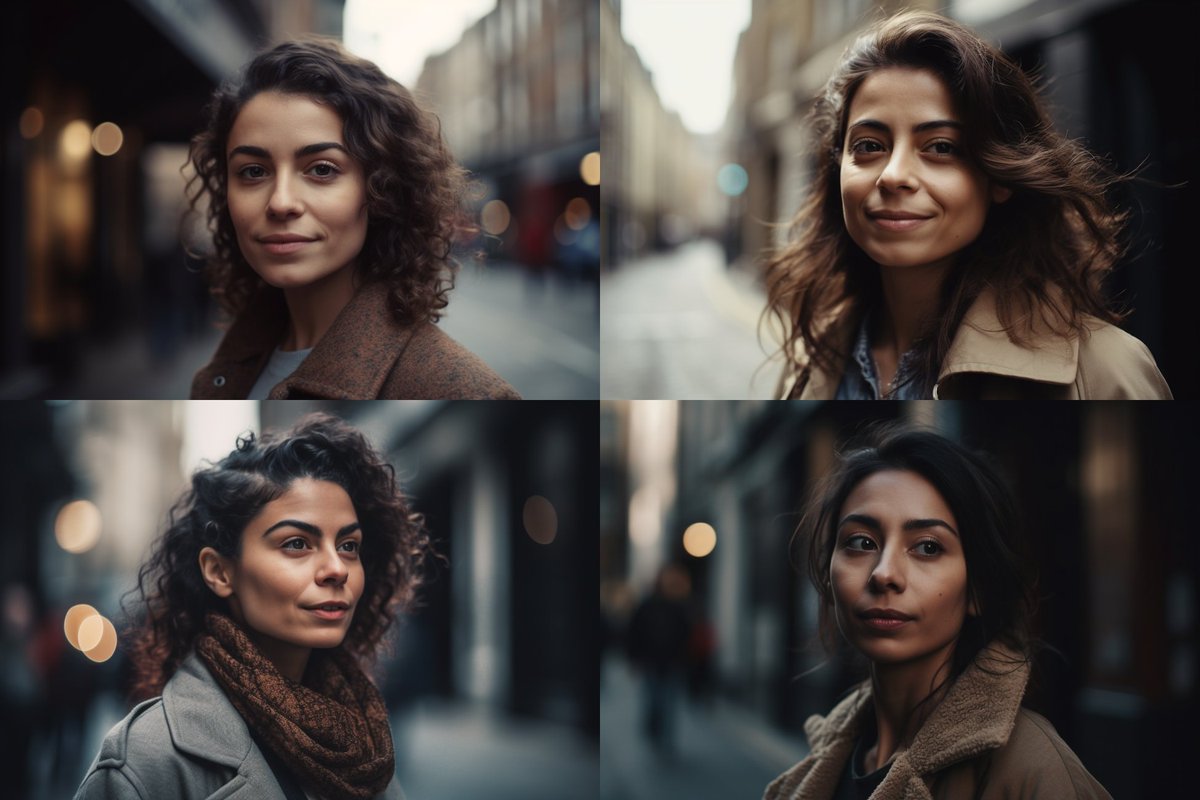
This was made in 20 seconds, and could easily be a creative for a lifestyle brand.
💬 Prompt in alt
🧵 A thread
Learn how to make images like this so you can start using Midjourney in your workflow right now.
This was made in 20 seconds, and could easily be a creative for a lifestyle brand.
💬 Prompt in alt
🧵 A thread
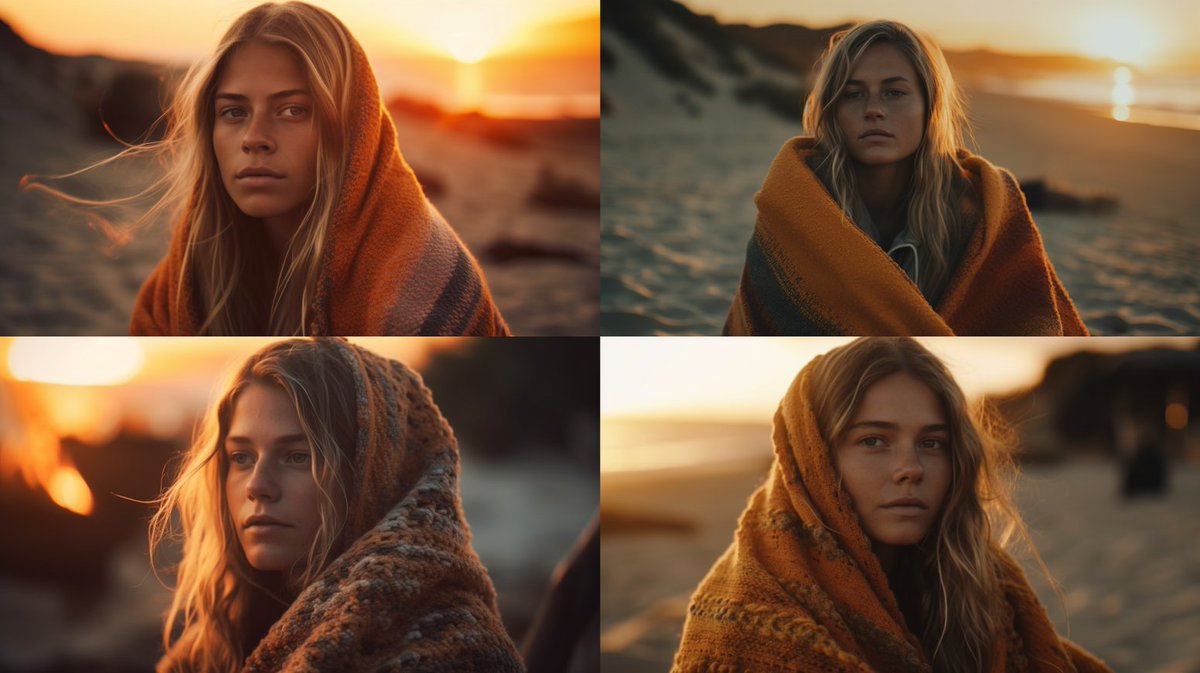
First you need to load up Midjourney.com and create an account and head over to Discord (thats how you interact with Midjourney.
One you have done that, then you are ready to proceed.
One you have done that, then you are ready to proceed.
We can play slightly with the location, the stylize parameter, and get outputs that are indoors, and that might not showcase a particular garment but would work well as a supportive creative.
💬 Prompt in alt
💬 Prompt in alt
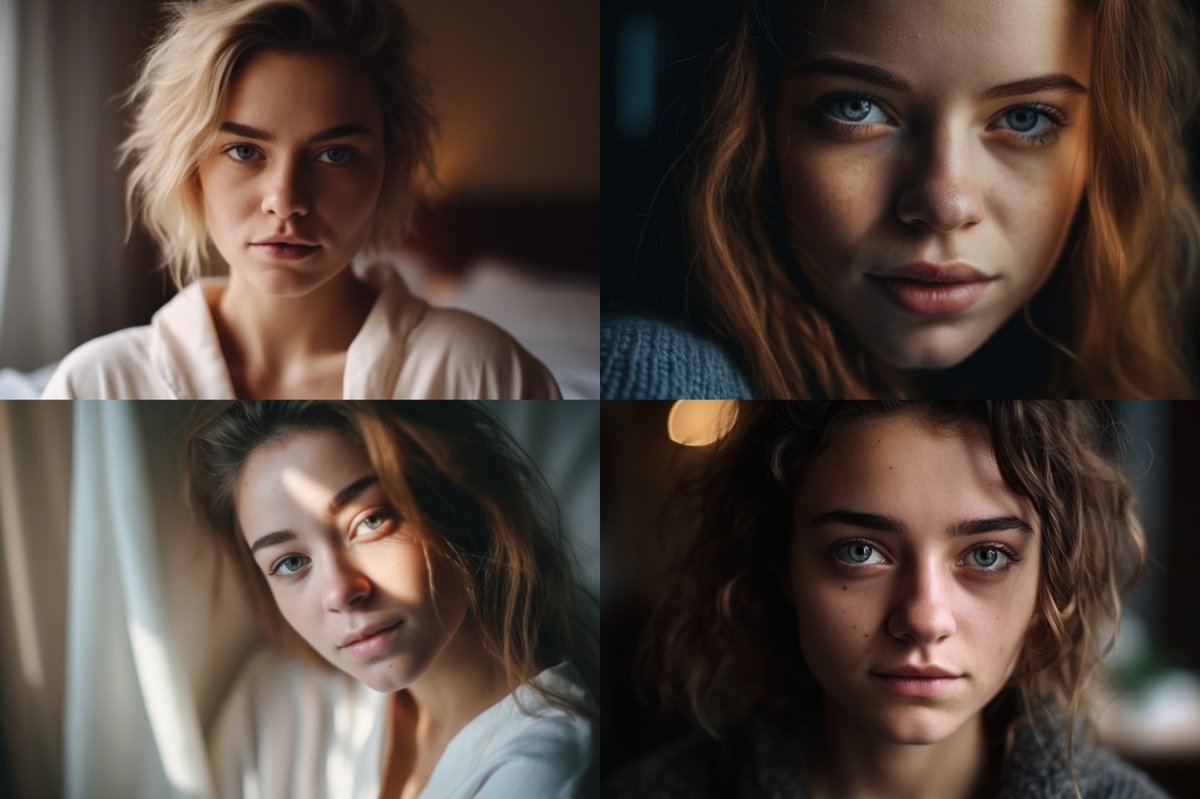
We add back in the Lifestyle magazine part of the prompt, and we get much higher quality outputs.
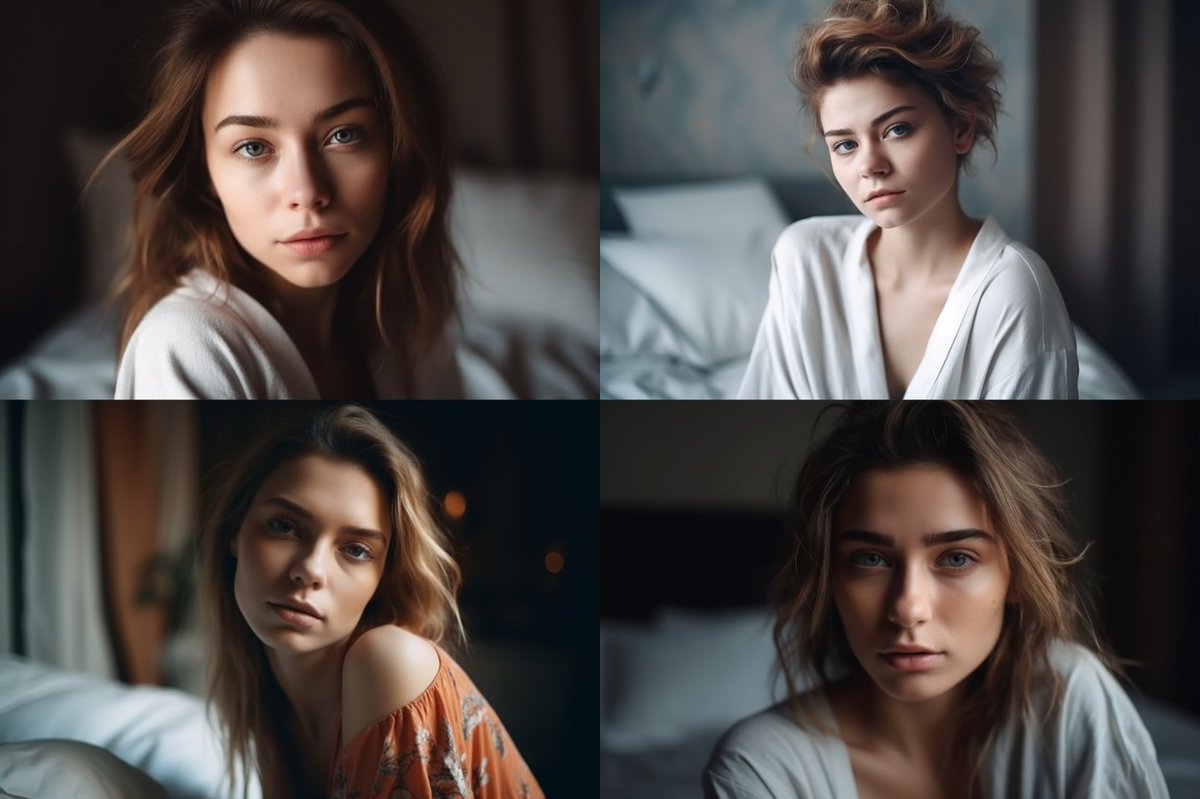
We can be explicit about the type of model we want in our shots by simply adding that to the prompt.
Here we are asking for "dark color skin" and we get that.
Here we are asking for "dark color skin" and we get that.
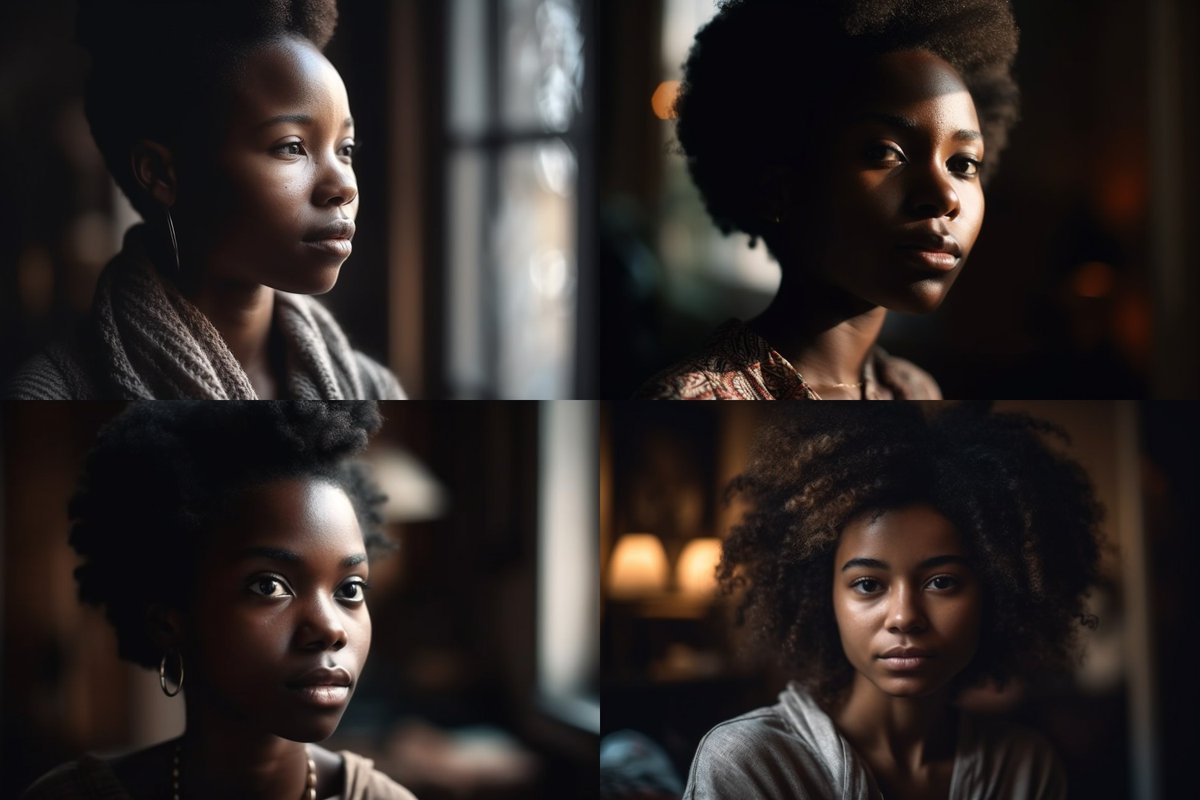
We can also make the images slightly darker by just adding that to the prompt "darker lighting"
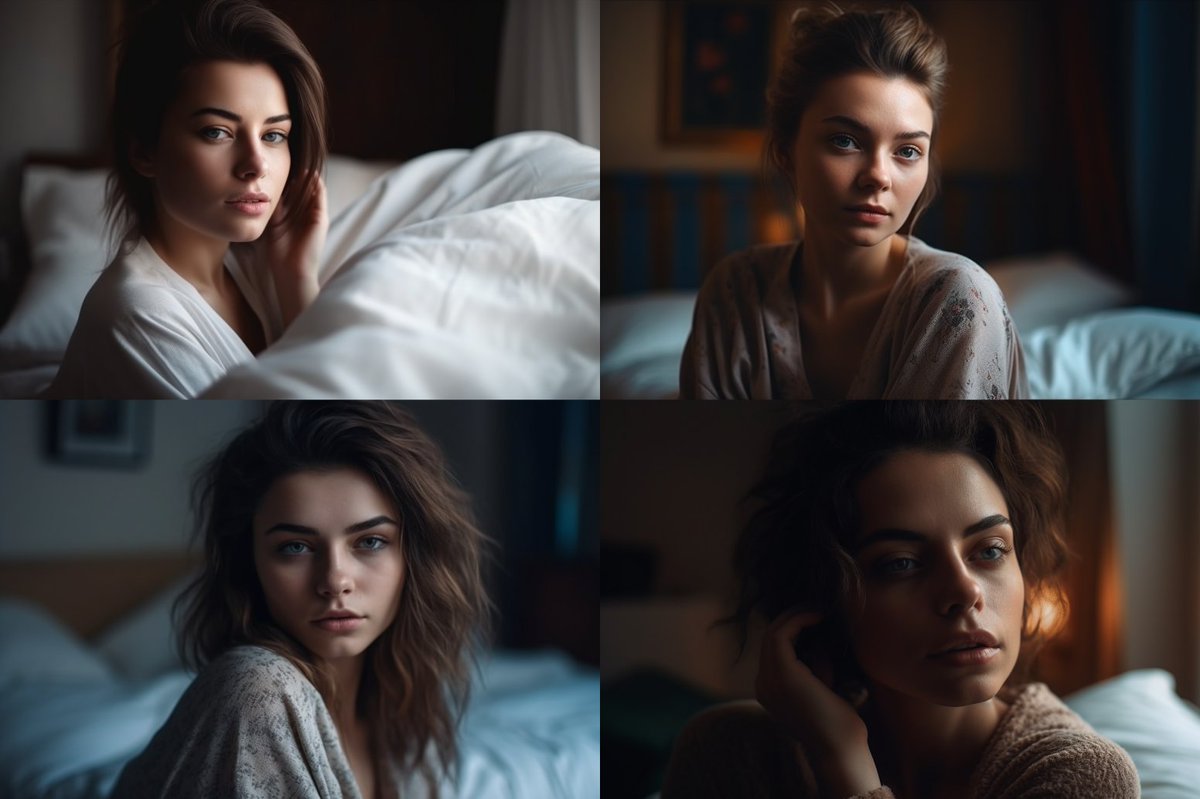
We can take the same base prompt and concept, expand it and add a location and then widen the shot.
We now have a jungle adventure at our hands.
We now have a jungle adventure at our hands.
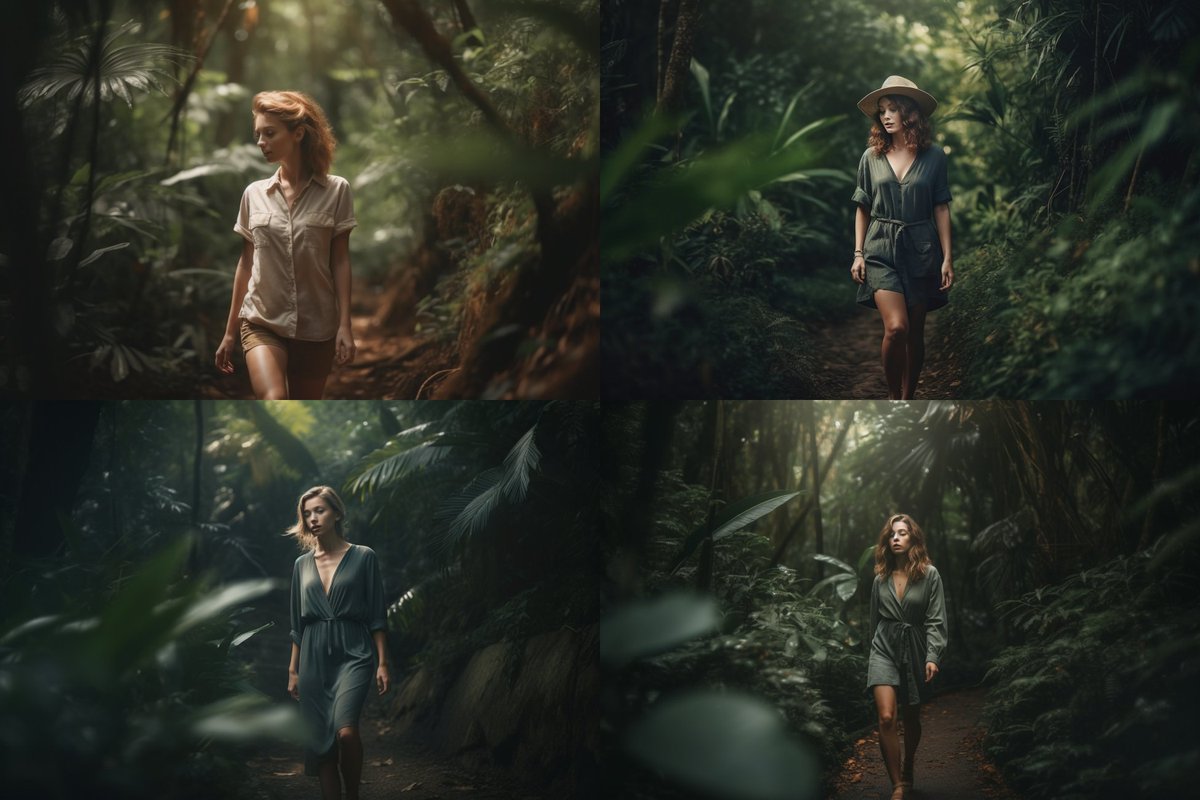
We could then do closeups of that jungle shot.

We can then just change a few words and get our model into a city environment. Easy Dorothy.
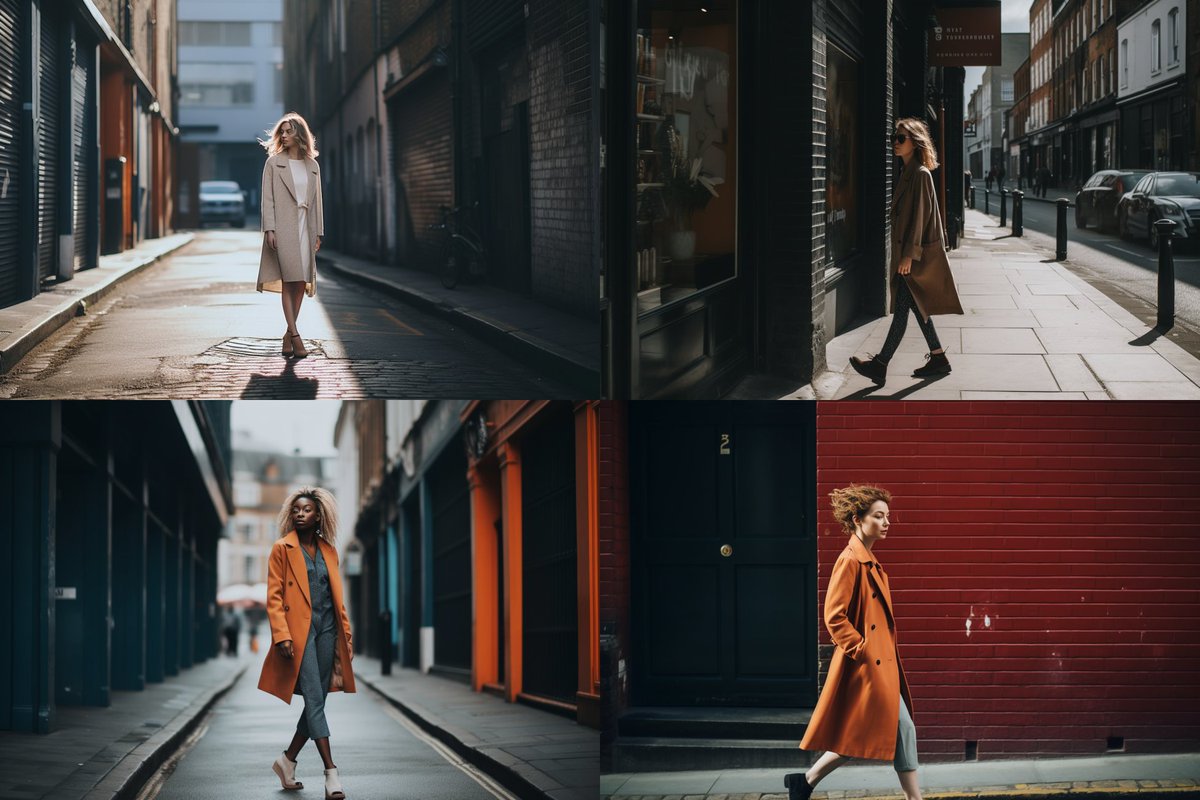
We can then move in and take closeups in the city too.
If we want to have a consistent character for this, I've made a full tutorial on that here:
linusekenstam.substack.com
linusekenstam.substack.com
For writing these prompts I'm just using the framework dynamic prompting. Got a tutorial and that here:
linusekenstam.substack.com
linusekenstam.substack.com
I hope you've found this thread helpful.
Follow me @LinusEkenstam for more AI content and tutorials
Like/Retweet the first tweet below to share it with your audience
Follow me @LinusEkenstam for more AI content and tutorials
Like/Retweet the first tweet below to share it with your audience
Join over 12.000+ in receiving my weekly newsletter on AI, it includes, news, muses, tutorials and educational material.
It's free.
linusekenstam.substack.com
It's free.
linusekenstam.substack.com
Loading suggestions...