

Databases like Google Scholar have limited functionality. They let you use *only* keywords to search articles.
But what if you want to look up articles based on a whole paragraph, or your notes?
Sourcely is an AI-powered app that helps you do that.
Here's how to use it:
But what if you want to look up articles based on a whole paragraph, or your notes?
Sourcely is an AI-powered app that helps you do that.
Here's how to use it:

Go to sourcely(dot)net and sign up for an account.

Paste a short paragraph (of 300 characters) and Sourcely will show you relevant article and books.
This is useful. But if you want to take your search to the next level, try Sourcely Pro (currently priced at £4.99 per month).
This is useful. But if you want to take your search to the next level, try Sourcely Pro (currently priced at £4.99 per month).

Click on "Sourcely Pro" at the top.
Now you can paste a whole draft of your essay or notes in it.
Now you can paste a whole draft of your essay or notes in it.

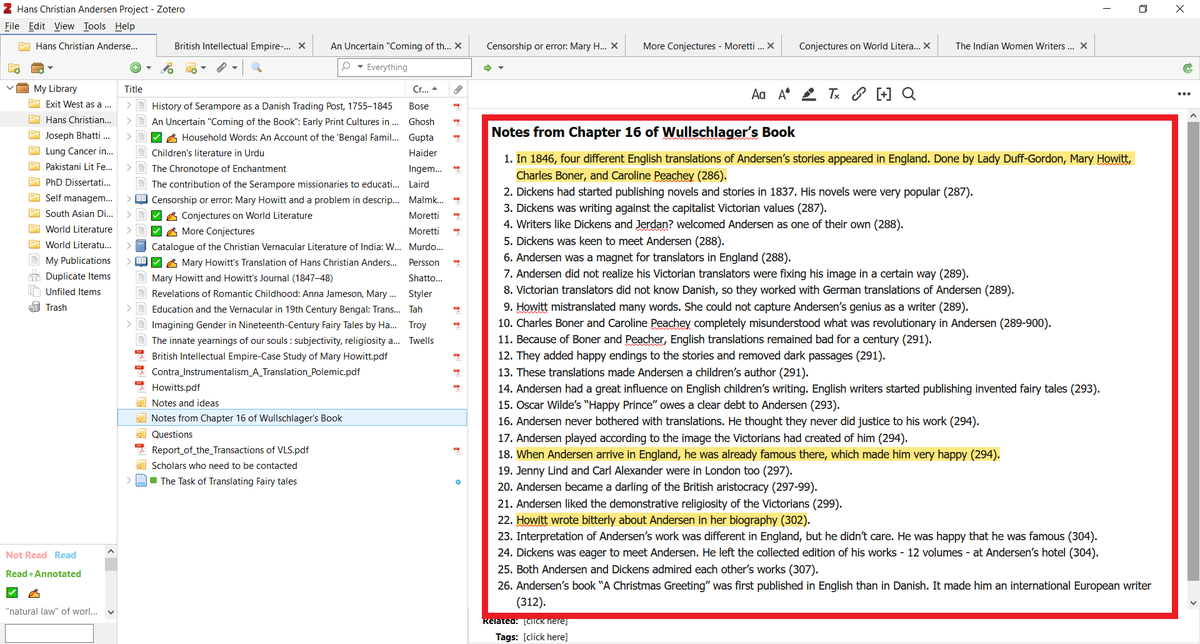
These are my notes in Zotero that I took on a book chapter.
I can't use all of my notes to look up further resources in Google Scholar.
But I can do it in Soucely.
I can't use all of my notes to look up further resources in Google Scholar.
But I can do it in Soucely.
I pasted all of my notes in Sourcely Pro and it showed me relevant sources based on my notes.
Click on the "Visit" button and Soucely will open it in a separate tab.
Click on the "Visit" button and Soucely will open it in a separate tab.

Want to learn about more AI-powered apps that will make your academic writing faster and easier?
I have a complete tutorial of 170+ slides for you. More than 900 academics are using it.
You can get it here:
efficientacademicwriter.carrd.co
I have a complete tutorial of 170+ slides for you. More than 900 academics are using it.
You can get it here:
efficientacademicwriter.carrd.co

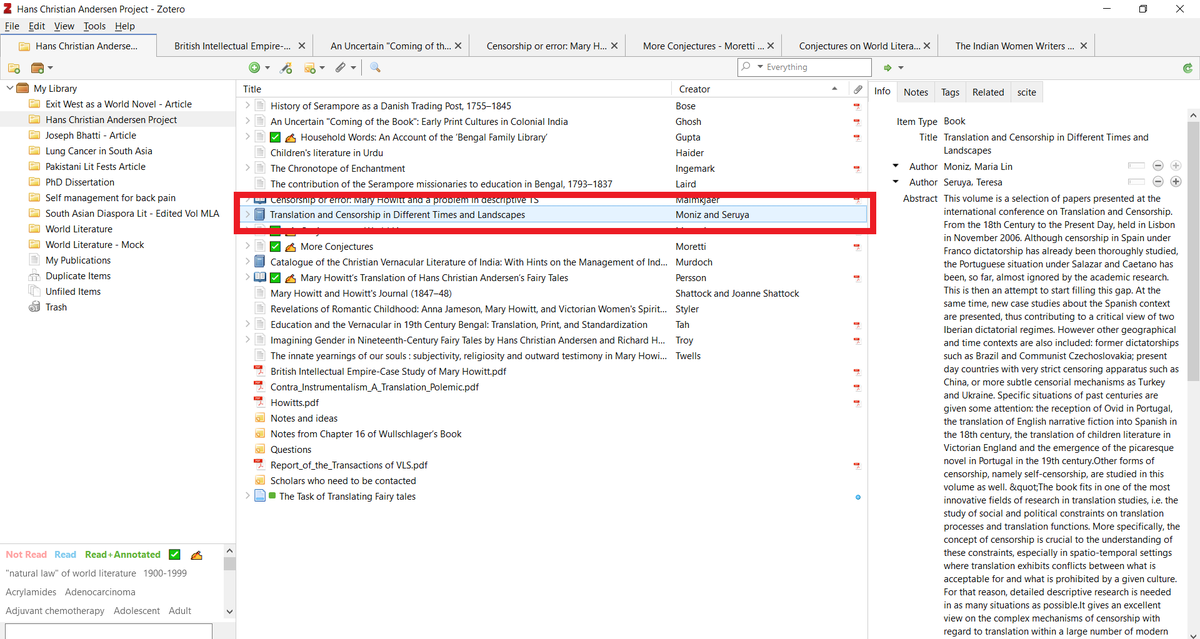
Now you can save the item to your Zotero library with the help of Zotero Connector.
To do so, click on Zotero Connector, select the relevant folder, and press "Done."
To do so, click on Zotero Connector, select the relevant folder, and press "Done."

And the item will show up in you Zotero library.
Found this thread helpful?
1. Scroll to the top and hit the "Like" button on the first tweet.
2. Bookmark it so you can come back to it later.
3. Follow me @MushtaqBilalPhD for regular threads on how to supercharge your academic writing with AI-powered apps.
1. Scroll to the top and hit the "Like" button on the first tweet.
2. Bookmark it so you can come back to it later.
3. Follow me @MushtaqBilalPhD for regular threads on how to supercharge your academic writing with AI-powered apps.
Loading suggestions...