
🚨 5 Techniques for Reverse Prompt Engineering 🚨
Tired of asking "what's the prompt"?
I have spent countless hours perfecting a series of methods to, given any image, deduce the closest prompt that will generate that type of images using AI and #midjourney.
🧵 Here you have!
Tired of asking "what's the prompt"?
I have spent countless hours perfecting a series of methods to, given any image, deduce the closest prompt that will generate that type of images using AI and #midjourney.
🧵 Here you have!
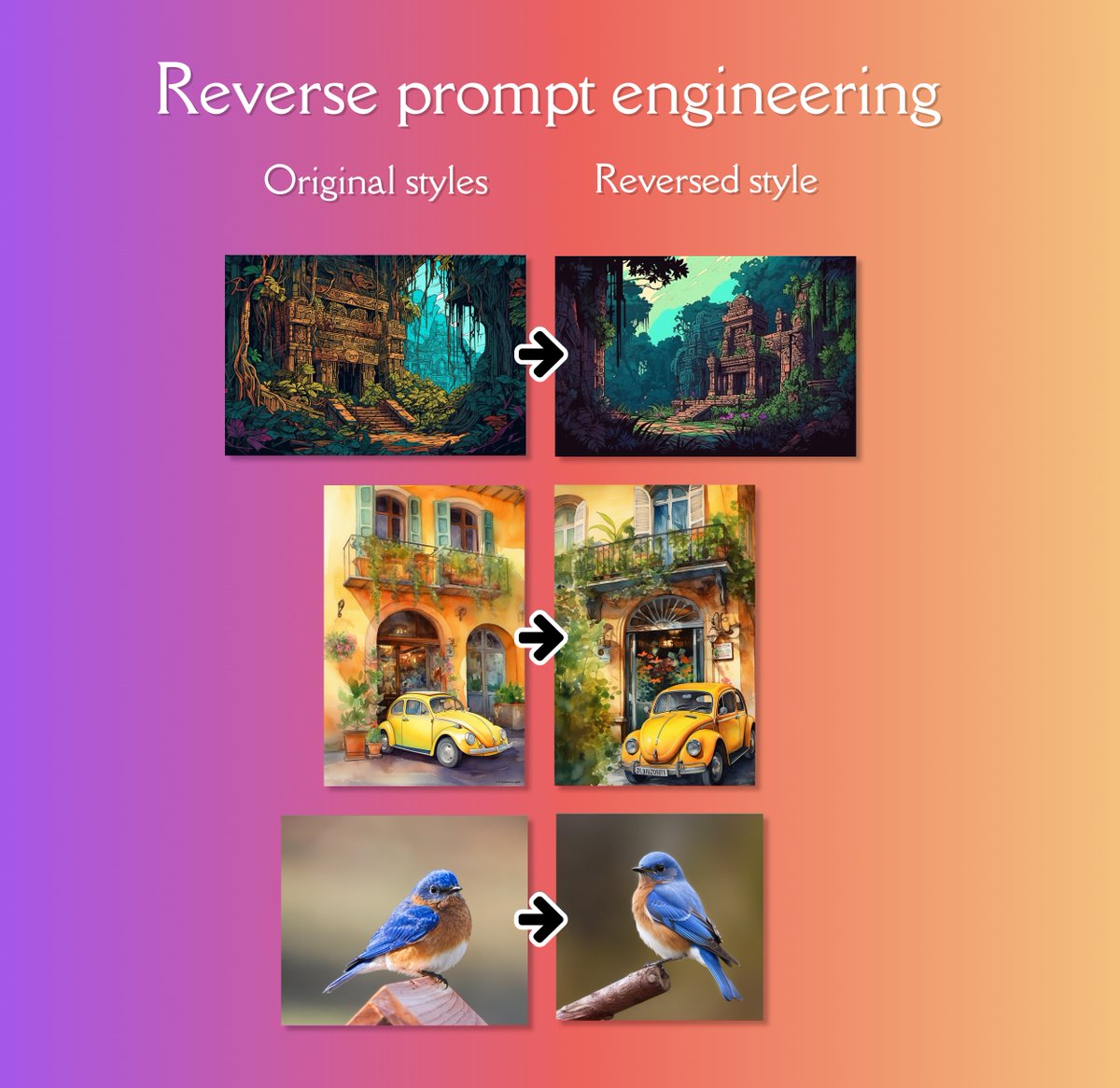
We've all been through this: we see an amazing original or AI-generated image and wonder, how can I generate something like that with AI? What prompt can I use?
Well, I'm going to show you a series of methods 📐 that, while not perfect, will definitely help you a lot!
Let's go!
Well, I'm going to show you a series of methods 📐 that, while not perfect, will definitely help you a lot!
Let's go!
1️⃣. Using an initial image
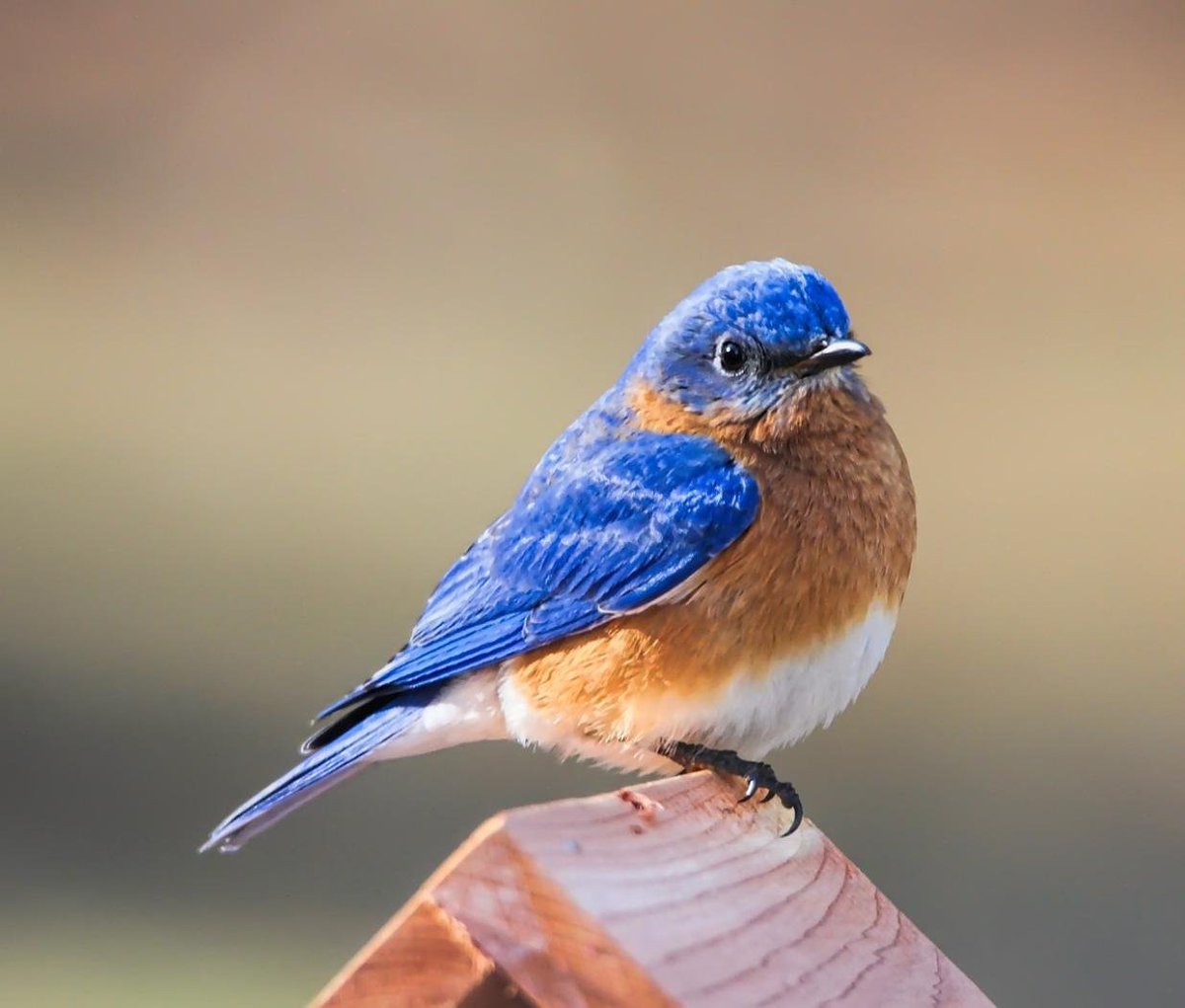
This is the most obvious method and one that I understand everyone knows how to use. We provide the original image (or images) to Midjourney and add a text prompt.
💬 Prompt in ALT.
Original VS AI generated.
This is the most obvious method and one that I understand everyone knows how to use. We provide the original image (or images) to Midjourney and add a text prompt.
💬 Prompt in ALT.
Original VS AI generated.
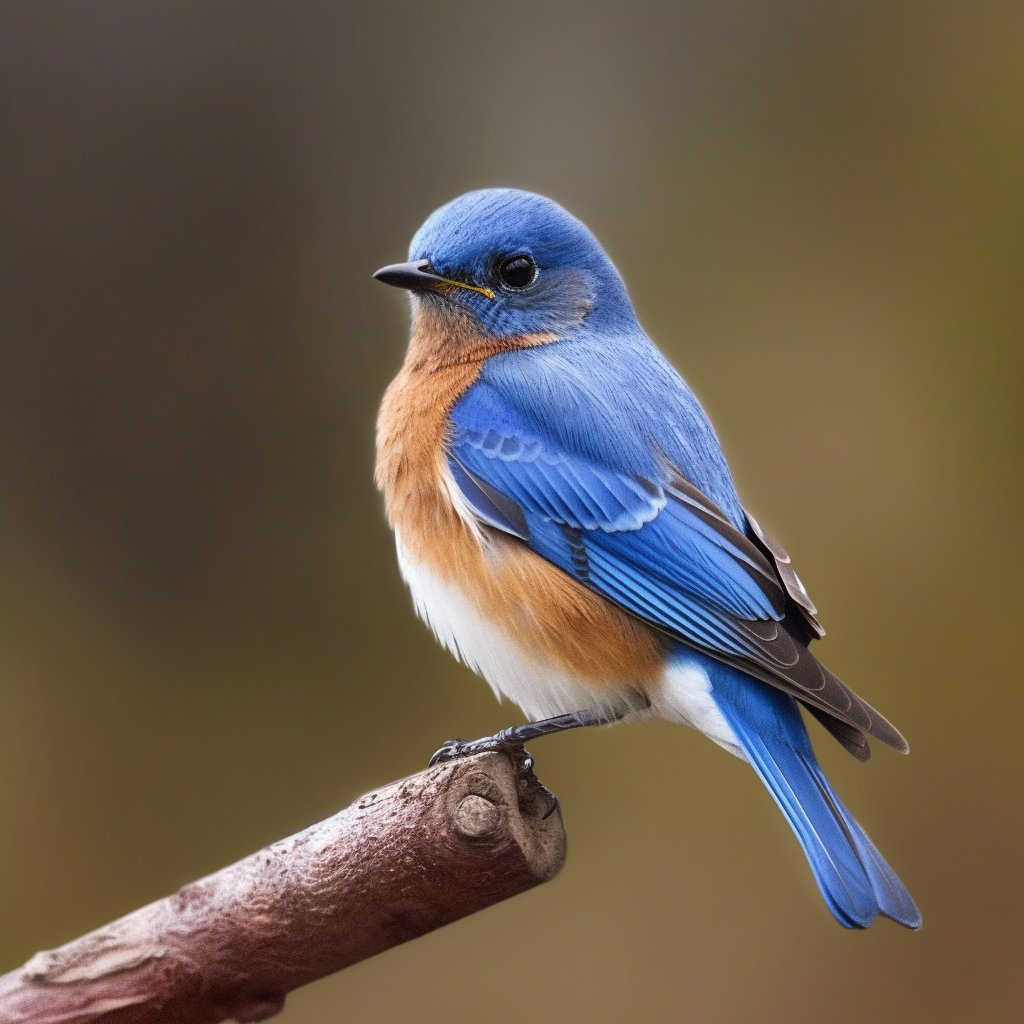
If you don't know how to use initial images in Midjourney, here you have a small tutorial.
It's so powerful that it feels a bit like "cheating" 😂. I really prefer/enjoy to find pure text prompts.
It's so powerful that it feels a bit like "cheating" 😂. I really prefer/enjoy to find pure text prompts.
The main problem with this method is that if you use initial images, your control over the resulting images will be lower, because they will always perhaps be too similar to the original image, not only in style but also in the SUBJECT they depict.
Therefore, it is always better to reach a prompt that truly is capable of synthesizing the style we want to show. This way, we can change the subject as we please and still maintain the style.
2️⃣ The "Jedi way".
Learning a lot about art, design, photography, etc. and then using that knowledge to mentally reverse engineer any image through a process of trial and error.
Prompts are powerful!
Learning a lot about art, design, photography, etc. and then using that knowledge to mentally reverse engineer any image through a process of trial and error.
Prompts are powerful!
This is my favorite method: I have learned more about art/photography/styles in one year than in my entire life 🙂
Let's try!
For example, let's try to reverse prompt engineer this image:
Let's try!
For example, let's try to reverse prompt engineer this image:
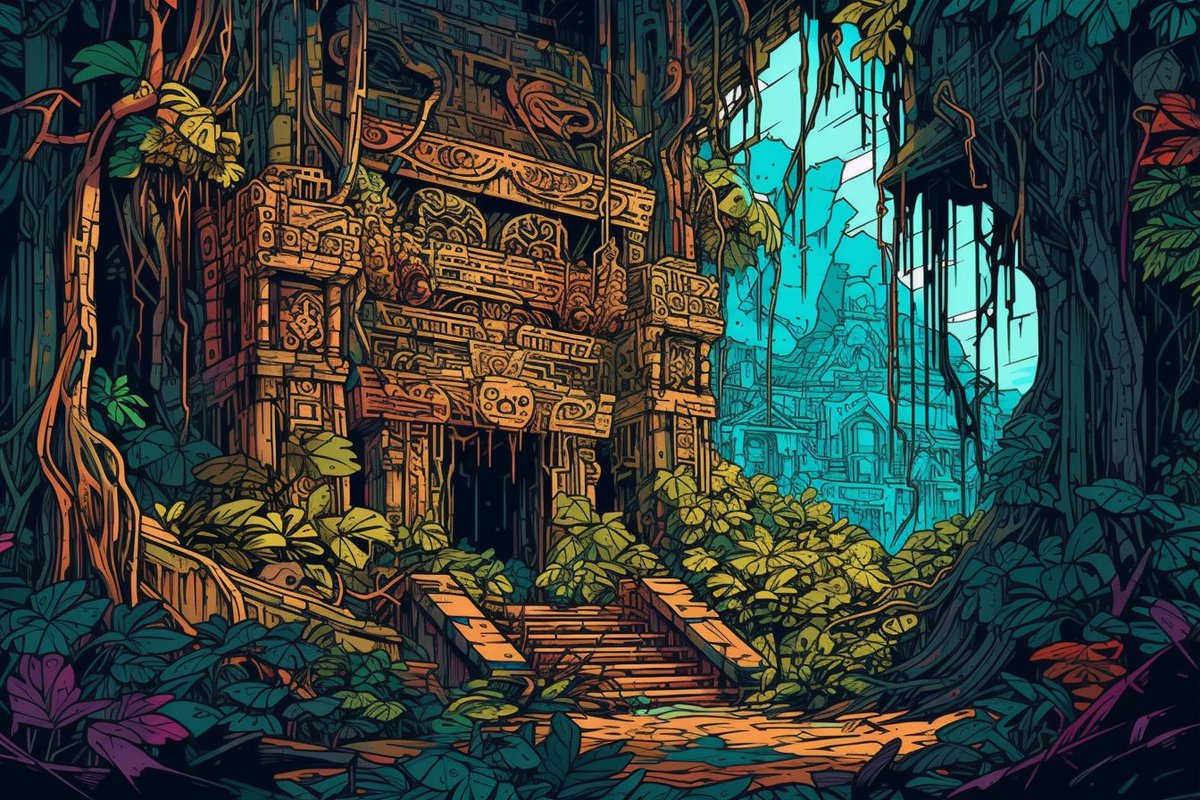
Carefully looking at it, you can try to describe it:
● Abandon ruins in the jungle
● It's has lot of small details (intricate)
● Saturated colors
● Ligne clair
● Quantized palette (reduced amount of colors, around 256?)
● Abandon ruins in the jungle
● It's has lot of small details (intricate)
● Saturated colors
● Ligne clair
● Quantized palette (reduced amount of colors, around 256?)
Just in case you don't know what is "ligne claire": en.wikipedia.org

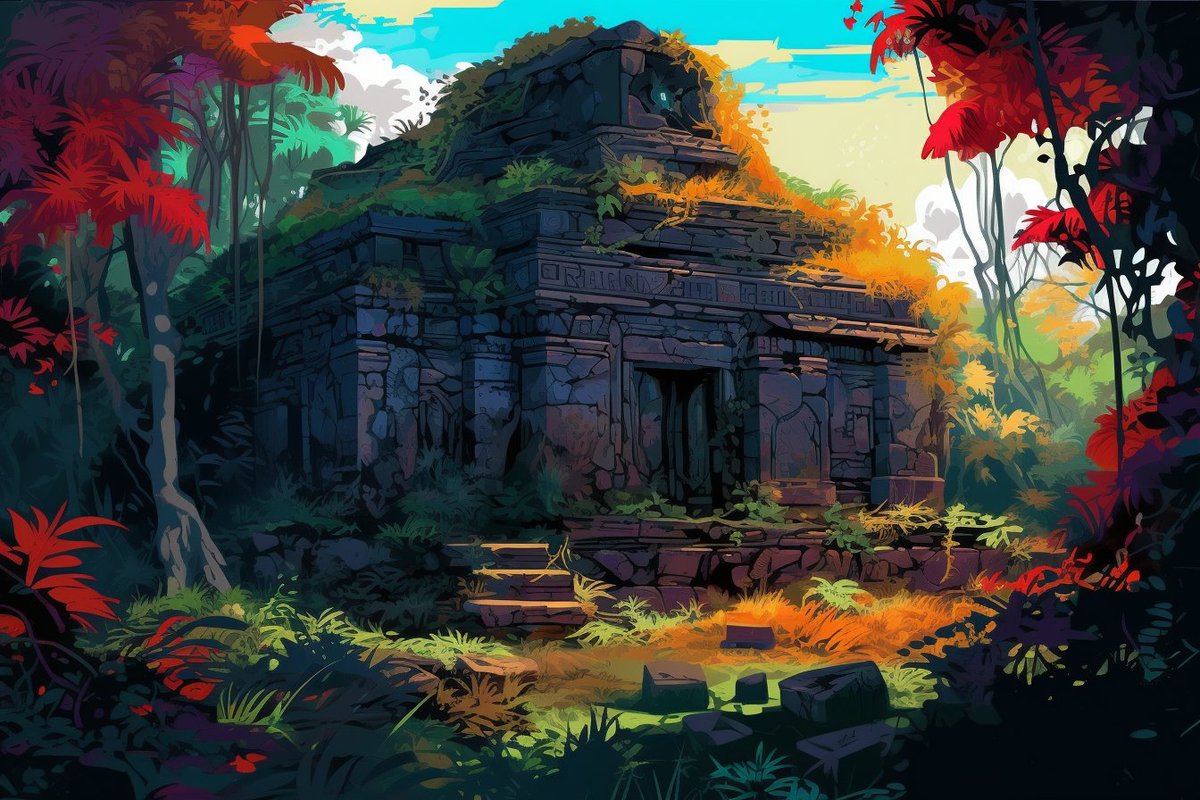
With my first attempt, I arrived at this result. It's beautiful, but not exactly what I was looking for.
By refining the prompt (sometimes less is more), I arrived at a style that was closer to what I had in mind.
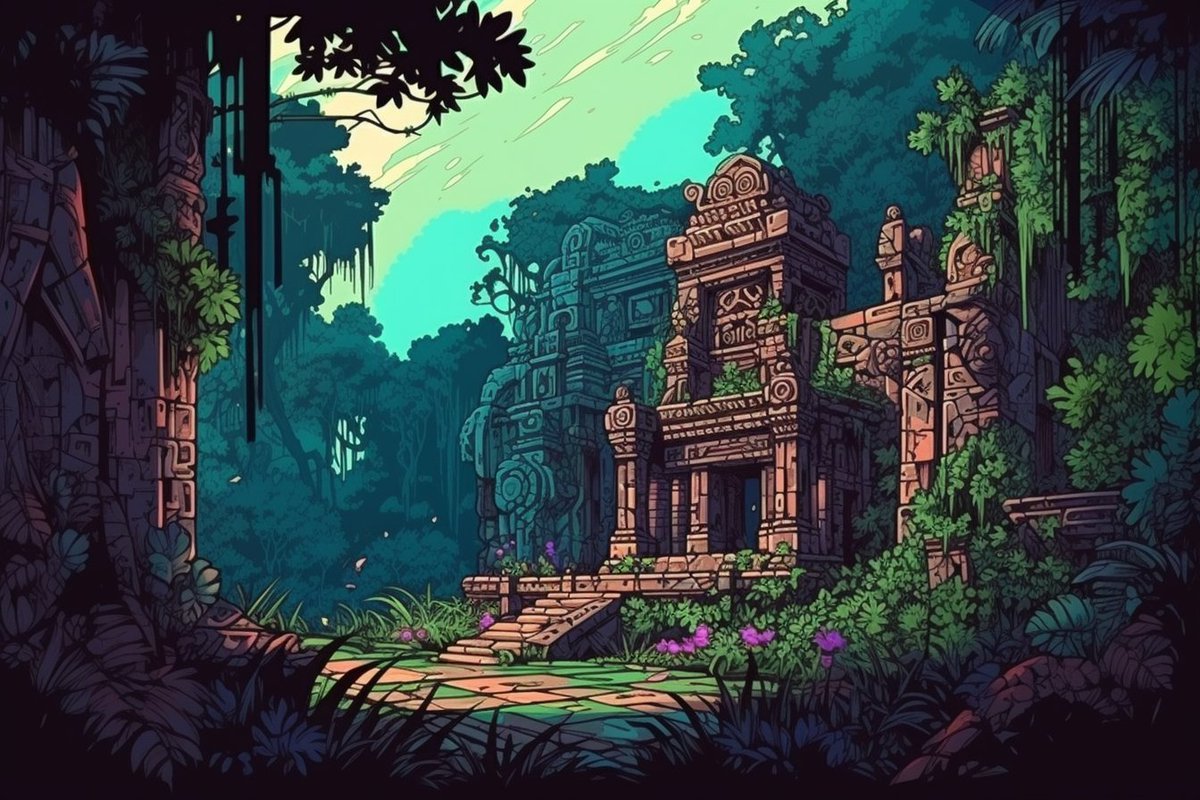
The good news is that during your search, you will come across alternative styles that can also be super interesting!
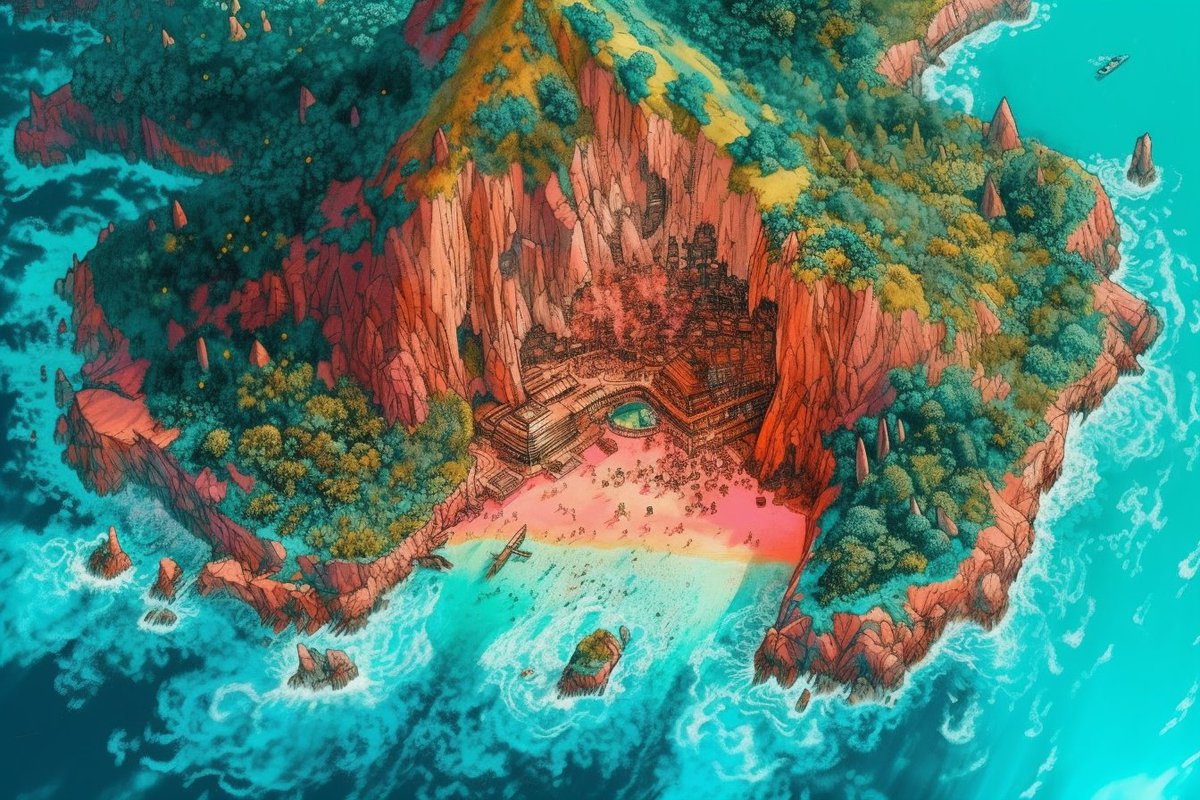

3️⃣ Using a prompt repository.
So you're strong with the Force but want to be a Sith instead of a Jedi? Or even better, do you want to have both powers inside you at the same time? 😉
So you're strong with the Force but want to be a Sith instead of a Jedi? Or even better, do you want to have both powers inside you at the same time? 😉
Well, the fastest way to learn about prompting is, of course, to look at powerful prompts already made by others and then try it yourself.
If you find a prompt with the style you're looking for, you just have to change the subject, and that's it!
If you find a prompt with the style you're looking for, you just have to change the subject, and that's it!
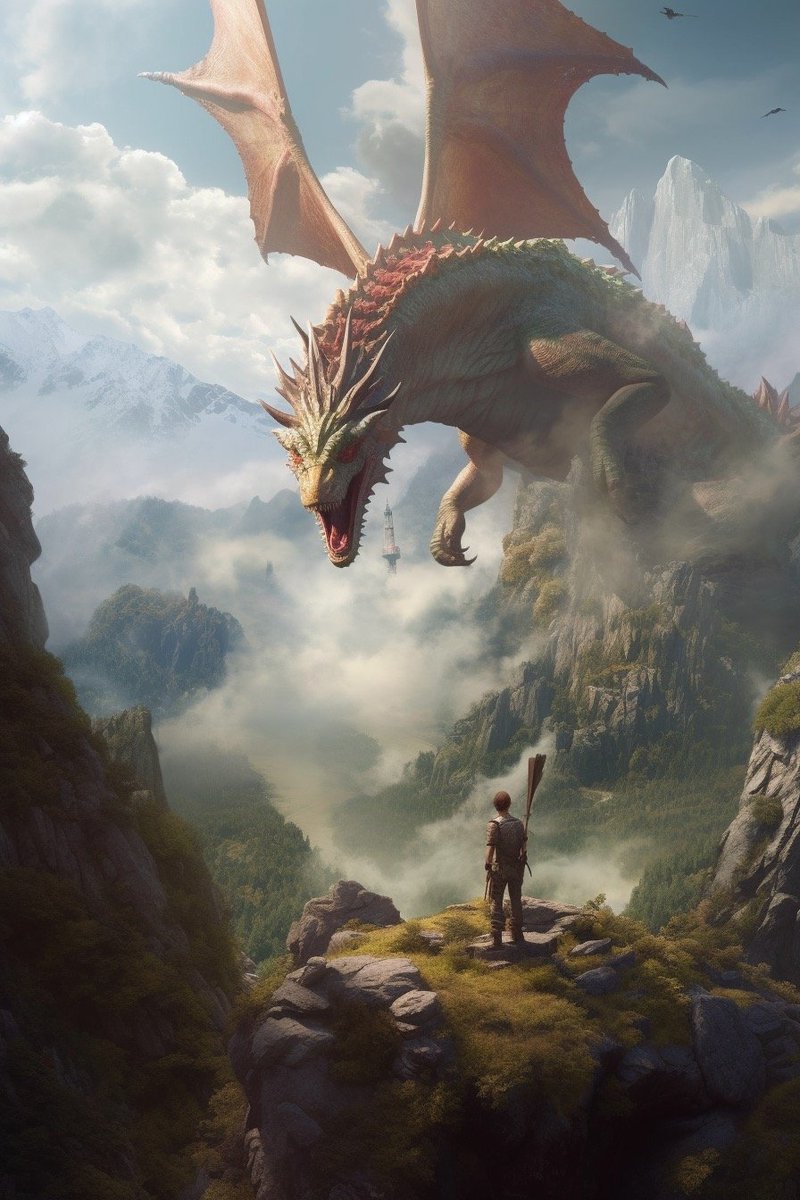
That's why I launched the BestAIPrompts 🤖 bundle, and I'm actively adding more and more categories to it!
You can also use other prompt repositories, such as those offered by PromptHero, Lexica, or PromptBase.
bestaiprompts.art
You can also use other prompt repositories, such as those offered by PromptHero, Lexica, or PromptBase.
bestaiprompts.art

4️⃣ Automatic reverse engineering using Midjourney /describe.
This is new! It was released yesterday, and it's super powerful!
Just use /describe in #midjourney and it will prompt you to upload an image.
This is new! It was released yesterday, and it's super powerful!
Just use /describe in #midjourney and it will prompt you to upload an image.
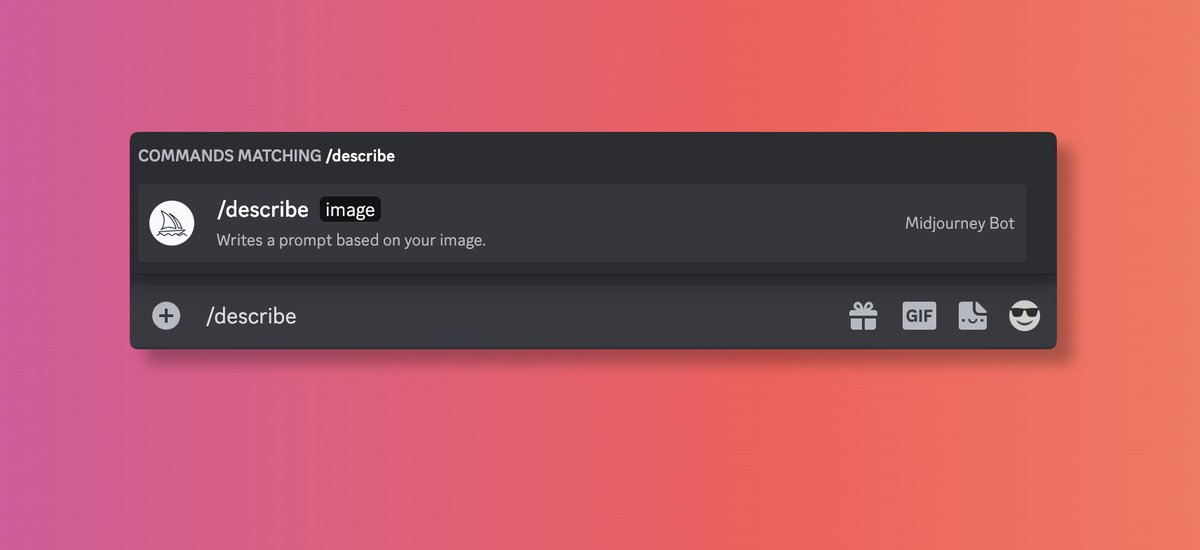
Let's try with this watercolor.
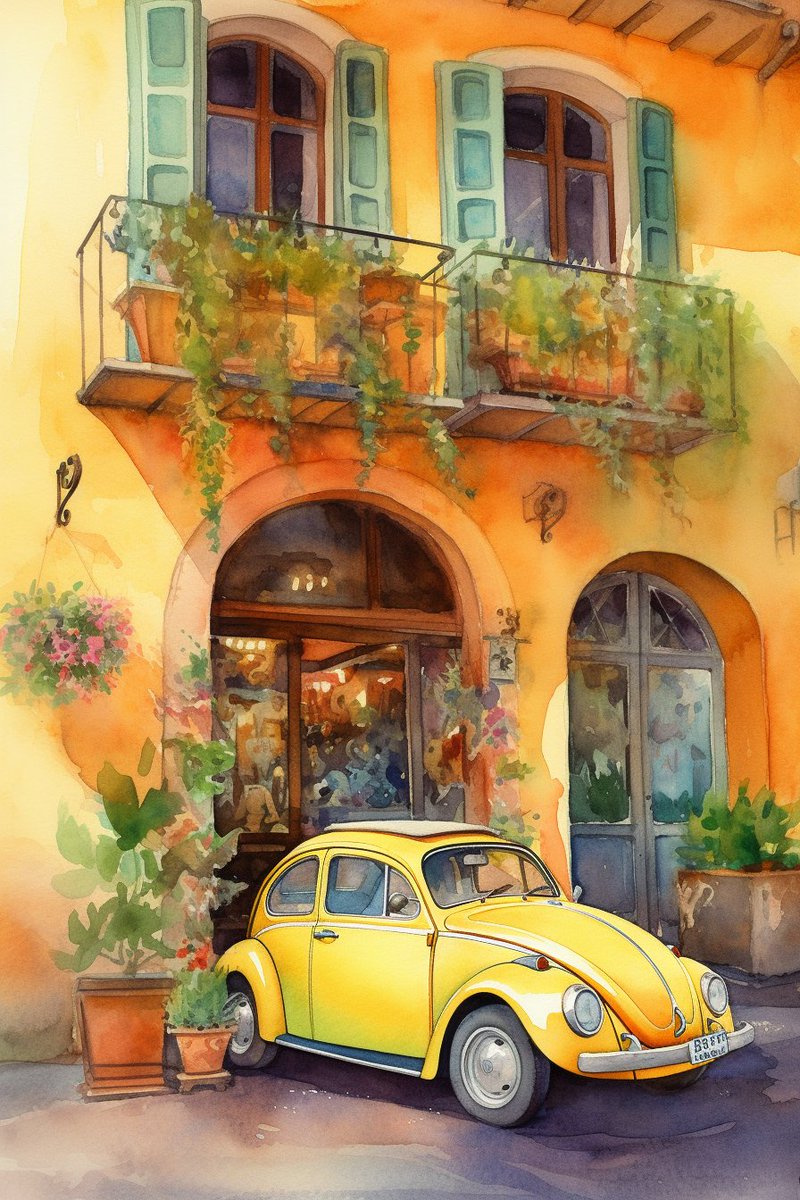
After you upload an image and hit the enter key, you will receive four potential prompts and four buttons. You can use these buttons to generate new outputs based on the AI's best guess.
Here are the Midjourney results using one of the suggested prompts + some minor adjustments.
While it's far from perfect and often gives results that are not similar to the intended image, it can still serve as a good starting point for iteration!
While it's far from perfect and often gives results that are not similar to the intended image, it can still serve as a good starting point for iteration!

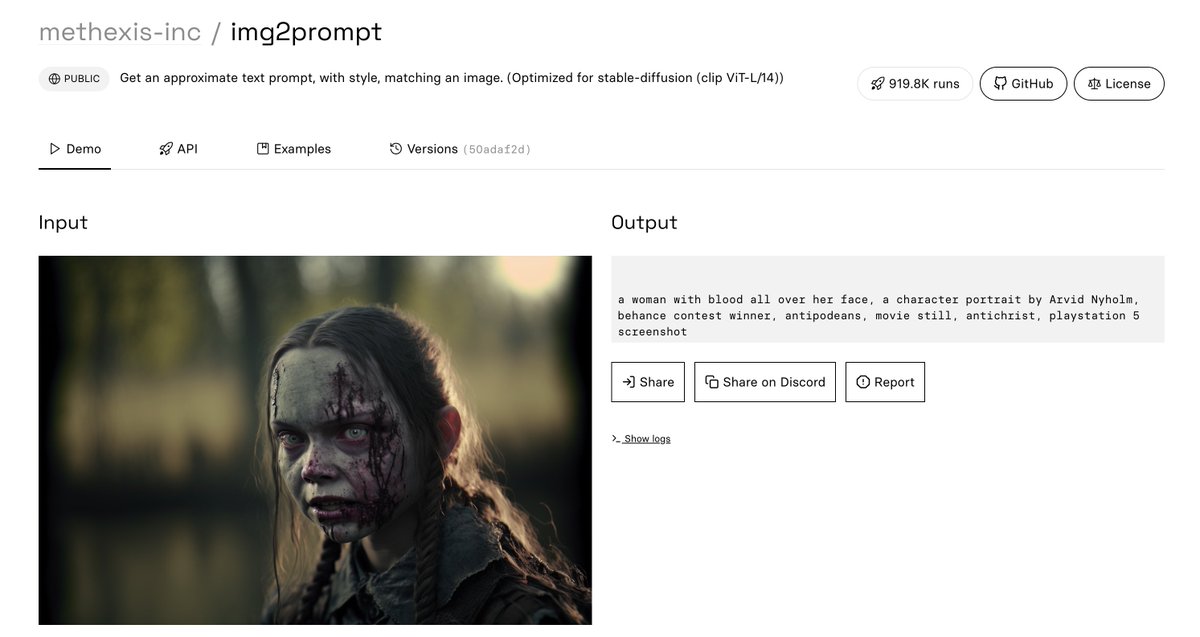
5️⃣ Automatic reverse engineering using img2prompt.
I have to confess that I have been using this in secret for several months 😂😂😂 It's similar to Midjourney's /describe, but I believe it's even more powerful.
replicate.com
I have to confess that I have been using this in secret for several months 😂😂😂 It's similar to Midjourney's /describe, but I believe it's even more powerful.
replicate.com

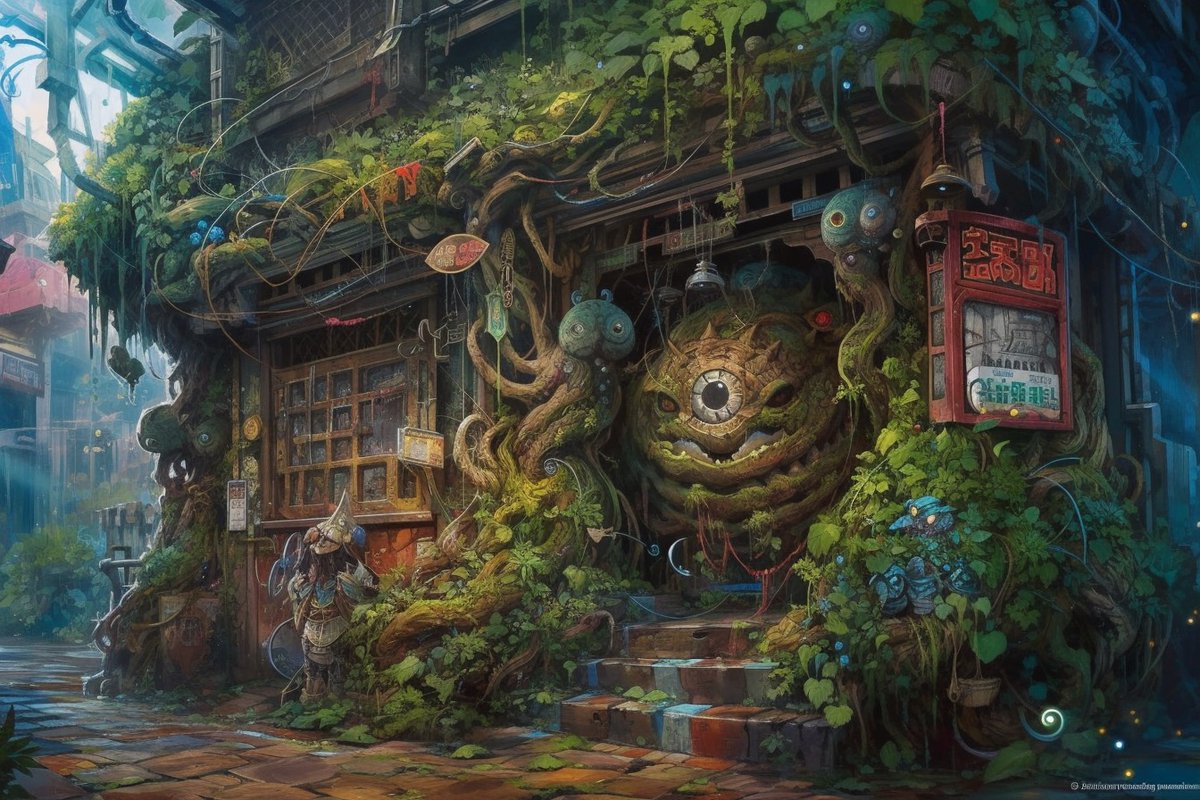
Let's try with this creepy image...
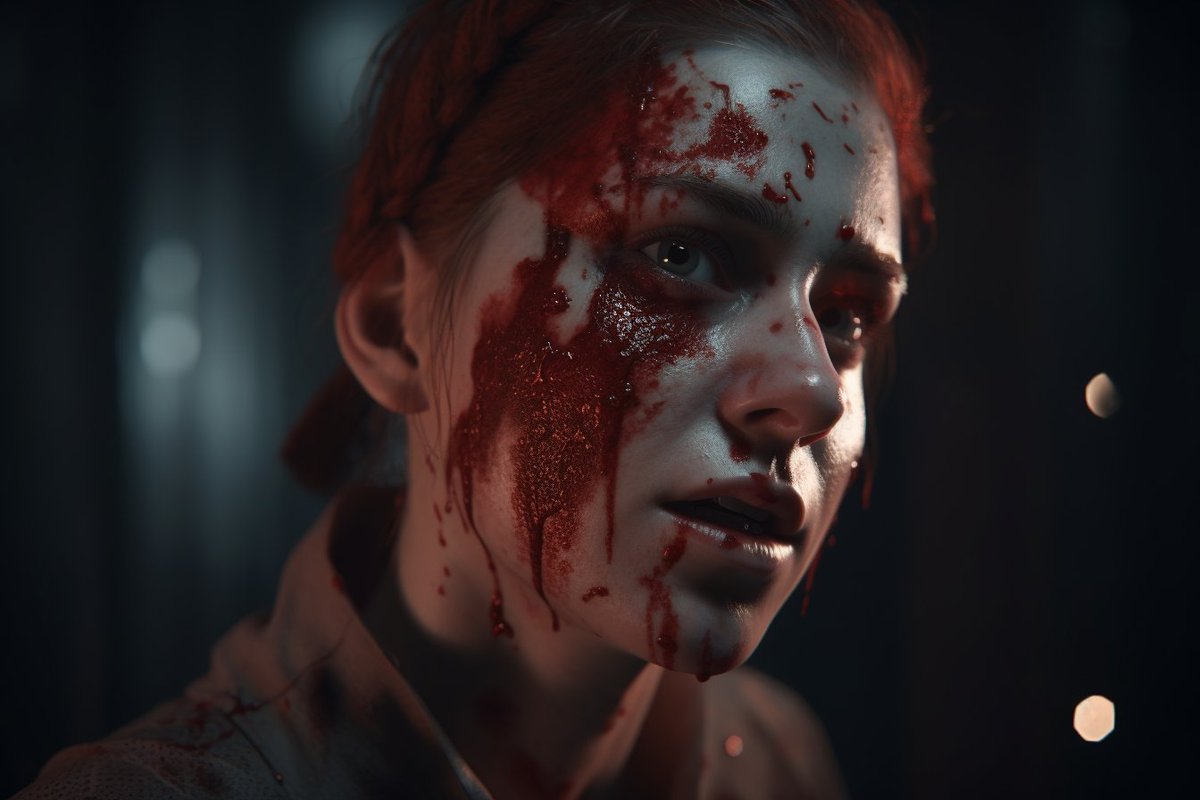
Using that prompt, we arrive at this other image. As you can see, it didn't use the word "zombie", which I think it should have, but it's not a bad starting point from which we can iterate.
💬 Prompt in ALT.
💬 Prompt in ALT.
➡️ A few words:
As you know, following the previous version of this thread, I have been receiving an incredible and sickening amount of hate from some "Anti-AI" groups these days. Notice that I did not say "from the artist collective," because in reality, I know many artist and…
As you know, following the previous version of this thread, I have been receiving an incredible and sickening amount of hate from some "Anti-AI" groups these days. Notice that I did not say "from the artist collective," because in reality, I know many artist and…
➡️ Why did you delete the previous thread?
These artists echoed my thread, commenting that they were displeased that I had used their images as examples. And whether they intended to or not, they launched an enraged crowd against me.
One of the artists claimed that using one of…
These artists echoed my thread, commenting that they were displeased that I had used their images as examples. And whether they intended to or not, they launched an enraged crowd against me.
One of the artists claimed that using one of…
Loading suggestions...