

🌐 What are the best Chrome extensions for SEO? 🌐
Let's be honest: we spend hours browsing the internet for a living. Extensions allow us to work smarter.
Let me explain which ones I use on an (almost) daily basis.
Let's be honest: we spend hours browsing the internet for a living. Extensions allow us to work smarter.
Let me explain which ones I use on an (almost) daily basis.

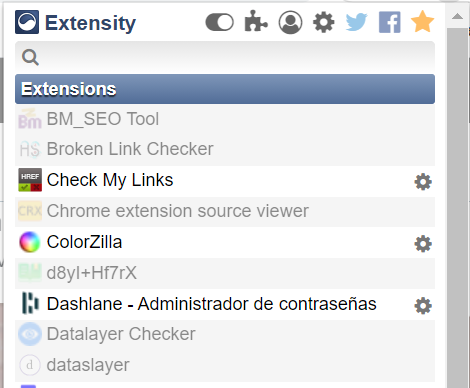
1. Extensity
It allows you to enable / disable extensions quickly. I have dozens of extensions I rarely use, and it doesn't make sense to have them activated all the time.
It allows you to enable / disable extensions quickly. I have dozens of extensions I rarely use, and it doesn't make sense to have them activated all the time.
2. Google Search Console Full Width
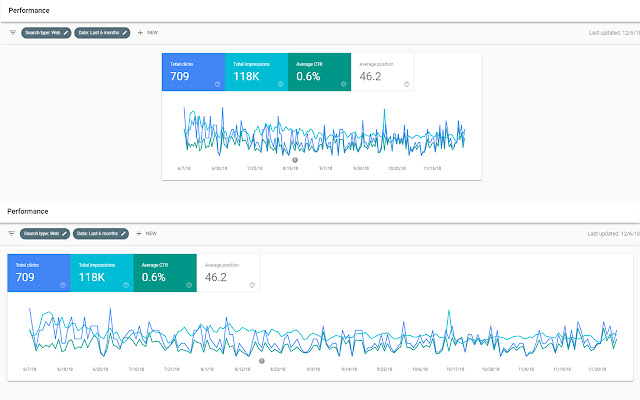
It does one simple thing, but it does it well: increase the width of your graph in GSC.
It does one simple thing, but it does it well: increase the width of your graph in GSC.
3. Ayima Redirect Path
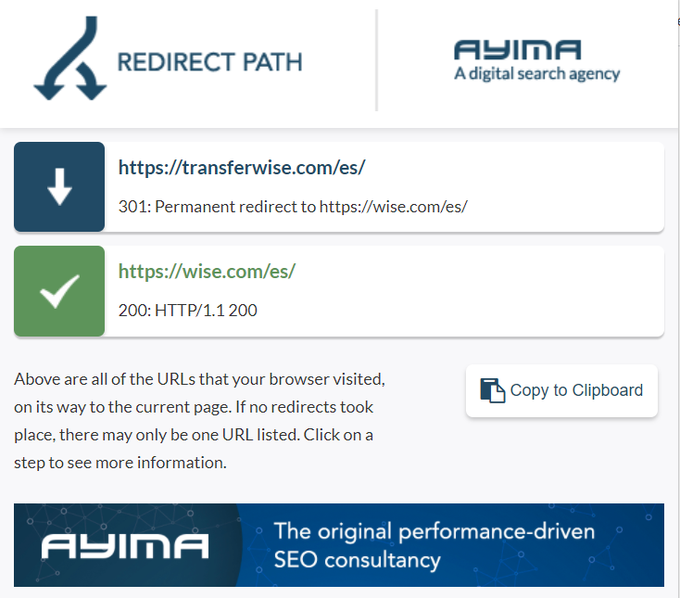
Handy to check visually if a redirect (or redirect chain) has been triggered. You can also use Link Tracer: it does the same.
Handy to check visually if a redirect (or redirect chain) has been triggered. You can also use Link Tracer: it does the same.
4. Robots Exclusion Checker
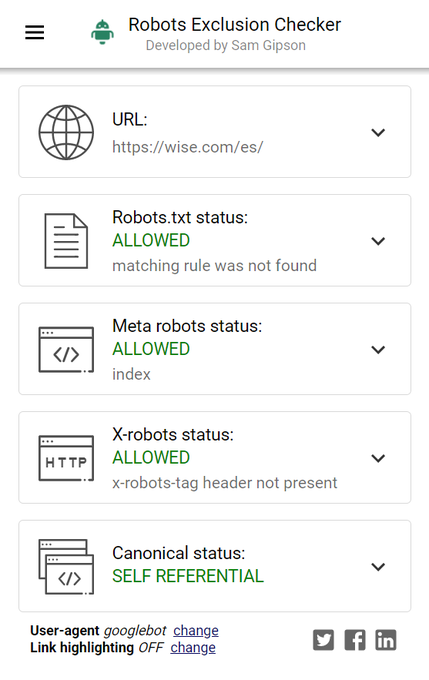
Check if your URL:
* is blocked through robots.txt
* is indexable (based on HTML code and HTTP headers)
Saved my day more than once.
Check if your URL:
* is blocked through robots.txt
* is indexable (based on HTML code and HTTP headers)
Saved my day more than once.
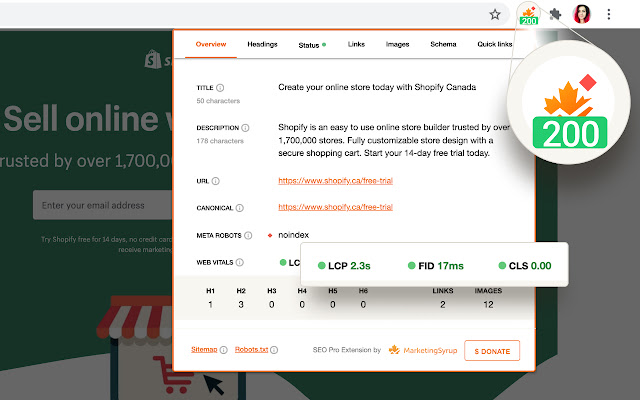
5. SEO Pro
Useful to get a lot of basic on-page information (<title>, headings, structured data ...) quickly without having to inspect code or using another too.
Useful to get a lot of basic on-page information (<title>, headings, structured data ...) quickly without having to inspect code or using another too.
6. View Rendered Source
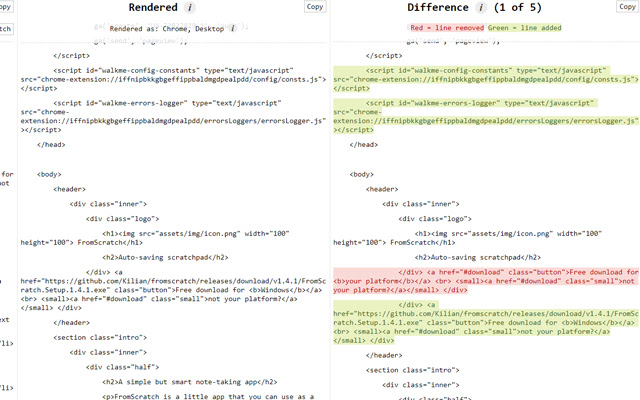
It allows comparing the source code with the rendered code. Useful to detect rendering problems, although I advise you to complete the use of this extension with a more complete analysis.
It allows comparing the source code with the rendered code. Useful to detect rendering problems, although I advise you to complete the use of this extension with a more complete analysis.
7. Check My Links
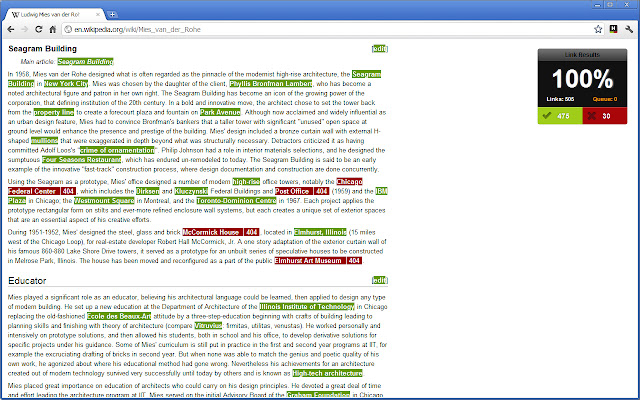
An extension to visually detect broken links on a page. Faster than Screaming Frog if you need it for a couple of pages.
An extension to visually detect broken links on a page. Faster than Screaming Frog if you need it for a couple of pages.
8. EditThisCookie
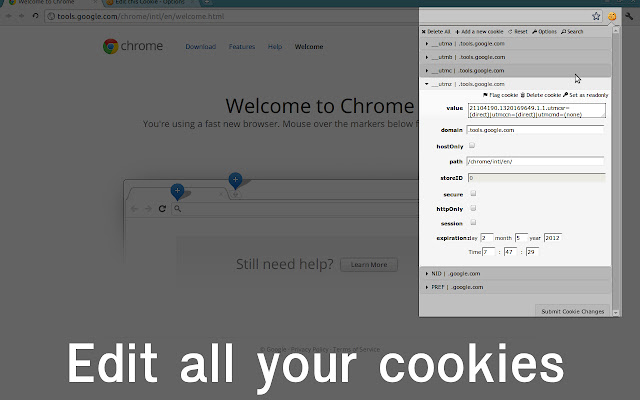
Quickly visualize and/or edit your cookies. Often used to debug GDPR-related implementations.
Quickly visualize and/or edit your cookies. Often used to debug GDPR-related implementations.
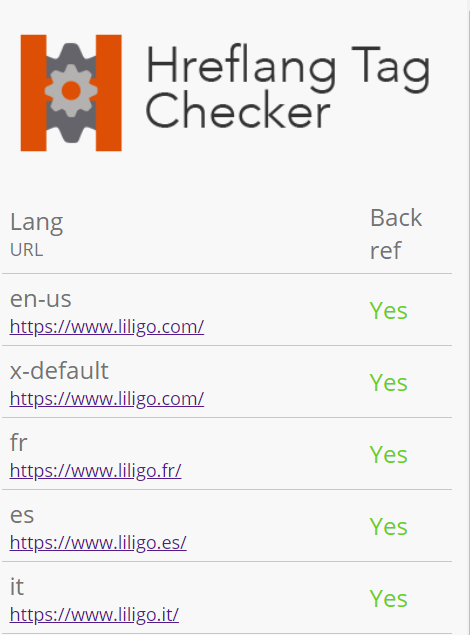
9. Hreflang Tag Checker
I love it because it checks if a page has hreflang, but also if it has the return tags.
I love it because it checks if a page has hreflang, but also if it has the return tags.
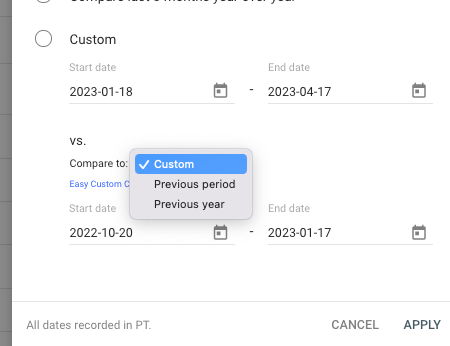
10. Easy Custom Comparison
Easily compare against the previous period or year of any date range in Google Search Console, just like you can in Analytics.
Huge time-saver!
Easily compare against the previous period or year of any date range in Google Search Console, just like you can in Analytics.
Huge time-saver!
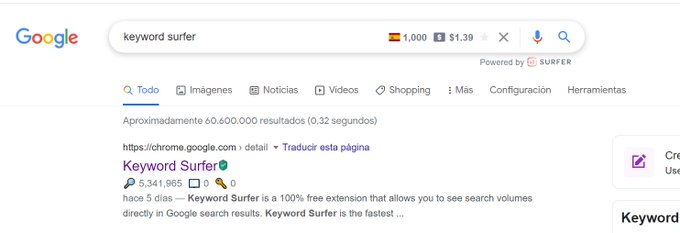
11. Keyword Surfer
Generate keyword ideas and see search volumes directly in Google search results.
Free but data is not always up-to-date.
Generate keyword ideas and see search volumes directly in Google search results.
Free but data is not always up-to-date.
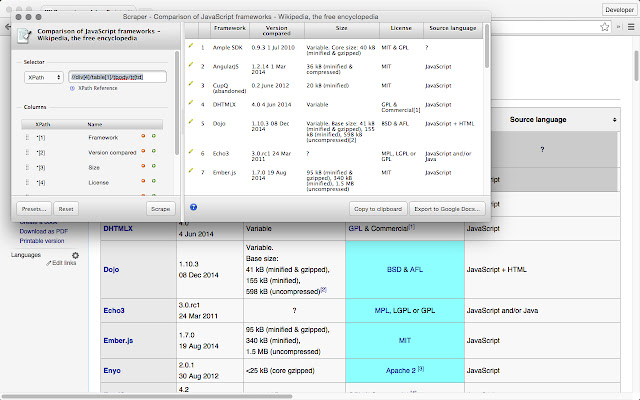
12, Scraper
Extension to extract in one click a set of similar elements. You'll need to master Xpath to get the most out of it.
Extension to extract in one click a set of similar elements. You'll need to master Xpath to get the most out of it.
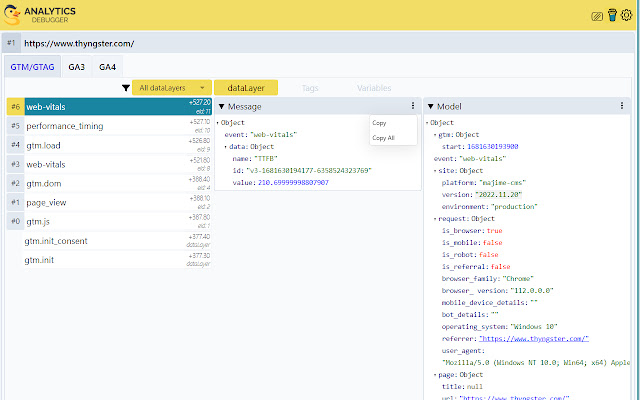
13, GA/GTM Debugger
Amazing tool to debug GA & GTM implementations.
Hardly recommended having a look at it for new projects because you need to trust your data :)
Amazing tool to debug GA & GTM implementations.
Hardly recommended having a look at it for new projects because you need to trust your data :)
14. Web Developer
The Web Developer extension adds a toolbar button to the browser with various web developer tools, such as disabling JS for instance.
The Web Developer extension adds a toolbar button to the browser with various web developer tools, such as disabling JS for instance.

If you are not using Chrome, please note that most of them are available for other browsers or have equivalent.
And remember: when performing WPO audit, use incognito mode: extensions have an impact!
And remember: when performing WPO audit, use incognito mode: extensions have an impact!

I hope you've found this information helpful.
Follow me @antoineripret for more and/or retweet the first tweet below :)
Follow me @antoineripret for more and/or retweet the first tweet below :)
Loading suggestions...