
UPDATED
MY CREATIVE WORKFLOW: How I create lifestyle background images and add products using Midjourney v5.1 👾
V.5.1 -SIMPLIFIED!
🧵
MY CREATIVE WORKFLOW: How I create lifestyle background images and add products using Midjourney v5.1 👾
V.5.1 -SIMPLIFIED!
🧵
1/⚙️ SETTINGS - V5.1:
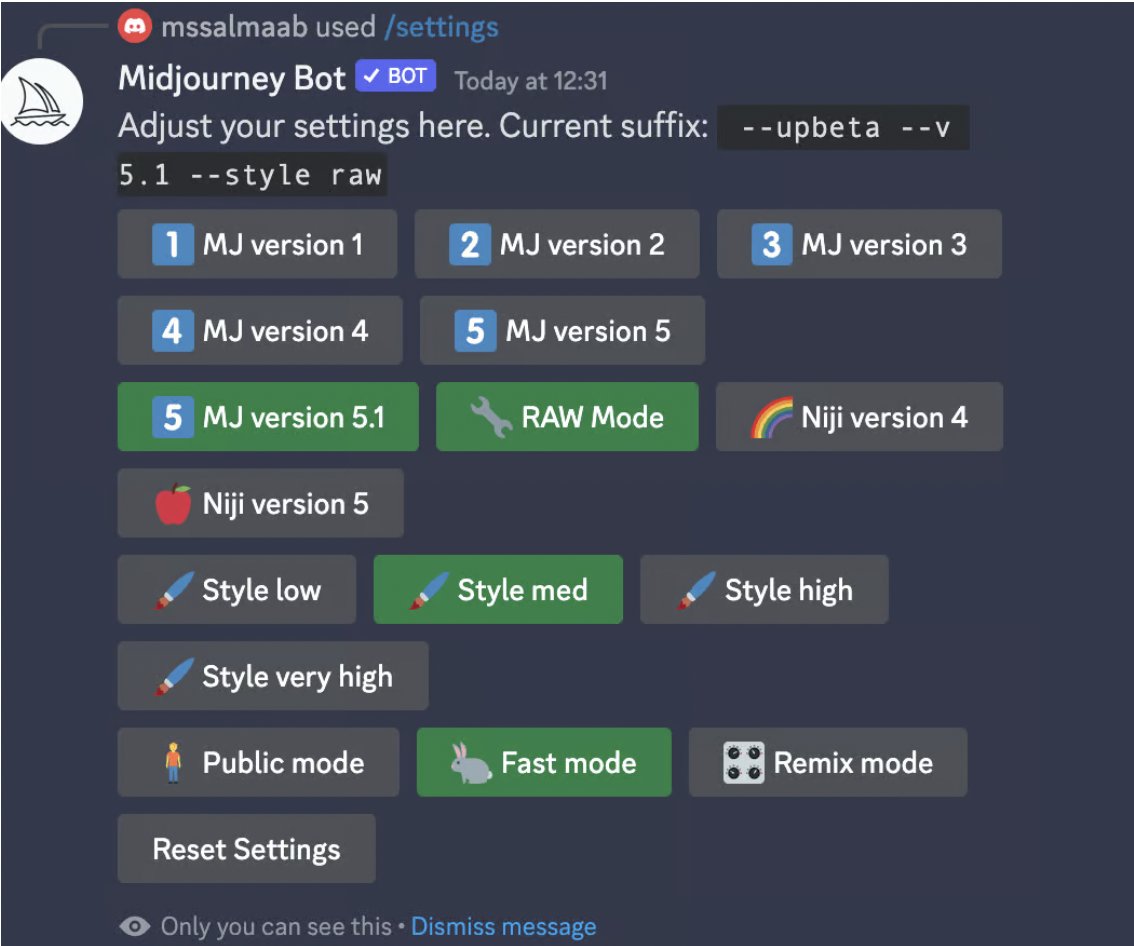
-Select MJ v5.1 RAW MODE
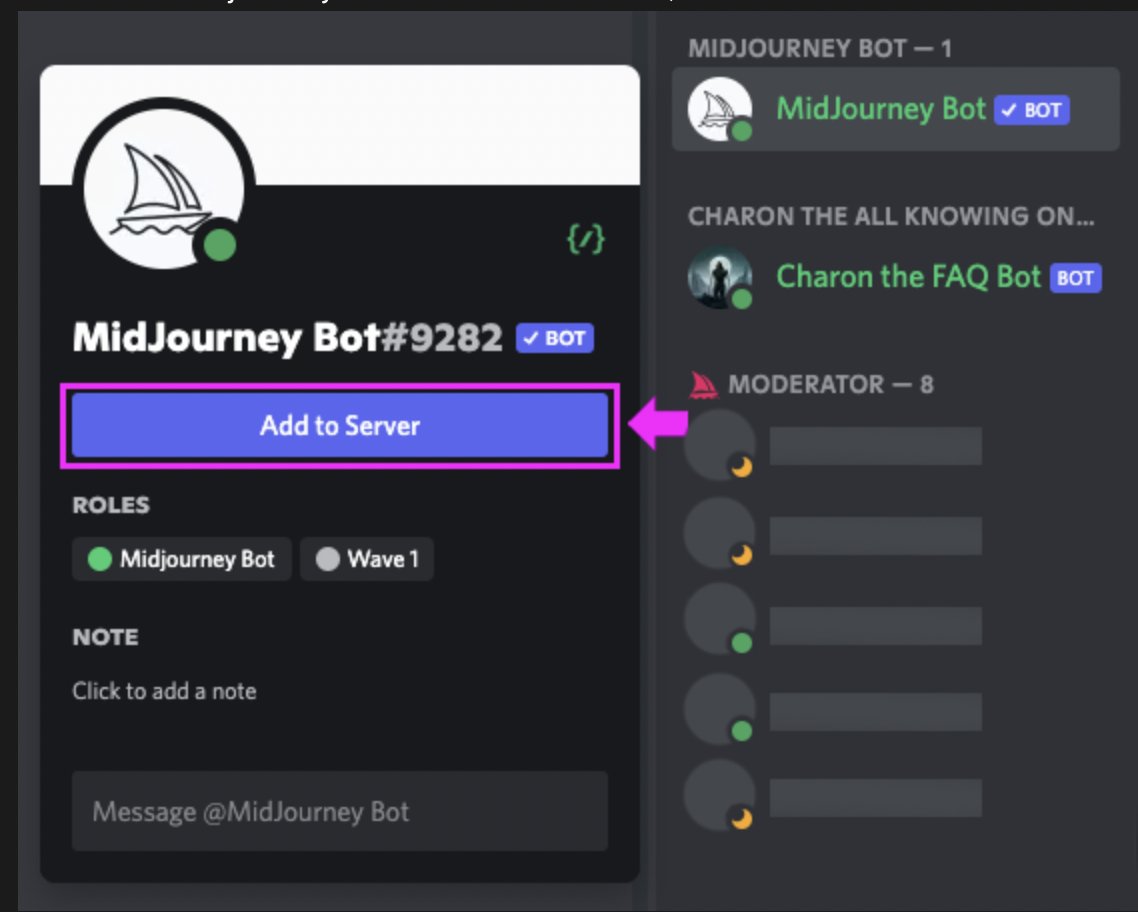
-Add bot to your server
(To avoid public prompting, add bot to your private server)
Here's what my settings look like
(fast & stealth mode not necessary)
-Select MJ v5.1 RAW MODE
-Add bot to your server
(To avoid public prompting, add bot to your private server)
Here's what my settings look like
(fast & stealth mode not necessary)
2/💡 IDEA: Have a clear vision of what you want.
Why?
1. The less developed your idea, the more hours needed
2. Your initial input matters more than you think
3. The aim is to guide MJ to capture your vision
Why?
1. The less developed your idea, the more hours needed
2. Your initial input matters more than you think
3. The aim is to guide MJ to capture your vision
3/🎨 START WITH BACKGROUND IMAGE: Now that you have a clear idea of what you want let's start with the following:
(Number of items), (Item/Product description), (Style), (Lighting)
Yes, a camera is not needed.
Controversial, I know 😜
(Number of items), (Item/Product description), (Style), (Lighting)
Yes, a camera is not needed.
Controversial, I know 😜
4/🖼 PROMPT:
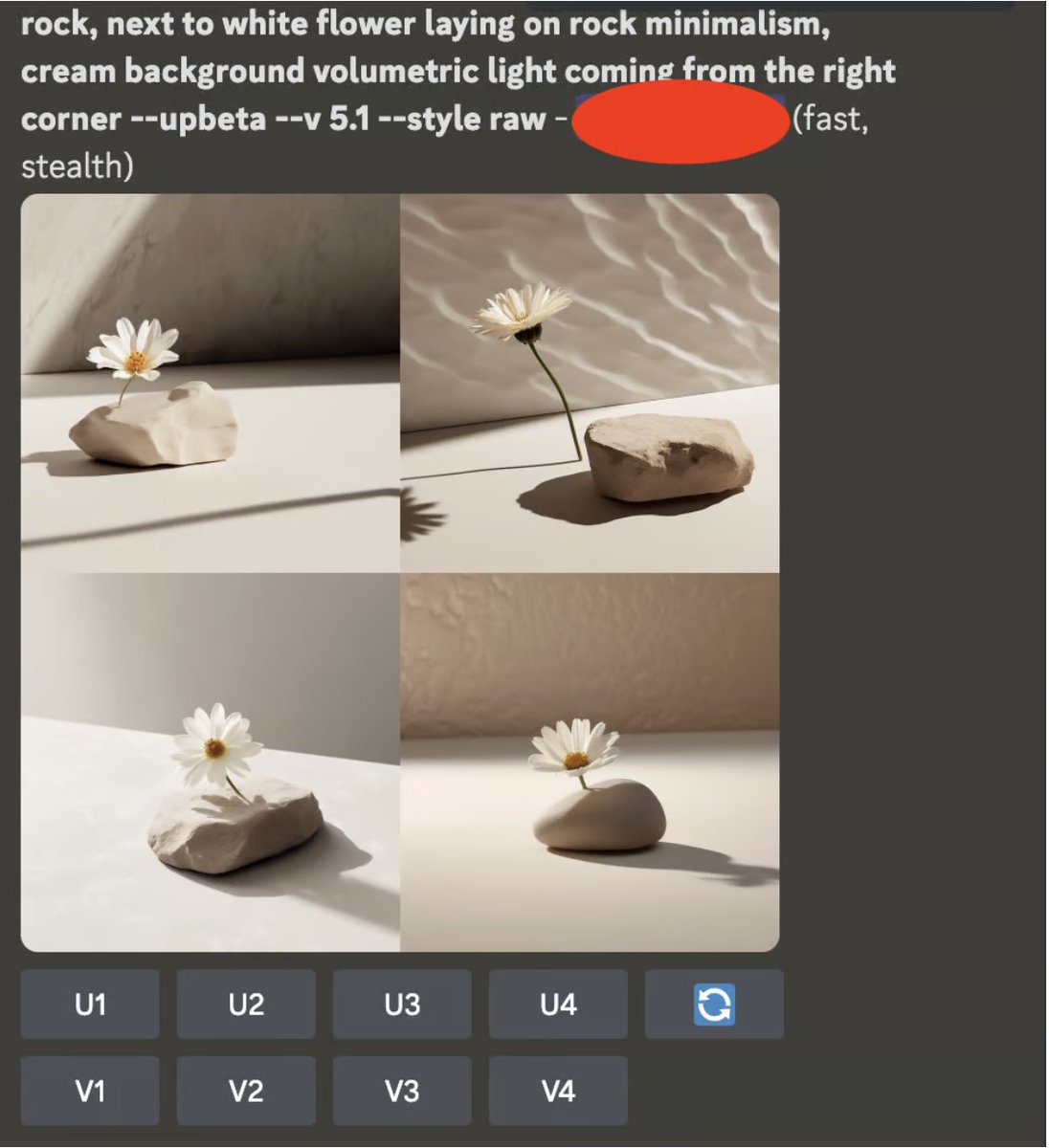
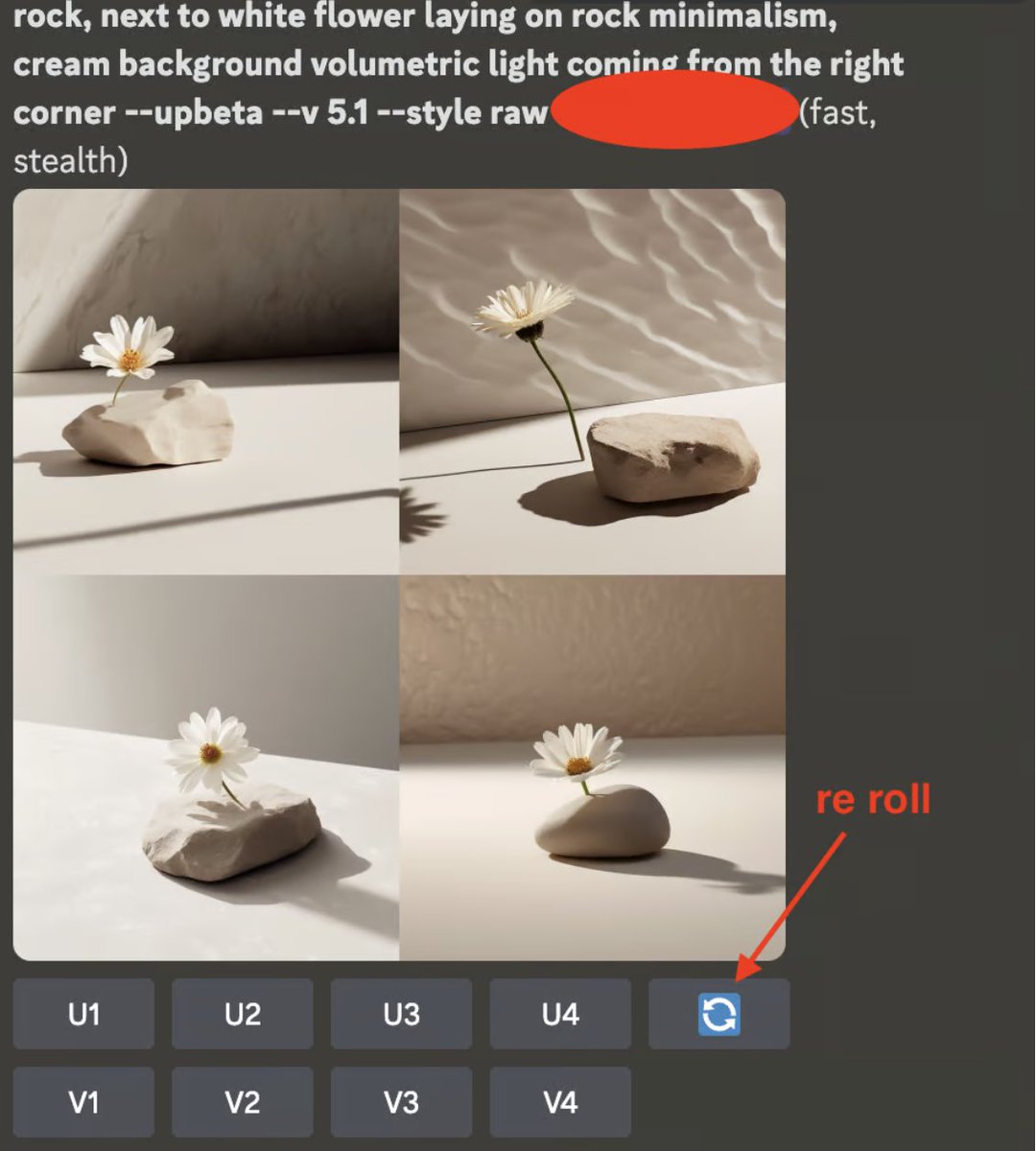
Rock, next to white flower laying on rock, minimalism, cream background, volumetric light coming from the right corner
DON'T FORGET TO RE-ROLL UNTIL YOU GET DESIRED LOOK & FEEL💅
Rock, next to white flower laying on rock, minimalism, cream background, volumetric light coming from the right corner
DON'T FORGET TO RE-ROLL UNTIL YOU GET DESIRED LOOK & FEEL💅
5/🔨 ADDING PRODUCTS: Once you've settled on a background, its time to add your product.
In our case, it's a soap dispenser.
My formula:
(Number of items), (Item/Product description), (Style)
In our case, it's a soap dispenser.
My formula:
(Number of items), (Item/Product description), (Style)
🖼PROMPT:
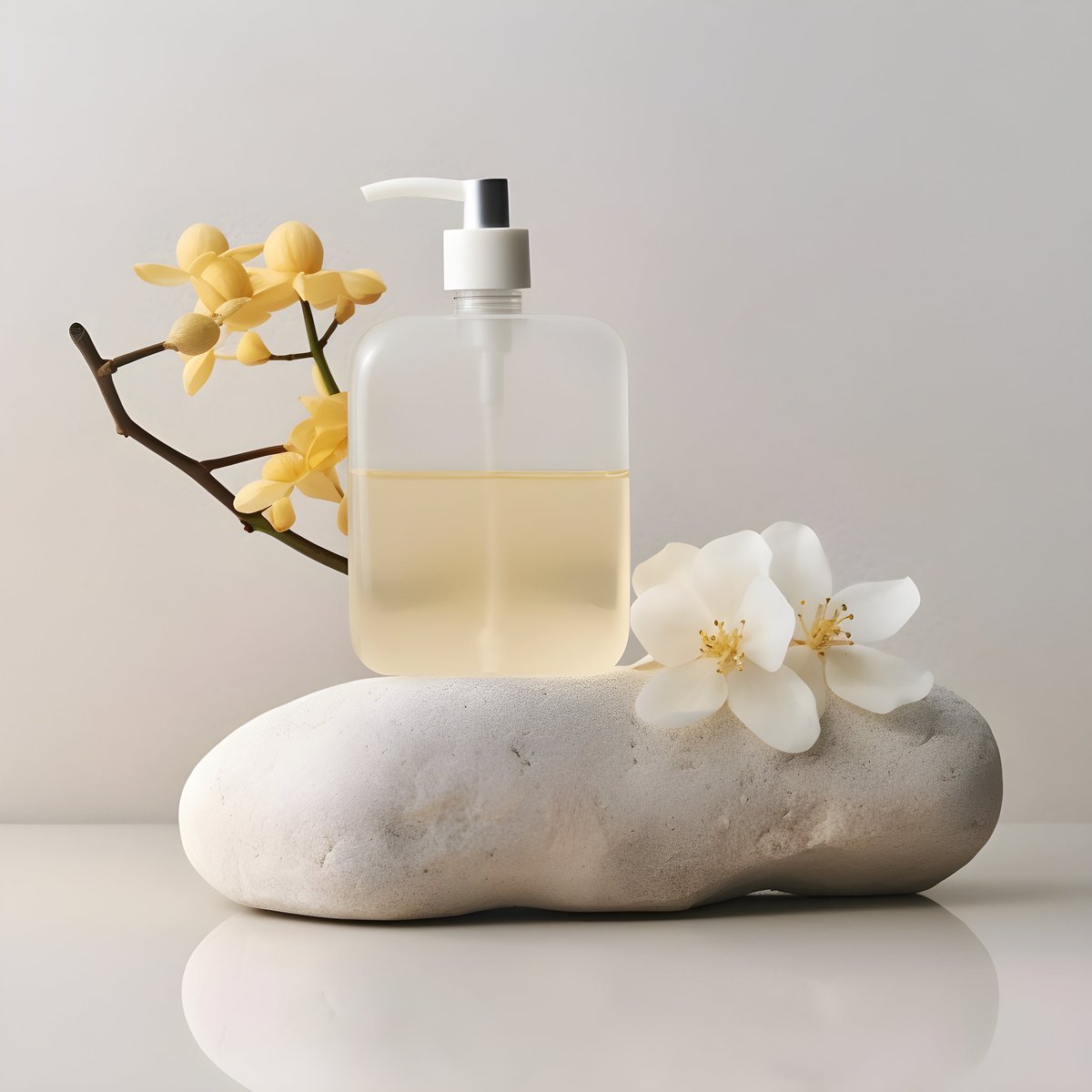
a bottle of soap dispenser with white pump and yellow transparent content sitting on + (insert background/initial prompt here)
This is the tricky part and requires patience- test as much you like.
a bottle of soap dispenser with white pump and yellow transparent content sitting on + (insert background/initial prompt here)
This is the tricky part and requires patience- test as much you like.
6/🥞LAYERING: Let's tie everything together
your product prompt + background prompt + INSTRUCT
(I expand more on this in my newsletter)
your product prompt + background prompt + INSTRUCT
(I expand more on this in my newsletter)
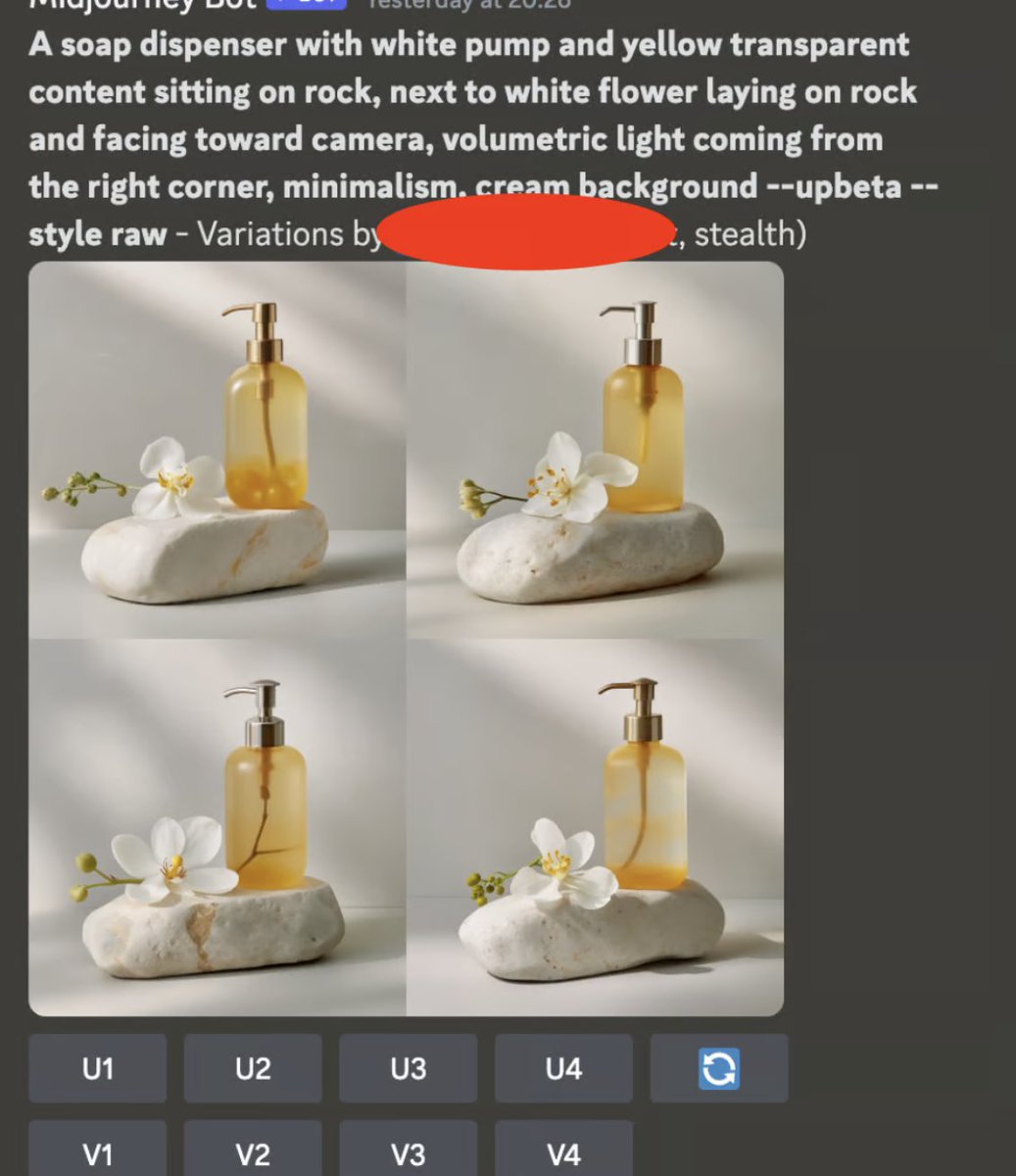
🖼 PROMPT:
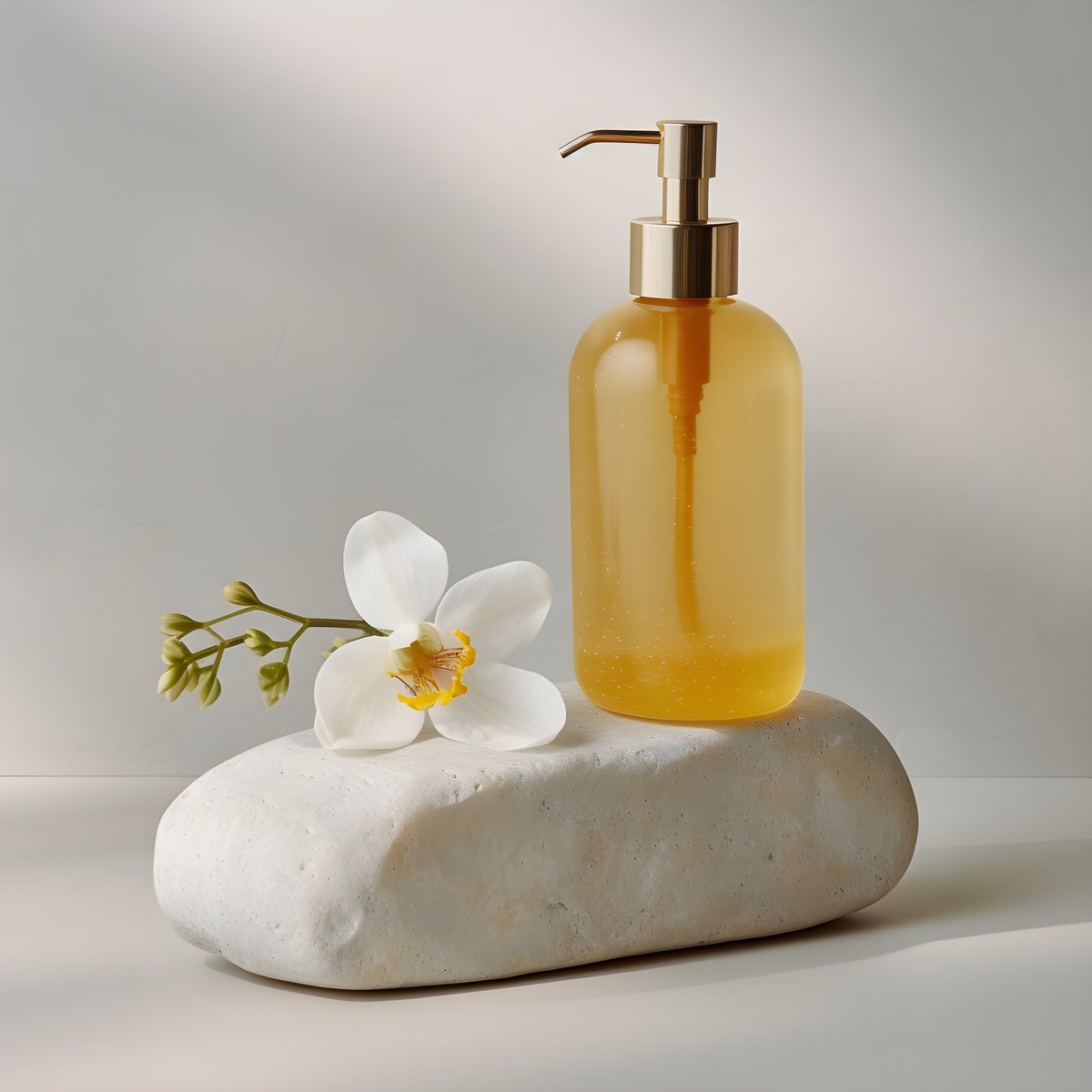
A soap dispenser with a white pump and yellow transparent content sitting on a rock, next to a white flower laying on rock and facing toward camera, volumetric light is coming from the right corner, minimalism cream background.
A soap dispenser with a white pump and yellow transparent content sitting on a rock, next to a white flower laying on rock and facing toward camera, volumetric light is coming from the right corner, minimalism cream background.
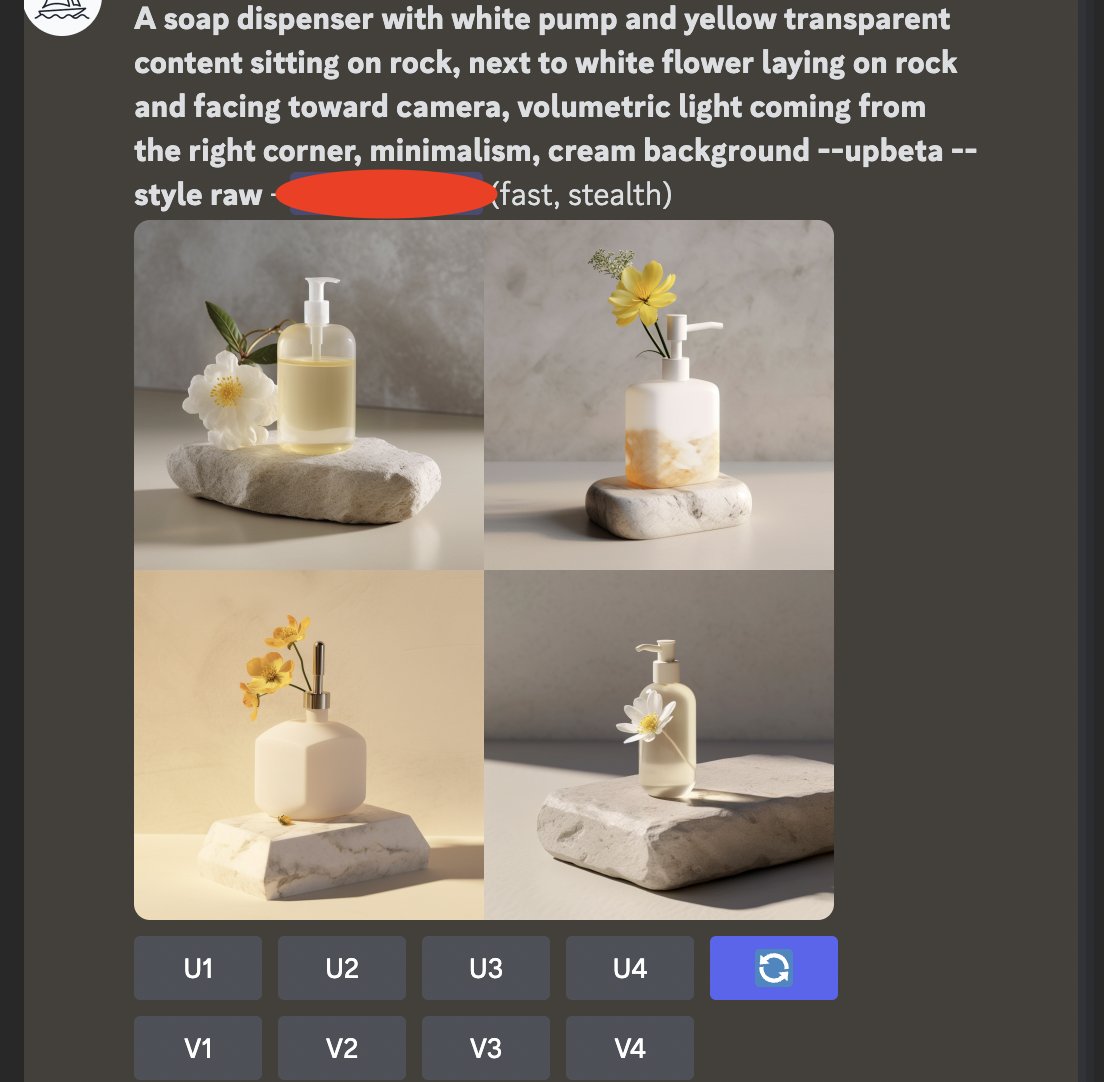
7/🔄 RE-ROLLING & VARIATIONS: Rinse and repeat until you achieve a final image that you're happy with.
This was second or third re-roll and 4th variation.
This was second or third re-roll and 4th variation.
8/📷 CAMERA CONSIDERATIONS:
MJ v5.1-style raw operates differently, and from my experiments introducing a camera could disrupt certain variables.
For now, we'll leave it out and revisit it later.
MJ v5.1-style raw operates differently, and from my experiments introducing a camera could disrupt certain variables.
For now, we'll leave it out and revisit it later.
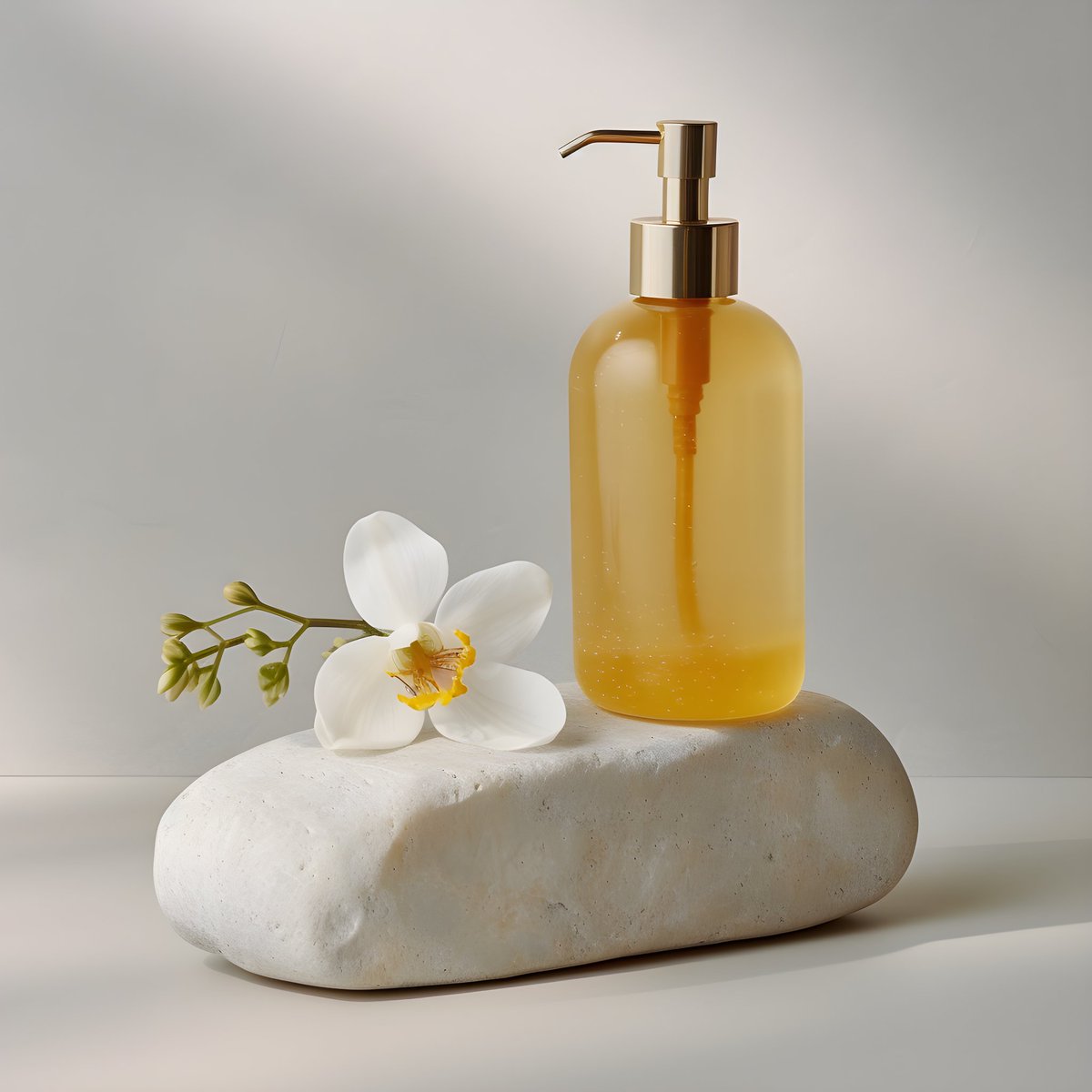
9/🚀 Lastly, don't forget to upscale your final image!
Keep experimenting, refining, and most importantly, enjoying the creative process!
Keep experimenting, refining, and most importantly, enjoying the creative process!
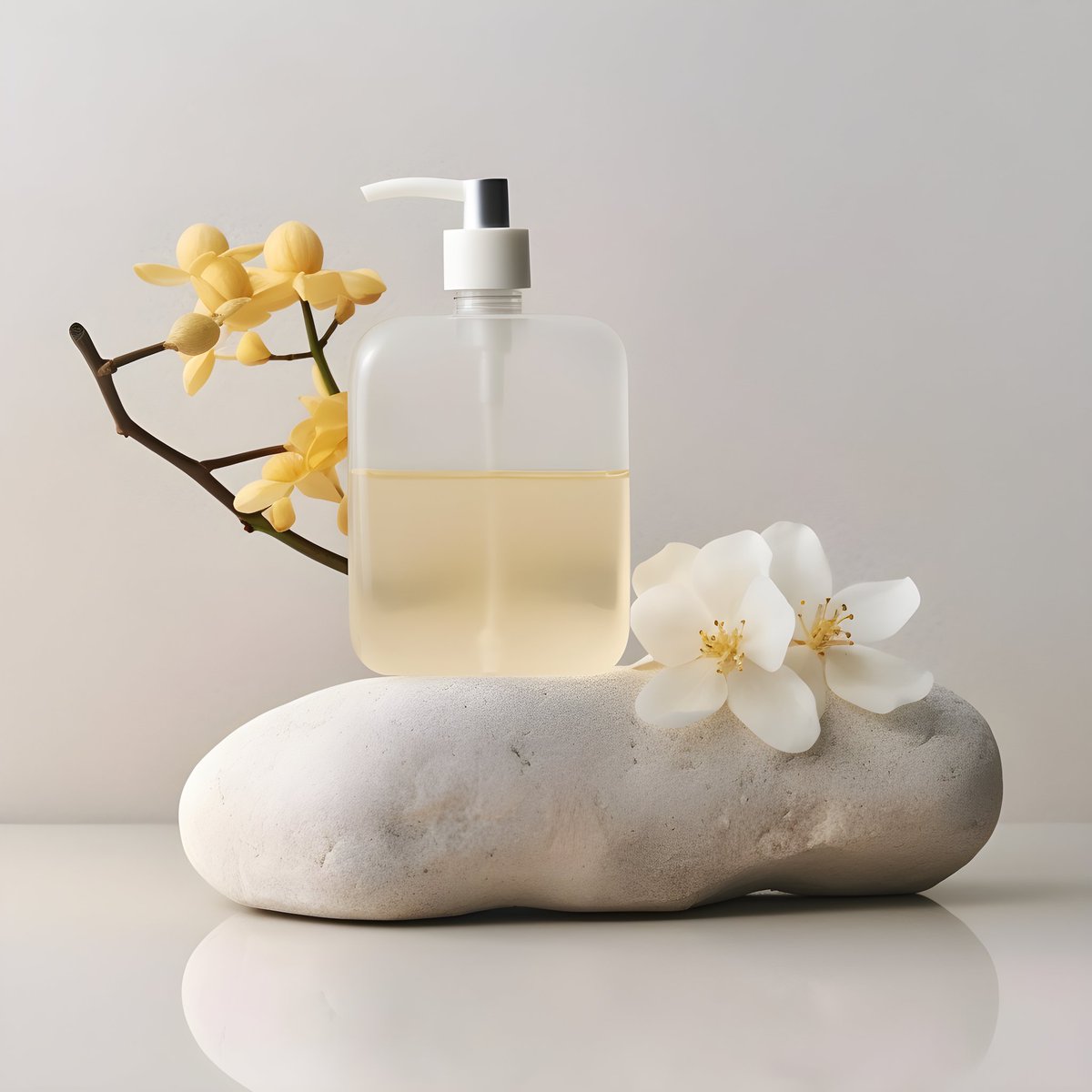
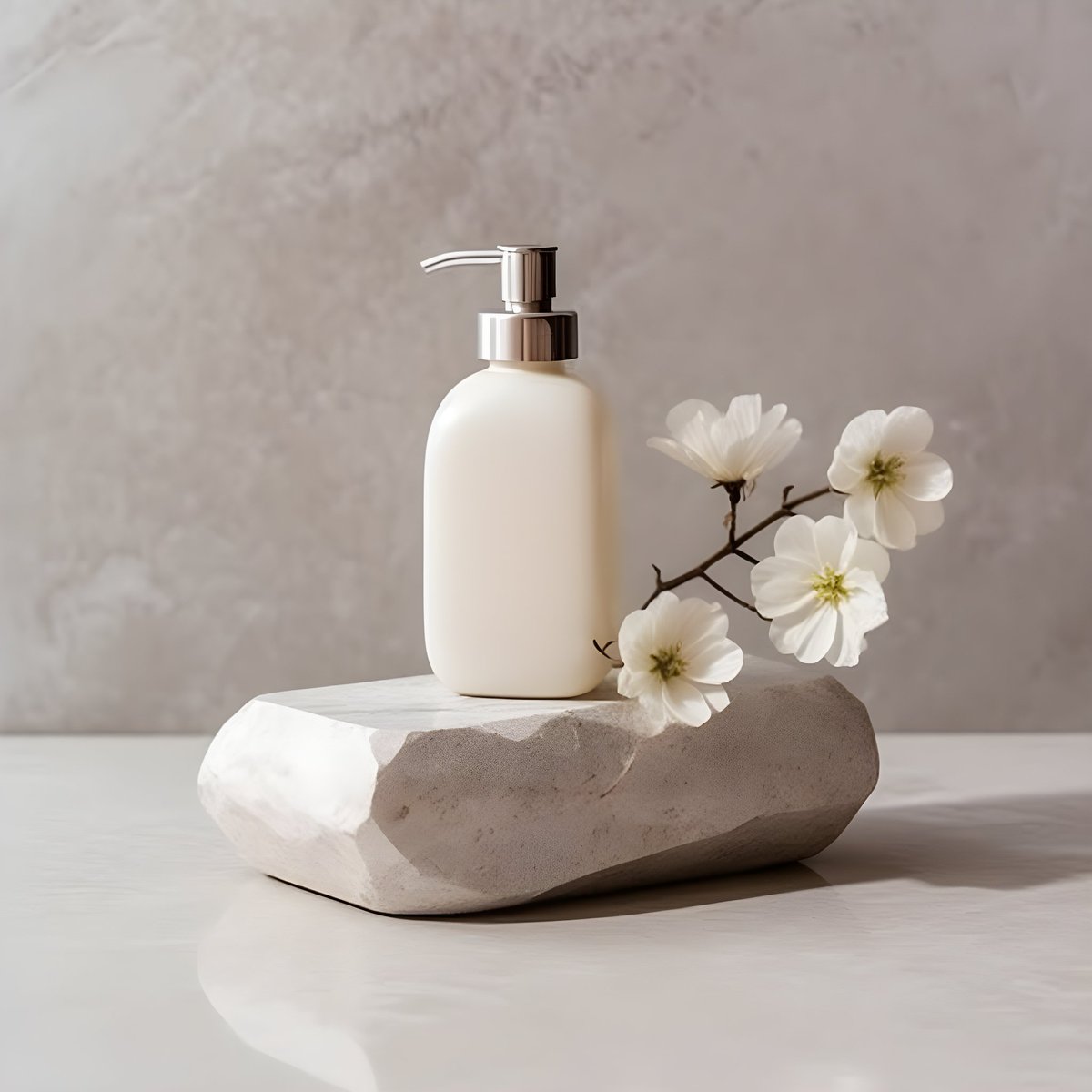
10/🎁 Exciting Opportunity: For my upcoming product thread, I'm offering 1 lucky person the opportunity to submit their product photo and I'll create it from start to finish using MJ in creative workflow
Retweet & DM me!
Retweet & DM me!
Thanks for reading!
Retweet & this thread to help others generate images on Midjourney v5.1 👾
For more practical prompts, tips, tricks, and how I use this tool, sign up for my newsletter or follow me @Salmaaboukarr
Retweet & this thread to help others generate images on Midjourney v5.1 👾
For more practical prompts, tips, tricks, and how I use this tool, sign up for my newsletter or follow me @Salmaaboukarr
For more practical prompts, tips & tricks please subscribe to my newsletter
salmaaboukar.beehiiv.com
salmaaboukar.beehiiv.com

Loading suggestions...