

11 Chrome Extensions Every Developer should know (Save It) 🧵👇

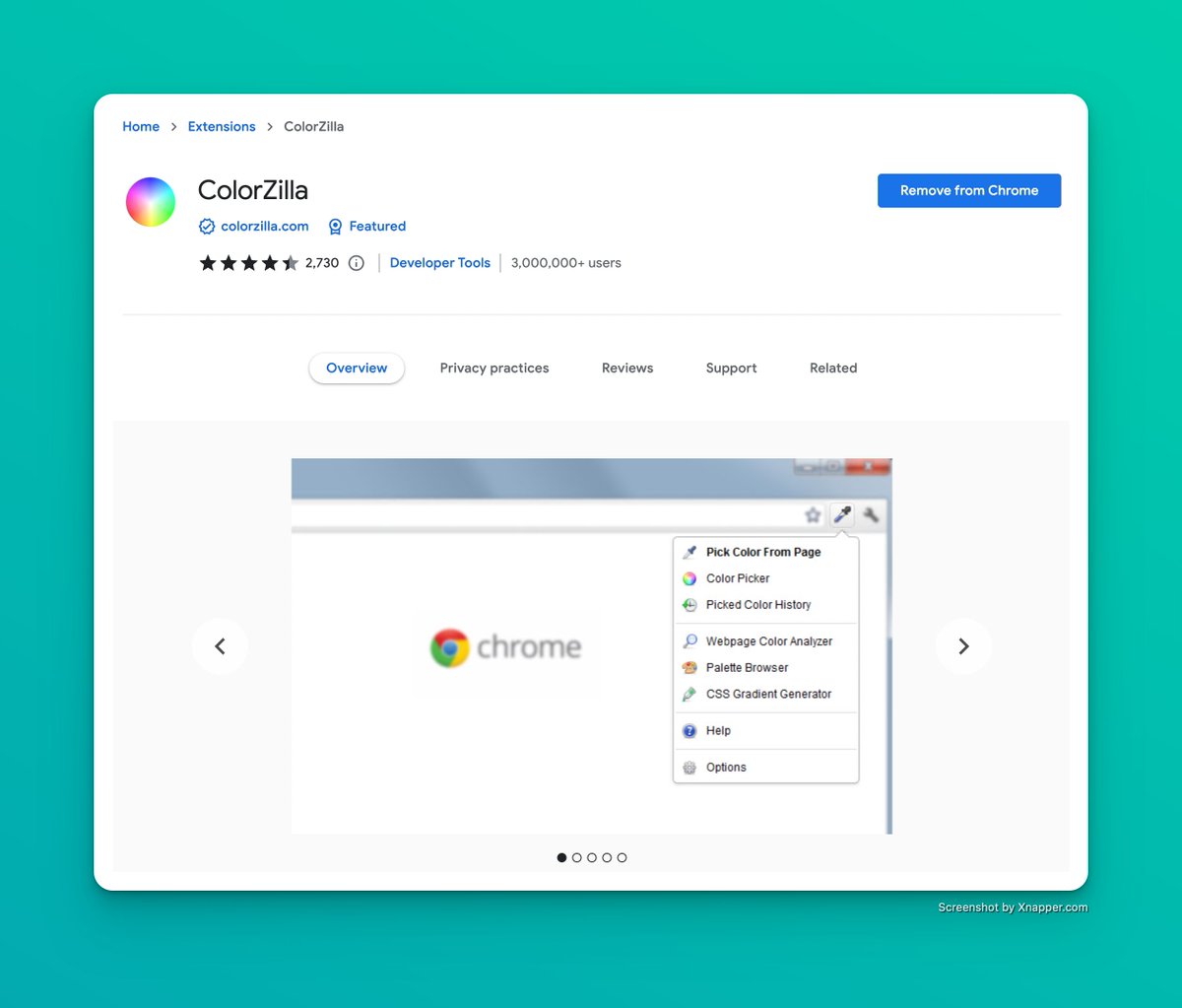
1. Color Zilla
You can get color code or color reading from any website by color Zila, It’s the best browser color picker.
Quickly pick your favourite color from any website and use the color code in your project.
You can get color code or color reading from any website by color Zila, It’s the best browser color picker.
Quickly pick your favourite color from any website and use the color code in your project.
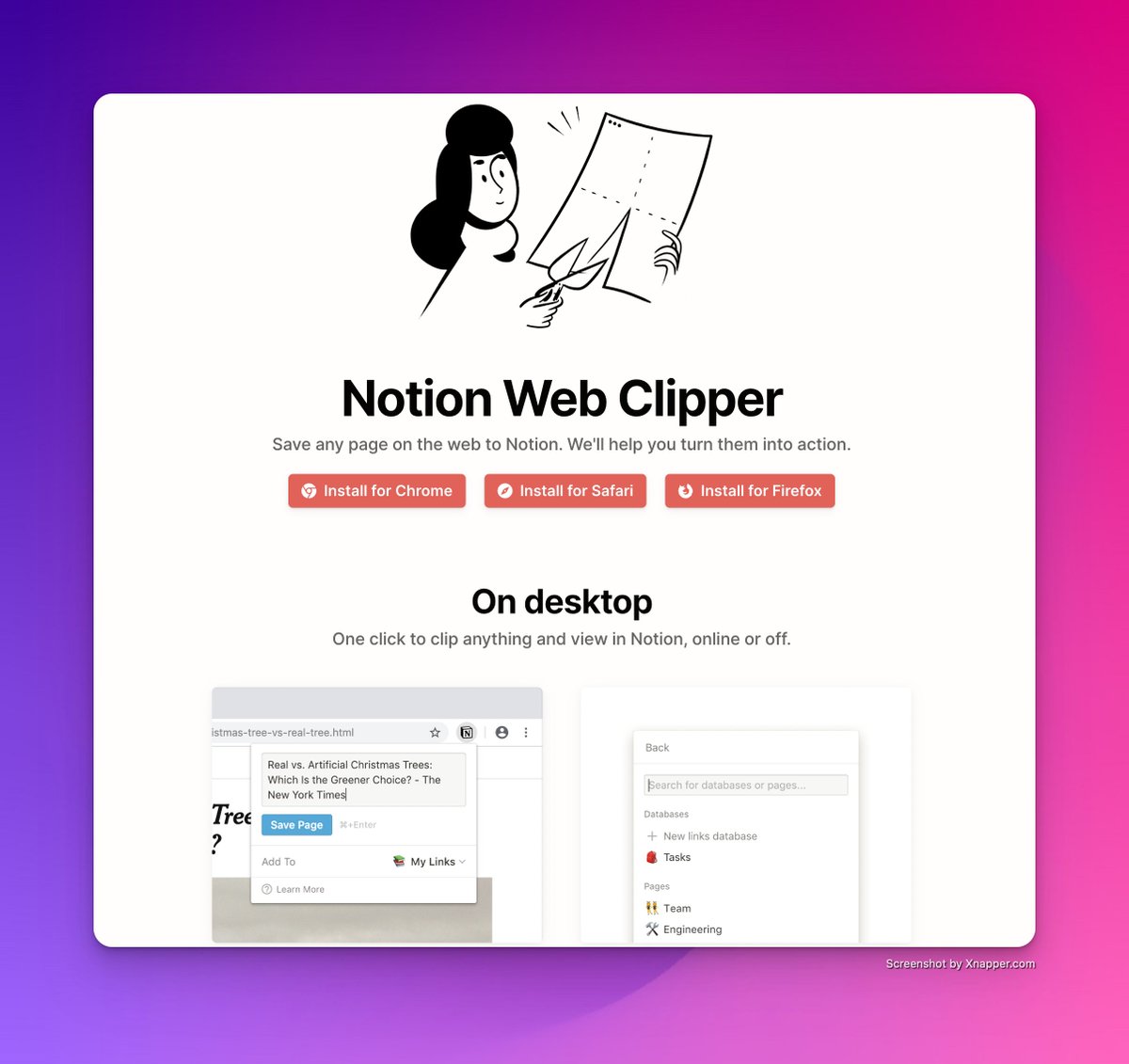
2. Notino Web Clipper
Save any page on the web to Notion. It is best for saving any page on the web to your not in workspace.
Save any page on the web to Notion. It is best for saving any page on the web to your not in workspace.
3. Light House.
Lighthouse is an open-source, automated tool for improving the performance, quality, and correctness of your web apps.
Lighthouse is an open-source, automated tool for improving the performance, quality, and correctness of your web apps.

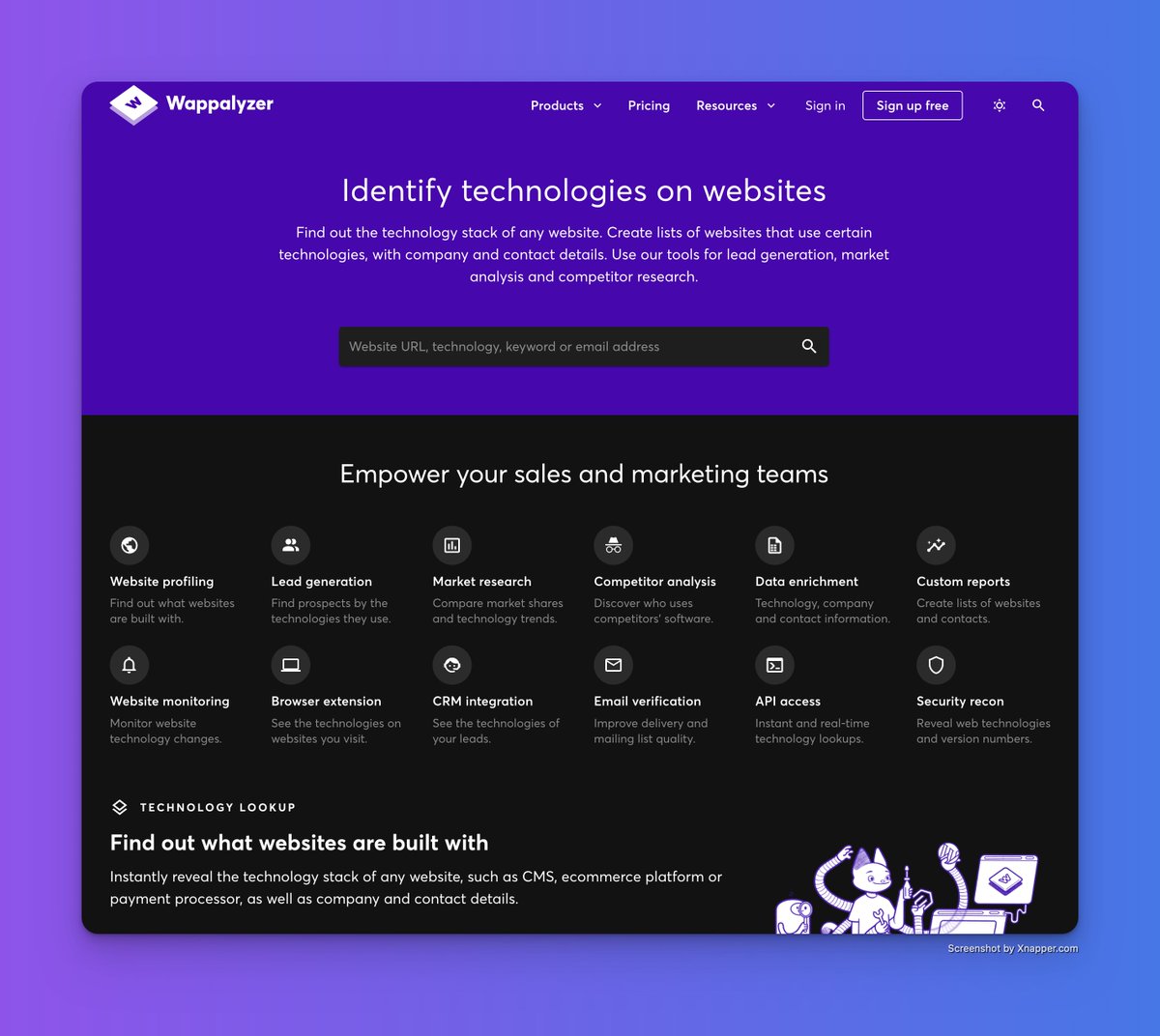
4. Wappalyzer
You visit a website and liked the idea and want to know how the site was built.
Use wappalyzer to check what the website built with.
You visit a website and liked the idea and want to know how the site was built.
Use wappalyzer to check what the website built with.
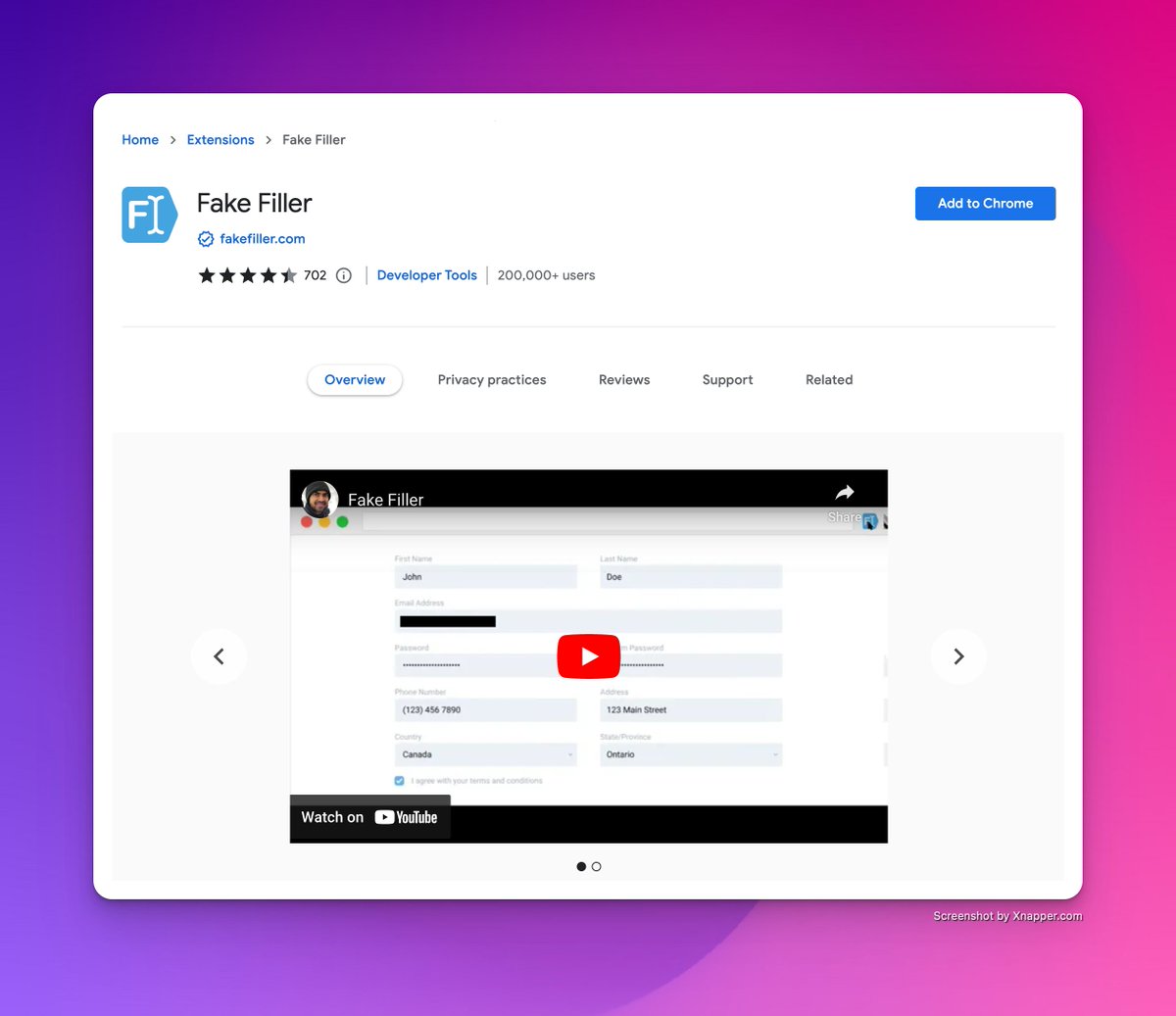
5. Fake Filter
Fake filter fills any form input on a page with randomly generated fake data.
Fake filter fills any form input on a page with randomly generated fake data.
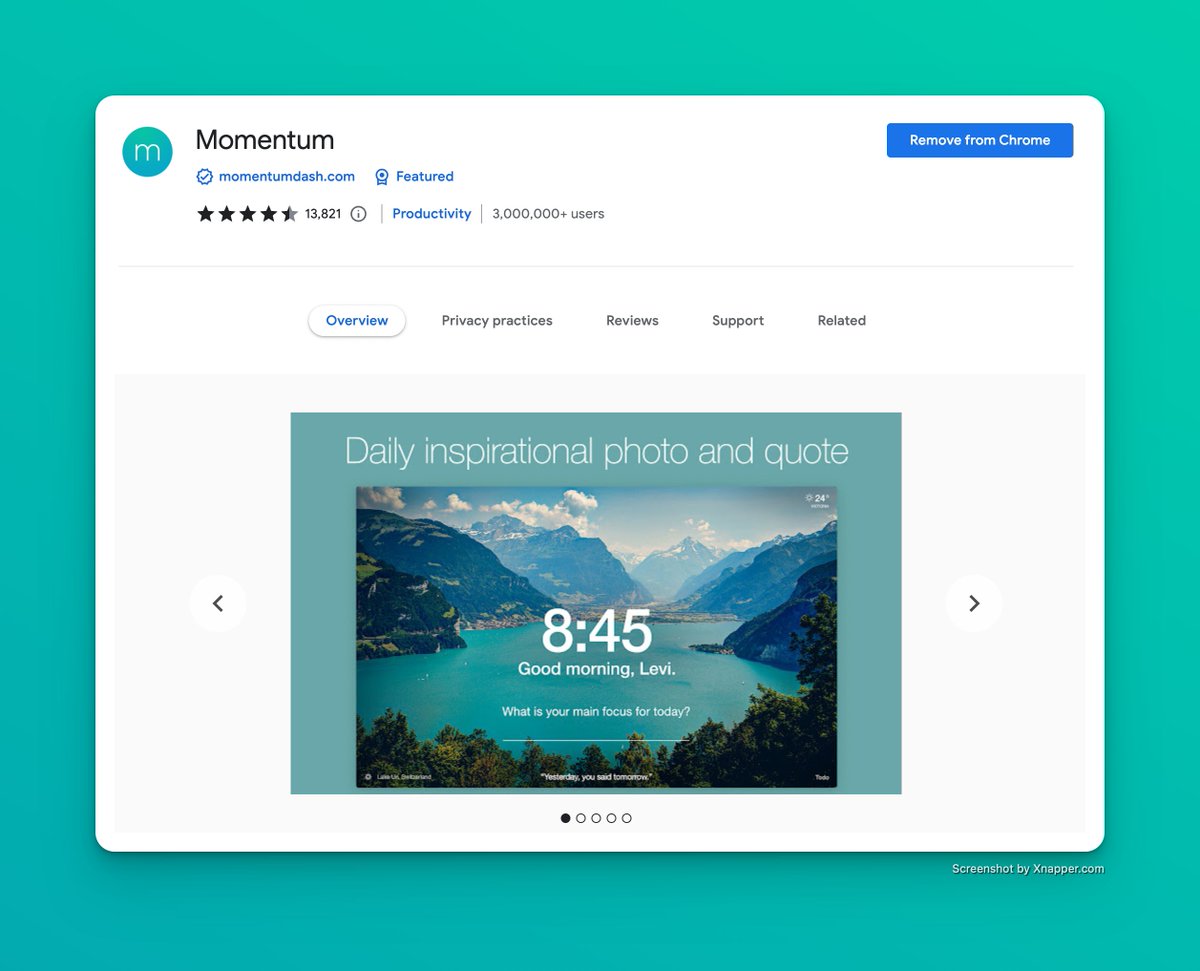
6. Momentum
Replace new tab page with a personal dashboard to help you get focused, stay organized, and keep motivated to achieve your goals.
Replace new tab page with a personal dashboard to help you get focused, stay organized, and keep motivated to achieve your goals.
7. CSS Viewer:
CSSViewer is a simple CSS properties viewer originally made by Nicolas Huon as a FireFox add-on (2006-2008)
CSSViewer is a simple CSS properties viewer originally made by Nicolas Huon as a FireFox add-on (2006-2008)

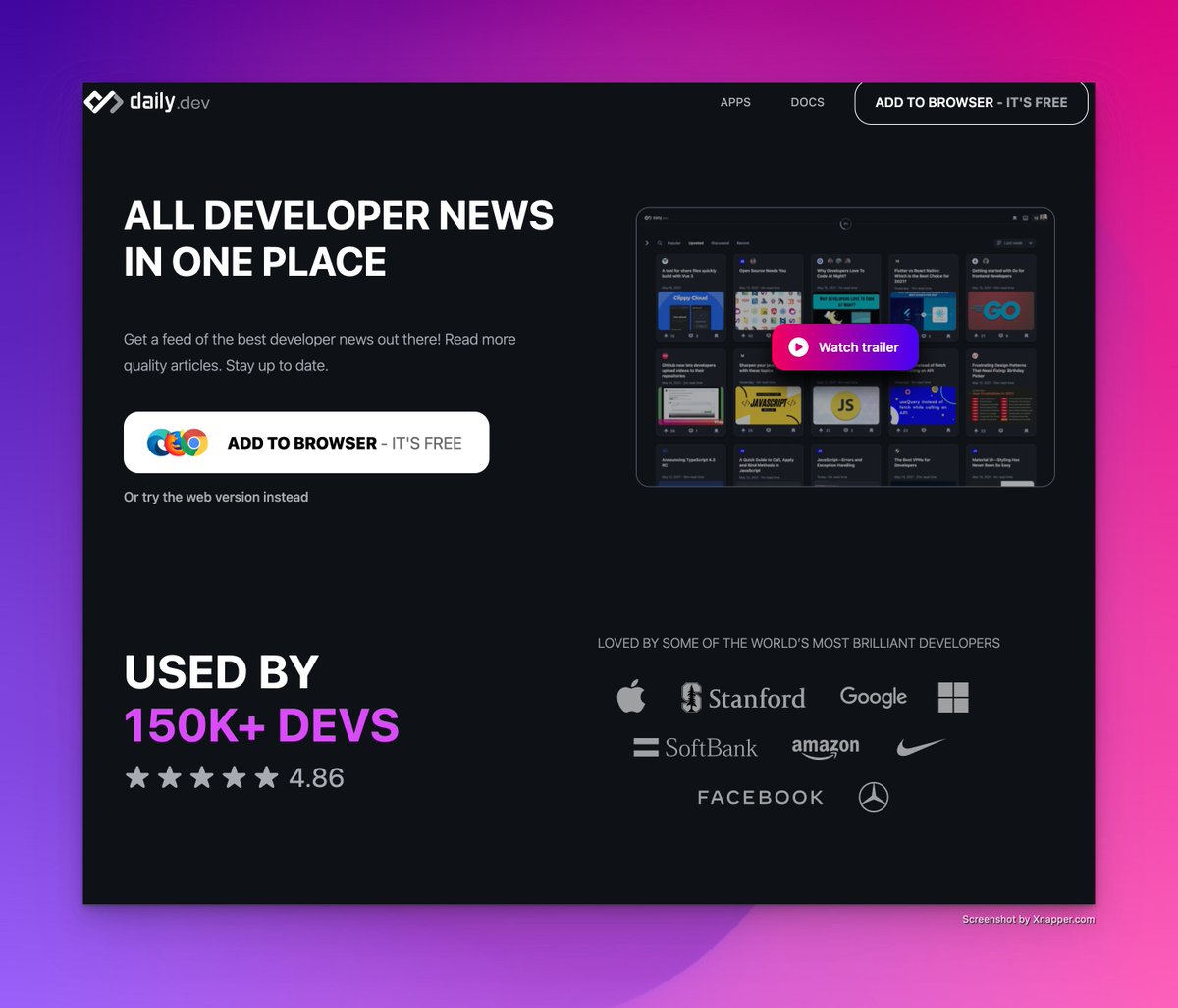
8. Daily dev
In your browser new tab, Get a feed of the best developer news out there! Read more quality articles.
Stay up to date.
In your browser new tab, Get a feed of the best developer news out there! Read more quality articles.
Stay up to date.
9. Pesticide for Chrome
It simplifies visualising box sizing in CSS. In any web page you can see every element as a box with borders around them.
This is must have tool for every frontend developer.
It simplifies visualising box sizing in CSS. In any web page you can see every element as a box with borders around them.
This is must have tool for every frontend developer.

10. Web Developer Checklist.
Analyses any web page for violations of best practices.
This extension helps web developers easily discover problem areas in websites.
Analyses any web page for violations of best practices.
This extension helps web developers easily discover problem areas in websites.

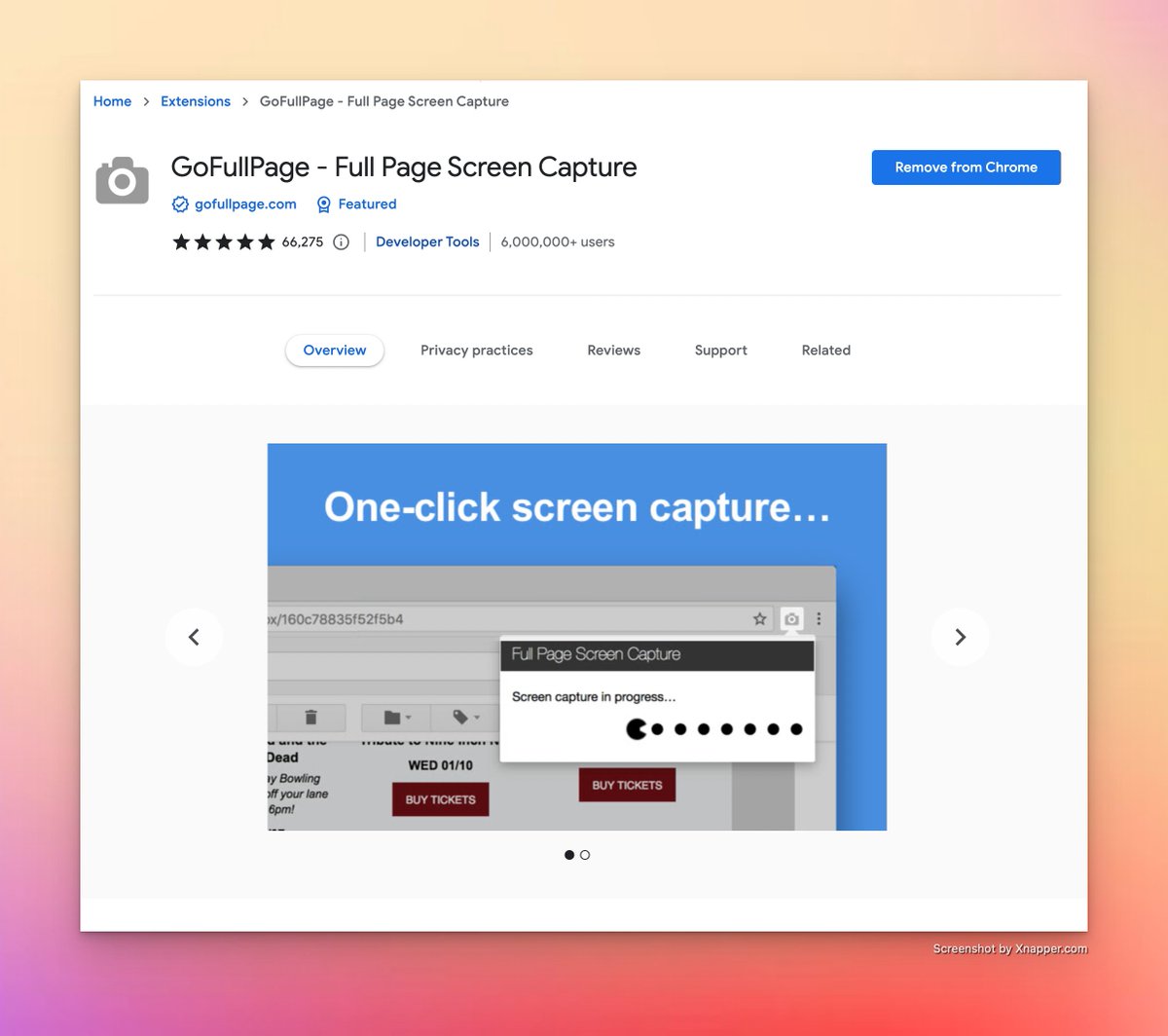
11. GoFullPage
The simplest way to take a full page screenshot of your current browser window.
Click on the extension icon (or press Alt+Shift+P)
The simplest way to take a full page screenshot of your current browser window.
Click on the extension icon (or press Alt+Shift+P)
➼ Got help from this tweet follow
@iam_chonchol and Retweet for support 👇
@iam_chonchol and Retweet for support 👇
Loading suggestions...