
I thought art was impossible to automate.
I was wrong.
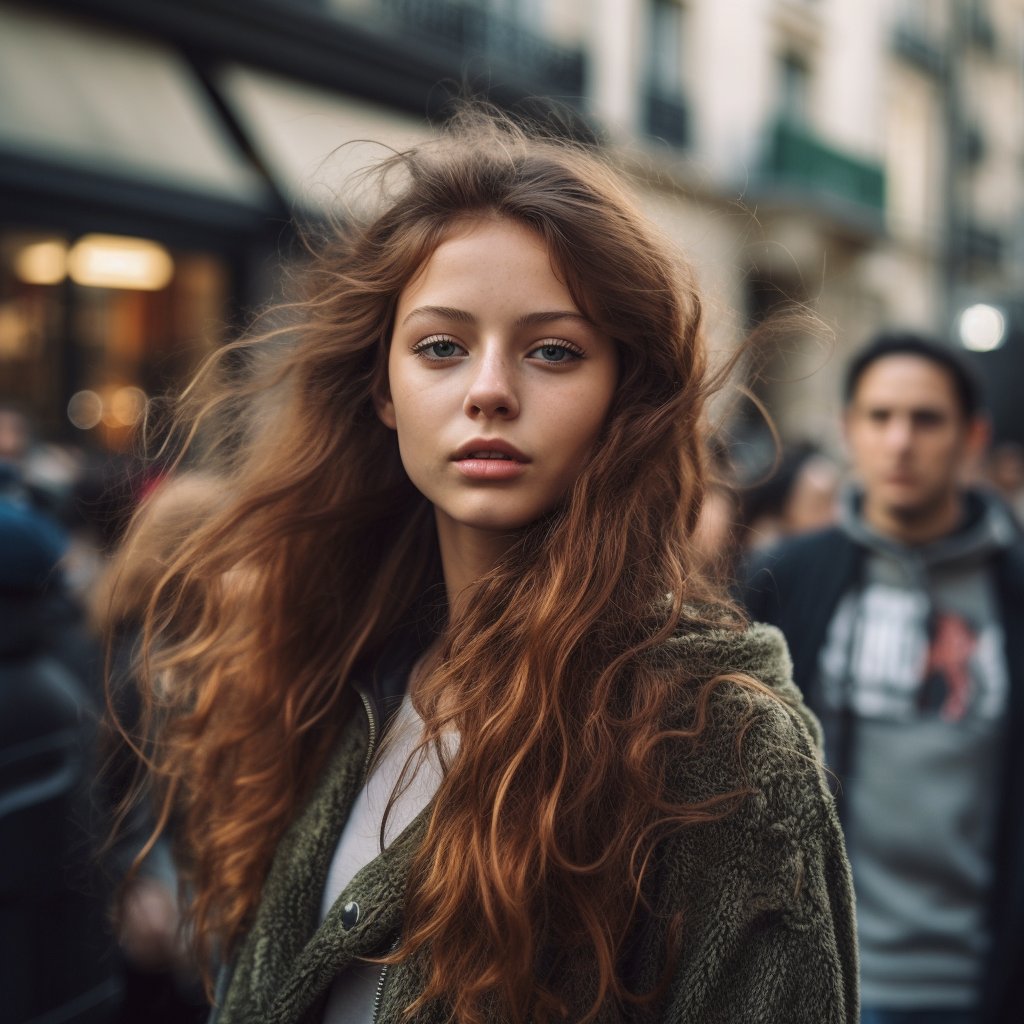
Today, anyone can turn their photo gallery into unlimited, amazing pictures in less than 10 minutes.
Here are a few lines of Python code to show you how:
I was wrong.
Today, anyone can turn their photo gallery into unlimited, amazing pictures in less than 10 minutes.
Here are a few lines of Python code to show you how:
Follow these 3 steps:
1. Open the notebook linked below
2. Go to tryleap.ai and get an API KEY
3. Run the code.
That's it. Here is the code:
colab.research.google.com
1. Open the notebook linked below
2. Go to tryleap.ai and get an API KEY
3. Run the code.
That's it. Here is the code:
colab.research.google.com


The code is dead simple:
• It uses the Realistic Vision model from @leap_api.
• Waits for the process to finish.
• Generates photos following a prompt.
Run this, and you'll have as many photos as your imagination will let you.
• It uses the Realistic Vision model from @leap_api.
• Waits for the process to finish.
• Generates photos following a prompt.
Run this, and you'll have as many photos as your imagination will let you.
This Replit will have you up and running in minutes:
@leap-ai/Amazing-AI-Wallpapers-and-Cover-Images" target="_blank" rel="noopener" onclick="event.stopPropagation()">replit.com
Runs in the browser. No setup is required.
@leap-ai/Amazing-AI-Wallpapers-and-Cover-Images" target="_blank" rel="noopener" onclick="event.stopPropagation()">replit.com
Runs in the browser. No setup is required.

Disclaimer: I work with the team @leap_api. They are awesome!
If you are a developer, they even have guides and more working code below, making integrating even easier!
tryleap.ai
If you are a developer, they even have guides and more working code below, making integrating even easier!
tryleap.ai

Loading suggestions...