

People are publishing children's books on Amazon that make over $100,000.
But they’re using only AI.
Here’s how you can do it too with 0 experience (Prompts included):
But they’re using only AI.
Here’s how you can do it too with 0 experience (Prompts included):
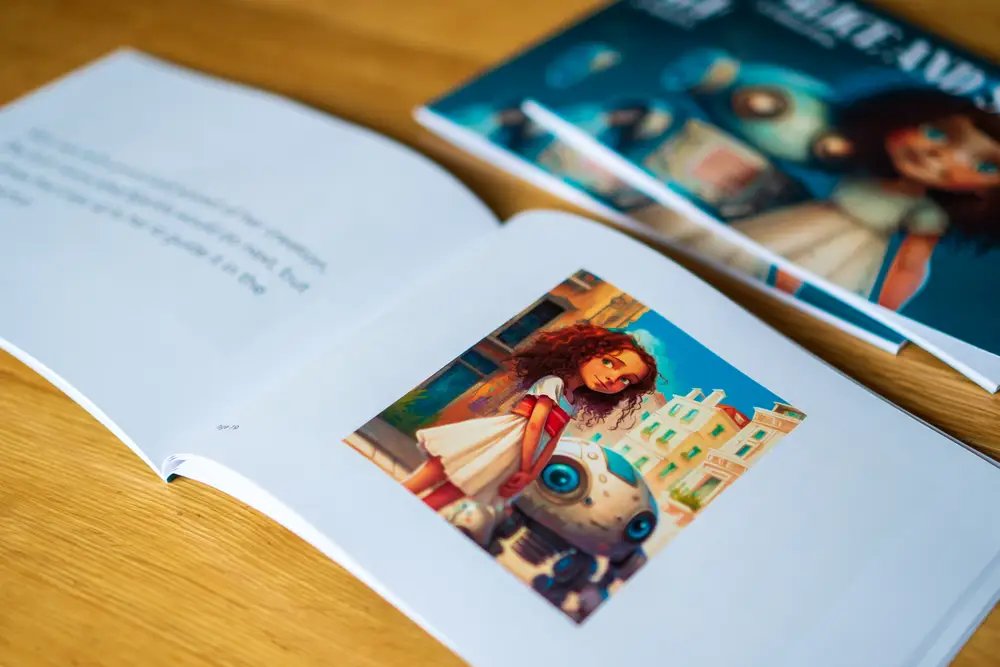
1. The Title.
Start by generating a compelling story idea.
Using ChatGPT, create an engaging title that will grab the attention of young readers and eliminate any writer's block you may have.
Example prompts can be::
Start by generating a compelling story idea.
Using ChatGPT, create an engaging title that will grab the attention of young readers and eliminate any writer's block you may have.
Example prompts can be::
“Generate a catchy title for a kids' storybook" or "Come up with a fun adventure for young readers”
2. The Outline.
To ensure a structured narrative for your book, use ChatGPT for your story’s writing.
This will create the story of your book using your title from step-1.
Example prompts can be:
To ensure a structured narrative for your book, use ChatGPT for your story’s writing.
This will create the story of your book using your title from step-1.
Example prompts can be:
"Create chapters and scenes for my storybook about [title]" or "Outline an exciting journey for the main characters in the book [title]"
3. The Illustrations.
The visuals in your book play a key role for young readers.
You’re going to use an AI like Mid-Journey for this.
Example prompts can be:
The visuals in your book play a key role for young readers.
You’re going to use an AI like Mid-Journey for this.
Example prompts can be:
"Generate illustrations of [main character] in different settings" or "Create vibrant and playful images for my book."
4. Put it together.
Now you’re going to combine your story and the illustrations you created in steps 1 and 2.
Use a tool like Canva for this.
1. Drag and drop your text onto the illustrations
2. Customize the colors and fonts
3. Create a professional looking book
Now you’re going to combine your story and the illustrations you created in steps 1 and 2.
Use a tool like Canva for this.
1. Drag and drop your text onto the illustrations
2. Customize the colors and fonts
3. Create a professional looking book
5. Publish on Amazon KDP.
Once your book is put together on Canva, save it as a PDF.
You’re now ready to publish it on Amazon KDP.
Sign up for Amazon KDP and publish your children's book on the platform using a launch plan.
Once your book is put together on Canva, save it as a PDF.
You’re now ready to publish it on Amazon KDP.
Sign up for Amazon KDP and publish your children's book on the platform using a launch plan.
Congratulations, you’re now a published author.
Now all you have to do is sit back and enjoy your new passive income stream.
You can repeat this process as many times as you want.
Now all you have to do is sit back and enjoy your new passive income stream.
You can repeat this process as many times as you want.
How to publish a book using only AI:
1. The Title
2. The Outline
3. The Illustrations
4. Put it Together
5. Publish on Amazon KDP
1. The Title
2. The Outline
3. The Illustrations
4. Put it Together
5. Publish on Amazon KDP
Thanks for reading!
If you want to see more like this👇
1. Follow me @NickDiFabio1 for more
2. RT the tweet below to share this thread with your audience
If you want to see more like this👇
1. Follow me @NickDiFabio1 for more
2. RT the tweet below to share this thread with your audience
Loading suggestions...