

RIP logo designers.
AI can create a logo in 60 seconds.
Here's how you can create it free with AI:
AI can create a logo in 60 seconds.
Here's how you can create it free with AI:

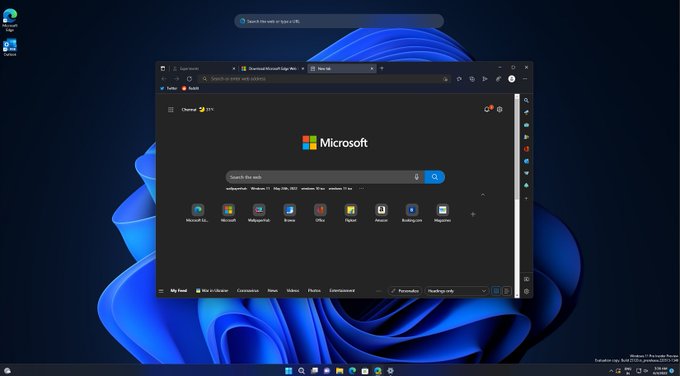
1. Download Edge
First of all, you need to download the latest version of Edge browser.
First of all, you need to download the latest version of Edge browser.
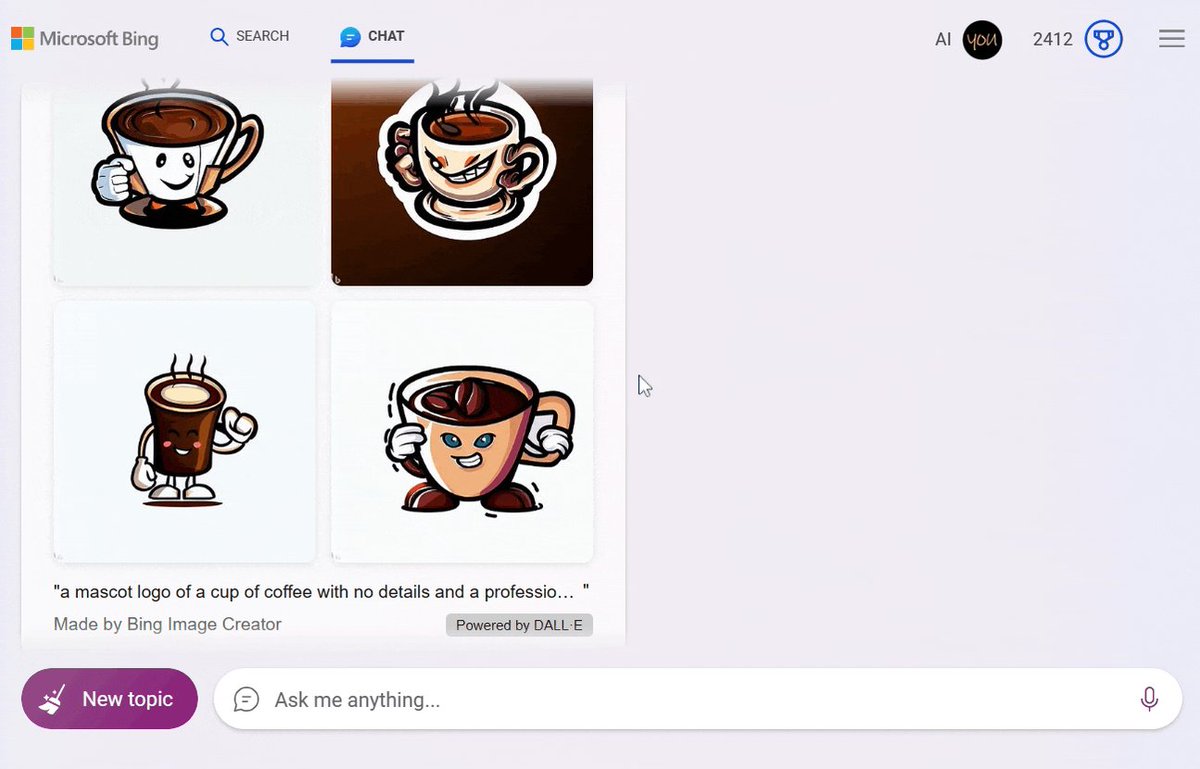
2. Go to Bing Chat
Bing is Microsoft's free conversational AI based on GPT-4.
So you can create images/logos - bing.com
Sign in with a Microsoft account and select the "More Creative version."
Bing is Microsoft's free conversational AI based on GPT-4.
So you can create images/logos - bing.com
Sign in with a Microsoft account and select the "More Creative version."


3. Generate logo Ideas
Describe in prompt:
- Your business
- Logo Ideas
- Tell which style of logos you need
Describe in prompt:
- Your business
- Logo Ideas
- Tell which style of logos you need

4. Create the logo
Enter the logo prompt based on one of the ideas generated above.
You can specify a specific style or colors.
Enter the logo prompt based on one of the ideas generated above.
You can specify a specific style or colors.

5. Customize and save the logo
- Click on the logo you want to modify.
- Make the changes you want to the logo.
- Then Click on the "Save" button.
- Click on the logo you want to modify.
- Make the changes you want to the logo.
- Then Click on the "Save" button.
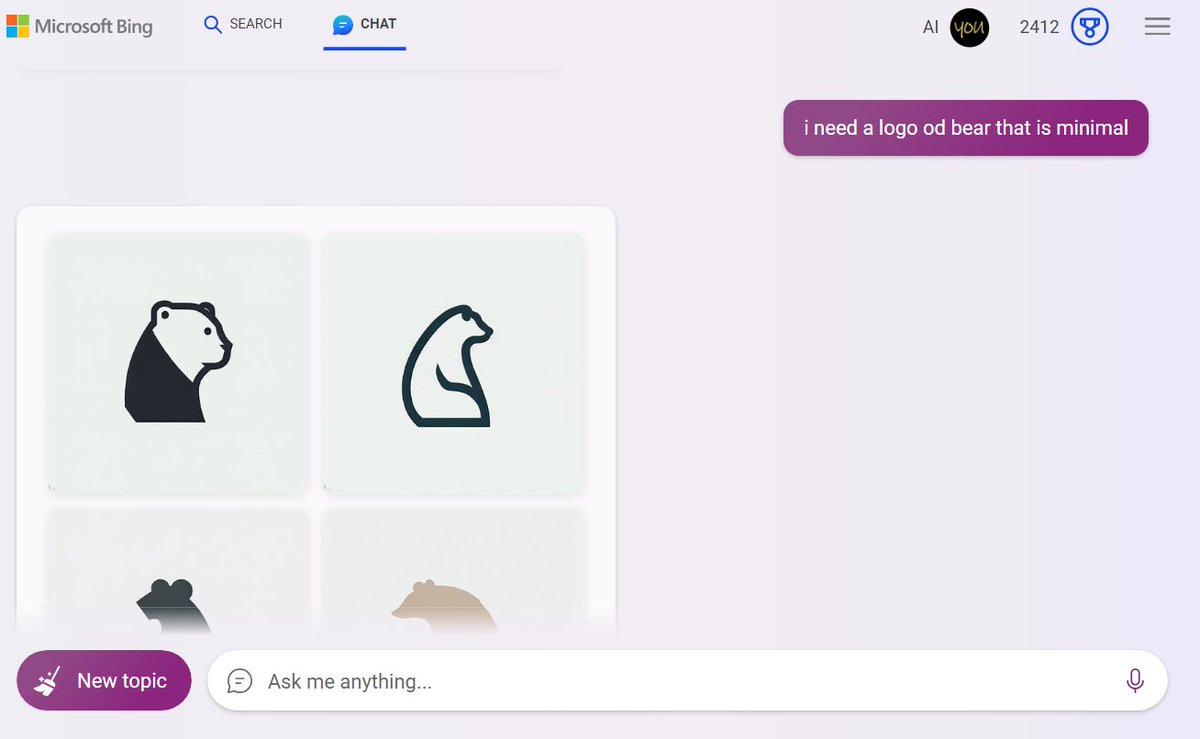
Here is the result I got in a few seconds, and for free:


Loading suggestions...